Estimate HD
Estimate HD
ダウンロード: App Store

このページはアプリまたはその開発者の公式ページではなく、情報提供および論評を目的として作成された独立した編集出版物です。明示的に別段の記載がない限り、アプリおよびその開発者は、MWM、Apple、Google Play、アプリのパブリッシャー、またはアプリの開発者と提携、承認、後援、認可、またはその他の公式的な関係はなく、このページのいかなる内容も、アプリがMWMのサービスを使用して開発されたことを意味するものではありません。すべての商標、ロゴ、スクリーンショット、その他のコンテンツはそれぞれの所有者の財産です。

ロゴ: Estimate HD
ダウンロード: App Store

Estimate HD

14の専門機能で、木材、コンクリートなどの資材コストを計算します。法的パッドを、現場専用に設計された正確な見積もりと即時メール見積もりに置き換えましょう。

主要数値

ダウンロード

1K+

ユーザー評価

1.0/5

評価数

0

開発元

Michael OMassey

カテゴリ

Productivity

対応言語

1

最新バージョン

3.1

サイズ

8.6 MB

リリース日

2012年8月31日
機能

正確に構築し、自信を持って見積もる

iPad用の必須デジタルクリップボード。複雑な建設計算を、数秒で正確な資材リストとプロフェッショナルなクライアント見積もりに変換します。

スマート資材計算

推測をやめ、構築を始めましょう。コンクリートのヤード、木材の長さ、構造上のニーズを正確に計算し、無駄をなくし、現場の遅延を防ぎます。

地域別コスト管理

カスタムコストファイル(Cost File)を維持して、インフレに先んじましょう。地域ごとの資材価格を入力して、すべてのお見積もりが利益率を確実に保護するようにします。

以下のスクリーンショットと説明は、アプリの公式ストアリスティングから直接取得されたものであり、アプリ開発者の所有物です。

アプリストア

スクリーンショット
Estimate HD - Estimate HD Construction Estimatorアプリのスプラッシュスクリーン。オレンジ色の背景に青い巻尺のイラストが表示されています。
Estimate HD Construction Estimatorアプリのスプラッシュスクリーン。オレンジ色の背景に青い巻尺のイラストが表示されています。

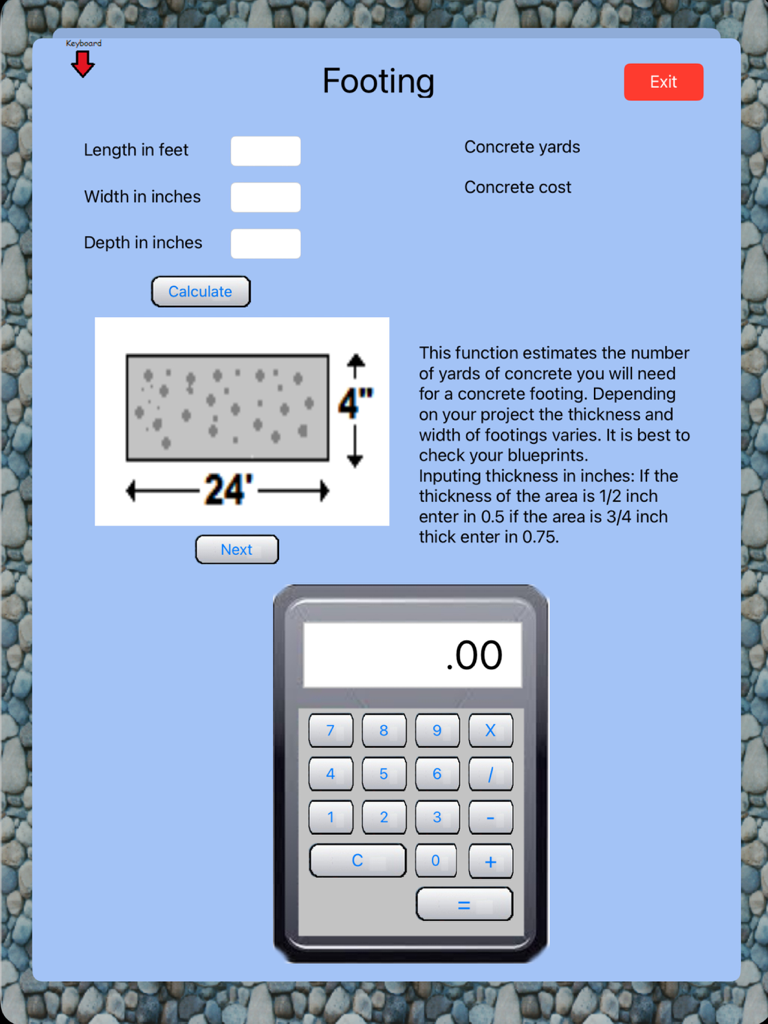
Estimate HD - 建設プロジェクト用の計算機能を内蔵した、コンクリート基礎見積もり画面。

建設プロジェクト用の計算機能を内蔵した、コンクリート基礎見積もり画面。

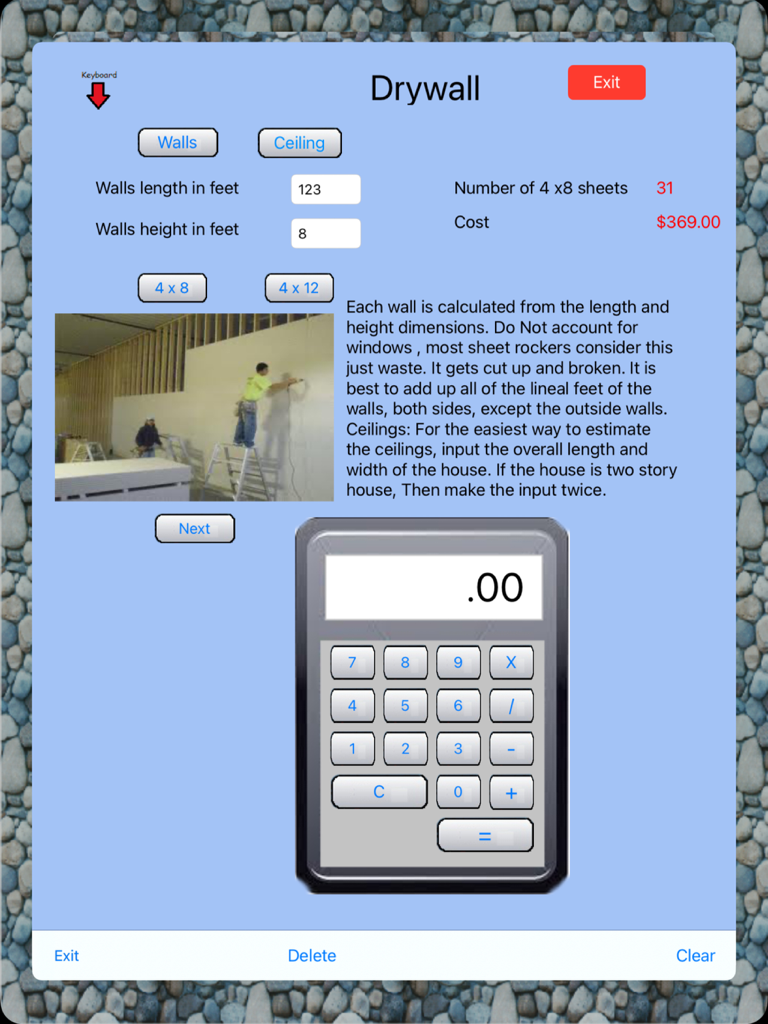
Estimate HD - 資材シートの計算と総コストを表示する石膏ボード見積もり画面。

資材シートの計算と総コストを表示する石膏ボード見積もり画面。
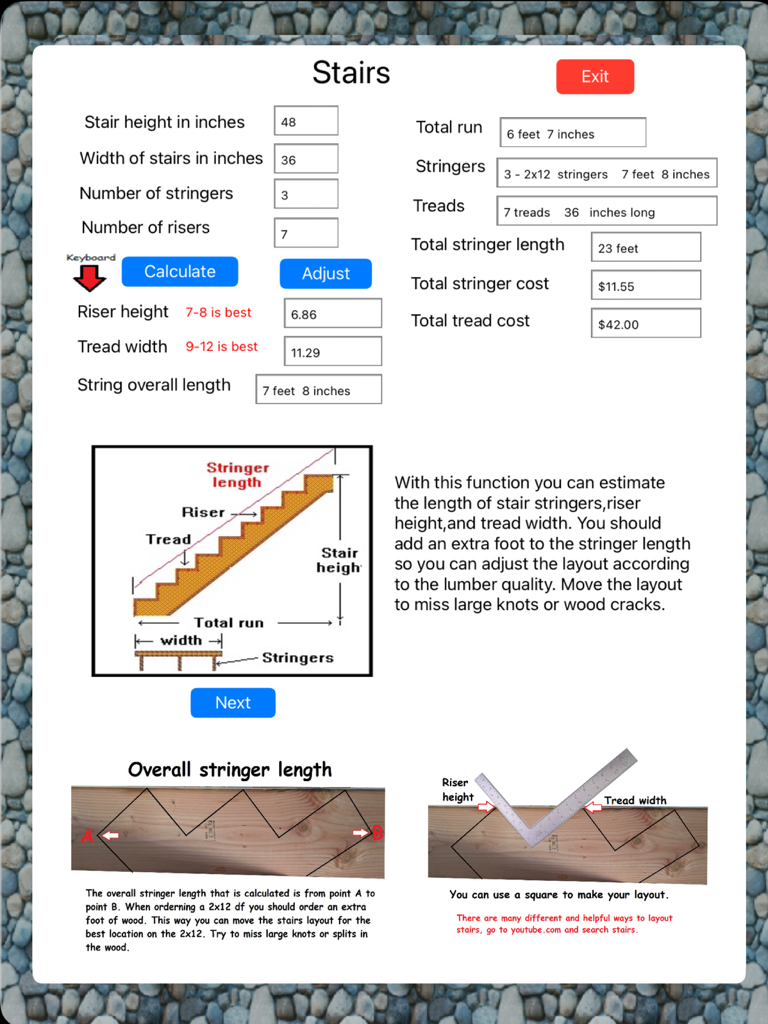
Estimate HD - Estimate HDアプリの階段計算画面。ライザー、踏み面、縦桁の寸法とコスト見積もりを表示しています。
Estimate HDアプリの階段計算画面。ライザー、踏み面、縦桁の寸法とコスト見積もりを表示しています。

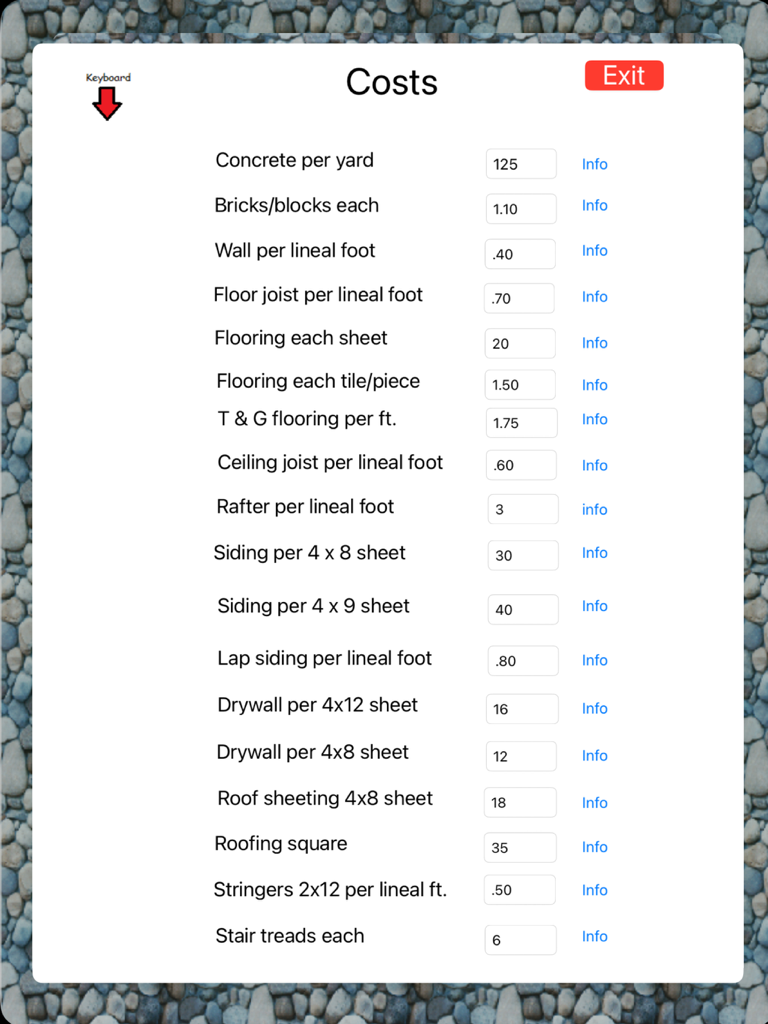
Estimate HD - コンクリート、レンガ、床材の単価を示す建設資材コスト入力画面。

コンクリート、レンガ、床材の単価を示す建設資材コスト入力画面。

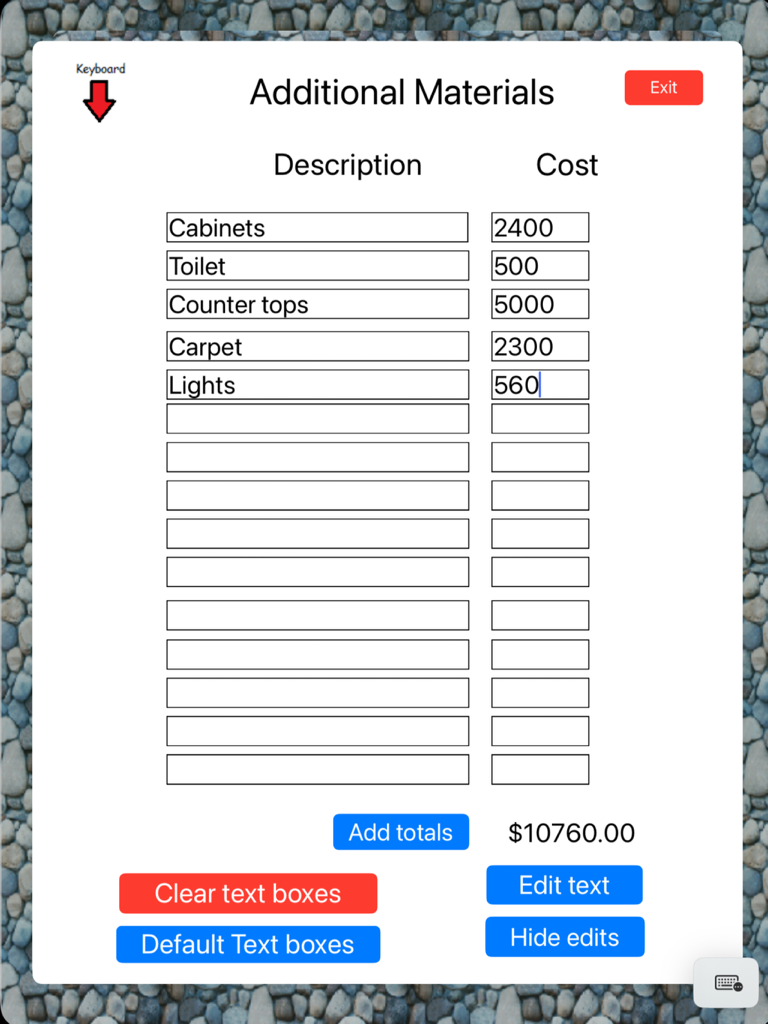
Estimate HD - Estimate HDアプリのiPad画面。キャビネットやトイレなどの追加建設資材のリストと、関連コスト、計算された合計が表示されています。
Estimate HDアプリのiPad画面。キャビネットやトイレなどの追加建設資材のリストと、関連コスト、計算された合計が表示されています。

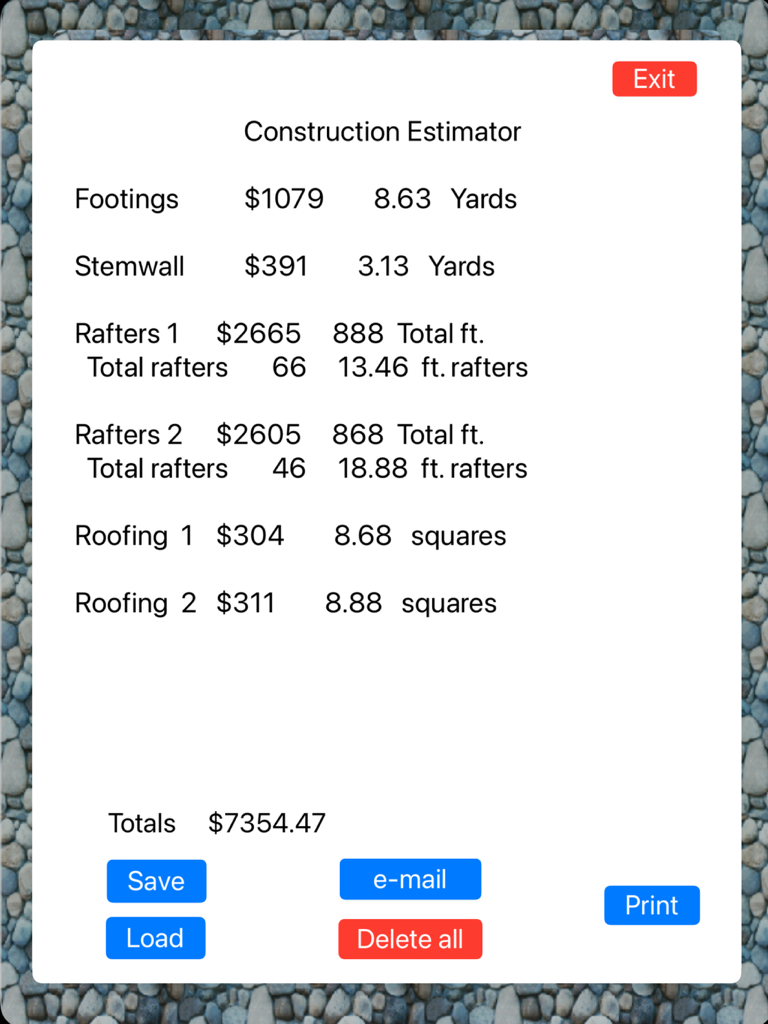
Estimate HD - 建設見積もりアプリのスクリーンショット。基礎、垂木、屋根材の項目別プロジェクトコストと資材の概要を表示しています。

建設見積もりアプリのスクリーンショット。基礎、垂木、屋根材の項目別プロジェクトコストと資材の概要を表示しています。

説明

Construction Estimator Construction Estimator is an easy to use estimating program to help a contractor or home owner estimate materials and cost of a project. The main menu of construction Estimator shows 14 functions to choose from. Construction Estimator does not have a set beginning point, you can start with any function. Each function has inputs that relate to the area to be calculated. After inputting the measurements press the calculate button. This will calculate and display the cost and the materials. These totals are remembered and saved in memory. Totals are also displayed in the totals form. After completing a function you can press the EXIT button. This will return you to the main menu.. Accuracy Of course, the degree of your estimates accuracy depends on a number of factors. A small project, such as an addition, will likely produce a very close estimate. A bigger project, such as an entire home, may incur unexpected costs (such as more joists for support) and unforeseen difficulties (such as hard soil or bad weather). Careful input, along with experience that gives foresight, will yield a more accurate estimate. Nothing is more critical to the success of a project than accurate measurements. While Construction Estimator can estimate the total lengths of wood and yards of concrete a project may involve, they are only estimates. To this, we offer two critical suggestions: 1. Cut wood to your specific measurements, not to the lengths estimated by this program. 2. Use your own judgment to add to concrete estimates. Unusual ground conditions and irregular dimensions make concrete estimates an imprecise science. It's better to have some left over than to run out in the middle of a project. Estimator also includes a built in calculator. COST FILE Fill in the current costs For your area And press the SAVE button. This will save the cost file. It will be loaded automatically each time the Estimate program is loaded. E-MAIL. Your estimate can be e-mailed by pressing the E-mail button in the totals form. Before your email is sent you. Have the option to save your estimate, your estimate will be lost if you don't save it. After your email is sent you must reload construction estimator.

Download

ダウンロード: App Store

このページはアプリまたはその開発者の公式ページではなく、情報提供および論評を目的として作成された独立した編集出版物です。明示的に別段の記載がない限り、アプリおよびその開発者は、MWM、Apple、Google Play、アプリのパブリッシャー、またはアプリの開発者と提携、承認、後援、認可、またはその他の公式的な関係はなく、このページのいかなる内容も、アプリがMWMのサービスを使用して開発されたことを意味するものではありません。すべての商標、ロゴ、スクリーンショット、その他のコンテンツはそれぞれの所有者の財産です。