Exposure Calculator
Exposure Calculator
ダウンロード: App Store

このページはアプリまたはその開発者の公式ページではなく、情報提供および論評を目的として作成された独立した編集出版物です。明示的に別段の記載がない限り、アプリおよびその開発者は、MWM、Apple、Google Play、アプリのパブリッシャー、またはアプリの開発者と提携、承認、後援、認可、またはその他の公式的な関係はなく、このページのいかなる内容も、アプリがMWMのサービスを使用して開発されたことを意味するものではありません。すべての商標、ロゴ、スクリーンショット、その他のコンテンツはそれぞれの所有者の財産です。

ロゴ: Exposure Calculator
ダウンロード: App Store

Exposure Calculator

曖昧な表や近似値に頼るのはやめましょう。特に長時間露光、夜間撮影、アナログフィルム用に設計された、あらゆるISOおよびfストップの正確なシャッタースピードを取得できます。

主要数値

ダウンロード

110K+

ユーザー評価

3.9/5

評価数

0

開発元

Jim Chapple

カテゴリ

Photo & Video

対応言語

1

最新バージョン

1.8.22

サイズ

18.3 MB

リリース日

2010年3月3日
機能

真剣な写真家のための精度ツール

マニュアル撮影の推測をなくします。当社の計算機は正確な対数計算式を使用して、あらゆる照明、ISO、絞りの組み合わせに最適なシャッタースピードを提供します。

表の近似値を超えて

標準的なチャートは、丸められた近似値を使用することがよくあります。当社のエンジンは、f/2.4やISO 1250などの非標準設定の正確な値を計算し、センサーまたはフィルムの数学的真実を保証します。

すべての長時間露光を完璧に

低照度撮影のリスクを取り除きましょう。数分または数時間続く夜景やNDフィルターショットの正確な露光時間を計算し、時間や高価なフィルムを無駄にしません。

以下のスクリーンショットと説明は、アプリの公式ストアリスティングから直接取得されたものであり、アプリ開発者の所有物です。

アプリストア

スクリーンショット
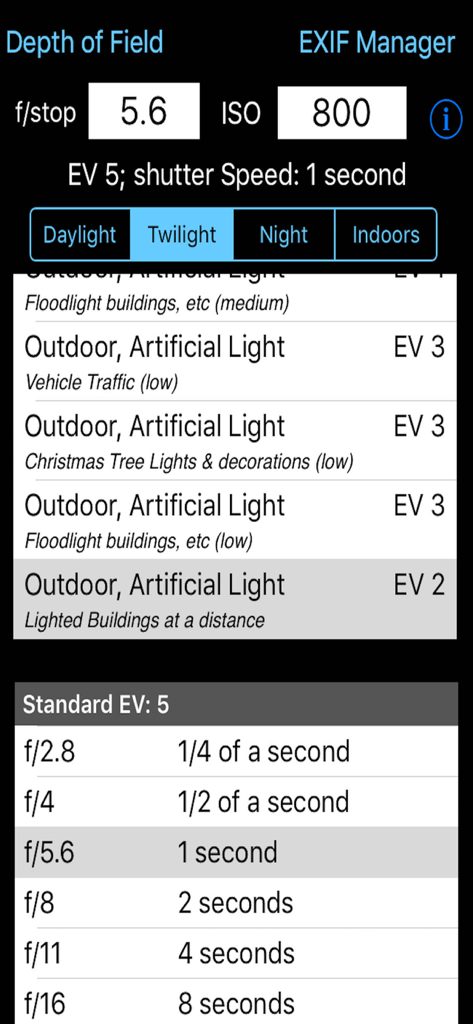
Exposure Calculator - 露出計算機アプリのインターフェース。シャッタースピードと絞りの設定が表示されています。
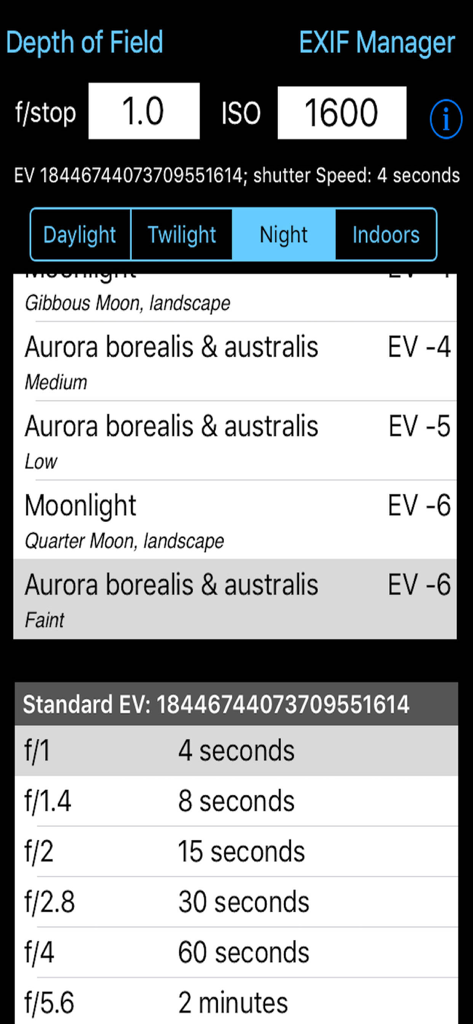
露出計算機アプリのインターフェース。シャッタースピードと絞りの設定が表示されています。

Exposure Calculator - 露出計算機アプリの技術的なインターフェース。夜間撮影やオーロラの設定のためのシャッタースピードテーブルが表示されています。
露出計算機アプリの技術的なインターフェース。夜間撮影やオーロラの設定のためのシャッタースピードテーブルが表示されています。

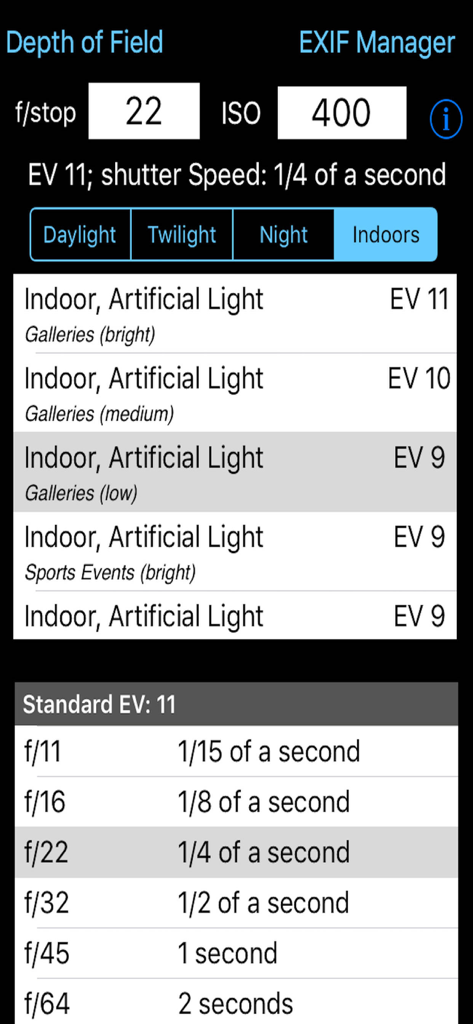
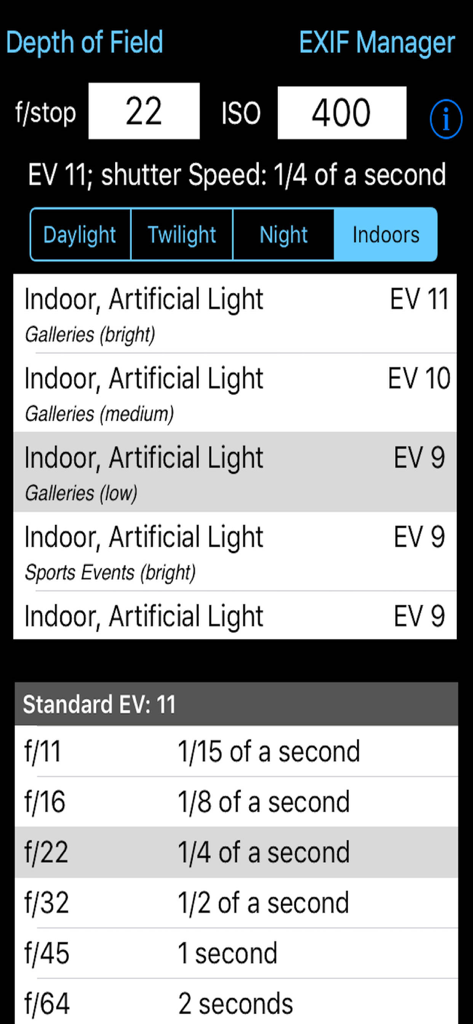
Exposure Calculator - 露出計算機アプリのインターフェース。屋内照明のシャッタースピード計算が表示されています。
露出計算機アプリのインターフェース。屋内照明のシャッタースピード計算が表示されています。

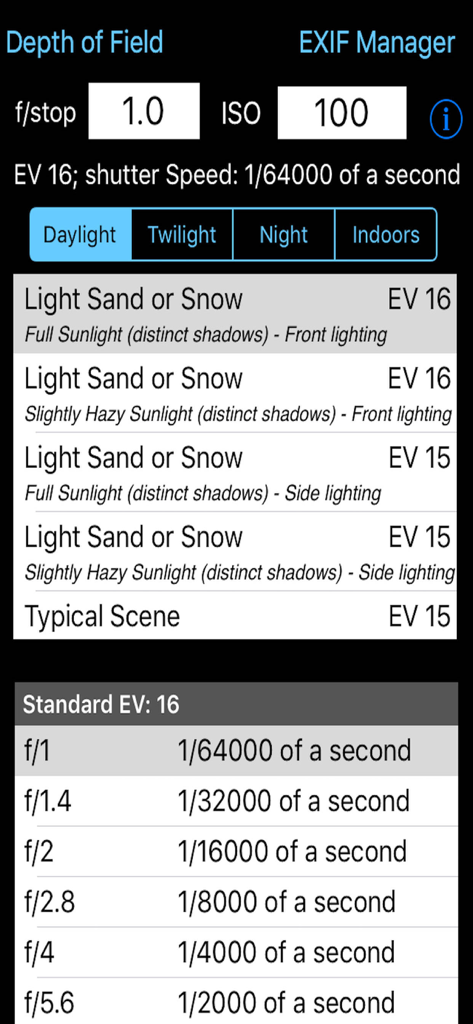
Exposure Calculator - 露出計算機アプリのインターフェース。fストップとISOの入力と、さまざまな照明条件の計算されたシャッタースピードが表示されています。
露出計算機アプリのインターフェース。fストップとISOの入力と、さまざまな照明条件の計算されたシャッタースピードが表示されています。

Exposure Calculator - 露出計算機アプリのインターフェース。屋内照明の設定が表示されており、fストップとISOの入力があります。

露出計算機アプリのインターフェース。屋内照明の設定が表示されており、fストップとISOの入力があります。

説明

Takes the guesswork out of what shutter speed to use. Ever struggled with an exposure meter or the camera's auto exposure system and found that it just cannot seem to determine the correct shutter speed? I have and that is why this App was written. There are tables and formulae to help you to work out the shutter speed for yourself, but that's not easy. This App takes some simple information about the lighting conditions, the f-stop of the camera and the ISO rating being used and calculates what the correct shutter speed should be. It is that simple. If you have used the pre-calculated tables before you might be suprised by the answers this App gives you but, believe me, I have implemented the formulae and the pre-calculated tables are approximations (sometimes rather wild ones). The tables do not include all f-stops, the tables do not take account the different ISO values cameras can be set to. This App does. This App takes this information and presents it in an easy to use form. Just type in the f/stop value using the keypad, type in the ISO rating using the keypad and then select the applicable lighting conditions from the four lighting condition types: Daylight, Twilight, Night and Indoors. Each has a range of Exposure Values to select from. The App then calculates what the effective EV value is (given the ISO rating) and so can calculate what the actual shutter speed should be. It also shows the applicable row from the standard tables for the EV. Depending on the ISO rating being used the Exposure value selected from the list can be increased or decreased e.g. if the light is low and the EV is -3 but you are using ISO 800 then the effective Exposure value is zero (ISO 800 counts as +3 to EV) the shutter speed needs to match this value not that selected from the standard lighting condition values. The tables only show some of f/stop values. For example the tables show f/2.0 and f/2.8 but you might have the camera set to f/2.4. Well it is possible to calculate the exact value so this is what the App does. Coupled with ISO values that do not generate exact EV numbers this value can show you the true value you should be attempting to use. An ISO of 250 adds +1.32 to the EV value. It is a log2 scale. Now you may not be able to set you camera to the exact value given but it does give you a much better idea of the real shutter speed required rather than trying to guess from the tables (which are calculated on a logarithmic scale and are approximations). By being able to set the ISO to 250 or 500, etc this App is can calculate the real EV value. If you set the ISO to 1000 then any EV value selected needs to have approximately 3.3 added to it to give the correct EV value. So if the selected EV is 6 then the effective EV with this ISO is actually 9.3. But there is no row for 9.3 in the standard tables and it does make a difference. If the camera is set to f/3.5 then the closest row in the table is for EV9 and f/2.8 (1/60th of a second) or f/4.0 (1/30th of a second). So do you err towards 1/30th or 1/60th. Well this App actually calculates the exact value and this shows as 1/52nd of a second. Generally a camera cannot be set to this but it can be set to 1/50th so I would try that and then maybe 1/60th and maybe 1/40th. The calculation comes out as 1/50th because the EV is not 9 it is 9.3 and therefore with the ISO at 1000 everything must be treated as brighter and so less exposure is needed. Being able to see the exact value to use is even more use when long exposures are needed. The standard tables get very vague for low light conditions i.e. EV -6 for f/22 is 64 minutes and for f/32 it is 128 minutes (over an hour more). So if you are using f/28 how many minutes at ISO 1250? Well the answer is 66.9 minutes which is much shorter than you might have guessed.

Download

ダウンロード: App Store

このページはアプリまたはその開発者の公式ページではなく、情報提供および論評を目的として作成された独立した編集出版物です。明示的に別段の記載がない限り、アプリおよびその開発者は、MWM、Apple、Google Play、アプリのパブリッシャー、またはアプリの開発者と提携、承認、後援、認可、またはその他の公式的な関係はなく、このページのいかなる内容も、アプリがMWMのサービスを使用して開発されたことを意味するものではありません。すべての商標、ロゴ、スクリーンショット、その他のコンテンツはそれぞれの所有者の財産です。








