Files HD - File Manager
ダウンロード: App Store

このページはアプリまたはその開発者の公式ページではなく、情報提供および論評を目的として作成された独立した編集出版物です。明示的に別段の記載がない限り、アプリおよびその開発者は、MWM、Apple、Google Play、アプリのパブリッシャー、またはアプリの開発者と提携、承認、後援、認可、またはその他の公式的な関係はなく、このページのいかなる内容も、アプリがMWMのサービスを使用して開発されたことを意味するものではありません。すべての商標、ロゴ、スクリーンショット、その他のコンテンツはそれぞれの所有者の財産です。


ロゴ: Files HD - File Manager
ダウンロード: App Store

Files HD - File Manager

パワーユーザーのための究極の生産性スイート。制限なくウェブを閲覧し、あらゆるドキュメントをダウンロードし、ラップトップの代わりとなるように設計されたプロフェッショナルグレードのツールでデジタルワークスペースを整理しましょう。

主要数値

ダウンロード

332K+

ユーザー評価

3.9/5

評価数

10K+

開発元

Hian Zin Jong

カテゴリ

Productivity

対応言語

1

最新バージョン

8.3.1

サイズ

34.0 MB

リリース日

2010年8月2日
機能

iPadワークフローをスーパーチャージ

研究者、学生、デジタルノマドのために設計されたプロフェッショナルグレードのファイルマネージャーで、iPadのモビリティとデスクトップのパワーのギャップを埋めましょう。

デスクトップクラスのブラウジング

ユーザーエージェントのスプーフィングによりデスクトップ専用ウェブサイトにアクセスし、強力なタブブラウザエクスペリエンスでオフライン使用のためにあらゆるファイルタイプをダウンロードできます。

プロのファイル整理

使い慣れたフォルダ構造でPDF、Officeドキュメント、ZIPアーカイブを管理します。MacやPCと同じようにファイルを検索、名前変更、移動できます。

以下のスクリーンショットと説明は、アプリの公式ストアリスティングから直接取得されたものであり、アプリ開発者の所有物です。

アプリストア

スクリーンショット
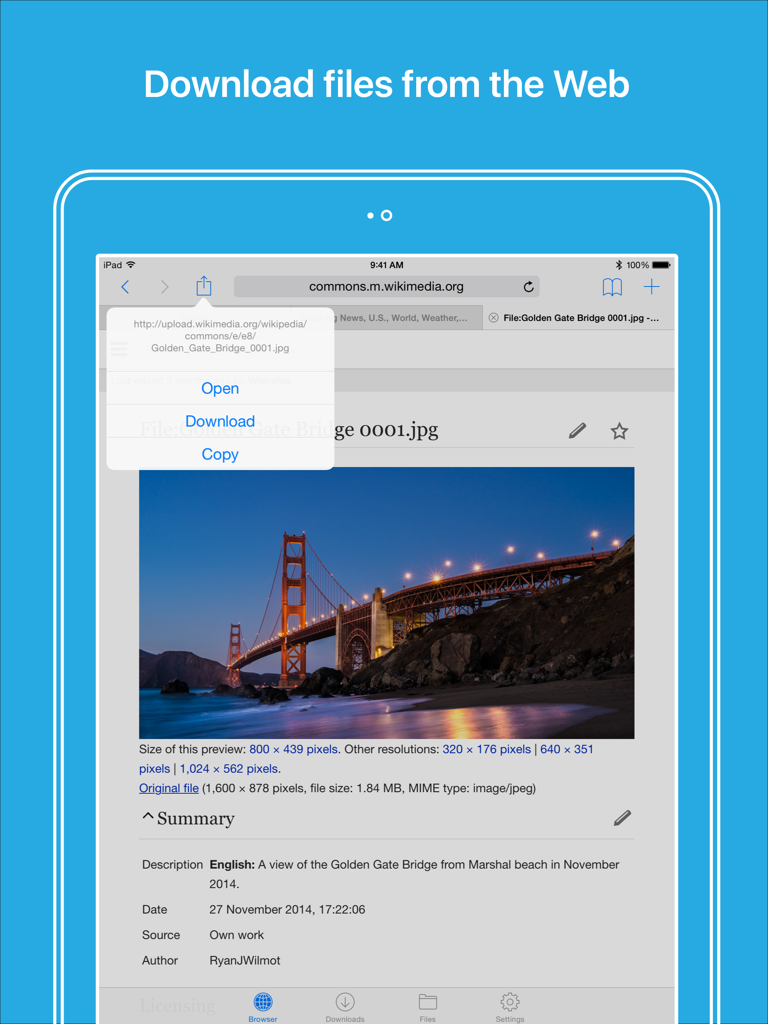
Files HD - File Manager - Webブラウザとダウンロードメニューが表示されたiPad上のFiles HDアプリ
Webブラウザとダウンロードメニューが表示されたiPad上のFiles HDアプリ

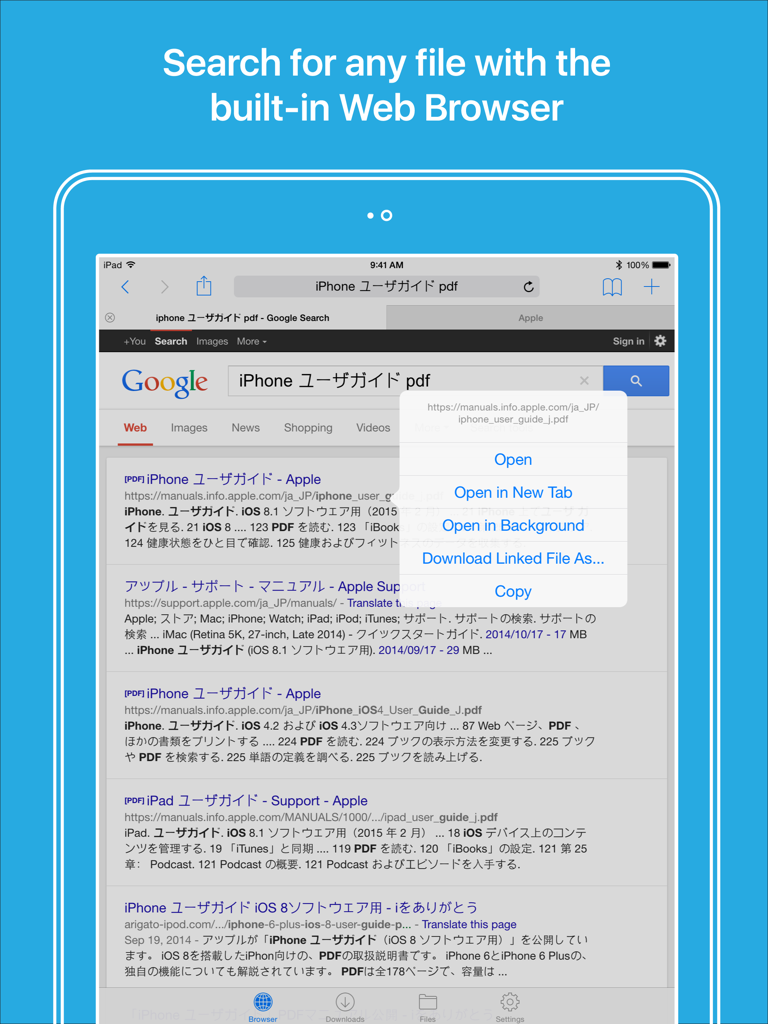
Files HD - File Manager - Files HD iPadアプリの組み込みWebブラウザに、PDFファイルをダウンロードするためのメニューが表示された検索結果が表示されています
Files HD iPadアプリの組み込みWebブラウザに、PDFファイルをダウンロードするためのメニューが表示された検索結果が表示されています

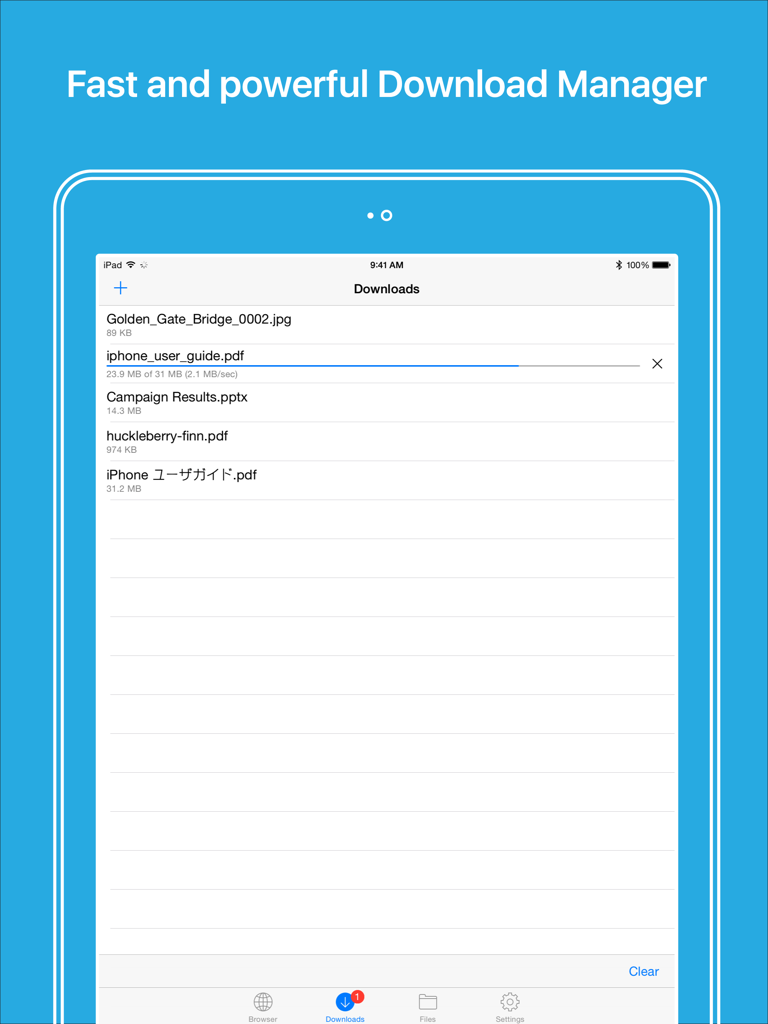
Files HD - File Manager - iPad上でファイルのリストとダウンロード進捗バーを示すFiles HDアプリのダウンロードマネージャーのインターフェース。
iPad上でファイルのリストとダウンロード進捗バーを示すFiles HDアプリのダウンロードマネージャーのインターフェース。

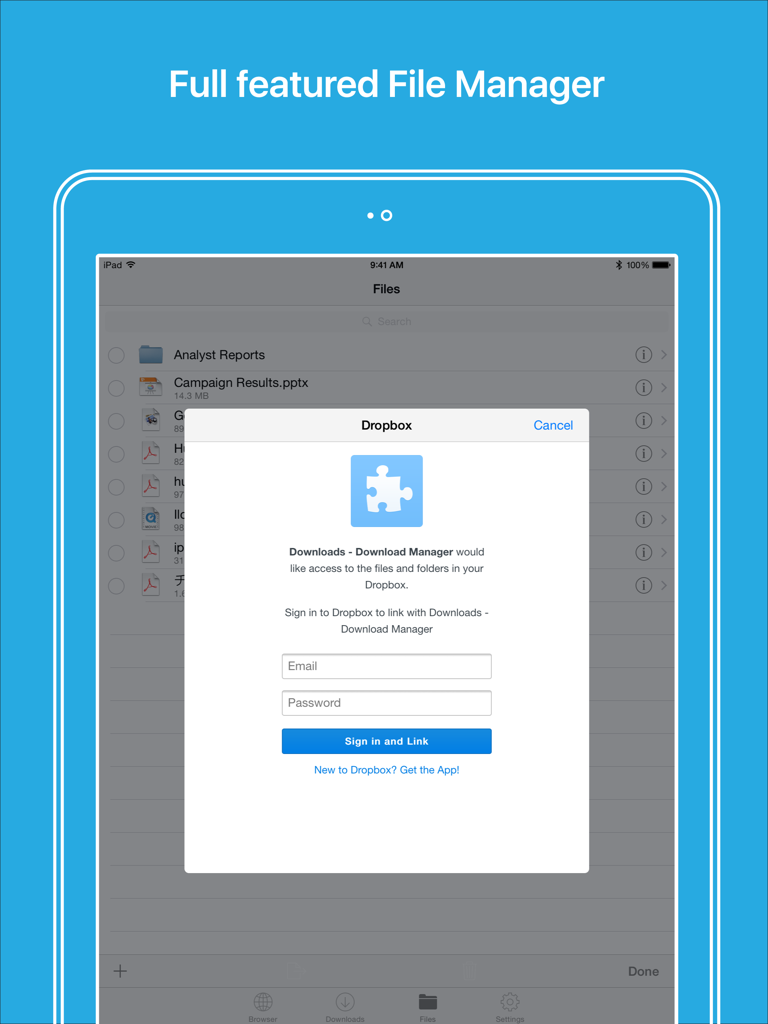
Files HD - File Manager - iPad上のFiles HDファイルマネージャーアプリ内のDropboxログイン画面
iPad上のFiles HDファイルマネージャーアプリ内のDropboxログイン画面

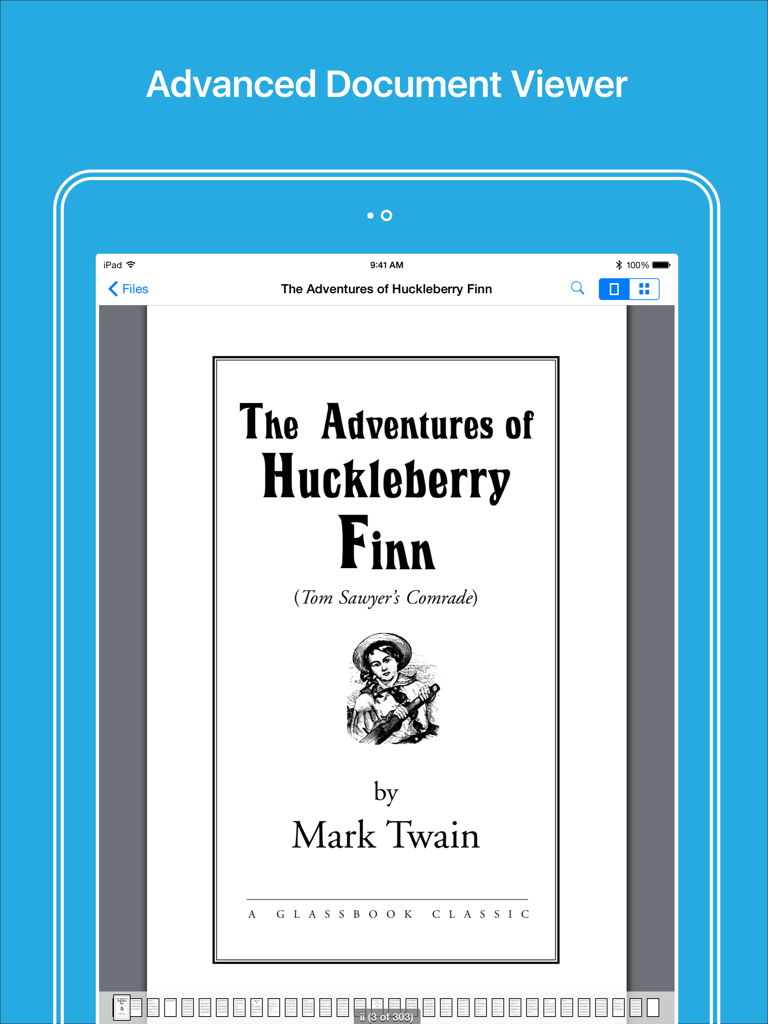
Files HD - File Manager - iPad上でPDFの本を表示するFiles HDアプリの高度なドキュメントビューアー

iPad上でPDFの本を表示するFiles HDアプリの高度なドキュメントビューアー

説明

Files HD (formerly known as Downloads Lite - Download Manager for iPad) features a Web browser that lets you save documents to your iPad so that you can work with them offline. It has a built-in file manager, with robust viewer for all iOS supported document types, powerful photo browser, advanced PDF reader, full Dropbox support, and more. NOTE: This app does not support downloading of audio or video content. FEATURES √ File manager - Folders support - Move, rename and delete files - Search by file name - Document viewer that supports .pdf, .doc, .xls, .ppt, .txt, .html, .webarchive and .rtf file formats - Extract ZIP and RAR archives - Import photos from camera roll √ Tabbed browser - Provides a user experience very similar to Safari - Supports unlimited tabs - Tap and hold on a link to open it in new tab or download it - Fully featured bookmark manager - History support - Address bar auto-completion - HTTP basic authentication - Form-based authentication - Integrated Google or Yahoo! search - Ability to spoof browser's User-Agent string to display web pages like Firefox - Unified smart search field. Type a URL or search term in the unified smart search field, the browser automatically suggests the closest match to what you’re looking for. √ Download manager - Fast downloading speed - Save pages with images for offline viewing - Supports resuming of interrupted downloads reliably - Live download progress bar and speed indicator - Active downloads badge number - Add arbitrary download link - Always download with correct filename - Ability to download file of unknown size √ Dropbox integration - Upload, download and manage files - Sync what you want, keep files on your device √ Advanced PDF viewer - Huge PDF files work flawlessly - Text search - Tap PDF links to jump across the file √ Photo viewer - Swipe to move between images in a folder - Zoom in and out with pinch gesture - Thumbnails view of all images in a folder - Ability to save images to photo album √ File transfer - iTunes USB File Sharing lets you drag and drop files between your iPad and computer - Supports HTTP and FTP protocols - Transfer files to and from computer that is in the same Wi-Fi network - Send files as email attachments √ Passcode lock √ Mobile Safari integration - Bookmarklet that lets you send links from Mobile Safari to Files HD app √ Multitasking - Background downloading √ Inter-app document interchange - Other apps can save their files to Files HD app (e.g. Email app can save attachments to Files HD app) √ Recovery Mode - If the browser caught in an endless loop of pop-up alerts, go to the iOS built-in "Settings" app, find "Files HD", turn on "Recovery Mode", then force-quit and relaunch the app. Terms of Use: https://downloadsapp.info/terms Privacy Policy: https://downloadsapp.info/privacy

Download

ダウンロード: App Store

このページはアプリまたはその開発者の公式ページではなく、情報提供および論評を目的として作成された独立した編集出版物です。明示的に別段の記載がない限り、アプリおよびその開発者は、MWM、Apple、Google Play、アプリのパブリッシャー、またはアプリの開発者と提携、承認、後援、認可、またはその他の公式的な関係はなく、このページのいかなる内容も、アプリがMWMのサービスを使用して開発されたことを意味するものではありません。すべての商標、ロゴ、スクリーンショット、その他のコンテンツはそれぞれの所有者の財産です。








