Flash Cards - Flashcards Maker
ダウンロード: App Store

このページはアプリまたはその開発者の公式ページではなく、情報提供および論評を目的として作成された独立した編集出版物です。明示的に別段の記載がない限り、アプリおよびその開発者は、MWM、Apple、Google Play、アプリのパブリッシャー、またはアプリの開発者と提携、承認、後援、認可、またはその他の公式的な関係はなく、このページのいかなる内容も、アプリがMWMのサービスを使用して開発されたことを意味するものではありません。すべての商標、ロゴ、スクリーンショット、その他のコンテンツはそれぞれの所有者の財産です。


ロゴ: Flash Cards - Flashcards Maker
ダウンロード: App Store

Flash Cards - Flashcards Maker

USMLE、司法試験、STEM認定などの高難易度試験を克服しましょう。AI駆動のSM2アルゴリズムとシームレスなiCloud同期を活用して、学習教材を高パフォーマンスのセカンドブレインに変えましょう。

主要数値

ダウンロード

609K+

ユーザー評価

4.7/5

評価数

41K+

開発元

嘉夫 张

カテゴリ

Education

対応言語

3

最新バージョン

6.19

サイズ

38.0 MB

リリース日

2018年6月23日
機能

科学的精度で複雑な科目をマスターする

詰め込み学習をやめて、記憶を始めましょう。AI駆動の間隔反復と高度なフォーマットを活用して、医学、法律、技術試験を克服しましょう。

AI駆動の間隔反復

当社のSM2アルゴリズムは、忘却曲線に基づいて学習スケジュールを最適化し、高難易度試験の詳細を決して忘れないようにします。

リッチマルチメディアとLaTeXサポート

STEMと法律に最適です。包括的な学習体験のために、複雑な数式、コードブロック、表、オーディオをカードに直接埋め込みましょう。

以下のスクリーンショットと説明は、アプリの公式ストアリスティングから直接取得されたものであり、アプリ開発者の所有物です。

アプリストア

スクリーンショット
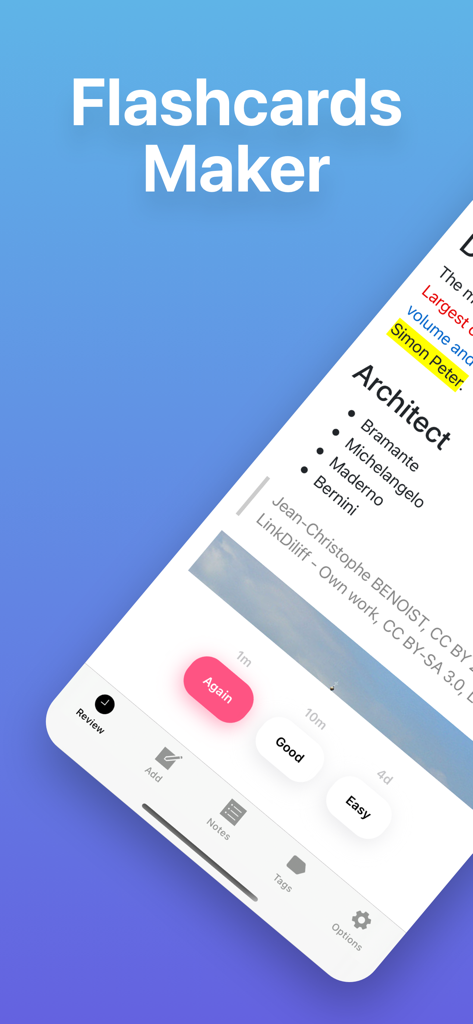
Flash Cards - Flashcards Maker - フラッシュカードメーカーアプリのインターフェース。間隔反復レビューボタン付きの学習カードが表示されています。
フラッシュカードメーカーアプリのインターフェース。間隔反復レビューボタン付きの学習カードが表示されています。

Flash Cards - Flashcards Maker - iPhone画面。学習統計と学習ツールを備えたアーキテクチャフラッシュカードが表示されています。
iPhone画面。学習統計と学習ツールを備えたアーキテクチャフラッシュカードが表示されています。

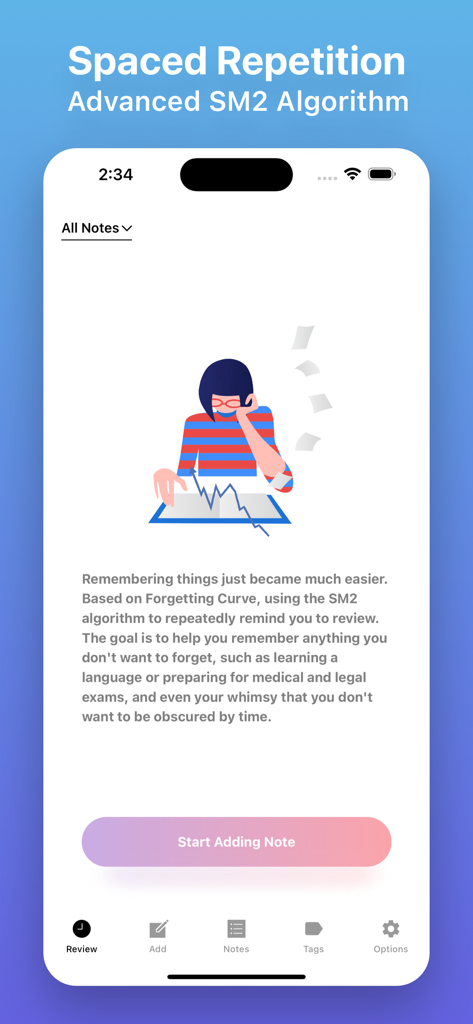
Flash Cards - Flashcards Maker - フラッシュカードメーカーアプリの間隔反復とSM2アルゴリズム学習機能を示すスクリーンショット。「ノートの追加を開始」ボタンが表示されています。
フラッシュカードメーカーアプリの間隔反復とSM2アルゴリズム学習機能を示すスクリーンショット。「ノートの追加を開始」ボタンが表示されています。

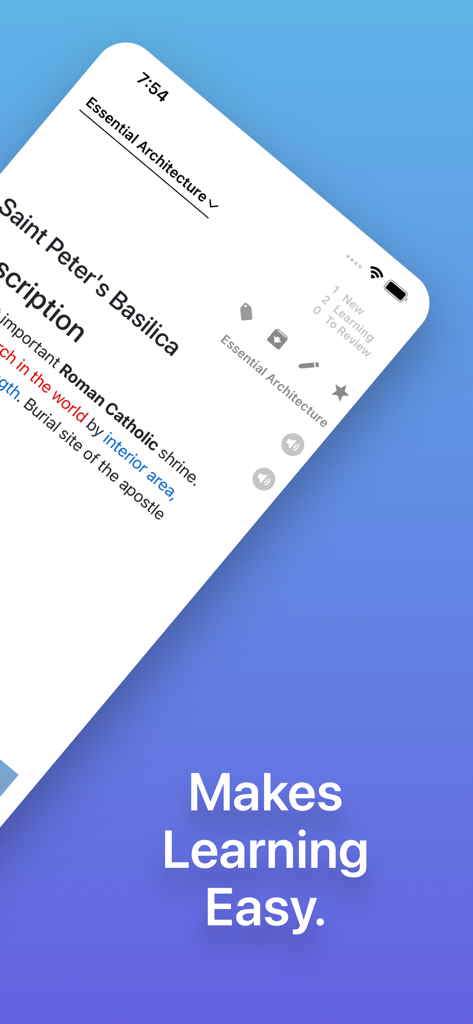
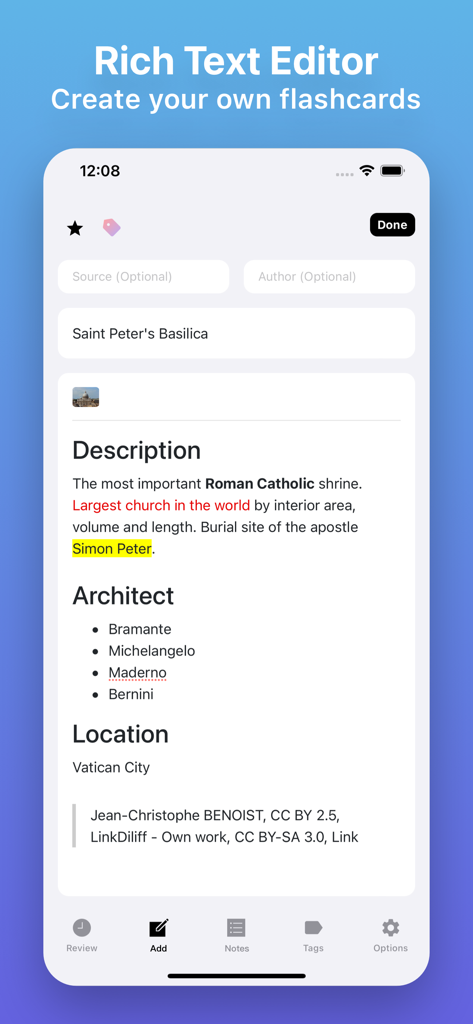
Flash Cards - Flashcards Maker - フラッシュカードエディタのモバイルインターフェース。聖ペテロ大聖堂に関する学習カードの詳細なテキストフォーマットが表示されています。
フラッシュカードエディタのモバイルインターフェース。聖ペテロ大聖堂に関する学習カードの詳細なテキストフォーマットが表示されています。

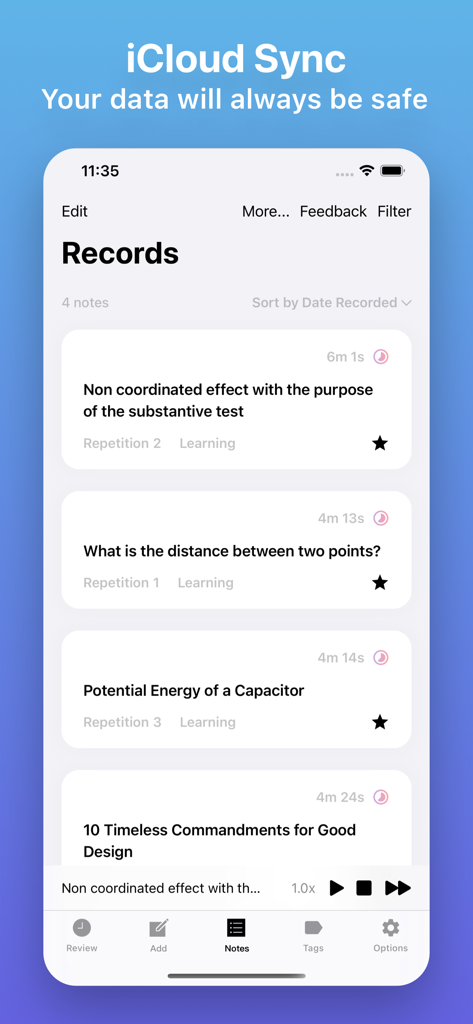
Flash Cards - Flashcards Maker - フラッシュカードアプリのモバイル画面。iCloud同期を強調するヘッダーが付いた学習フラッシュカードのリストが表示され、データの安全性を確保しています。
フラッシュカードアプリのモバイル画面。iCloud同期を強調するヘッダーが付いた学習フラッシュカードのリストが表示され、データの安全性を確保しています。

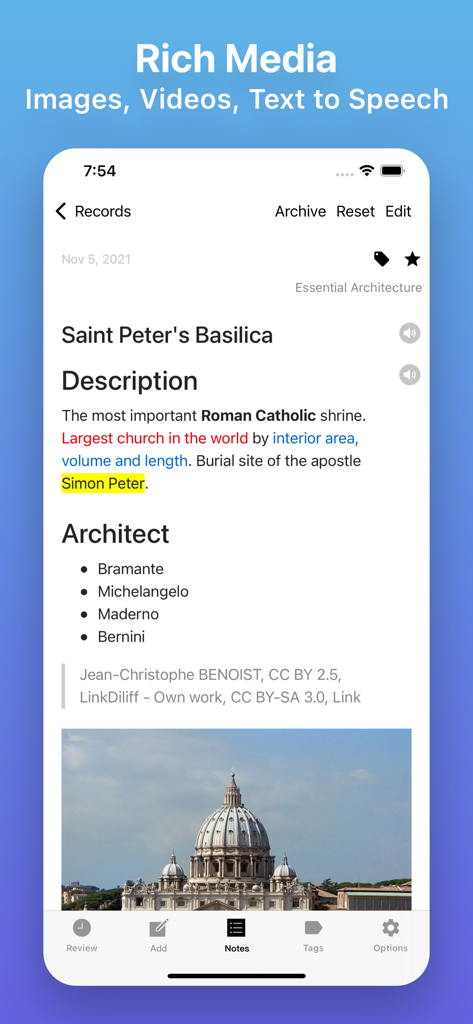
Flash Cards - Flashcards Maker - フラッシュカードメーカーアプリの学習カード。テキストのハイライトと聖ペテロ大聖堂の画像が表示されています。
フラッシュカードメーカーアプリの学習カード。テキストのハイライトと聖ペテロ大聖堂の画像が表示されています。

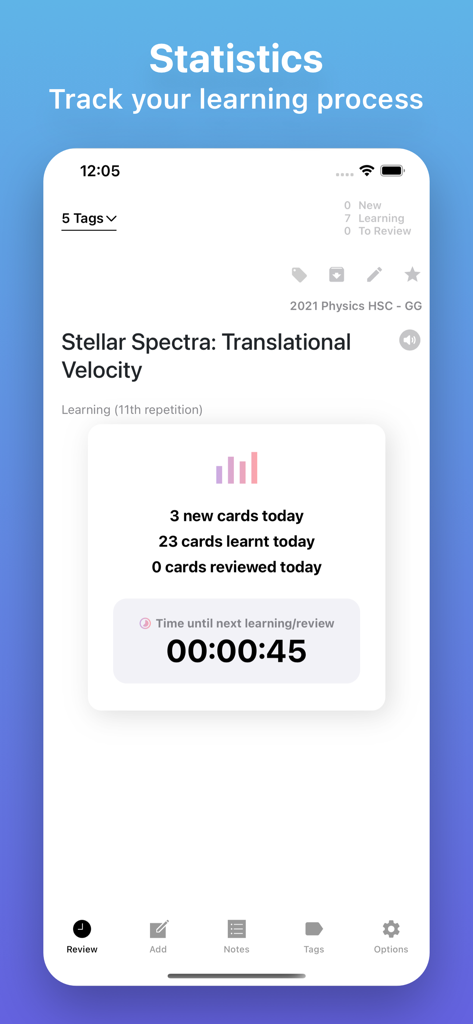
Flash Cards - Flashcards Maker - カードの進捗状況と学習カウントダウンタイマーを示す学習統計ダッシュボード。
カードの進捗状況と学習カウントダウンタイマーを示す学習統計ダッシュボード。

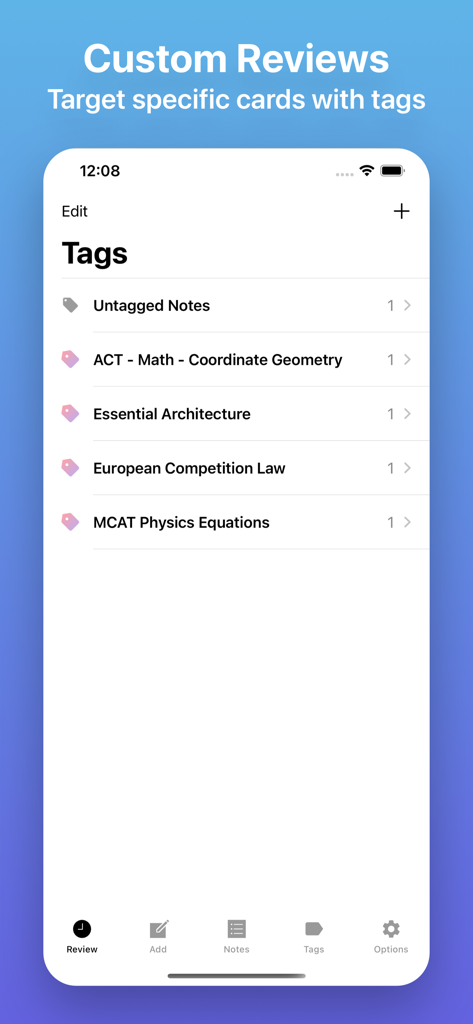
Flash Cards - Flashcards Maker - フラッシュカードアプリのインターフェース。MCATやLawなどの学習教材を整理するためのタグが表示されています。
フラッシュカードアプリのインターフェース。MCATやLawなどの学習教材を整理するためのタグが表示されています。

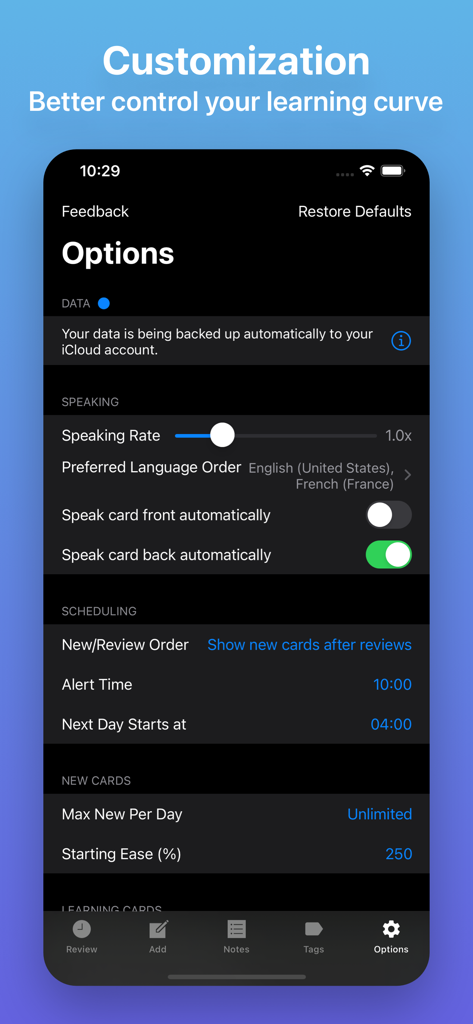
Flash Cards - Flashcards Maker - フラッシュカードメーカーアプリのモバイルインターフェース。学習スケジューリング、音声速度、iCloudバックアップのカスタマイズ設定が表示されています。
フラッシュカードメーカーアプリのモバイルインターフェース。学習スケジューリング、音声速度、iCloudバックアップのカスタマイズ設定が表示されています。

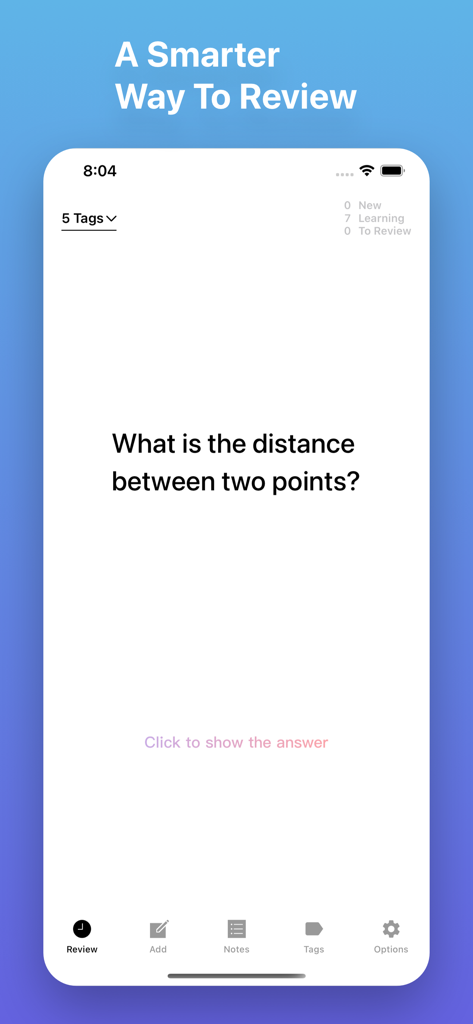
Flash Cards - Flashcards Maker - フラッシュカードレビューインターフェース。学習の質問と進捗統計が表示されています。

フラッシュカードレビューインターフェース。学習の質問と進捗統計が表示されています。

説明

Remembering things just became much easier. Based on Forgetting Curve, using the SM2 algorithm to repeatedly remind you to review. The goal is to help you remember anything you don't want to forget, such as learning a language or preparing for medical and legal exams, and even your whimsy that you don't want to be obscured by time. You can set questions for card front, then recall the answer according to the question. Your data will be backed up automatically to your iCloud account. That means all your stuff — flashcards, tags, preferences, and more — is safe, up to date, and available on all your devices. You can share notes with other users and invite them to contribute to your notes. Some of Flash Cards' features include: · Backed up by iCloud automatically (supported with iOS 13+) · Sync between multiple devices · Advanced spaced repetition algorithm (SRS), built with Artificial Intelligence (AI) · Able to import data from Anki files (*.apkg, *colpkg, *zip) · Support for organizing notes by tags · Support for adding images, videos, audio, tables, checklists. · Support for inserting, editing, and viewing mathematical equations and formulas. · Support for Speech Synthesis, and listening to your notes in the background. · Support for scanning and inserting documents. · Support for marking up images. · Support for setting font size of the text to make it catch the eye of the reader. · Support for different font families to help differentiate between sections of the content that serve various purposes (e.g. main text and a side quotation or a recap). · Support for both markers (background color) and pens (text color) to make the text stand out even more and draw attention. · Support for advanced text styling features such as subscript, superscript, link and code. · You can embed online video and audio players within notes. · The Code Block feature which allows inserting and embedding syntax color highlighted code snippets into the editor. · Support for finding and replacing any text in the editor easily. · Support for auto formatting which employs Markdown-like inline codes as you type for a faster and more efficient editing workflow. · Handy keyboard shortcuts to speed up your workflow · Support for Dynamic Type · Support for Live Text.

Download

ダウンロード: App Store

このページはアプリまたはその開発者の公式ページではなく、情報提供および論評を目的として作成された独立した編集出版物です。明示的に別段の記載がない限り、アプリおよびその開発者は、MWM、Apple、Google Play、アプリのパブリッシャー、またはアプリの開発者と提携、承認、後援、認可、またはその他の公式的な関係はなく、このページのいかなる内容も、アプリがMWMのサービスを使用して開発されたことを意味するものではありません。すべての商標、ロゴ、スクリーンショット、その他のコンテンツはそれぞれの所有者の財産です。