## Featured by App Store in 150+ Countries & Regions
# Hot This Week
# Apps We Love Right Now
# Big Apps From Small Teams
# New Apps, Features, and Content
## What People Are Saying
"A simple, but valuable utility for creating timed focus sessions of productivity." - MacStories
"Focused Work helps you stay on track better than ever" - iMore
"Focused Work makes it easy to create and manage Focused Sessions." - 9to5Mac
"A tool that helps overcome that first step." - Knapsack
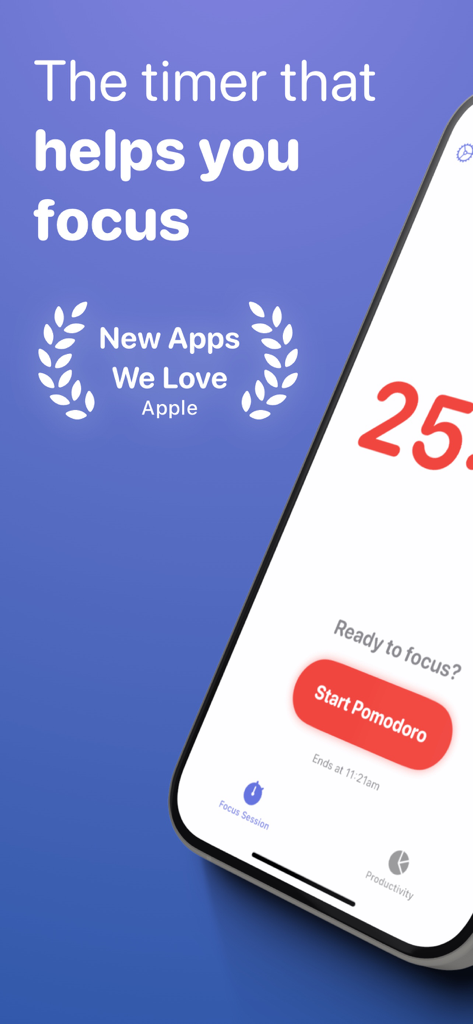
Focused Work is a powerful timer that helps you focus and be productive.
It's purpose-built for people who want to focus for long periods and struggle with this.
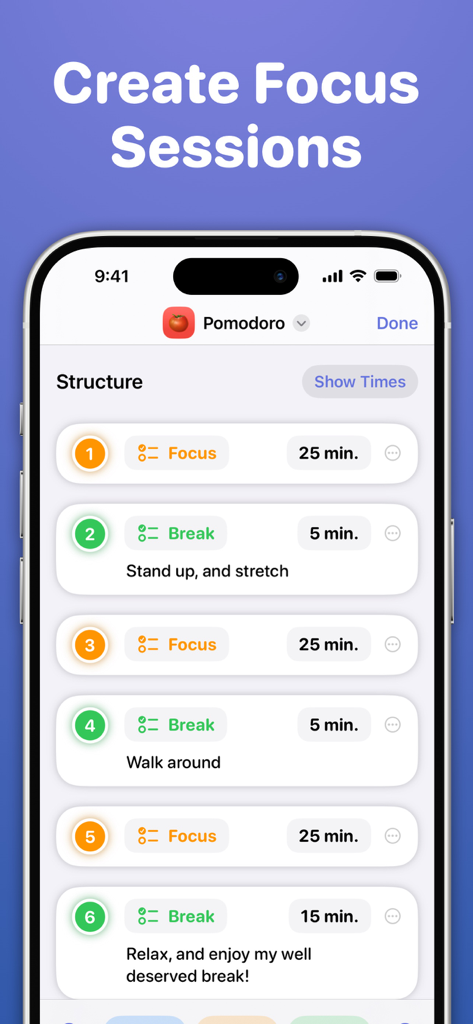
Add structure to your day with "Focus Sessions" that encourage you to complete goals, tasks, and help you divide your time into Focus, Break, and Prepare stages.
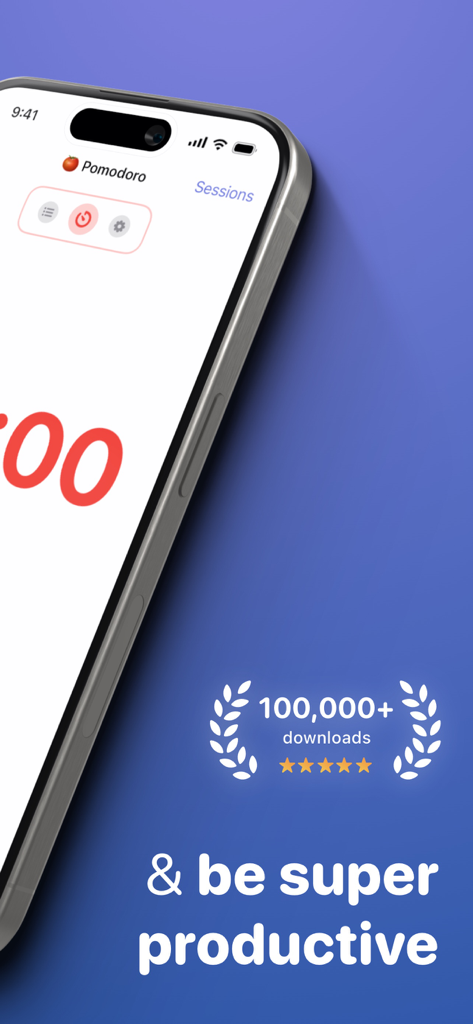
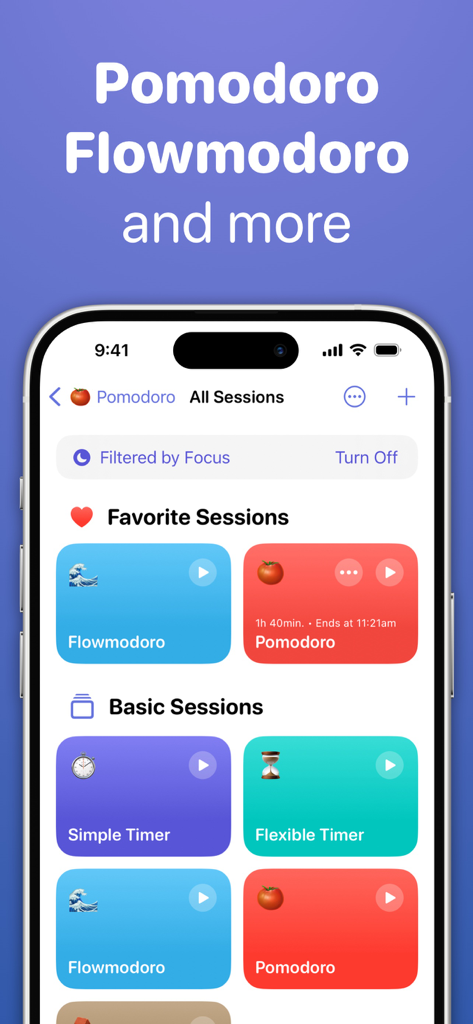
Pick from a selection of templates, including a simple timer, Pomodoro - inspired by the Pomodoro Technique, Flowmodoro - inspired by the Flowtime Technique, and other various sessions.
You can also create repeatable sessions specifically tailored to your needs. Add stages, set time limits, and much more.
Ultimately, Focused Work helps you be more accountable by reminding you to focus, reflect, and build healthy productivity habits by completing various daily goals.
**Core Features**
· A simple, powerful timer that keeps you on-task
Choose what to focus on. Start the timer. Get stuff done!
· Curated Basic Sessions to get started
Run a Pomodoro session, Flowmodoro session, or even just a simple timer
· Create Focus Sessions
Tailor them to your needs with a plethora of configurable options
· Reminders
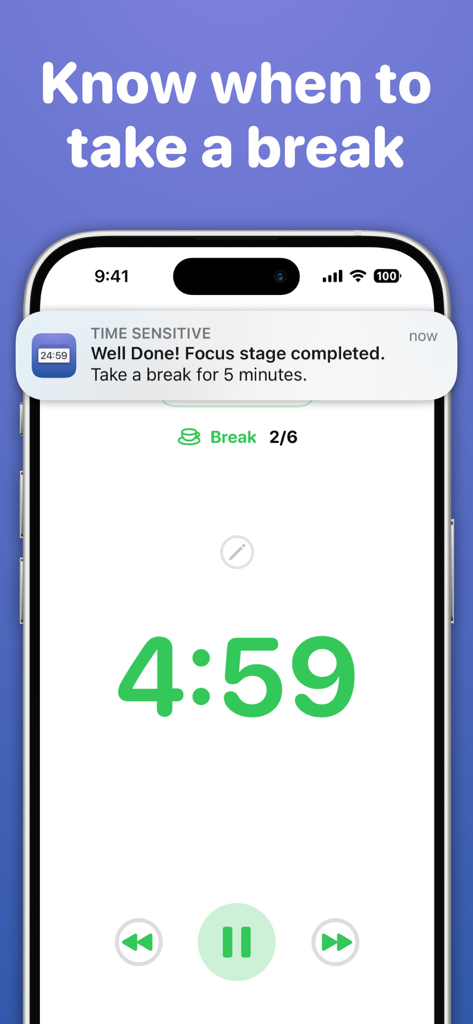
Be reminded to stay focused, when to take breaks, and also to start a focus session!
· Reflection
Track what went well for you during your focus session and what you can improve upon
· Scratch Pad
Jot down thoughts that come to mind during your session and return to them after
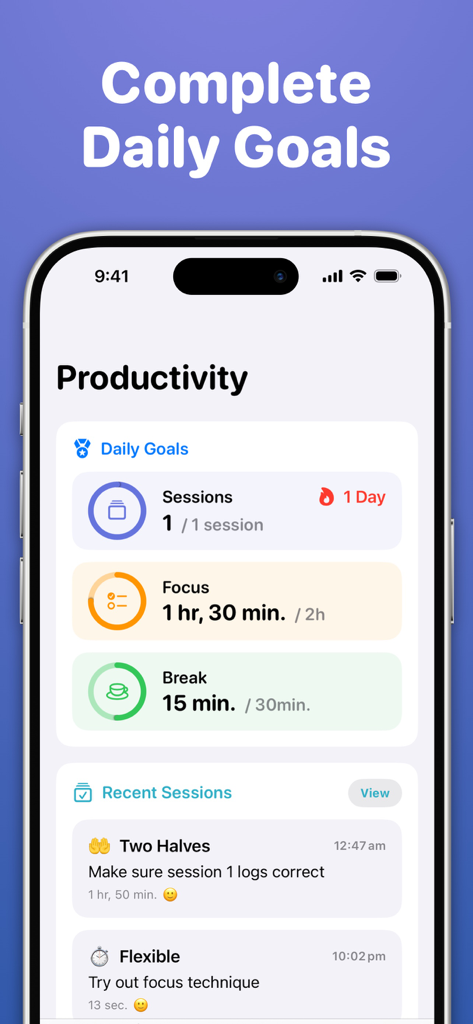
· Daily Goals
Completing your daily focus goals earns you a streak and helps you form healthy productivity habits
· Statistics & Charts
Review recent productivity across the past week, month, and year
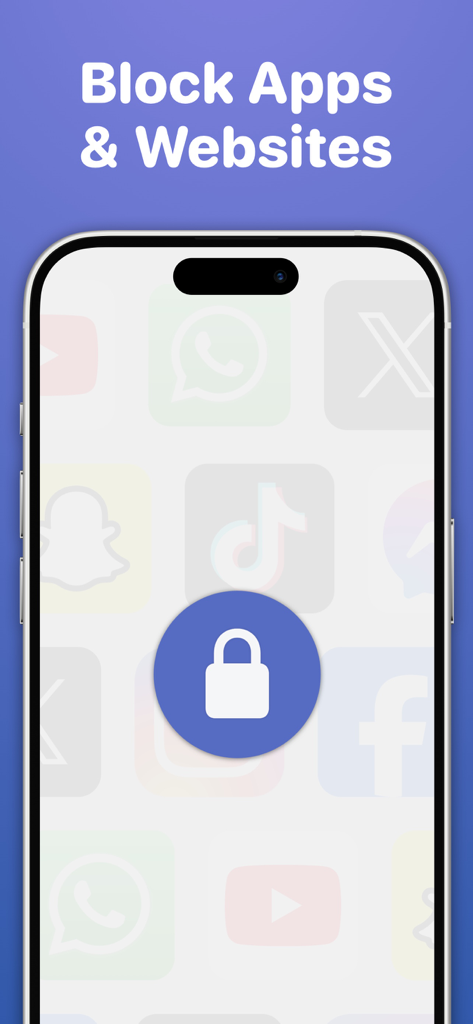
· Block Distractions
Select apps and websites you want to restrict access to during a session
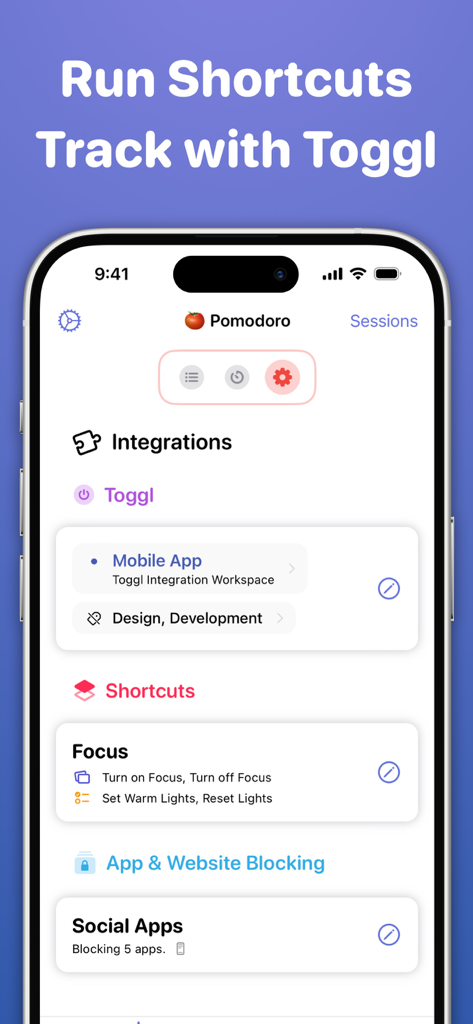
· In-app Shortcuts Automation
Automatically perform actions as you progress through your session, such as turning on Focus
· Link with Toggl Track
Explore advanced time tracking by linking with Toggl to create time entries, assign projects and tags
· Productivity Export
Export completed sessions in CSV format
**iOS & iPadOS Features**
Focused Work is available on iPhone, iPad, and Mac, with extensive support for each platform;
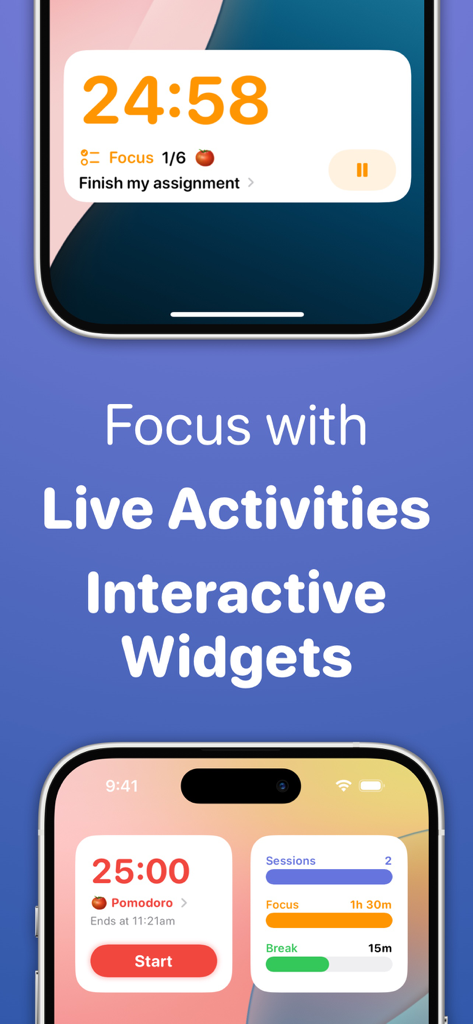
· Live Activities
Control your session from the Lock Screen or Dynamic Island
· Interactive Widgets
Control your session, view daily goals, and start a session from the Home Screen
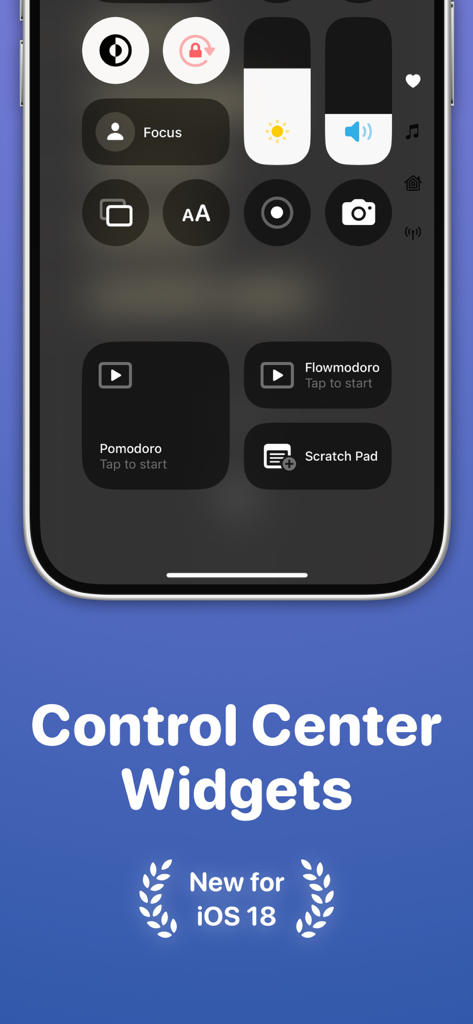
· Control Center Widgets
Start a session or access the Scratch Pad with Control Widgets
· StandBy
Interact with your session while iPhone is in StandBy
· Spotlight Search
Quick start and interact with sessions from search
· Focus Filters
Filter which sessions can be viewed & started based on the active Focus
· App Shortcuts & Siri
Start and interact with a session via various shortcuts that can also be linked together
· Picture-in-Picture
Show a floating timer above other apps with Picture-in-Picture mode
· Session Alerts on all devices
Start a session on one device and receive update alerts on others with Focused Work installed
· iCloud Syncing
Sync productivity stats & created sessions between devices
· Privacy Focused
Your data is securely stored and managed via iCloud. No account registration.
· And much more
Mac Support, Share Sheet controls, App Icons, Keyboard Shortcuts, VoiceOver, Split View & Slide Over, Low Power Mode, Drag & Drop, Dark Mode, URL Schemes
If you have any questions, please reach out to focusedworkapp@michaeltigas.com.au
Privacy Policy: https://focusedwork.app/privacypolicy/
Terms of Use: https://focusedwork.app/terms/