
このページはアプリまたはその開発者の公式ページではなく、情報提供および論評を目的として作成された独立した編集出版物です。明示的に別段の記載がない限り、アプリおよびその開発者は、MWM、Apple、Google Play、アプリのパブリッシャー、またはアプリの開発者と提携、承認、後援、認可、またはその他の公式的な関係はなく、このページのいかなる内容も、アプリがMWMのサービスを使用して開発されたことを意味するものではありません。すべての商標、ロゴ、スクリーンショット、その他のコンテンツはそれぞれの所有者の財産です。

Fotor - AI Photo Editor
Fotorは、AIの絶対的な力で、誰もがビジュアルコンテンツの達人となることを可能にする。複雑な編集は、もはや思考の対象ではない。
ダウンロード
12.5M+ユーザー評価
評価数
237.7K開発元
カテゴリ
Photo & Video対応言語
16最新バージョン
11.1.10サイズ
296.5 MBリリース日
2011年7月24日Fotor - AI Photo Editor: 主要機能分析
AIと高度な編集ツールを駆使し、コンテンツクリエイターのニーズに応える
AIエージェントによる直感的な編集
ユーザーは、音声またはテキストコマンドで複数の編集を一度に適用でき、時間と労力を節約できます。
AI写真高画質化
ユーザーは、ぼやけた写真、粒子が粗い写真、ピクセル化された写真、低解像度の画像を瞬時に鮮明化できます。
AI背景リムーバー
ユーザーは、ワンクリックで画像から被写体を抽出し、背景を置き換えて高度にパーソナライズされた写真を作成できます。商品写真の魅力的な背景作成も可能です。
AIマジックイレーサー
ユーザーは、不要な人物、透かし、建物などの要素を素早く除去し、元の背景とシームレスにブレンドできます。
AIレタッチ
ユーザーは、自然で繊細な肌の滑らかさとシミ除去により、完璧な肌を実現し、洗練された外観を簡単に作成できます。
AIヘッドショット&アバター生成
ユーザーは、LinkedInやその他のソーシャルメディアプラットフォーム用のPFP(プロフィール写真)やアバターを作成できます。
テキストから画像を生成 (AIアート)
ユーザーは、テキストの説明から魅力的な画像を生成し、アイデアを数秒で現実に変えることができます。
コラージュ作成&デザインテンプレート
ユーザーは、コラージュメーカーで瞬間を鮮やかなコラージュに結合したり、デザインテンプレートを使用してプロフェッショナルなソーシャルメディア投稿、チラシ、ポスターを作成したりできます。
高度な手動写真編集ツール
本ツールは、明るさ、コントラスト、彩度、HSL、カーブなどを詳細に調整し、ぼかし、シャープ化、トリミング、レイヤー追加などの多様な編集機能を提供します。
AI写真拡張
ユーザーは、AI拡張機能を使用して、写真の被写体と背景を拡張し、異なるサイズに合わせてバランスの取れた効果を実現できます。
よくある質問
について知っておくべきこと Fotor - AI Photo Editor
What is the Fotor AI Agent and how does it work?
The Fotor AI Agent is an all-in-one AI photo editing toolbox that understands verbal or typed commands. Users upload a photo and describe desired edits, and the AI Agent applies multiple changes automatically.
Can Fotor's Magic Eraser remove unwanted objects from photos?
Yes, Fotor's Magic Eraser tool quickly removes unwanted elements like bystanders, watermarks, or buildings from photos. It seamlessly blends the edited area with the original background.
Does Fotor offer an AI Headshot feature for professional profiles?
Yes, Fotor offers an AI Headshot feature to create professional PFPs and avatars. These are suitable for platforms like LinkedIn and other social media.
How does Fotor enhance blurry or low-quality photos?
Fotor enhances photos using its AI Photo Enhancer to instantly clarify blurry images. It fixes grainy, pixelated, and low-resolution images with one tap.
Can Fotor generate images from text descriptions?
Yes, Fotor can generate stunning images from text. Users type a description, choose a style, and the app transforms ideas into reality in seconds.
How do I remove or change the background of an image in Fotor?
Fotor's Bg Remover extracts the subject from images with one click. Users can then replace the background to create highly personalized photos or use AI Backgrounds for product photos.
What are the subscription options for Fotor Pro?
Fotor Pro offers monthly or yearly subscription plans. The subscription automatically renews unless turned off at least 24 hours before the current period expires.
Does Fotor provide AI tools for skin retouching and blemish removal?
Yes, Fotor offers AI Retouch to achieve flawless skin. It provides natural and delicate skin smoothing and blemish removal for a refined appearance.
Can I change outfits or hairstyles in Fotor using AI?
Yes, Fotor's AI Replace tool allows instant changes to outfits, hairstyles, and colors. This feature helps users find their best style.
Can Fotor transform selfies into cartoon or anime styles?
Yes, Fotor includes trendy 3D Cartoon and Anime AI art effects. Users can easily transform their selfies into vibrant cartoon comics.
以下のスクリーンショットと説明は、アプリの公式ストアリスティングから直接取得されたものであり、アプリ開発者の所有物です。
アプリストア
スクリーンショット

プロ級ポートレートを生成
このアプリはAI Retouch機能でスタジオ品質のポートレートを生成し、ユーザーは肌の質感や表情を最適化できます。
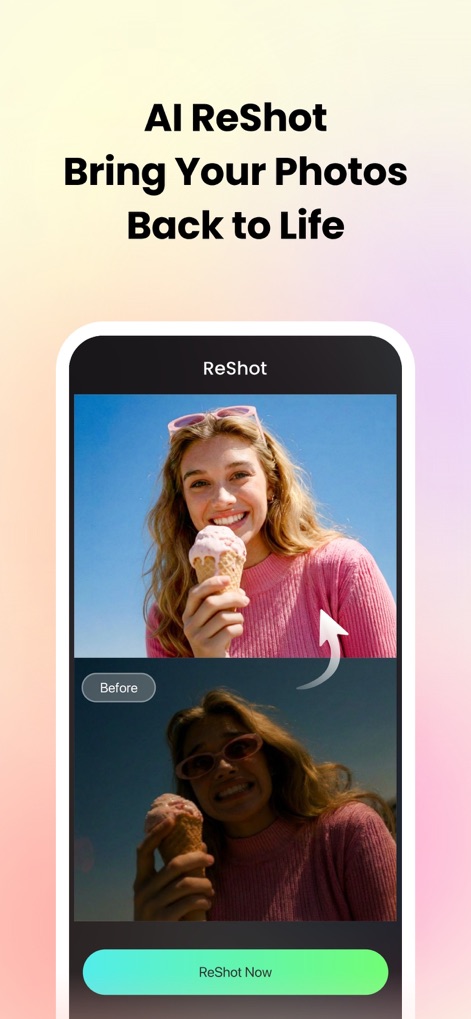
写真に命を吹き込む
AI ReShot機能により、色褪せた写真も瞬時に鮮やかさを取り戻し、明るさやコントラストを自動で調整して、写真の魅力を最大限に引き出します。
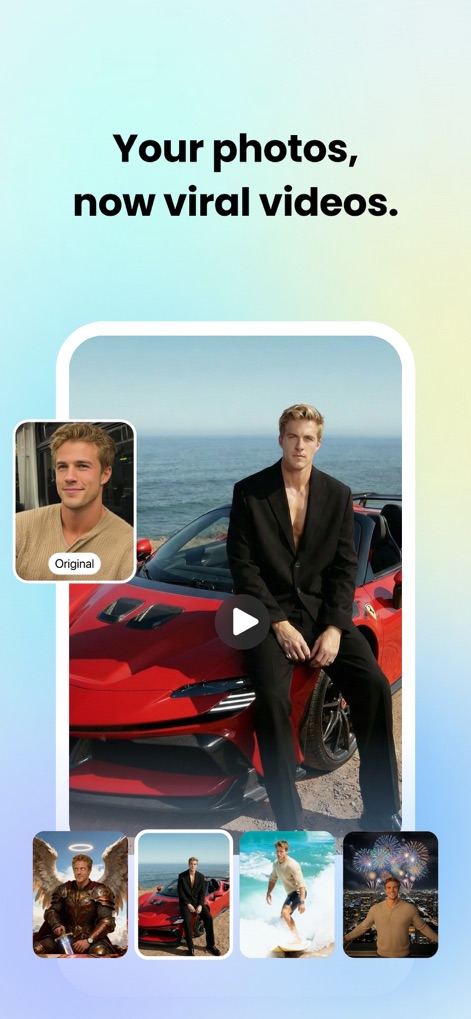
写真を動画に変換
ユーザーは静止画を躍動感ある動画に変換でき、AIが自動で背景をシーンに合わせて変更し、写真の可能性を広げます。
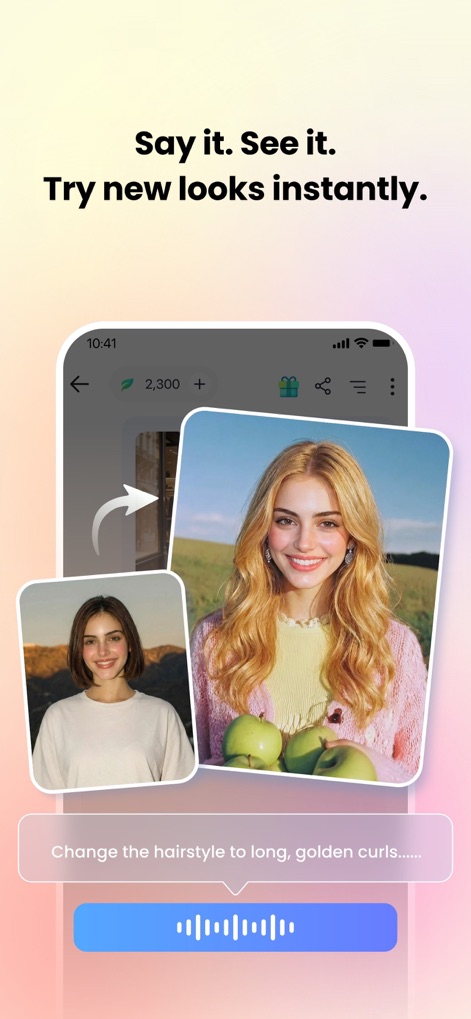
AIで瞬時にイメチェン
このアプリではAIヘアスタイル変更機能を使用し、ユーザーはテキストプロンプトまたは音声コマンドで、自分の写真を瞬時に新しいヘアスタイルに変化させ、様々なルックを試せます。
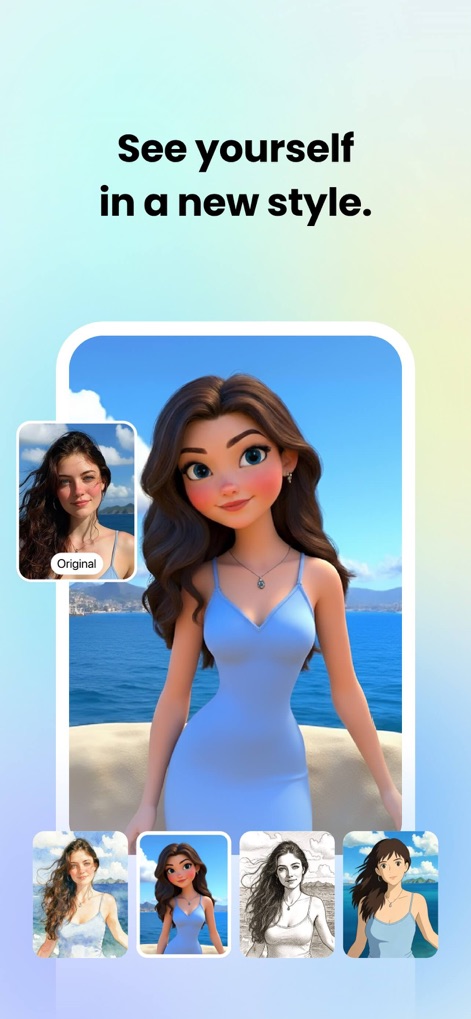
新しい自分を発見
ユーザーは自身の写真を3Dカートゥーンやアニメ風エフェクトに変換でき、様々なスタイルで全く新しい自分を発見し、ソーシャルメディアで個性的な表現を楽しめます。
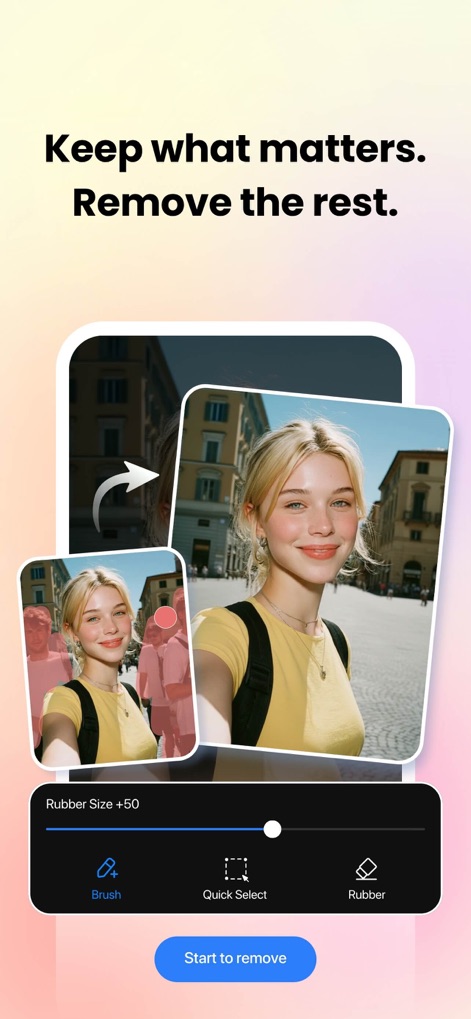
不要な要素を消去
マジックイレイザー機能により、ユーザーは写真から不要な人物や物体を簡単に除去でき、背景との自然な融合を保ちながら、被写体を際立たせることが可能です。
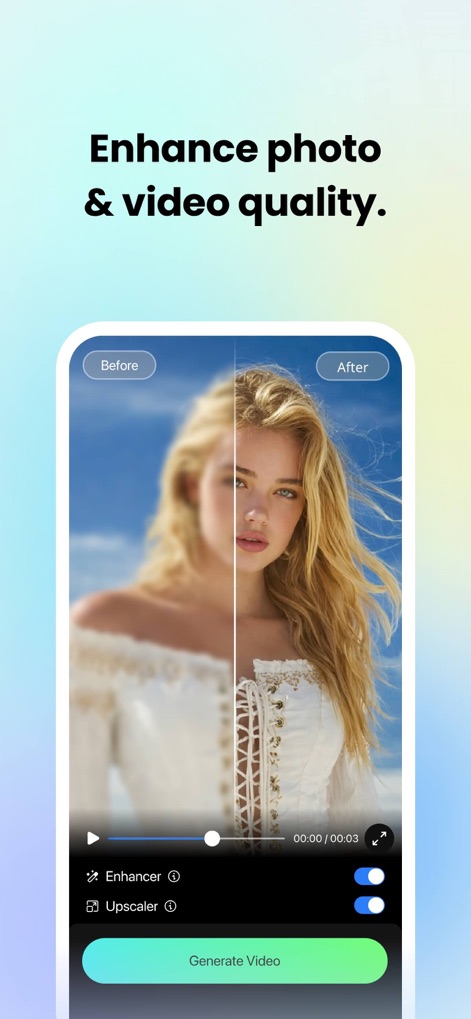
画像と動画を高画質化
このアプリはAIエンハンサー機能でぼやけた写真を鮮明にし、アップスケーラーを用いて動画の品質も同時に向上させ、細部までクリアな視覚体験を提供します。
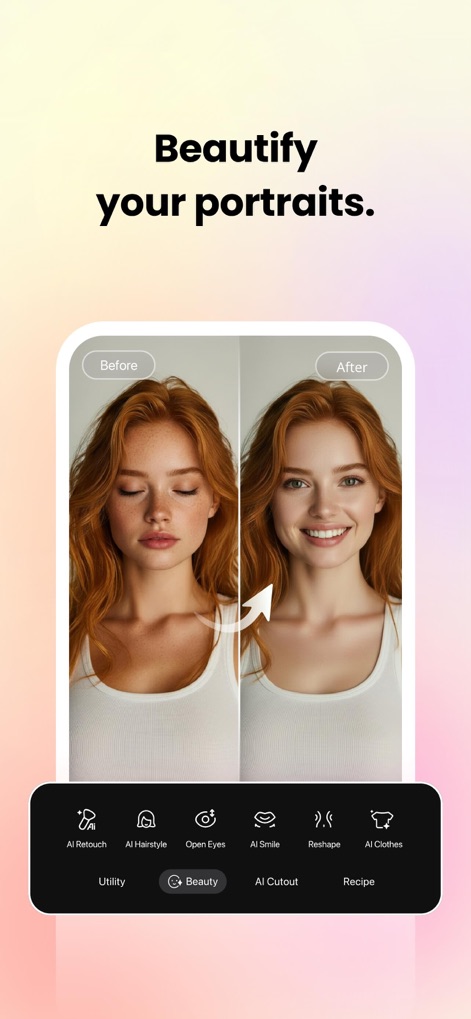
ポートレートを美しく
AI Retouch機能により、ユーザーは肌のきめ細かさを調整し、シミを除去して美肌効果を適用でき、さらにAIスマイルで表情を魅力的に演出できます。
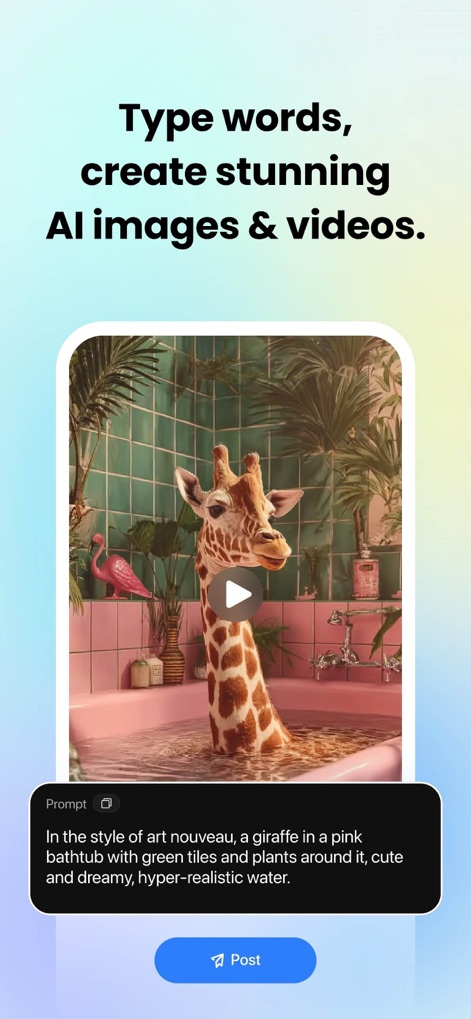
テキストでAIアートを生成
ユーザーは言葉を入力するだけで、AIがそのプロンプトに基づいてユニークな画像や動画を生成し、創造的なアイデアを視覚的に表現する無限の可能性を提供します。
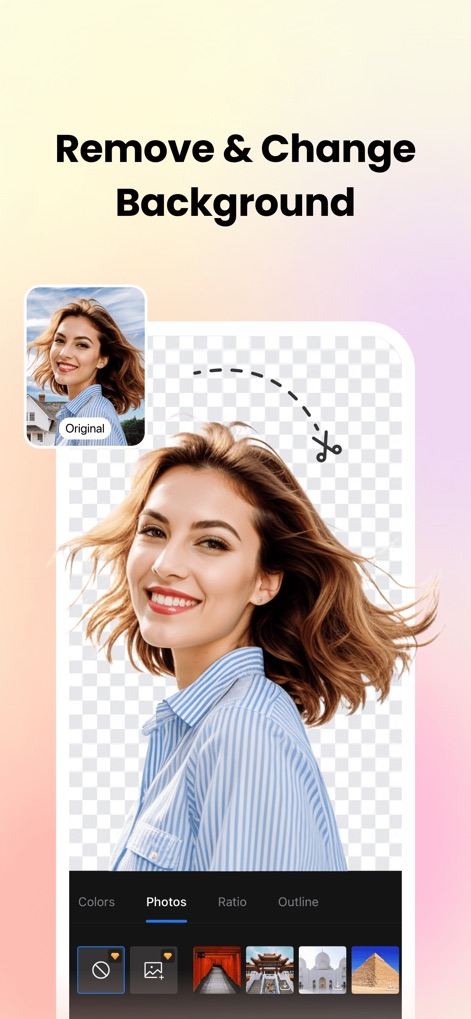
背景を瞬時に変更
AI Cutout機能により、写真の背景をワンタップで正確に除去でき、ユーザーは新しい背景色や別の画像に簡単に置き換えることで、作品に多様な雰囲気を加えることが可能です。
説明
Download
類似アプリ
似た機能とユーザー体験を持つアプリ

ElevenLabs: AI Voice Generator
Eleven Labs Inc.

Viggle AI: Meme Maker
WarpEngine Canada Inc.

可灵AI - AI图片&视频创作工具
Beijing Kwai Technology Co., Ltd.

Leonardo.Ai - Image Generator
Leonardo Interactive Pty Ltd

Reface: Face Swap AI Photo App
NEOCORTEXT, INC.

Shedevrum
DIRECT CURSUS COMPUTER SYSTEMS TRADING LLC

Remove Objects
TAPUNIVERSE LLC

Zaps Collages
Turnip Media Private Limited

Carat - Create Anything
Paradot Corp.
このページはアプリまたはその開発者の公式ページではなく、情報提供および論評を目的として作成された独立した編集出版物です。明示的に別段の記載がない限り、アプリおよびその開発者は、MWM、Apple、Google Play、アプリのパブリッシャー、またはアプリの開発者と提携、承認、後援、認可、またはその他の公式的な関係はなく、このページのいかなる内容も、アプリがMWMのサービスを使用して開発されたことを意味するものではありません。すべての商標、ロゴ、スクリーンショット、その他のコンテンツはそれぞれの所有者の財産です。