Fps Meter

Fps Meter

ダウンロード: App Store
ロゴ: Fps Meter

FPS Meter: パワーユーザーのためのプログレードパフォーマンス監視

リアルタイムFPSオーバーレイ、サーマル追跡、詳細な1%ロー分析でゲーム体験をコントロールし、スタッターを排除してデバイスを最適化します。

開発元

Abdul Rauf

カテゴリ

Productivity

ダウンロード

17K+

ユーザー評価

3.9/5

評価数

0

対応言語

1

パフォーマンスを可視化

このインターフェースを利用する 17K+ 人のユーザー.

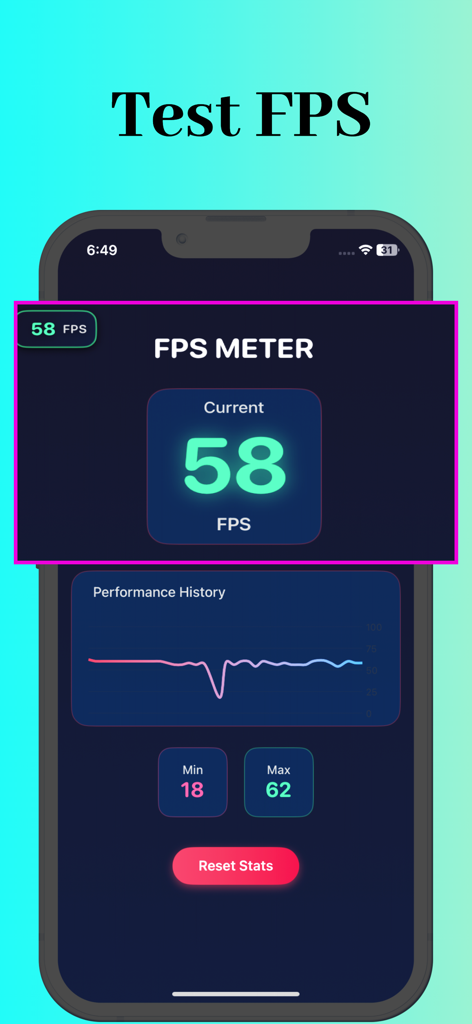
FPS MeterアプリがiPhone上でリアルタイムフレームレート統計とパフォーマンス履歴グラフを表示している
FPS MeterアプリがiPhone上でリアルタイムフレームレート統計とパフォーマンス履歴グラフを表示している

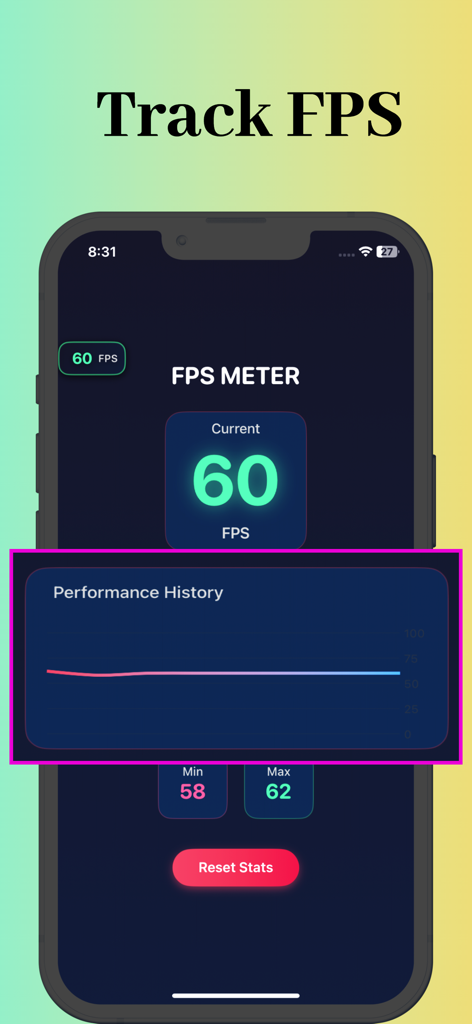
FPS Meterアプリのインターフェースがリアルタイムフレームレート60とパフォーマンス履歴グラフを表示している
FPS Meterアプリのインターフェースがリアルタイムフレームレート60とパフォーマンス履歴グラフを表示している

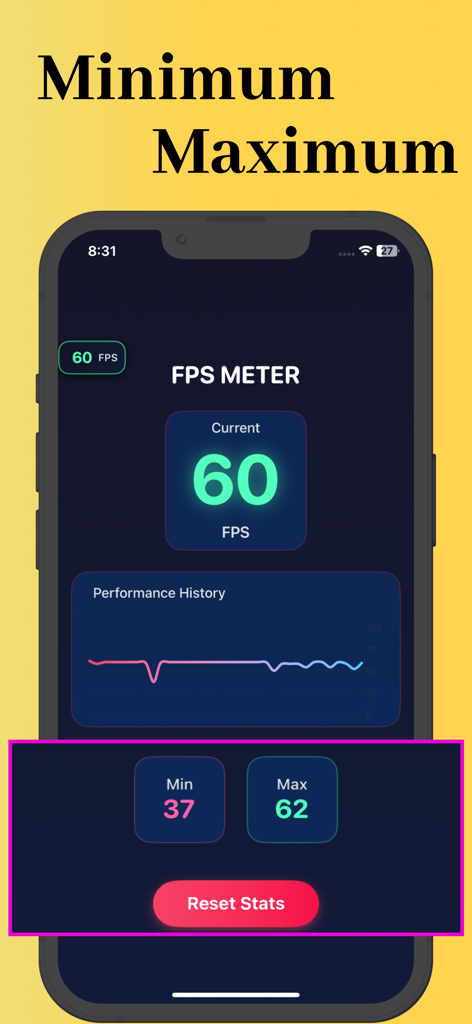
FPS Meterアプリのインターフェースが現在のフレームレートと最小・最大パフォーマンス統計、履歴グラフを表示している
FPS Meterアプリのインターフェースが現在のフレームレートと最小・最大パフォーマンス統計、履歴グラフを表示している

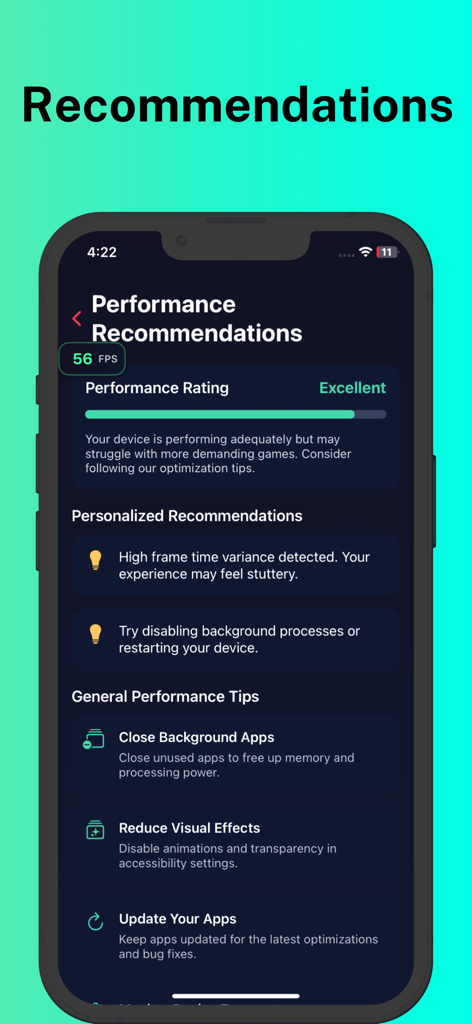
FPS Meterアプリのモバイル画面に、優れたパフォーマンス評価と、ゲーマー向けのパーソナライズされた推奨事項および一般的な最適化のヒントが表示されている
FPS Meterアプリのモバイル画面に、優れたパフォーマンス評価と、ゲーマー向けのパーソナライズされた推奨事項および一般的な最適化のヒントが表示されている

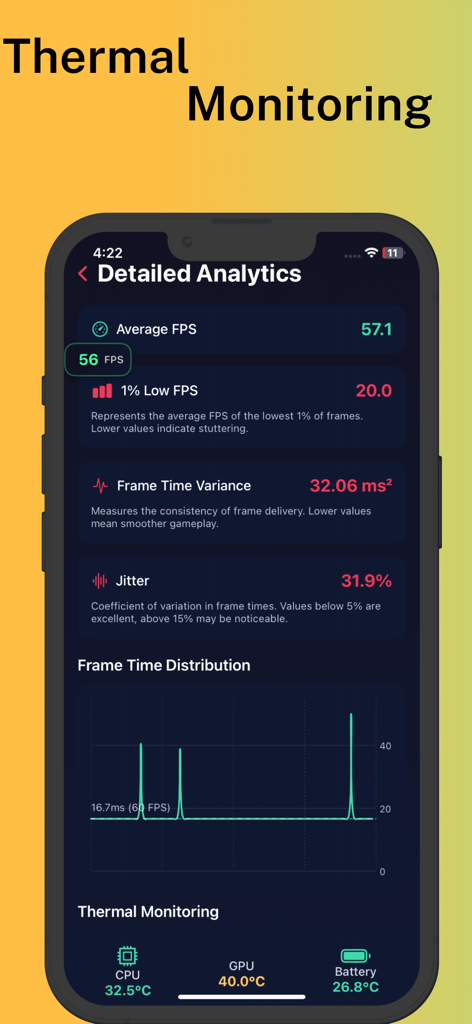
FPS Meterアプリの詳細分析画面にフレームレートと温度監視メトリックが表示されている
FPS Meterアプリの詳細分析画面にフレームレートと温度監視メトリックが表示されている

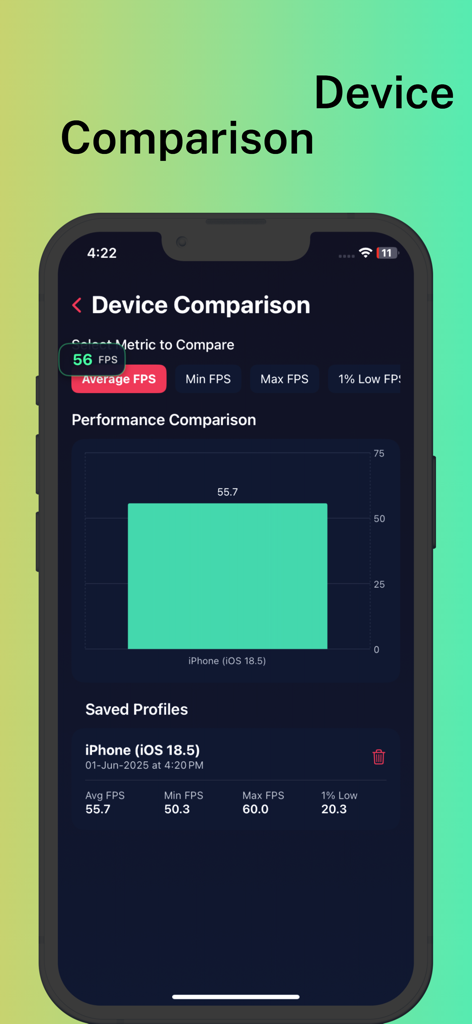
FPS Meterアプリがパフォーマンス比較チャートと保存されたベンチマークプロファイルを表示している
FPS Meterアプリがパフォーマンス比較チャートと保存されたベンチマークプロファイルを表示している

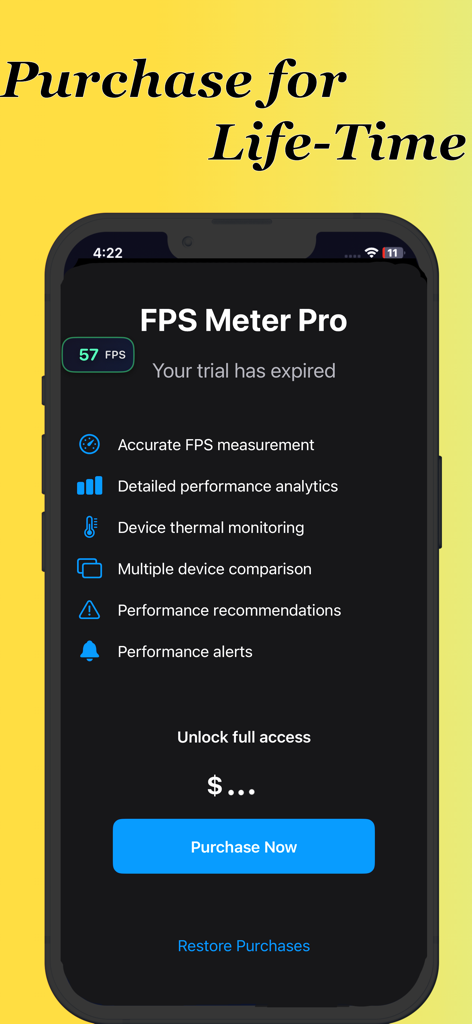
FPS Meter Proアプリのインターフェースに、生涯購入オプションとプロフェッショナルパフォーマンス監視機能のリストが表示されている

FPS Meter Proアプリのインターフェースに、生涯購入オプションとプロフェッショナルパフォーマンス監視機能のリストが表示されている

モバイルパフォーマンスをマスターする

このアプリを際立たせるツール、 17K+ 人のユーザーが選択.

🎮

リアルタイムFPSオーバーレイ

お気に入りの競争力のあるゲームすべてでアクティブなままの、カスタマイズ可能なフローティングフレームレートカウンターで、勝利に集中しましょう。

🌡️

詳細な温度監視

CPU、GPU、バッテリーの温度をリアルタイムで正確に追跡し、パフォーマンスのボトルネックと熱によるスロットリングを特定します。

📊

プロレベルの分析

1%ローとフレームタイムの変動を分析して、マイクロスタッターを排除し、ProMotionディスプレイがその可能性を最大限に引き出していることを確認します。

アプリについて

について知っておくべきこと Fps Meter.

説明

FPS Meter - Real-time Performance Monitoring for iOS FPS Meter is a comprehensive performance monitoring tool for iOS that provides real-time analytics and insights into your device's graphics performance. Whether you're a gamer, developer, or performance enthusiast, this app offers detailed metrics to help you optimize your experience. Key Features: Real-time FPS Monitoring Live frame rate display with color-coded indicators Persistent overlay that works across all apps and games Continues monitoring even when in background Advanced Performance Metrics Average, minimum, and maximum FPS tracking 1% Low FPS measurement to identify stutters and frame drops Frame time variance and jitter percentage analysis Detailed frame time distribution charts Thermal Monitoring CPU, GPU, and battery temperature tracking Device thermal state monitoring with alerts Performance impact warnings based on thermal conditions Performance Recommendations Personalized suggestions based on your device's performance General optimization tips for improving system responsiveness Game-specific recommendations for better gaming experience Device Comparison Save performance profiles for different devices or iOS versions Compare metrics across multiple devices with visual charts Track performance changes over time Detailed Analytics Visual performance history with interactive charts Frame time distribution analysis Comprehensive performance statistics Customizable Overlay Floating FPS counter that works in any app Non-intrusive design that stays out of your way Color-coded indicators for quick performance assessment Background Operation Continues monitoring even when the app is in the background Maintains performance data collection across app switches FPS Meter is the ultimate tool for anyone who wants to understand and optimize their device's performance, identify performance bottlenecks, and ensure the smoothest possible experience across games and applications.

最新バージョン

2.0

サイズ

9.8 MB

リリース日

2025年6月2日

パフォーマンスをマスターする準備はできましたか?

推測はやめ、最適化を始めましょう。FPS Meterを使用してリアルタイムフレームレートを追跡し、温度を監視し、ラグを排除している17,000人以上のプロゲーマーやパワーユーザーに加わりましょう。

ダウンロード: App Store

App information, icons, screenshots, and descriptions displayed on this page are sourced from the Apple App Store and are the property of their respective developers. Download estimates and rankings are based on MWM's proprietary models and may not reflect actual figures. This page is provided for informational and analytical purposes only.

Believe this page infringes your intellectual property? File a dispute