GPS Map Camera – GeoTag
ダウンロード: App Store

このページはアプリまたはその開発者の公式ページではなく、情報提供および論評を目的として作成された独立した編集出版物です。明示的に別段の記載がない限り、アプリおよびその開発者は、MWM、Apple、Google Play、アプリのパブリッシャー、またはアプリの開発者と提携、承認、後援、認可、またはその他の公式的な関係はなく、このページのいかなる内容も、アプリがMWMのサービスを使用して開発されたことを意味するものではありません。すべての商標、ロゴ、スクリーンショット、その他のコンテンツはそれぞれの所有者の財産です。

ロゴ: GPS Map Camera – GeoTag
ダウンロード: App Store

GPS Map Camera – GeoTag

プロの現場検査から忘れられない旅行の思い出まで、撮影するすべての写真にライブマップ、GPS座標、天気データを自動でオーバーレイします。

主要数値

ダウンロード

0

ユーザー評価

1.0/5

評価数

0

開発元

Bhaskar Rao

カテゴリ

Photo & Video

対応言語

22

最新バージョン

1.0

サイズ

29.2 MB

リリース日

2026年1月14日
機能

正確なビジュアルドキュメンテーションのための究極のツール

現場を管理する場合でも、バックカントリーを探索する場合でも、GPS Map Cameraは、正確な位置情報と環境メタデータをすべての写真に直接埋め込むことで、データ収集を自動化します。

検証済みのプロフェッショナルレポート

すべての画像に、完全な住所、GPS座標、会社ロゴの自動スタンプを付けることで、紛争を排除し、存在の確固たる証拠を提供します。

リアルタイム環境データ

高度、コンパスの向き、ライブの気象条件をキャプチャして、視覚を超え、写真を環境の包括的な記録に変えます。

以下のスクリーンショットと説明は、アプリの公式ストアリスティングから直接取得されたものであり、アプリ開発者の所有物です。

アプリストア

スクリーンショット
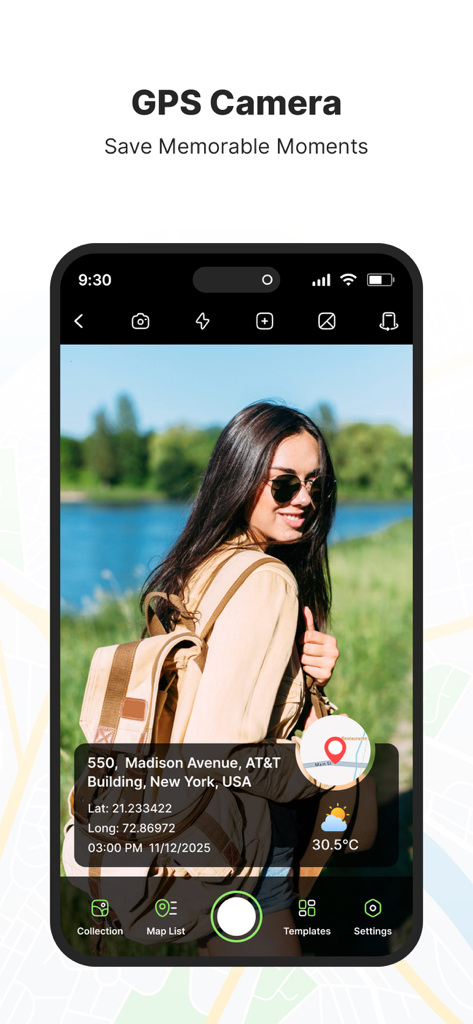
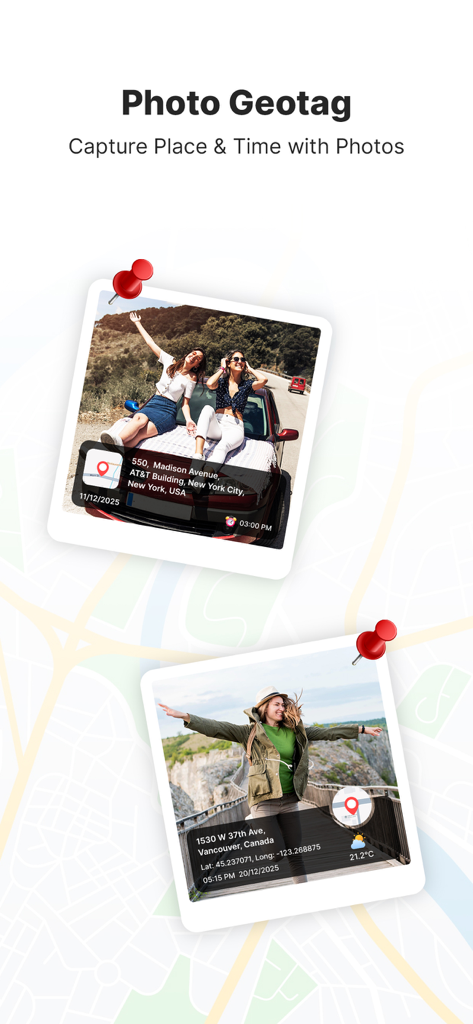
GPS Map Camera – GeoTag - ジオタグ付きの写真と場所の住所および座標が表示されているGPS Map Cameraアプリのインターフェイス
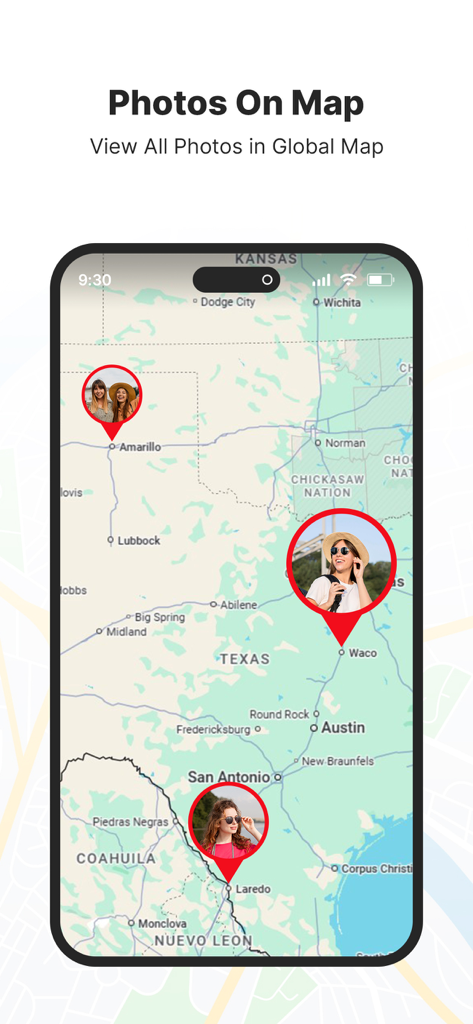
ジオタグ付きの写真と場所の住所および座標が表示されているGPS Map Cameraアプリのインターフェイス

GPS Map Camera – GeoTag - 場所のピンが付いたジオタグ付きの写真が表示されているマップインターフェイス
場所のピンが付いたジオタグ付きの写真が表示されているマップインターフェイス

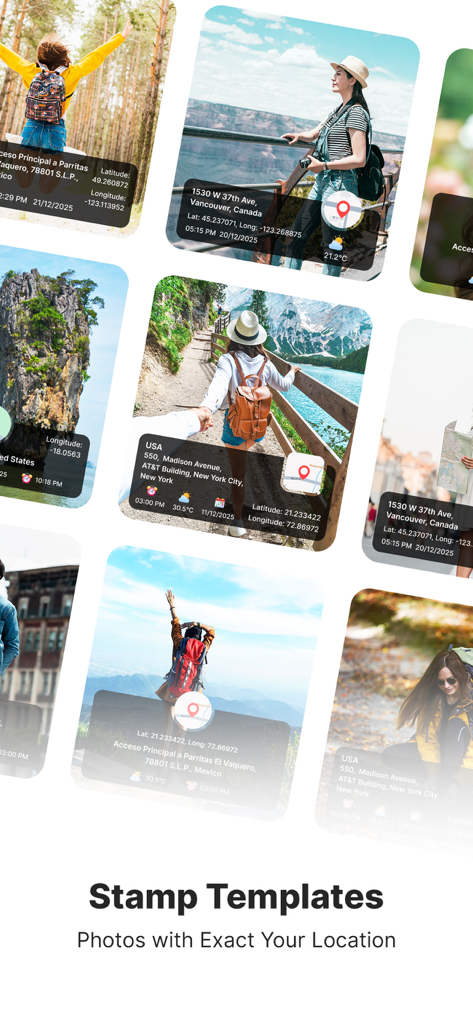
GPS Map Camera – GeoTag - 座標と住所が表示されているGPS位置スタンプ付きの写真のコレクション

座標と住所が表示されているGPS位置スタンプ付きの写真のコレクション

GPS Map Camera – GeoTag - 場所の住所と座標を示すGPSスタンプ付きの写真

場所の住所と座標を示すGPSスタンプ付きの写真

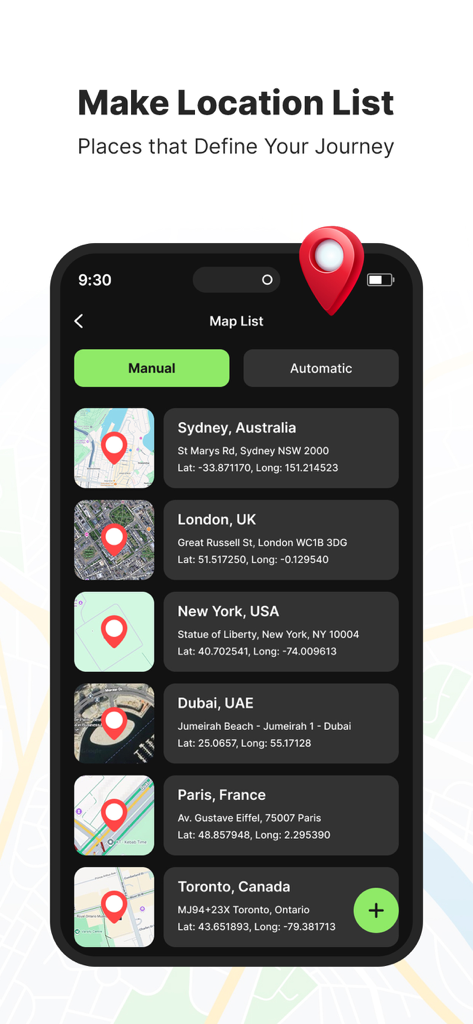
GPS Map Camera – GeoTag - GPS座標とマッププレビューが保存された場所のリストが表示されているアプリインターフェイス
GPS座標とマッププレビューが保存された場所のリストが表示されているアプリインターフェイス

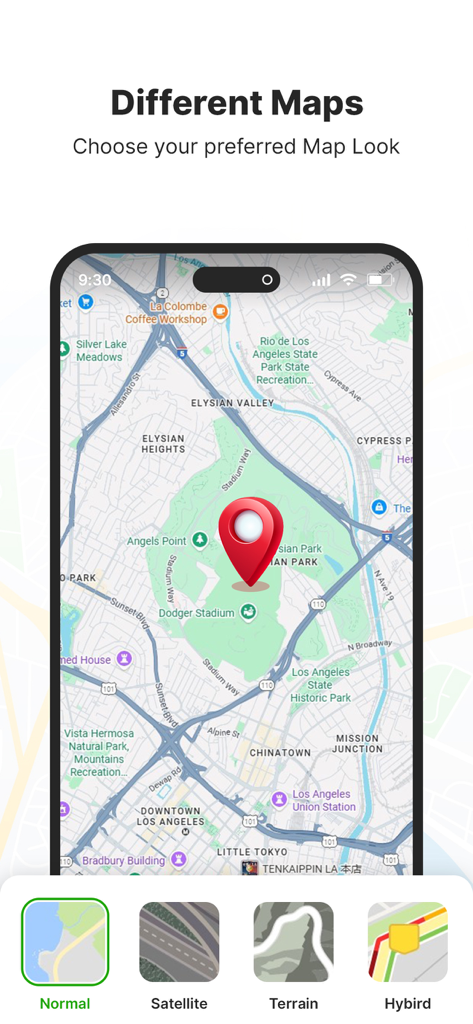
GPS Map Camera – GeoTag - 通常の衛星、地形、ハイブリッドマップのスタイルオプションを表示するGPS Map Cameraアプリ画面
通常の衛星、地形、ハイブリッドマップのスタイルオプションを表示するGPS Map Cameraアプリ画面

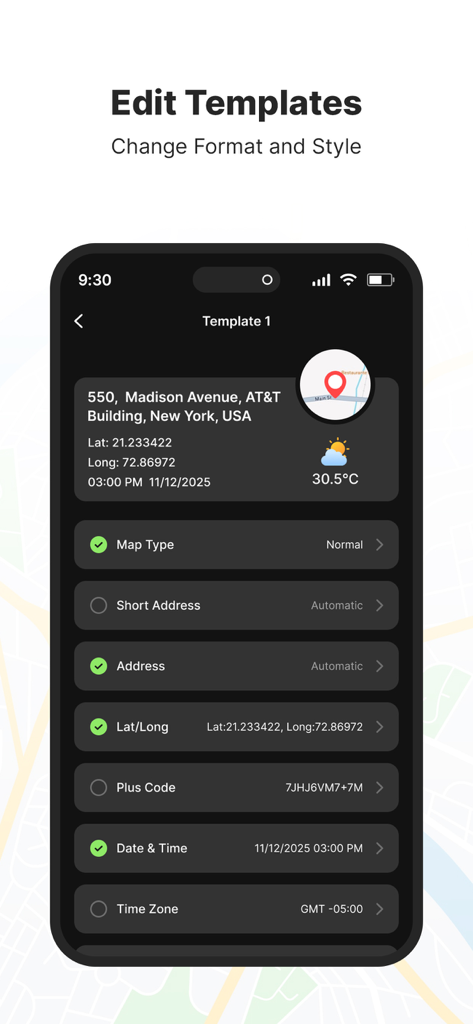
GPS Map Camera – GeoTag - 場所と時刻データを使用してGPS写真スタンプをカスタマイズするためのインターフェイス
場所と時刻データを使用してGPS写真スタンプをカスタマイズするためのインターフェイス

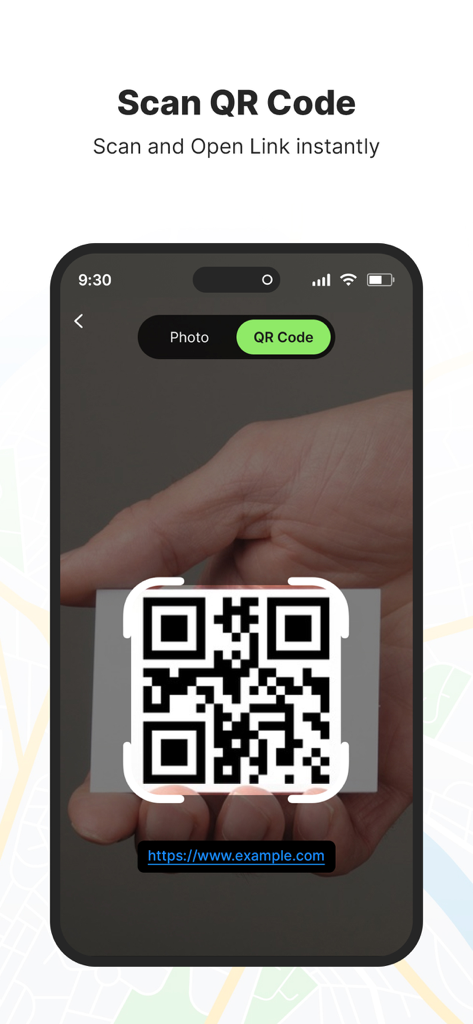
GPS Map Camera – GeoTag - QRコードスキャン機能を示すスマートフォン画面で、リンクを即座に開く

QRコードスキャン機能を示すスマートフォン画面で、リンクを即座に開く

説明

GPS Map Camera – GeoTag Relive your travel memories and place-based moments with GPS Map Camera. Capture photos with accurate GPS map stamps, including date & time, live map, latitude, longitude, weather, compass direction, magnetic field, and altitude—directly added to your camera photos. Track your live location while taking pictures and create geotagged photos of streets, landmarks, and destinations. Easily share location-stamped photos with family and friends and let them experience your travel memories exactly where they happened Features: • Custom GPS camera with grid, aspect ratio, flash, focus, mirror, timer, and camera level • Automatic or manual photo map and GPS data settings • Built-in QR code scanner for quick and easy scanning • Classic template with automatically fetched location and stamp details • Advanced Template Includes: 1. Map Options: Choose photo map styles such as Normal, Satellite, Terrain, or Hybrid 2. Short Address: Automatically add a brief location name to photos 3. Full Address: Select and add location using manual or automatic location picker 4. Latitude & Longitude: Display GPS coordinates in decimal format 5. Plus Code: Add accurate or concise location codes 6. Date & Time: Apply date and timestamp using multiple format options 7. Time Zone: Support for GMT and UTC time zones 8. Logo: Upload and display your brand logo on photos 9. Notes: Add custom notes or descriptions to images 10.Weather: Show temperature in Celsius or Fahrenheit 11.Wind Speed: Display wind measurement details 12.Pressure: Add atmospheric pressure of the location 13.Altitude: Automatically calculate and display altitude 14.Accuracy: Show GPS accuracy directly on the image This app contains subscription Monthly pro at $1.99 and Yearly pro at $9.99 to use ads free versions of the premium app which can cancel anytime. To learn about our privacy policy, please visit: https://bhaskarrao2209.blogspot.com/2025/12/privacy-policy.html For our terms of use, please visit: https://bhaskarrao2209.blogspot.com/2025/12/terms-of-service.html GPS Map Camera – GeoTag - Capture photos with GPS location, map, address, date, and time automatically stamped.

Download

ダウンロード: App Store

このページはアプリまたはその開発者の公式ページではなく、情報提供および論評を目的として作成された独立した編集出版物です。明示的に別段の記載がない限り、アプリおよびその開発者は、MWM、Apple、Google Play、アプリのパブリッシャー、またはアプリの開発者と提携、承認、後援、認可、またはその他の公式的な関係はなく、このページのいかなる内容も、アプリがMWMのサービスを使用して開発されたことを意味するものではありません。すべての商標、ロゴ、スクリーンショット、その他のコンテンツはそれぞれの所有者の財産です。