GPS Map Camera & Timestamp
Download on App Store

This page is not an official page of the app or its developer, but an independent editorial publication created for informational and commentary purposes. Unless expressly stated otherwise, neither the app nor its developer is affiliated with, endorsed by, sponsored by, authorized by, or otherwise officially connected with MWM, Apple, Google Play, the app publisher, or the app's developer, and nothing on this page implies that the app was developed using MWM's services. Any trademarks, logos, screenshots, and other content remain the property of their respective owners.

Logo of GPS Map Camera & Timestamp
Download on App Store

GPS Map Camera & Timestamp

Instantly embed precise GPS coordinates, live map overlays, and custom timestamps. The essential tool for construction, real estate, and field professionals who need verifiable data and unbeatable context in every shot.

Key Figures

Downloads

400

User Rating

1.0/5

Total Ratings

0

Publisher

Darshan Navapariya

Category

Navigation

Locales

1

Latest Version

1.1.1

Size

24.0 MB

First Released

May 9, 2025
Features

Precision Documentation for Every Project

Transform your photos into data-rich records with automated GPS, time, and environmental overlays designed for professional reliability and field-ready reporting.

Verifiable GPS & Map Stamps

Automatically embed precise coordinates, street addresses, and live maps to provide irrefutable proof of location for every site visit.

Professional Branding & Notes

Add your company logo and custom project notes directly to your images, turning simple snapshots into professional-grade field reports.

The following screenshots and description are sourced directly from the app's official store listing and are the property of the app developer.

App Store

Screenshots
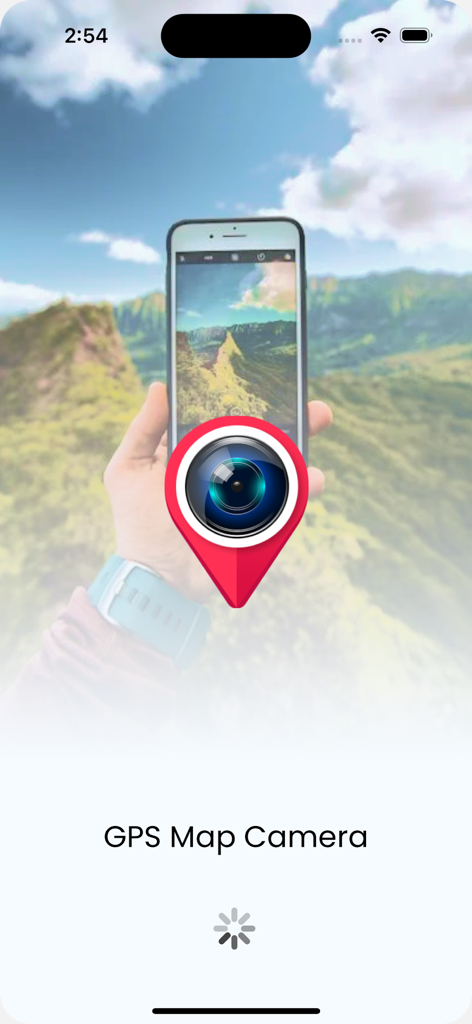
GPS Map Camera & Timestamp - Splash screen for the GPS Map Camera app featuring a camera lens icon inside a red location pin.
Splash screen for the GPS Map Camera app featuring a camera lens icon inside a red location pin.

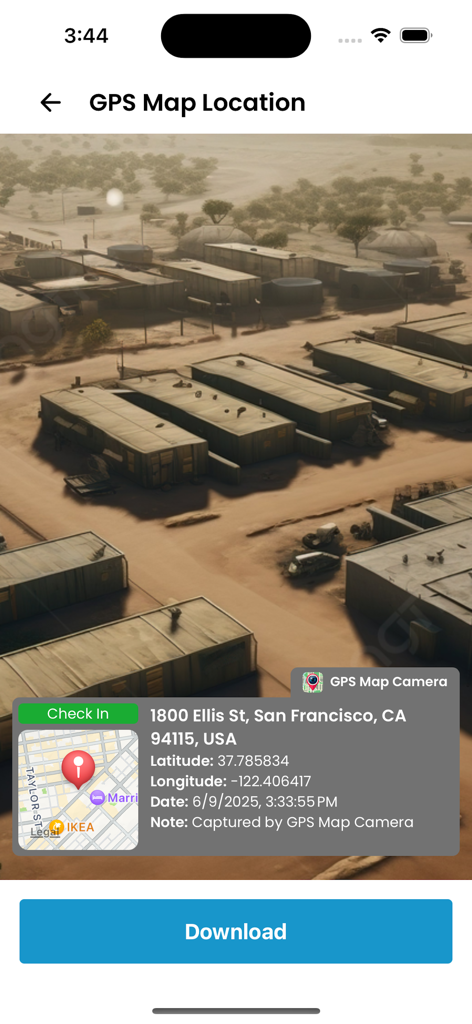
GPS Map Camera & Timestamp - Interface of the GPS Map Camera app showing a photo with a location stamp including address, coordinates, and timestamp.
Interface of the GPS Map Camera app showing a photo with a location stamp including address, coordinates, and timestamp.

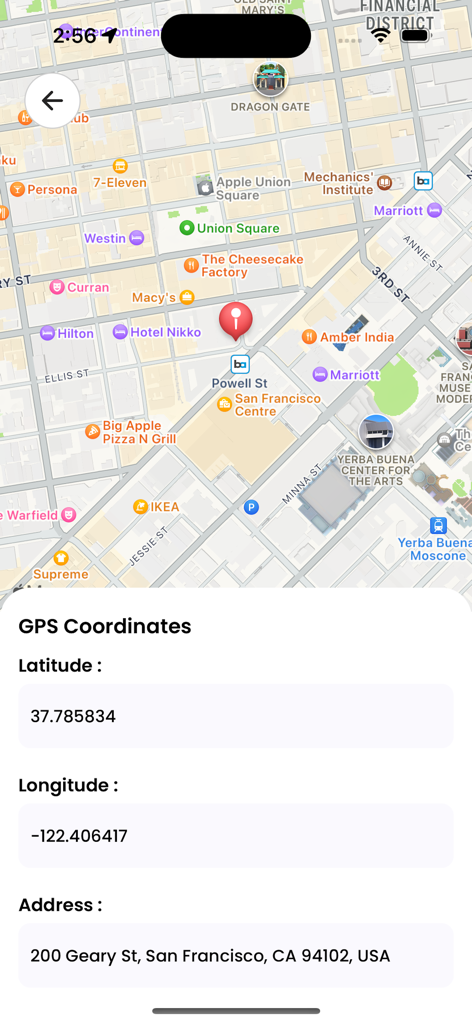
GPS Map Camera & Timestamp - Mobile app screen showing a map of San Francisco with latitude longitude and street address details
Mobile app screen showing a map of San Francisco with latitude longitude and street address details

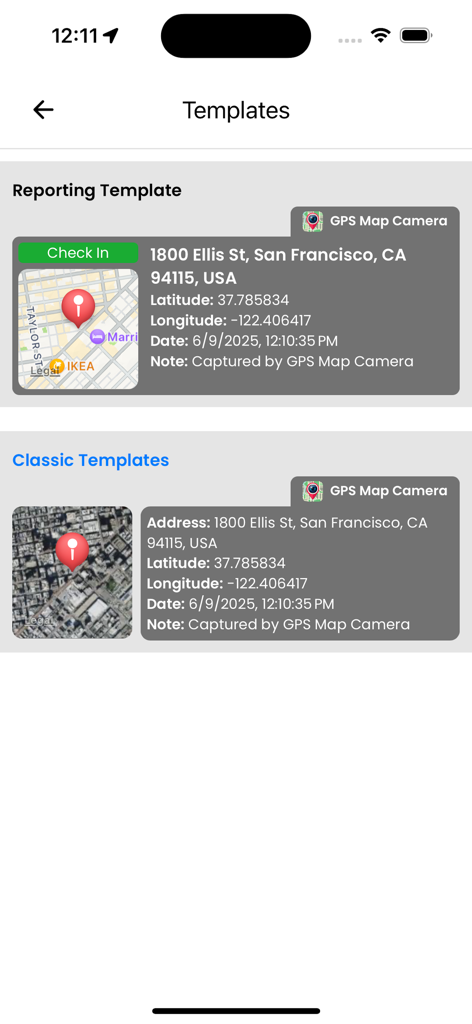
GPS Map Camera & Timestamp - A selection of reporting and classic photo overlay templates showing GPS coordinates and map details
A selection of reporting and classic photo overlay templates showing GPS coordinates and map details

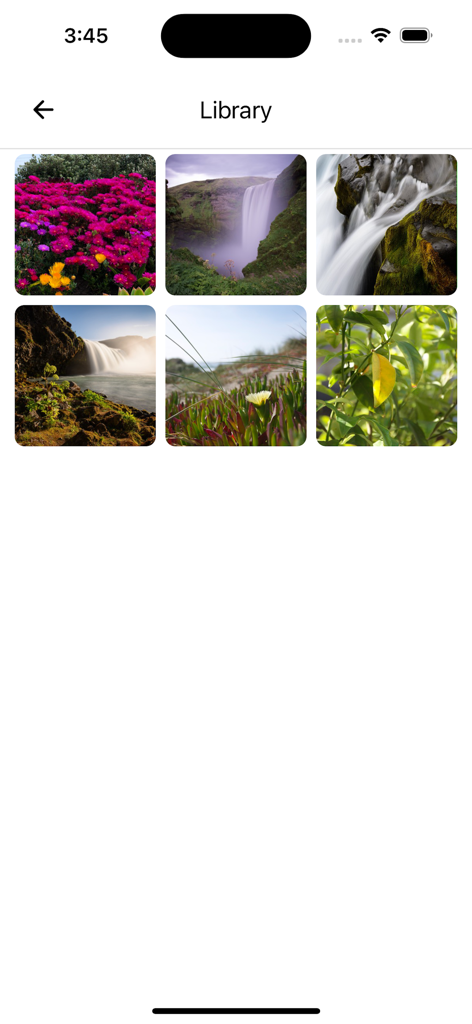
GPS Map Camera & Timestamp - App library screen displaying a grid of nature photos.

App library screen displaying a grid of nature photos.

Description

GPS Map Camera & Timestamp Ever need to prove exactly where and when a photo was taken? Wish your travel photos had a map right on them for context? GPS Map Camera & Timestamp is the ultimate tool to automatically add precise, fully customizable stamps to your photos in real-time. Turn your phone into a powerful notecam. For every photo you take, automatically embed a rich overlay of data including GPS coordinates, location address, a live map, date and time, weather, and more. It's the perfect geotagging application for professionals, travelers, and anyone who needs to capture photos with verifiable context. KEY FEATURES: GPS Location & Map Stamps * Coordinates: Add precise Latitude & Longitude in both DMS and Decimal formats. * Live Map: Overlay a real-time Map view directly onto your photo. Choose from Normal, Satellite, Terrain, or Hybrid styles. * Full Address: Automatically fetch and stamp the current street address. * Accuracy & Altitude: Record GPS accuracy and elevation data for precise documentation. Date & Timestamp * Automatic Timestamping: Capture the exact date and time a photo is taken. * Custom Formats: Choose from numerous professional date and time formats to suit your needs. Weather & Environmental Data * Live Weather: Stamp the current temperature (C/F), humidity, and wind speed. * Atmospheric Details: Include pressure and magnetic field data for comprehensive field reports. Complete Customization * Professional Templates: Select from a range of clean, professional templates and arrange stamps exactly how you want them. * Your Logo & Notes: Add your own brand logo as a watermark and write custom notes directly on the image. * Hashtags: Include relevant hashtags to organize your projects or social media posts. Full-Featured Camera * Enjoy a powerful built-in camera with Grid, Aspect Ratio, Flash, Focus Control, Timer, and Front/Selfie camera support. PERFECT FOR: * Construction & Engineering: Document site progress, surveys, and reports with verifiable location and timestamps. * Real Estate Professionals: Capture property photos with accurate address, coordinates, and date for listings and client updates. * Travelers & Explorers: Create a visual travel diary. Never forget where you took that amazing shot. * Field Workers & Surveyors: Gather evidence and create location-stamped records for any job. * Journalists & Event Organizers: Add verifiable proof of location and time to your photos. * Anyone Creating Memories: Give your photos the context they deserve, remembering every detail of your special moments. HOW IT WORKS IN 3 SIMPLE STEPS: 1. Customize Your Stamps: Open the app and choose the template, data, and formats you want to display. 2. Point & Shoot: Use the in-app camera to take a photo. All your selected data is stamped automatically and in real-time. 3. Save & Share: Your geotagged photo is saved to your gallery, ready to be shared with clients, colleagues, friends, or family. Stop taking simple photos; start creating detailed visual records. Download GPS Map Camera & Timestamp today and add unbeatable context to every shot!

Download

Download on App Store

This page is not an official page of the app or its developer, but an independent editorial publication created for informational and commentary purposes. Unless expressly stated otherwise, neither the app nor its developer is affiliated with, endorsed by, sponsored by, authorized by, or otherwise officially connected with MWM, Apple, Google Play, the app publisher, or the app's developer, and nothing on this page implies that the app was developed using MWM's services. Any trademarks, logos, screenshots, and other content remain the property of their respective owners.