Hidden Folder - KYMS &  KYCALC
Hidden Folder - KYMS & KYCALC
ダウンロード: App Store

このページはアプリまたはその開発者の公式ページではなく、情報提供および論評を目的として作成された独立した編集出版物です。明示的に別段の記載がない限り、アプリおよびその開発者は、MWM、Apple、Google Play、アプリのパブリッシャー、またはアプリの開発者と提携、承認、後援、認可、またはその他の公式的な関係はなく、このページのいかなる内容も、アプリがMWMのサービスを使用して開発されたことを意味するものではありません。すべての商標、ロゴ、スクリーンショット、その他のコンテンツはそれぞれの所有者の財産です。

ロゴ: Hidden Folder - KYMS &  KYCALC
ダウンロード: App Store

Hidden Folder - KYMS & KYCALC

巧妙な偽装で、プライベートな写真、動画、機密文書を安全に保管します。偽のパスコードとステルスアイコンを使えば、スマホを渡すときでも、覗き見からあなたのプライベートを守ることができます。

主要数値

ダウンロード

10K+

ユーザー評価

4.0/5

評価数

0

開発元

ADAPPS SOFTWARE BILISIM TEKNOLOJI VE TICARET LIMITED SIRKETI

カテゴリ

Photo & Video

対応言語

32

最新バージョン

2.3.4

サイズ

75.4 MB

リリース日

2021年5月18日
機能

質問されないプライバシー

ホーム画面に自然に溶け込む巧妙な偽装の裏に隠された、共有したくないすべてのもののための究極の安全な空間。

デザインによる不可視性

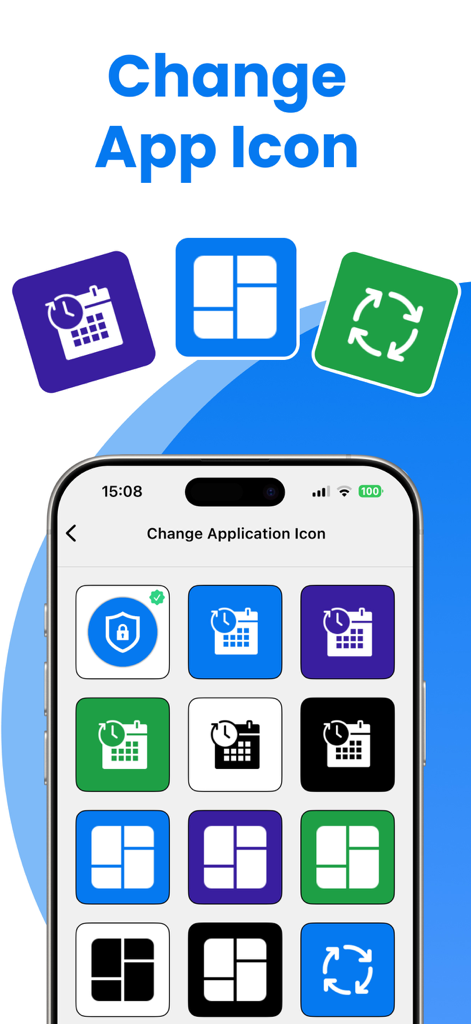
計算機やユーティリティアプリのアイコンとして保管庫を偽装します。プライバシーはすぐそばに隠され、友人や家族からの厄介な質問を避けることができます。

究極のデコイ

偽のパスコードを使用して、デコイギャラリーを開きます。他人からスマホのロック解除を強制された、プレッシャーの高い瞬間に最適です。

以下のスクリーンショットと説明は、アプリの公式ストアリスティングから直接取得されたものであり、アプリ開発者の所有物です。

アプリストア

スクリーンショット
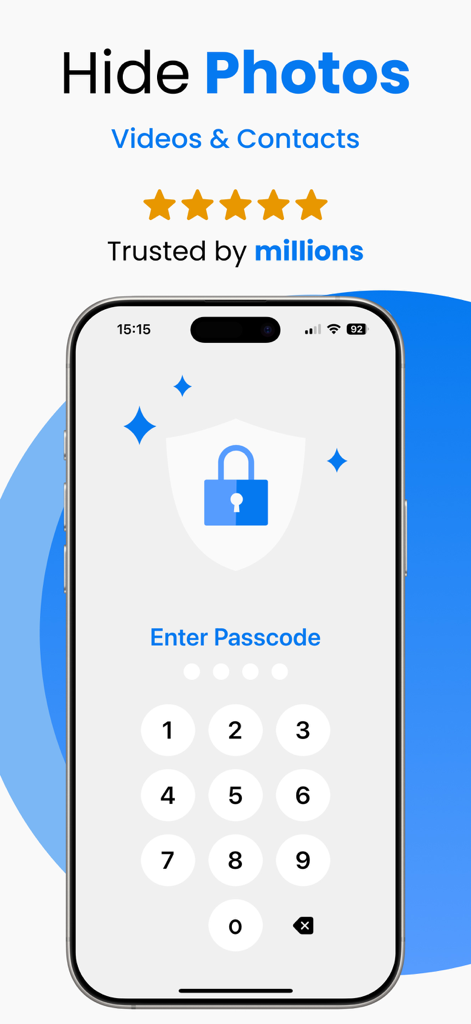
Hidden Folder - KYMS &  KYCALC - セキュアな写真保管庫アプリの数字パスコード画面

セキュアな写真保管庫アプリの数字パスコード画面

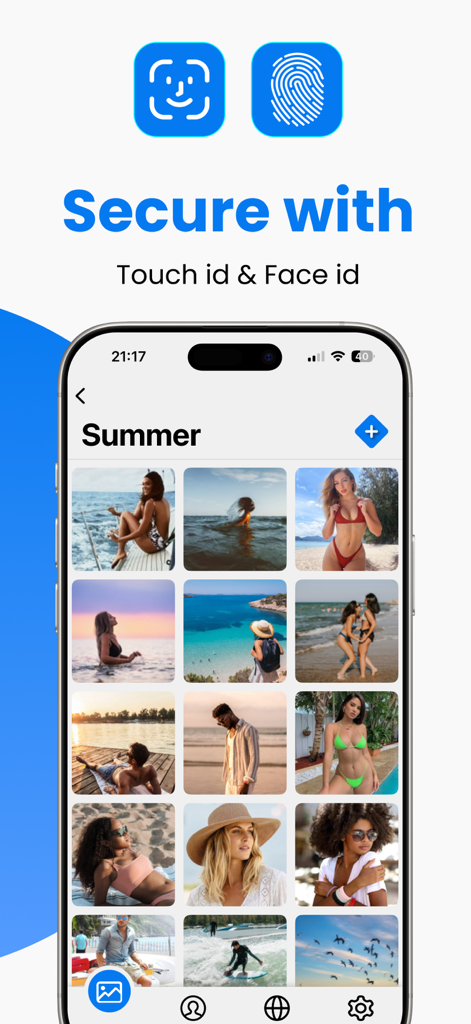
Hidden Folder - KYMS &  KYCALC - Touch IDとFace IDオプションを表示するセキュアな写真ストレージアプリのインターフェイス
Touch IDとFace IDオプションを表示するセキュアな写真ストレージアプリのインターフェイス

Hidden Folder - KYMS &  KYCALC - アプリのアイコンを変更し、隠し写真保管庫をすぐそばに隠すためのユーザーインターフェイス
アプリのアイコンを変更し、隠し写真保管庫をすぐそばに隠すためのユーザーインターフェイス

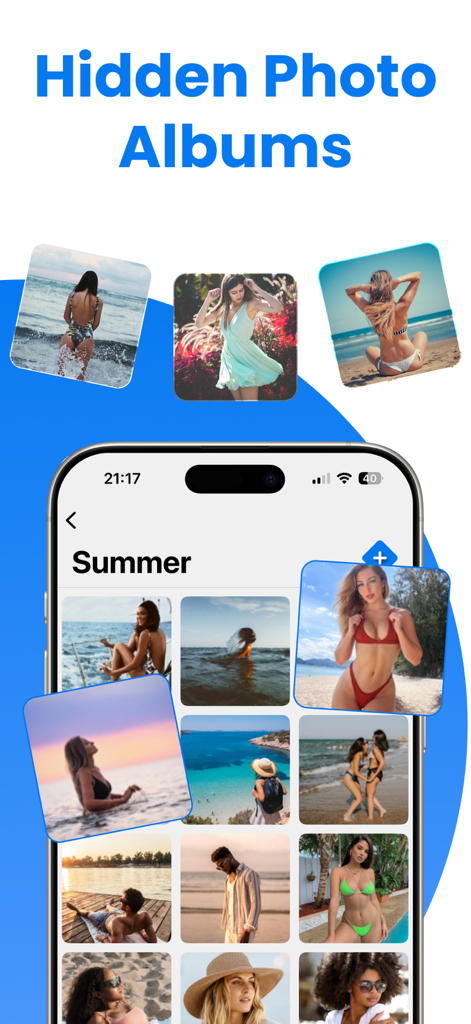
Hidden Folder - KYMS &  KYCALC - 隠し写真アルバムと保護された個人ギャラリーを表示するスマートフォン画面。

隠し写真アルバムと保護された個人ギャラリーを表示するスマートフォン画面。

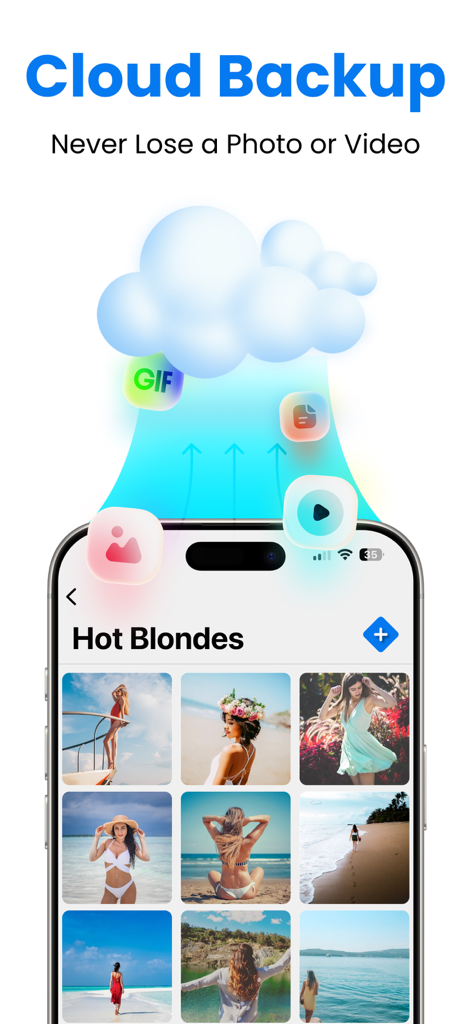
Hidden Folder - KYMS &  KYCALC - 隠しフォルダーアプリでのセキュアな写真と動画ストレージのためのクラウドバックアップ機能
隠しフォルダーアプリでのセキュアな写真と動画ストレージのためのクラウドバックアップ機能

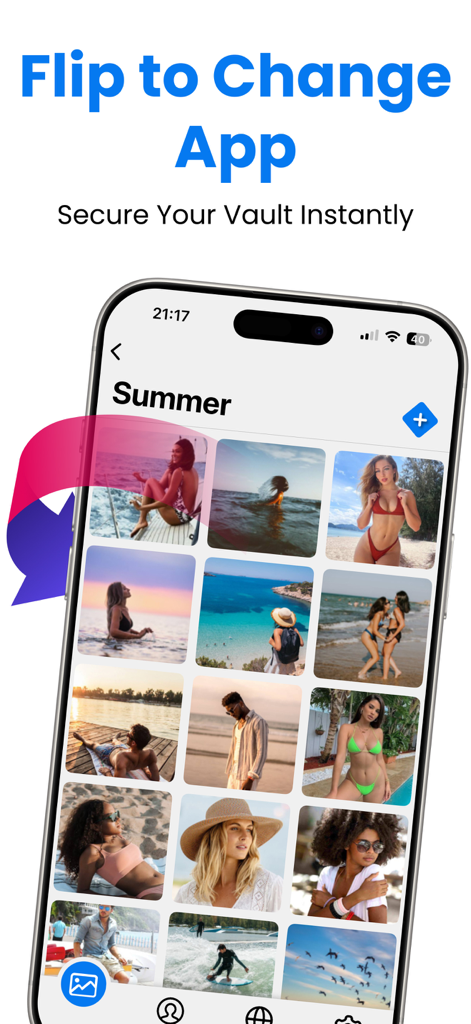
Hidden Folder - KYMS &  KYCALC - セキュリティのためにアプリを即座に反転させて隠す機能を持つプライベート写真ギャラリーを表示するiPhone
セキュリティのためにアプリを即座に反転させて隠す機能を持つプライベート写真ギャラリーを表示するiPhone

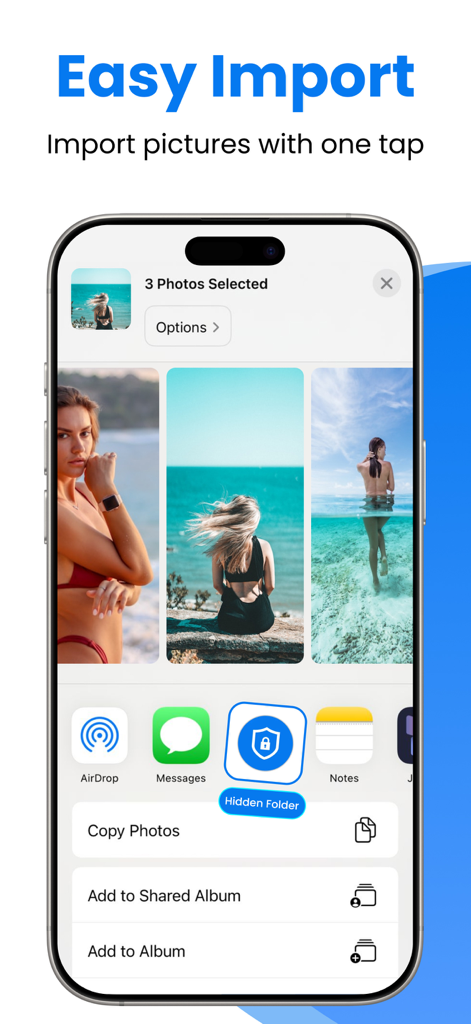
Hidden Folder - KYMS &  KYCALC - セキュアな隠しフォルダーへの簡単な写真インポートを示すスマートフォン

セキュアな隠しフォルダーへの簡単な写真インポートを示すスマートフォン

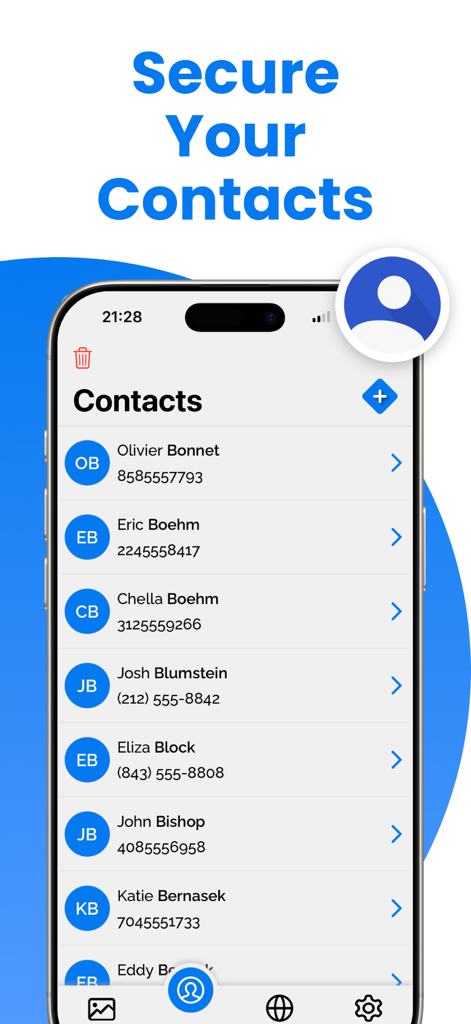
Hidden Folder - KYMS &  KYCALC - Hidden Folderプライバシーアプリのセキュア連絡先機能を表示するモバイル画面

Hidden Folderプライバシーアプリのセキュア連絡先機能を表示するモバイル画面

説明

Welcome to Keep Private Photos Safe, the ultimate app for protecting your private photos and videos on your iOS device. With Keep Private Photos Safe, you can ensure that your personal media is secure and only accessible by you. Our app offers robust security features, making it the best choice to keep your memories and important documents safe. Key Features: * Hide Videos or Photos: Securely hide your videos and photos from prying eyes. * Support Passcode and Fake Passcode: Protect your data with a passcode. Create a fake passcode that opens a fake gallery, adding an extra layer of security. * Sharing Photos and Videos: Easily share your hidden photos and videos when needed. * Change App Icon: Disguise the app with a different icon to make it look like another app. * No Storage Limitation: Hide unlimited photos and videos without any storage restrictions. * Private Web Browser: Browse the web privately within the app, without leaving any traces. * Preserving Special Memories: Keep your precious memories safe and secure. * Storing Family Photos: Protect your family photos from unauthorized access. * Protecting Copies of Important Documents: Securely store copies of your driver's license, ID cards, and credit cards. * Organizing Important Documents: Keep your important documents organized and easily accessible. * Premium Features: Upgrade to Keep Private Photos Safe Premium to unlock additional powerful features: * Unlimited Storage: Enjoy unlimited storage for all your photos and videos. * Cloud Backup: Automatically back up your photos and videos to the cloud to prevent data loss. Keep your memories safe even if you lose your device. * Ad-Free Experience: Enjoy an ad-free experience with Keep Private Photos Safe Premium. * Priority Support: Get priority customer support for any issues or questions. Why Choose Keep Private Photos Safe? * Enhanced Security Features: Fake Gallery with Fake Password: Create a decoy gallery with a fake password to fool intruders. This way, your real private photos and videos remain secure in the hidden vault. Discreet App Icon: Change the app icon to make it look like another app, enhancing the privacy of your hidden data. No Storage Limitations: Unlike other apps, Keep Private Photos Safe does not limit the number of photos and videos you can hide, allowing you to secure all your important media. Keep Safe with Ease: Using Keep Private Photos Safe is simple and intuitive. Here's how to get started: * Download and Install: Get Keep Private Photos Safe from the App Store and install it on your iPhone. * Set Up Your Security: Choose a passcode to lock your private vault. Optionally, set up a fake passcode for the fake gallery. * Import Photos and Videos: Import the photos and videos you want to keep safe into the app. Organize them into albums for easy access. * Change App Icon: Customize the app icon to disguise Keep Private Photos Safe as another app. * Browse Privately: Use the built-in private web browser to surf the internet without leaving any traces. * Download Keep Private Photos Safe Today! Don’t wait any longer to protect your privacy. Download Keep Private Photos Safe today and start securing your photos, videos, and important documents with the best security features available. Keep your memories safe and enjoy peace of mind knowing that your personal data is protected. Upgrade to Keep Private Photos Safe Premium for an enhanced experience and additional security features. Keep Private Photos Safe is the ultimate app for anyone who values their privacy and wants to keep their personal media secure. Download now and experience the best in photo and video security. Privacy Policy: https://sites.google.com/view/secret-photo-vault-privacy Terms: https://sites.google.com/view/secret-photo-vault-terms

Download

ダウンロード: App Store

このページはアプリまたはその開発者の公式ページではなく、情報提供および論評を目的として作成された独立した編集出版物です。明示的に別段の記載がない限り、アプリおよびその開発者は、MWM、Apple、Google Play、アプリのパブリッシャー、またはアプリの開発者と提携、承認、後援、認可、またはその他の公式的な関係はなく、このページのいかなる内容も、アプリがMWMのサービスを使用して開発されたことを意味するものではありません。すべての商標、ロゴ、スクリーンショット、その他のコンテンツはそれぞれの所有者の財産です。