iEMBRAER Type Rating Prep
Download on App Store

This page is not an official page of the app or its developer, but an independent editorial publication created for informational and commentary purposes. Unless expressly stated otherwise, neither the app nor its developer is affiliated with, endorsed by, sponsored by, authorized by, or otherwise officially connected with MWM, Apple, Google Play, the app publisher, or the app's developer, and nothing on this page implies that the app was developed using MWM's services. Any trademarks, logos, screenshots, and other content remain the property of their respective owners.


Logo of iEMBRAER Type Rating Prep
Download on App Store

iEMBRAER Type Rating Prep

The definitive technical study suite for ERJ-145, E-170/175, and Phenom pilots. Ace your oral exams and recurrent training with interactive flashcards, systems quizzes, and essential flight tools designed for the modern flight deck.

Key Figures

Downloads

0

User Rating

5.0/5

Total Ratings

0

Publisher

Aircraft Apps LLC

Category

Education

Locales

1

Latest Version

16.0

Size

63.3 MB

First Released

Mar 11, 2020
Features

Master Your Embraer Type Rating

The comprehensive technical suite designed by pilots for pilots to streamline check-ride prep and daily flight operations.

Active Recall Systems Training

Master complex aircraft systems with high-yield flashcards and timed quizzes tailored to EMB-145, E-170/175, and Phenom series.

Critical Limitations & Memory Items

Ensure 100% accuracy on 'must-know' data with customizable readers and testing modes aligned with your airline's specific SOPs.

The following screenshots and description are sourced directly from the app's official store listing and are the property of the app developer.

App Store

Screenshots

iEMBRAER Type Rating Prep - Aviation Mastery Challenge game setup screen for Embraer pilot training
Aviation Mastery Challenge game setup screen for Embraer pilot training

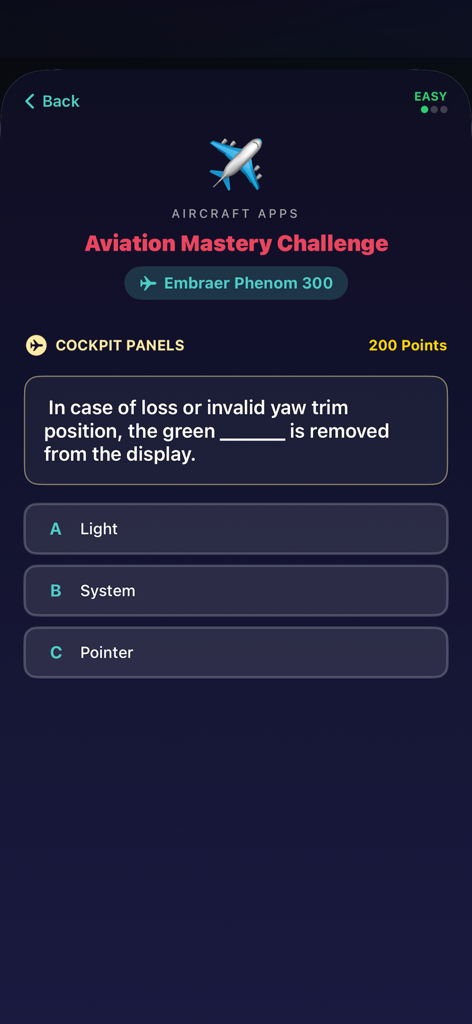
iEMBRAER Type Rating Prep - Aviation mastery challenge quiz screen for the Embraer Phenom 300 cockpit panels.
Aviation mastery challenge quiz screen for the Embraer Phenom 300 cockpit panels.

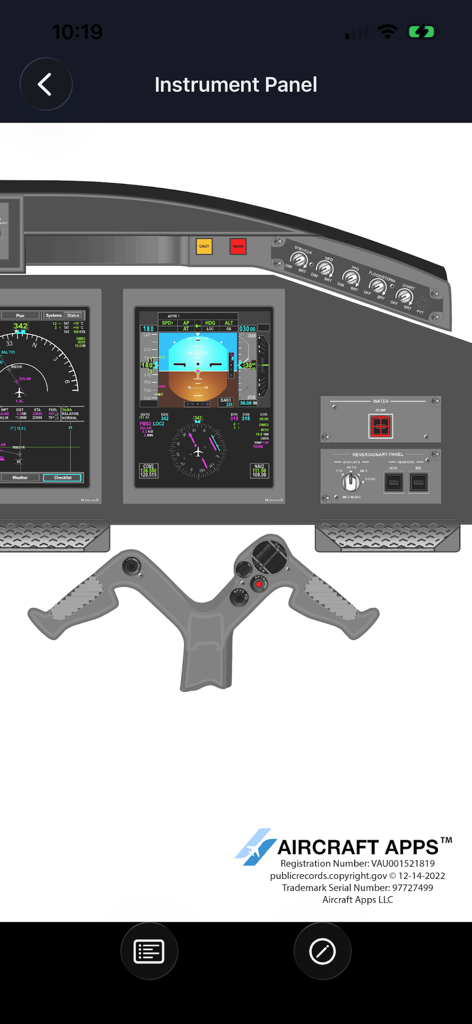
iEMBRAER Type Rating Prep - Digital diagram of an Embraer aircraft instrument panel including primary flight displays and control yoke
Digital diagram of an Embraer aircraft instrument panel including primary flight displays and control yoke

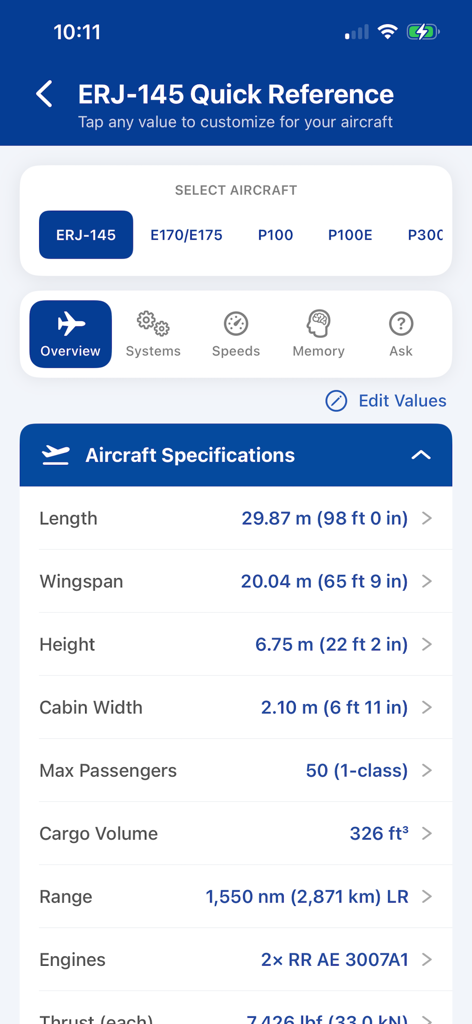
iEMBRAER Type Rating Prep - Quick reference screen for ERJ-145 showing aircraft specifications like wingspan and range in the iEMBRAER app
Quick reference screen for ERJ-145 showing aircraft specifications like wingspan and range in the iEMBRAER app

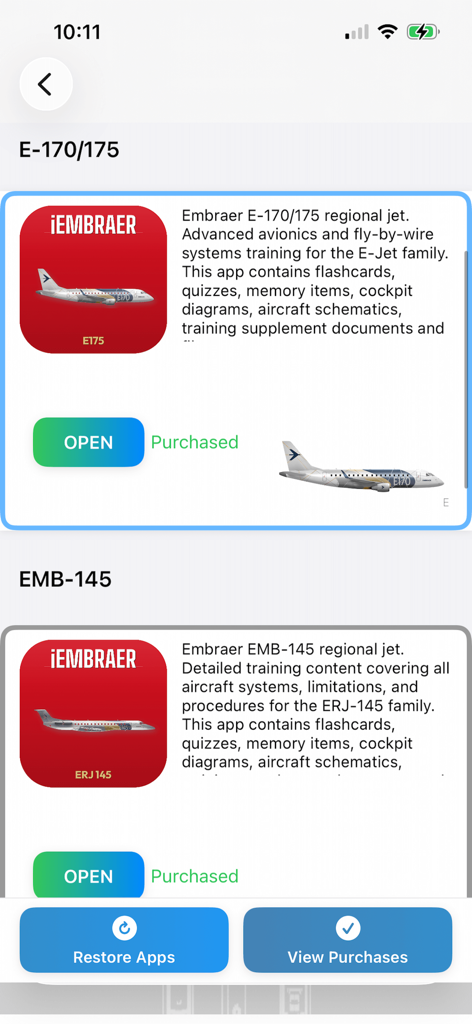
iEMBRAER Type Rating Prep - Aircraft selection screen in the iEMBRAER app showing training modules for E-170 175 and EMB-145
Aircraft selection screen in the iEMBRAER app showing training modules for E-170 175 and EMB-145

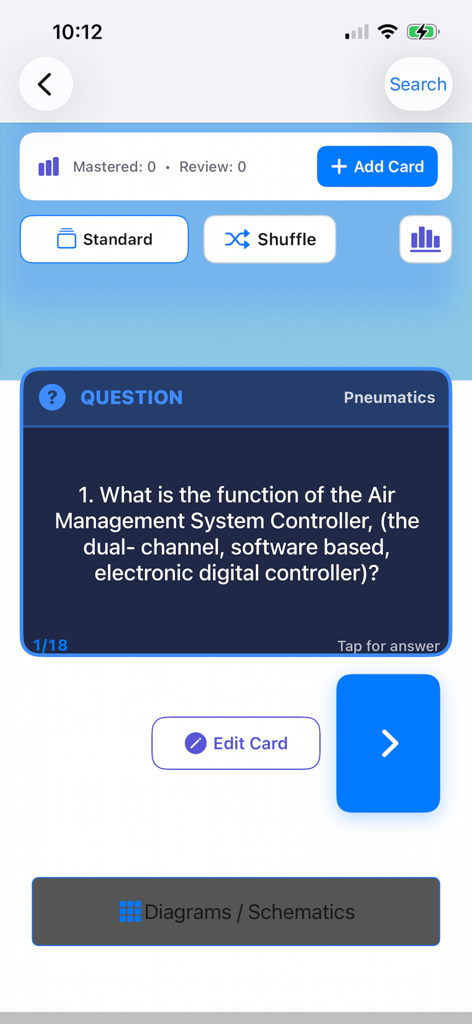
iEMBRAER Type Rating Prep - Mobile app interface showing an Embraer aircraft pneumatics study flashcard with a technical question.
Mobile app interface showing an Embraer aircraft pneumatics study flashcard with a technical question.

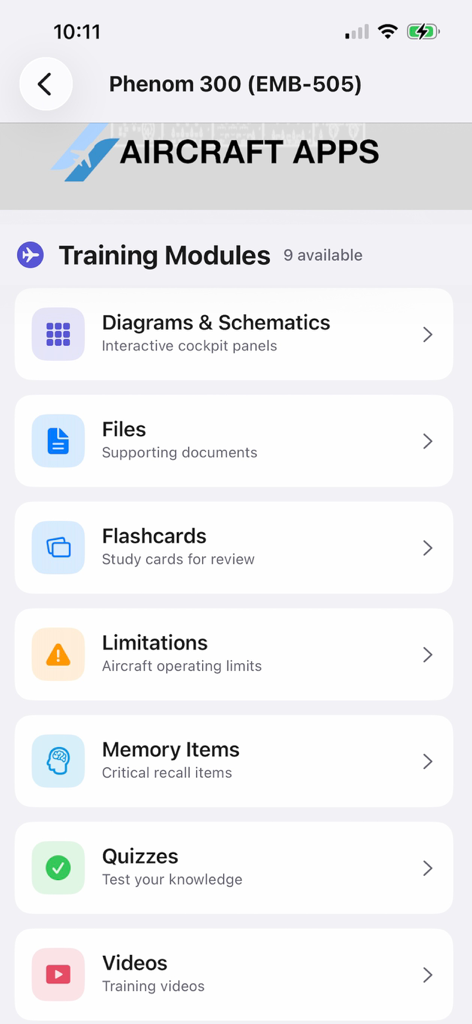
iEMBRAER Type Rating Prep - Phenom 300 training modules in the iEMBRAER app featuring flashcards quizzes and memory items
Phenom 300 training modules in the iEMBRAER app featuring flashcards quizzes and memory items

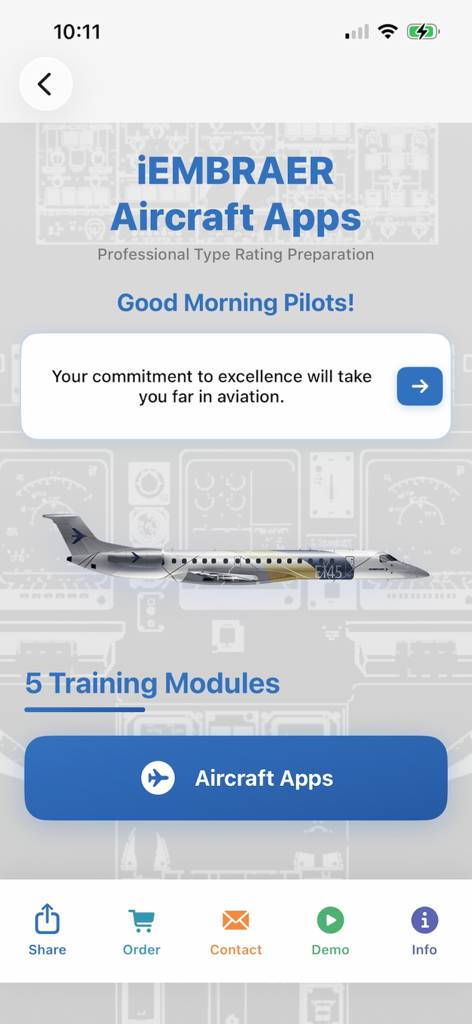
iEMBRAER Type Rating Prep - Home screen of the iEMBRAER Type Rating Prep app showing pilot training modules and motivational message.
Home screen of the iEMBRAER Type Rating Prep app showing pilot training modules and motivational message.

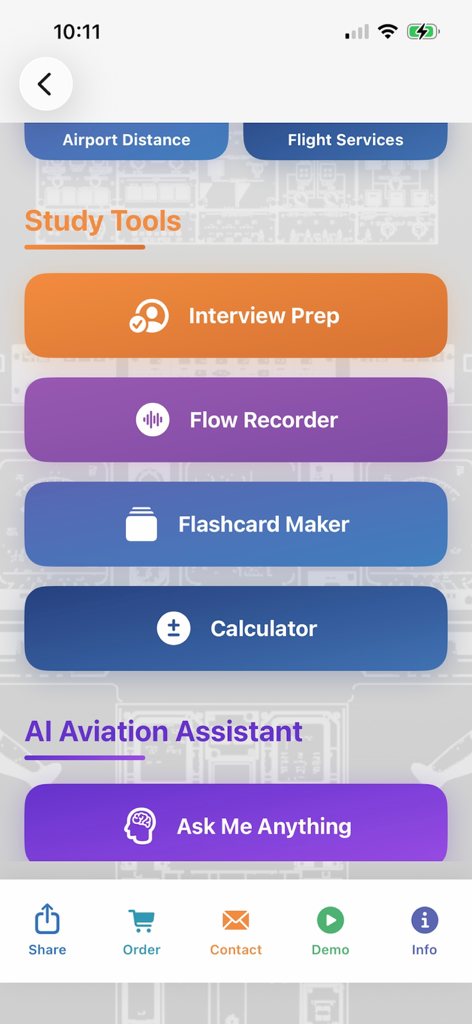
iEMBRAER Type Rating Prep - Main menu of the iEMBRAER app featuring study tools like interview prep and an AI aviation assistant
Main menu of the iEMBRAER app featuring study tools like interview prep and an AI aviation assistant

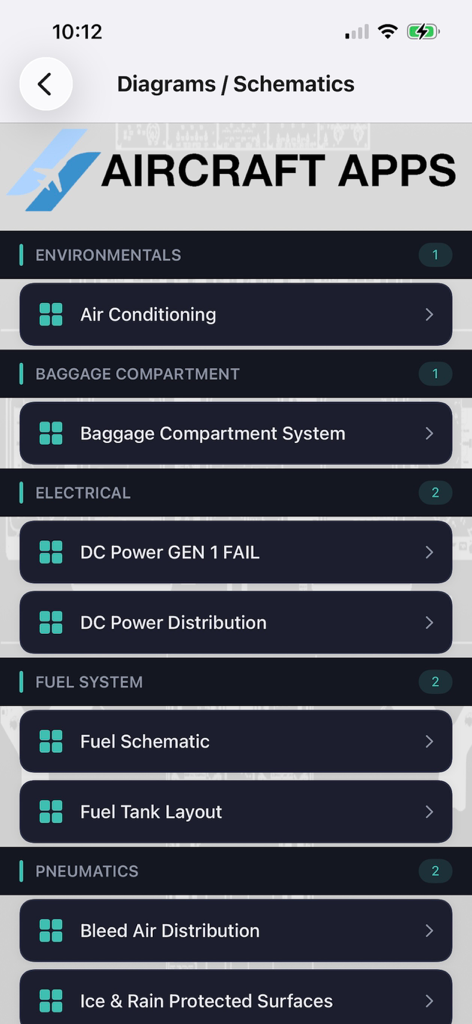
iEMBRAER Type Rating Prep - Menu listing aircraft system diagrams and schematics including electrical fuel and pneumatic systems for pilot training

Menu listing aircraft system diagrams and schematics including electrical fuel and pneumatic systems for pilot training

Description

The information in this app is supplemental and does not replace the aircraft flight manual. Information may vary depending on your airline or company policies and procedures. AIRCRAFT APPS AVAILABLE:: EMB-145 E-170/175 Phenom 300 / 300E Phenom 100 / 100E INTENDED USE OF OUR APPS •Used by pilots to study for written exams, oral exams, check rides, recurrent training and general knowledge. HOW MANY AIRCRAFT APPS ARE AVAILABLE? •4 Aircraft Apps •1 Personal Health for Pilots App WHO USES AIRCRAFT APPS IN THE AVIATION INDUSTRY? •Private Pilots, Corporate Pilots and Commercial Airline Pilots. CONTENTS OF FREE INITIAL DOWNLOAD •Worldwide Weather •Airport to Airport Distance Calculator •Airport METAR & TAF Search •Custom Aircraft Flashcard Maker •Aircraft Conversion Calculator •Continuous Running Zulu Time Clock •Airline Interview Questions •AI Aviation Assistant •Embrarer Quick Reference Controller CONTENTS OF IN-APP PURCHASES •Flashcards •Quizzes •Memory Items •Limitations •Clear for Takeoff Game ~SPECIFIC APP INFORMATION~ FLASHCARDS •Choose any aircraft system from a drop down menu and easily study technical questions about the airplane. •Easy to use Back and Next buttons. Edit all flashcards if your aircraft has been modified. QUIZZES •Choose any aircraft system from a drop down menu and test your knowledge with a multiple choice quizzes. Take the quizzes with an optional timer and background noise to enhance your learning experience. MEMORY ITEMS •Study all aircraft memory items in the easy to use PDF reader that allows you to print, email and customize your learning experience. Edit the Limitations if your aircraft has been modified. LIMITATIONS •Study all aircraft limitations in flashcard format and use the quiz at the end to test your knowledge. Edit limitations if your aircraft has been modified. AIRPORTS WEATHER & FLIGHT PLANNING •Choose any airport in the world and see the most up to date weather and METAR/TAF information. Use the Airport Flight Planning feature to check distance to and from airports in NM. With WIFI or a cellular connection, your aircraft position will display on the map. CUSTOM AIRCRAFT FLASHCARD MAKER •Easily make your own systems flashcards by naming the category and typing in your own question and answer. AIRCRAFT CONVERSION CALCULATOR •Fast and accurate conversions of many commonly used aviation calculations which include: •Foot - Meter •Nautical Mile - Statute Mile •Nautical Mile - Kilometer •Inch - Meter •Pound - Kilogram •Gallon (US) - Liter •Gallon Imp.) - Liter •Fahrenheit - Celsius •Pressure inHG - hPA •Gallons - LBS •Knots - MPH Zulu Time Clock - This clock can be found on th menu screen. It does not need an internet connection to function and will always give the most accurate Zulu time no matter where you are in the world. IN APP PURCHASES TERMS AND CONDITIONS STEP 1: Download AIRCRAFT APPS from the App Store (FREE Download). STEP 2: After AIRCRAFT APPS has downloaded to your device, tap Type Rating Prep on the Menu Screen and search through the in-app purchases for your aircraft. STEP 3: Tap the Buy button under the aircraft you wish to purchase. Your account will be charged a one time price for the material and content. The price is listed on each Aircraft App and the price will be different based on the content in each app. STEP 4: Once purchased, the IN-APP Purchases cannot be canceled. STEP 5: Access to the material and content never expires. STEP 6: Payment will be charged to your iTunes account at confirmation of purchase. FOR A COMPLETE DESCRIPTION OF IN-APP PURCHASE CONTENTS, VISIT WWW.AIRCRAFTAPPS.COM

Download

Download on App Store

This page is not an official page of the app or its developer, but an independent editorial publication created for informational and commentary purposes. Unless expressly stated otherwise, neither the app nor its developer is affiliated with, endorsed by, sponsored by, authorized by, or otherwise officially connected with MWM, Apple, Google Play, the app publisher, or the app's developer, and nothing on this page implies that the app was developed using MWM's services. Any trademarks, logos, screenshots, and other content remain the property of their respective owners.