Image Converter to JPG-PDF-PNG
ダウンロード: App Store

このページはアプリまたはその開発者の公式ページではなく、情報提供および論評を目的として作成された独立した編集出版物です。明示的に別段の記載がない限り、アプリおよびその開発者は、MWM、Apple、Google Play、アプリのパブリッシャー、またはアプリの開発者と提携、承認、後援、認可、またはその他の公式的な関係はなく、このページのいかなる内容も、アプリがMWMのサービスを使用して開発されたことを意味するものではありません。すべての商標、ロゴ、スクリーンショット、その他のコンテンツはそれぞれの所有者の財産です。

ロゴ: Image Converter to JPG-PDF-PNG
ダウンロード: App Store

Image Converter to JPG-PDF-PNG

HEICとWebの間のギャップを埋めます。写真を簡単にPDFに変換し、透明なPNGを作成し、数秒でEtsy、Canvas、または仕事用にファイルを圧縮します。

主要数値

ダウンロード

45K+

ユーザー評価

4.5/5

評価数

400

開発元

Asad Ahsan

カテゴリ

Productivity

対応言語

69

最新バージョン

1.0.25

サイズ

68.8 MB

リリース日

2024年3月15日
機能

モバイルワークフローをマスターする

プロ、学生、クリエイターが数秒で各画像フォーマットを変換、圧縮、完璧にするためのオールインワンツールキット。

ユニバーサルフォーマット変換

HEIC、SVG、PNGファイルをWeb対応JPGまたはプロフェッショナルPDFに即座に変換し、シームレスなアップロードと完全な互換性を実現します。

スマート写真圧縮

画質を損なうことなくファイルサイズを削減します。iPhoneのストレージを節約し、EtsyやShopifyの厳格なプラットフォーム制限を満たすのに最適です。

以下のスクリーンショットと説明は、アプリの公式ストアリスティングから直接取得されたものであり、アプリ開発者の所有物です。

アプリストア

スクリーンショット
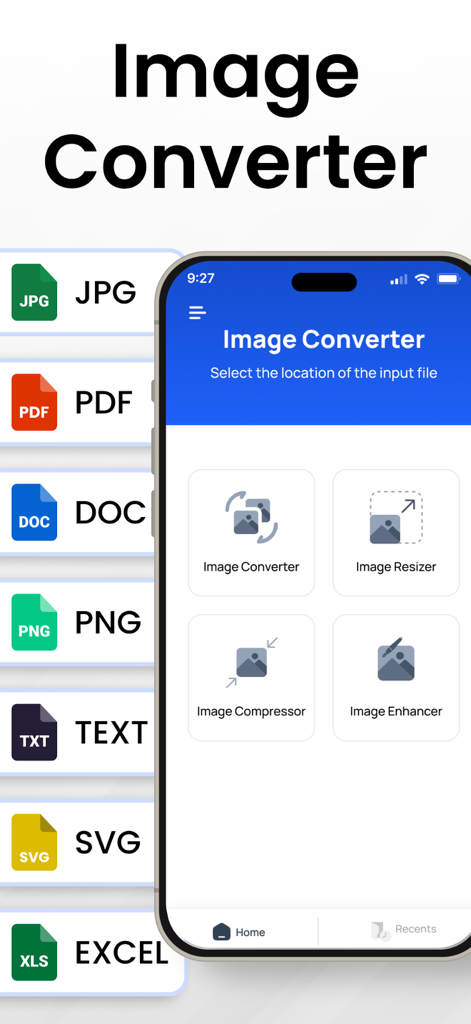
Image Converter to JPG-PDF-PNG - JPG PDF PNGなどのフォーマット間で画像を変換するためのモバイルアプリインターフェース。リサイズおよび圧縮ツールも利用可能
JPG PDF PNGなどのフォーマット間で画像を変換するためのモバイルアプリインターフェース。リサイズおよび圧縮ツールも利用可能

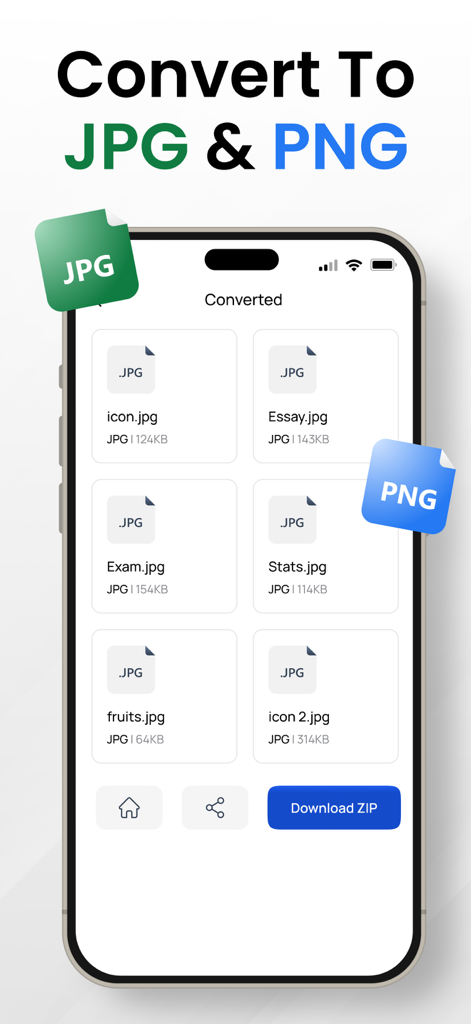
Image Converter to JPG-PDF-PNG - JPGおよびPNGフォーマットへの画像変換の結果を表示するスマートフォン画面。複数のファイルがリストされ、ダウンロードzipオプションも表示される
JPGおよびPNGフォーマットへの画像変換の結果を表示するスマートフォン画面。複数のファイルがリストされ、ダウンロードzipオプションも表示される

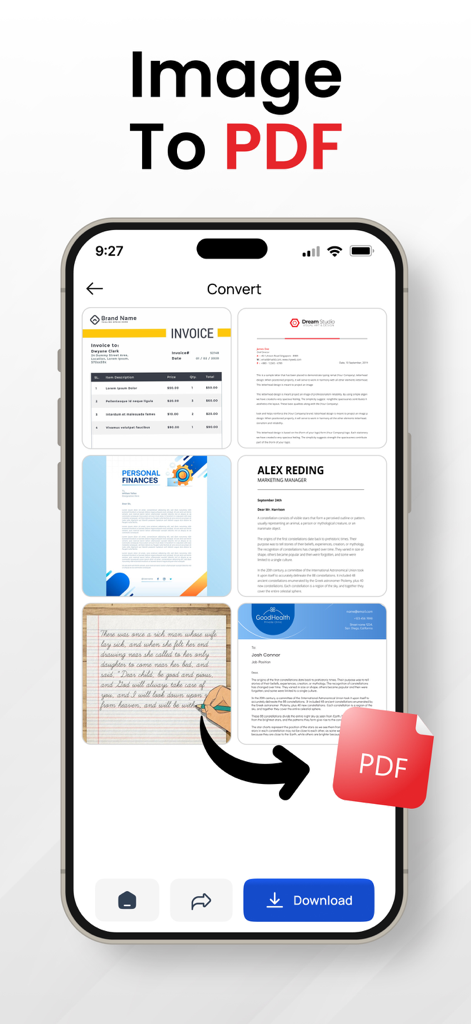
Image Converter to JPG-PDF-PNG - 複数の画像をPDFドキュメントに変換するプロセスを示すiPhoneアプリ画面
複数の画像をPDFドキュメントに変換するプロセスを示すiPhoneアプリ画面

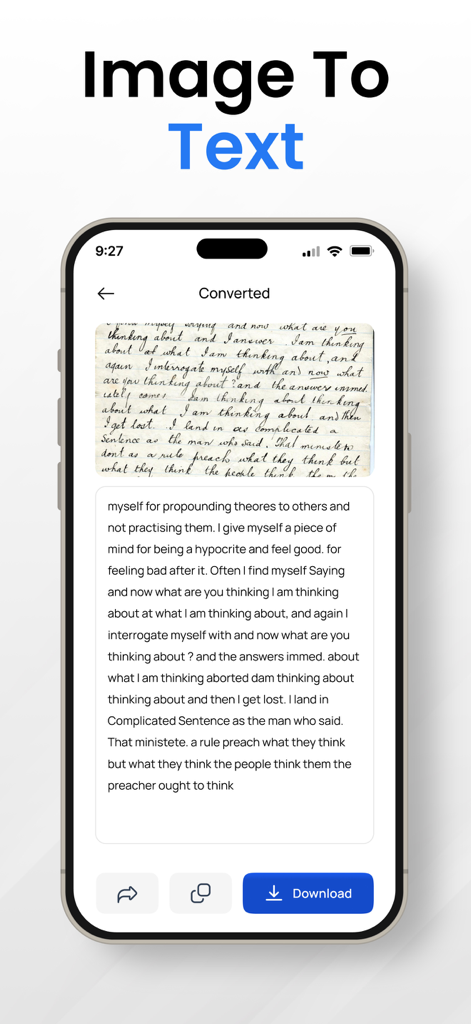
Image Converter to JPG-PDF-PNG - 手書きのメモがデジタルテキストに変換される様子を示すモバイルアプリインターフェース
手書きのメモがデジタルテキストに変換される様子を示すモバイルアプリインターフェース

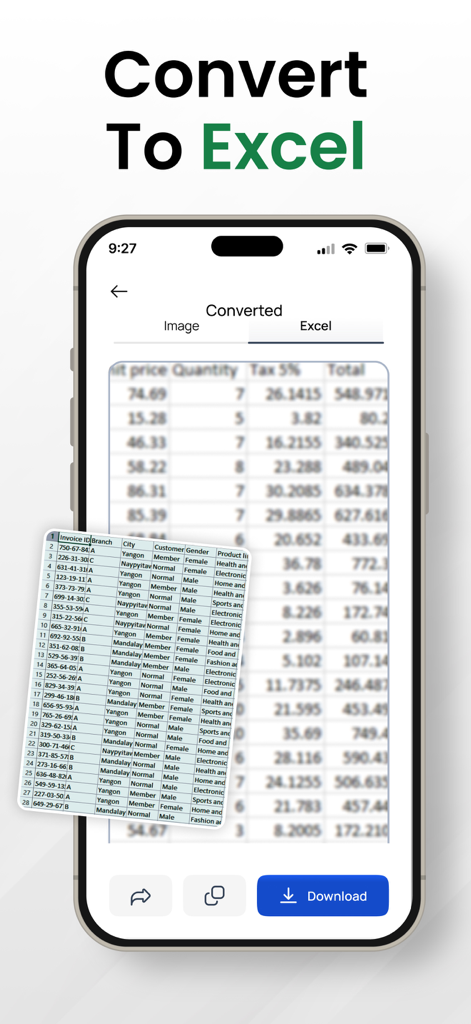
Image Converter to JPG-PDF-PNG - 画像がExcelスプレッドシートに変換される様子を示すスマートフォンのインターフェース
画像がExcelスプレッドシートに変換される様子を示すスマートフォンのインターフェース

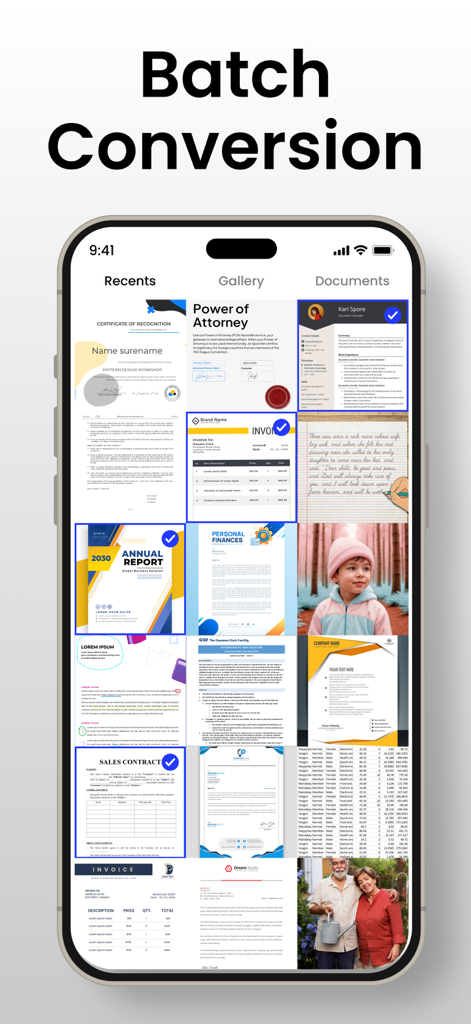
Image Converter to JPG-PDF-PNG - 処理のために複数のドキュメントや写真が選択されたバッチ変換機能を表示するスマートフォン画面
処理のために複数のドキュメントや写真が選択されたバッチ変換機能を表示するスマートフォン画面

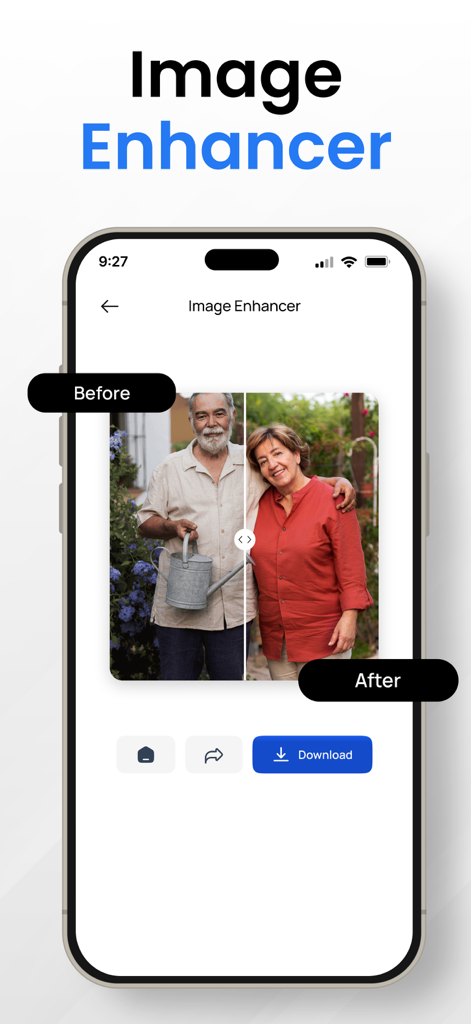
Image Converter to JPG-PDF-PNG - 写真の「前」と「後」の比較を示す画像エンハンサー機能のスクリーンショット

写真の「前」と「後」の比較を示す画像エンハンサー機能のスクリーンショット

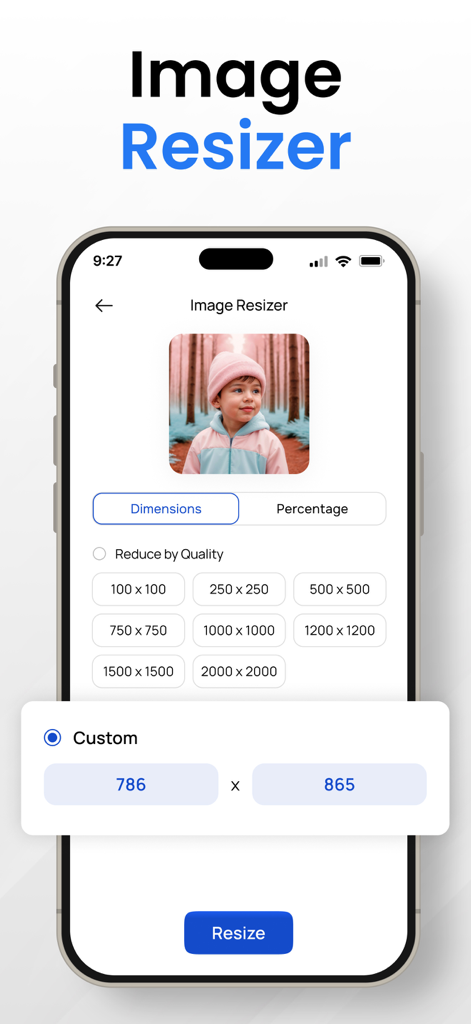
Image Converter to JPG-PDF-PNG - カスタム寸法設定を備えたモバイルアプリケーションの画像リサイザー機能

カスタム寸法設定を備えたモバイルアプリケーションの画像リサイザー機能

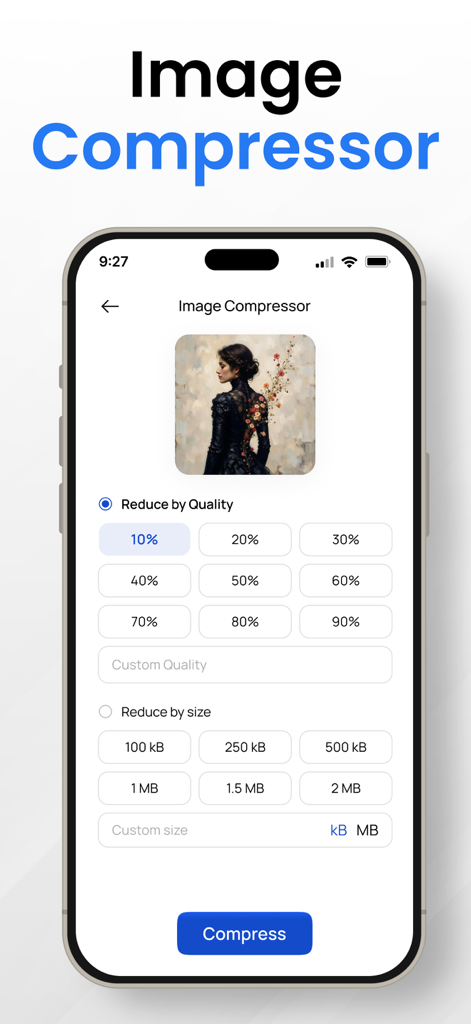
Image Converter to JPG-PDF-PNG - ファイルサイズと品質を削減するオプションを表示するモバイルアプリの画像圧縮機能のインターフェース

ファイルサイズと品質を削減するオプションを表示するモバイルアプリの画像圧縮機能のインターフェース

説明

Introducing the ultimate Image Converter App, a versatile and powerful tool that effortlessly transforms your digital imagery with a myriad of features. This file converter app is your go-to solution for seamlessly converting between various image formats, including PNG converter, JPG to PDF, SVG converter, heic converter, and more. Whether you're a photography enthusiast, a professional designer, or simply someone who loves to capture moments, this jpeg png image file converter ensures your images are perfectly tailored to your needs. Key Features Image Converter app : 1. PNG Converter: Transform your images into the high-quality PNG format with just a few taps. Preserve transparency and vibrant colors, making it ideal for graphics, logos, and digital art. 2. JPG to PDF: Need to compile your JPG images into a professional-looking PDF document? Our jpeg png image file converter app effortlessly converts your JPEG files into a PDF, maintaining image quality and layout. 3. Image Converter: Enjoy the flexibility of converting images between a wide range of formats. Whether it's JPEG, PNG, SVG, heic converter or others, our convert to jpg app supports the most popular formats to meet your diverse needs. 4. File Converter: Experience the convenience of an all-in-one file converter. No more juggling between different apps – convert images to various formats seamlessly within a single app. 5. Compress Photos: Optimize your storage space by compressing photos without compromising quality. Our heic converter app ensures that your images maintain their clarity while reducing file sizes for easy sharing and storage. 6. PNG Maker: Create PNG images effortlessly. Our convert to jpg app empowers you to craft stunning PNG files with transparency, perfect for logos, icons, and any graphics where a clear background is essential. 7. SVG Converter: Embrace vector graphics with our SVG converter. Convert raster images to scalable vector graphics for a crisp and resizable output. 8. Picture Converter: Transform your pictures into the desired format effortlessly. Our photo converter app supports a wide range of image types, giving you the flexibility to work with your visual content as you see fit. 9. Photo Compressor: Strike the perfect balance between quality and file size. Our photo compressor lets you reduce the size of your images while maintaining remarkable clarity. 10. Converter App: The all-inclusive solution for your conversion needs. This photo converter app is designed for user convenience, offering a user-friendly interface and robust functionality. 11. Photo Converter: Convert photos effortlessly between different formats. Whether you need a JPEG, PNG, or any other format, our png converter app has you covered. 12. Convert to JPG: Easily convert images to the widely supported JPG format. Share your images seamlessly across various platforms without worrying about compatibility issues. 13. PNG Converter PDF: Merge the power of PNG and PDF formats. Convert PNG images into a single PDF document for easy sharing and archiving. 14. JPEG Converter App: Enjoy the simplicity and efficiency of our JPEG converter app. Convert images to JPEG format with speed and quality assurance. Revolutionize the way you handle and manipulate your digital imagery with the Image Converter App. Download now and unlock a world of possibilities for your photos and graphics. Whether you're a creative professional or an everyday user, this png converter app is your key to image transformation and optimization. Privacy Policy: https://theonlineconverter.com/privacy-policy Terms of Service: https://theonlineconverter.com/terms

Download

ダウンロード: App Store

このページはアプリまたはその開発者の公式ページではなく、情報提供および論評を目的として作成された独立した編集出版物です。明示的に別段の記載がない限り、アプリおよびその開発者は、MWM、Apple、Google Play、アプリのパブリッシャー、またはアプリの開発者と提携、承認、後援、認可、またはその他の公式的な関係はなく、このページのいかなる内容も、アプリがMWMのサービスを使用して開発されたことを意味するものではありません。すべての商標、ロゴ、スクリーンショット、その他のコンテンツはそれぞれの所有者の財産です。