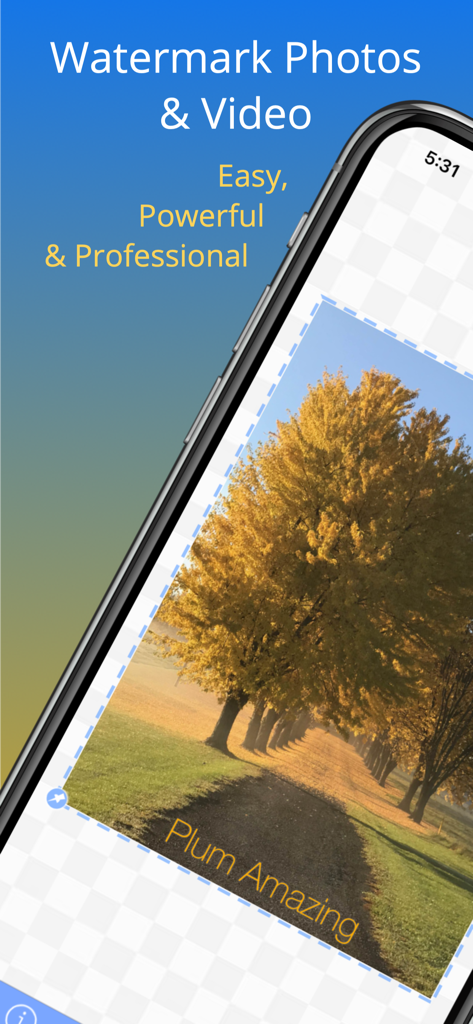
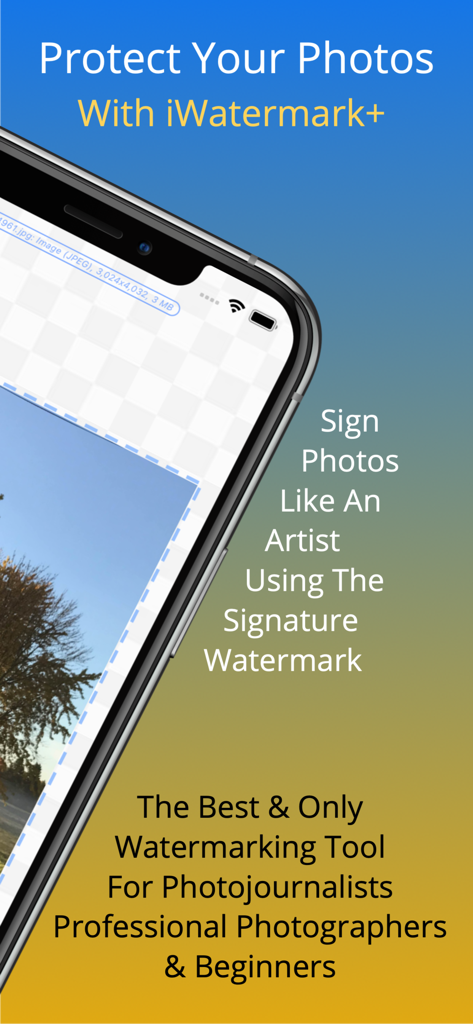
Watermark photos or video. Pro level watermarking with visible or invisible watermarks. Custom watermark with logo, text, metadata tags, QR codes, borders, vectors, metadata, steganographic, lines and signature watermarks. Batch watermark photos. Use 1 watermark or many watermarks simultaneously. The best present you can buy for an iPhonographer
The watermarking tool made for photojournalists, professional photographers, influencers and beginners. The #1 app to watermark photos & video. #2 App for Instagram, TikTok, SnapChat & Facebook users. Easy, Popular, Powerful & Professional
iOS 14.1, 15 & 16 Compatible
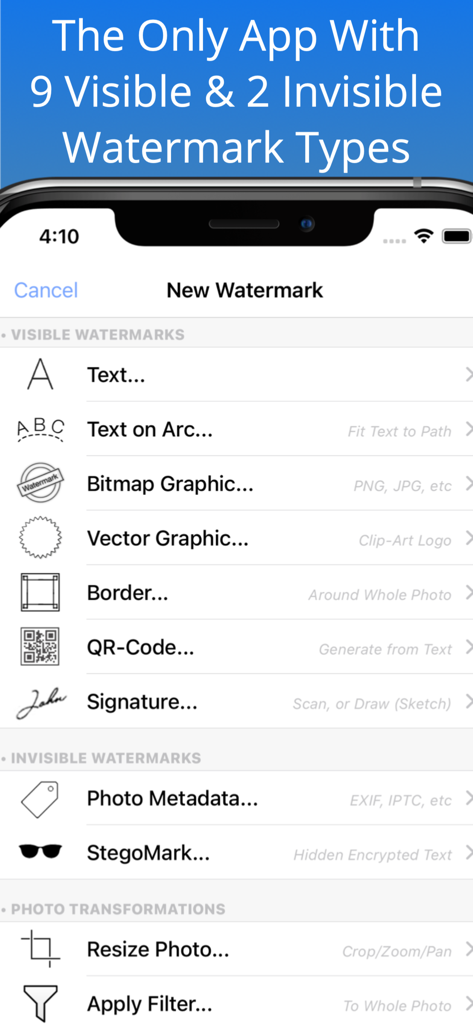
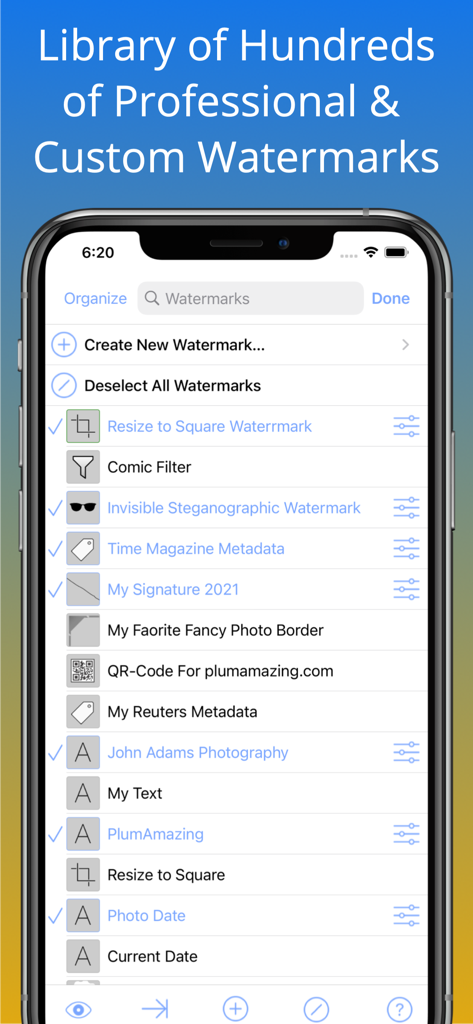
Easily, enhance and protect your photos by signing them with iWatermark+'s unique 9 visible watermarks and 3 invisible watermark types. All 12 watermark types can be customized by you in millions of ways to be reused or re-edited easily. Use any of the thousands of included vector & bitmap watermarks. The easiest and most powerful way to add a subtle watermark or watermarks onto one or a batch of thousands of photos. For photographers by photographers
"The ultimate Instagram tool" - H.R.
The reviews say it all:
“iWatermark+ is by far the best watermarking App I’ve seen to date on iOS. Nicely integrated as an iOS photo editing extension.” & “Number 5 of the Top 100 Apps of the year.” – Terry White, Principal Worldwide Design & Photography Evangelist for Adobe Systems, Inc
Problem: Your unique photo goes viral & loses all connection to you as owner/creator
Solution: Use iWatermark+ to watermark your photos & videos. A watermark subtly displays, no matter where on the internet, Facebook, Instagram, etc that your photo or video goes, that it's your property, created and owned by you
iWatermark is unique & the only tool featuring:
* 13 watermark types; text, text on an arc, bitmap/logo, border, vector, signature, lines, QR, metadata, steganographic, resize & filter & export options
* A database of your custom (template) watermarks for instant reuse
* Can use 1 or many watermarks simultaneously
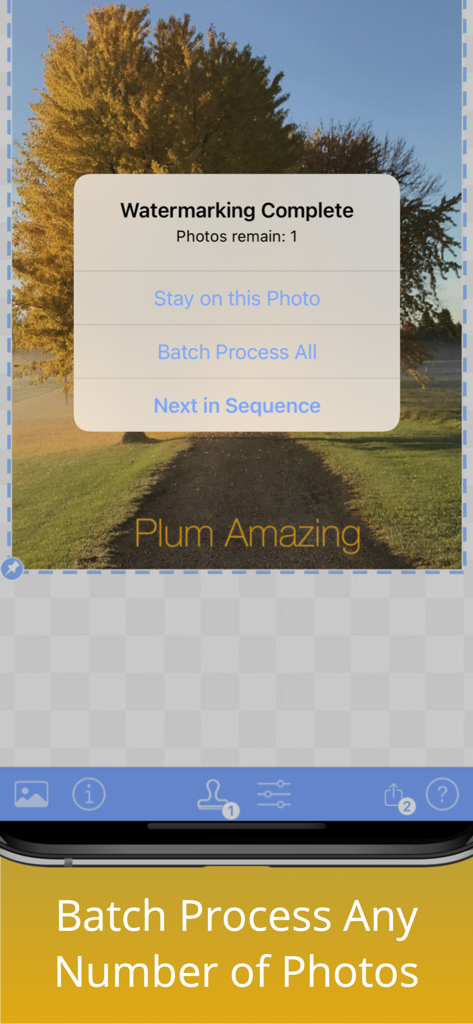
* Batch processing! Queue an unlimited number of photos
* Watermark videos
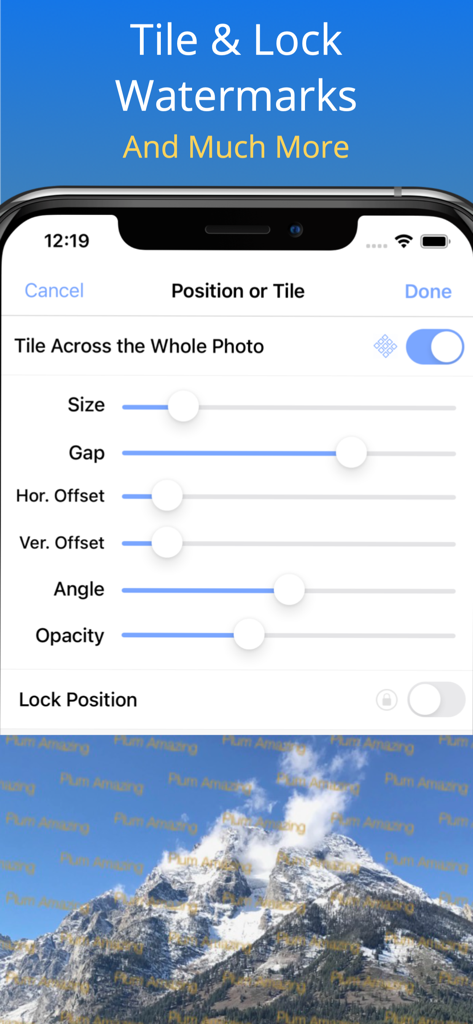
* Tile a watermark cover a photo/video
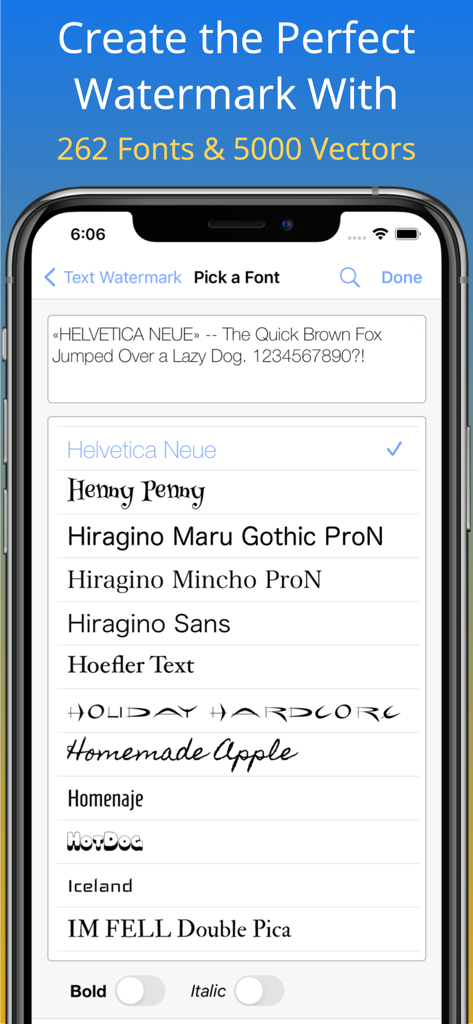
* Library of 5000+ vector & bitmap watermarks
* A massive 293 beautiful fonts
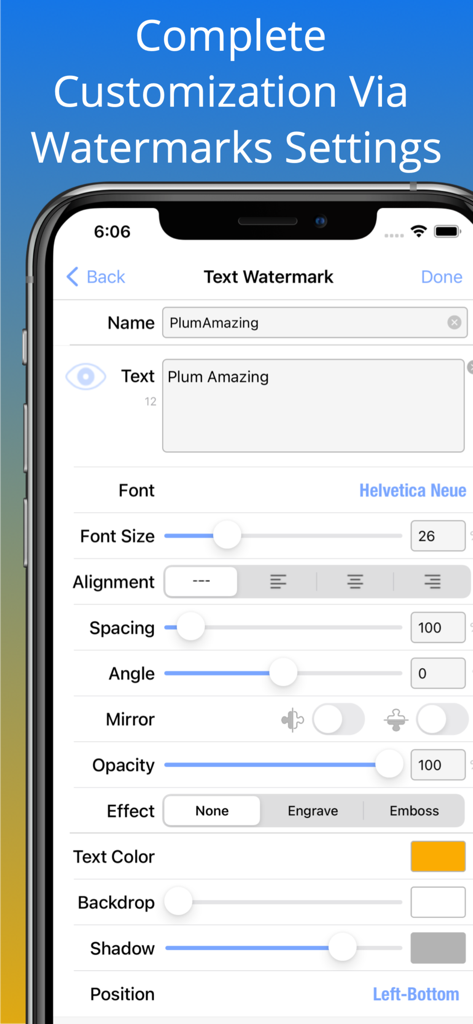
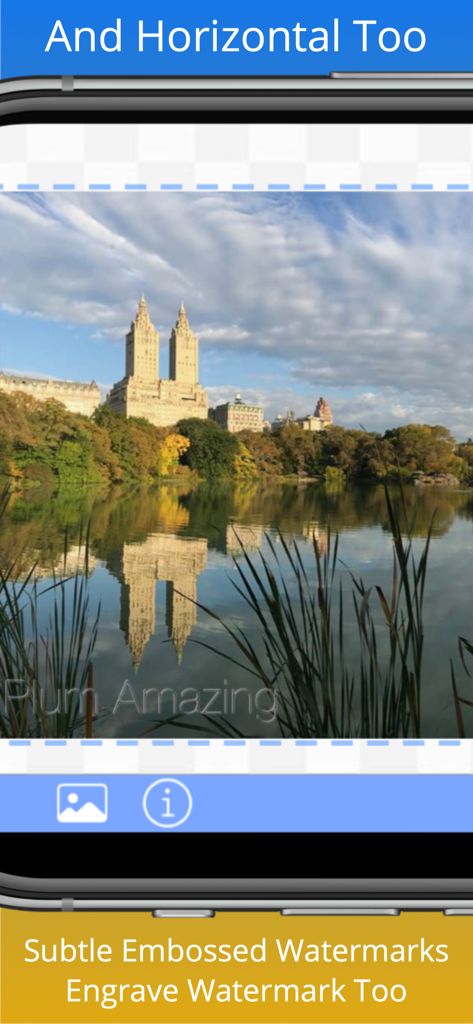
* Engrave & emboss text with transparent option
* Use iWatermark as photo extension to watermark photos directly in Apple Photos app
* Draw, import or scan your signature as watermark
* Preview & adjusts effects like scale, opacity, font, color, size, position & angle in realtime
* Can embed an invisible steganographic watermark in photos
* Touch gestures to drag, pinch/zoom/rotate a watermark
* Can display GPS, IPTC & EXIF metadata as visible watermarks
* Is on all 4 platforms
* Export/Import watermarks to backup &/or share with friends or in a company as official watermark(s)
Manual & tutorial videos http://is.gd/5rjnkz
Why Watermark?
Digitally sign your photos & videos to claim, secure and maintain your intellectual property and reputation.
- Photos go viral then they fly off globally. Watermark with name, email or url so your photo has a visible and legal connection to you
- Build your company brand, by having your company watermark on all it's photos
- Promote your company, name and website by using watermarks
- Help protect your copyright and trademarks
- Avoid the conflicts, costly litigation and headaches from plagiarists who claim they didn't know that you created it
- Avoid intellectual property (IP) squabbles
Q:Will it watermark Canon, Sony, Nikon, Fuji, Olympus SLR camera photos?
A:Yes
From App Store
Lov it
by EdvbrownSr – Jun 15
Favorite things are:
-Batch processing
-Embossed watermarks
-Transparency controls
-Placement controls
-Cloning variations is a breeze
-Editing and font control is a breeze
-Just too many features to mention
-Everything I have tried works
Keep it going, great software!
eVb
-
The proof is in the tasting. Taste it today.
Questions? Contact us anytime