** World's highest rated AR app **
** Featured in Apple's iPhone 12 launch keynote **
** Featured by Apple on the App Store in 24 countries **
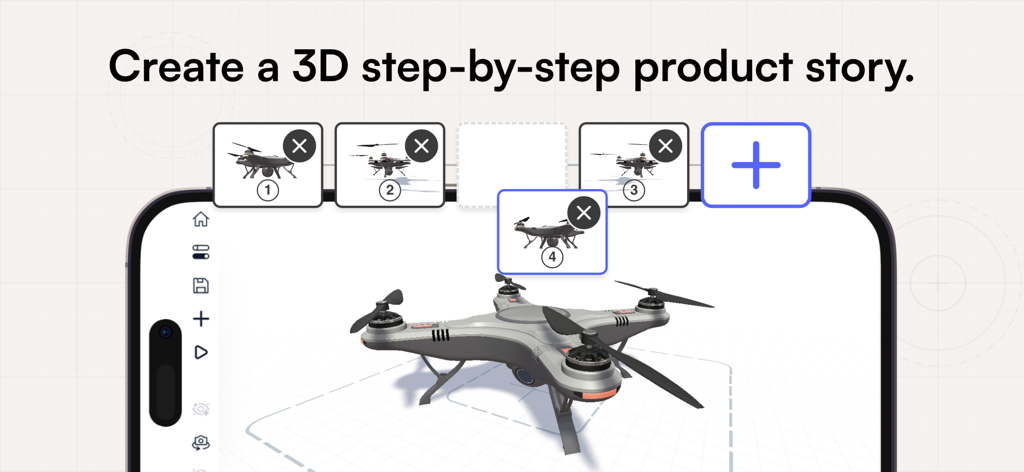
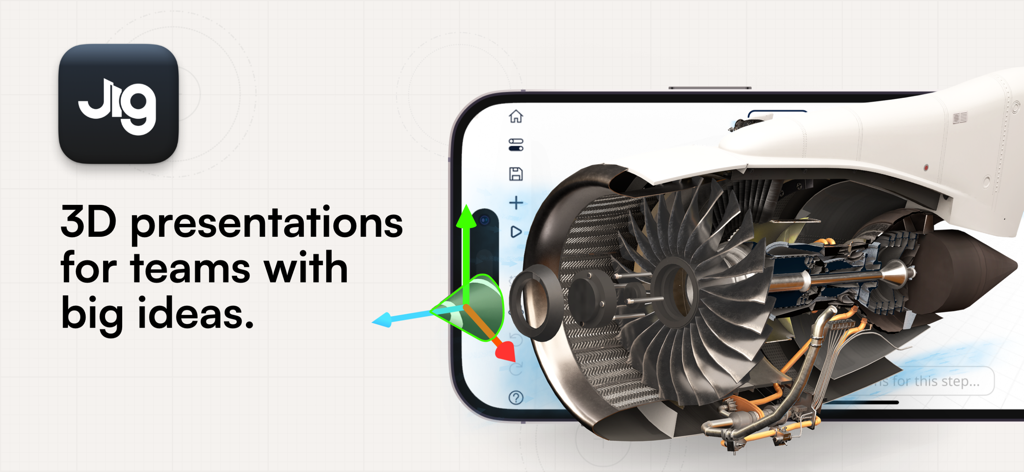
Create and share stunning 3D presentations in minutes and view them in augmented reality instantly. JigSpace is nothing like the complicated 3D software you’re probably used to, and is the only AR App that lets you create and share 3D presentations straight from your device.
With more than 5M downloads, people all over the world use JigSpace to share knowledge and present ideas in stunning 3D or augmented reality (AR) presentations.
WITH THE JIGSPACE APP YOU CAN:
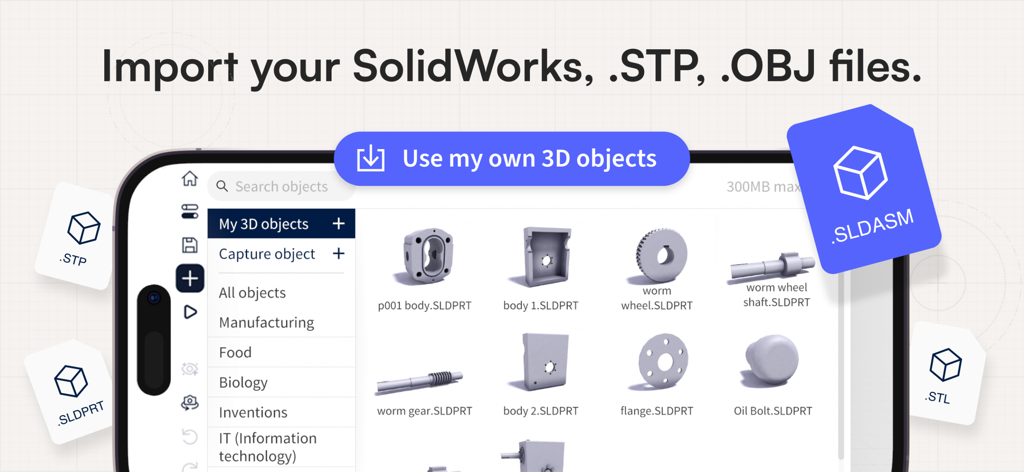
Create and view 3D presentations (we call them Jigs!) in augmented reality on your device. Upload your own 3D models or CAD files, textures, images, videos, and audio files.
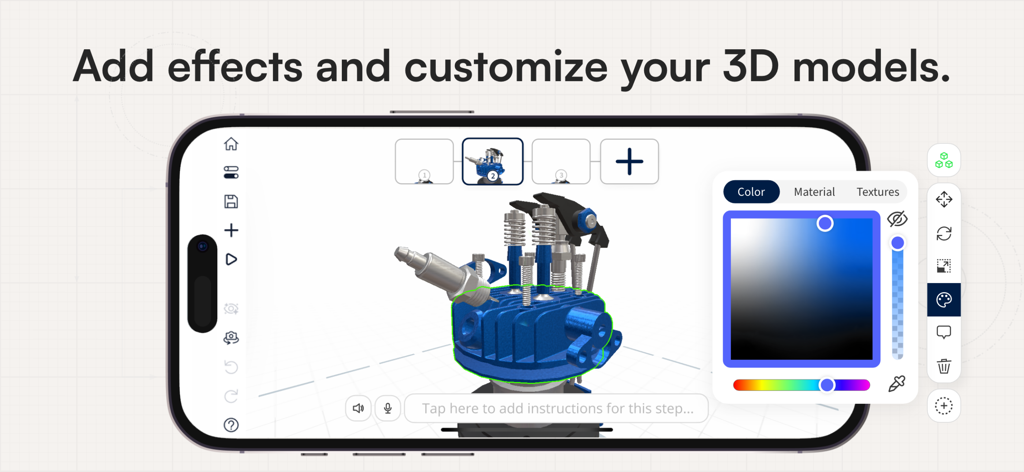
Bring to life with animations, effects, exploded views, and interactive labels.
Make your content interactive with actions, linking to content or web URLs.
Access a free library of 3D objects, materials, and templates to get started quickly.
Record audio or text instructions for your step-by-step 3D presentations.
Content synchronizes across devices, so you can continue editing on your desktop device.
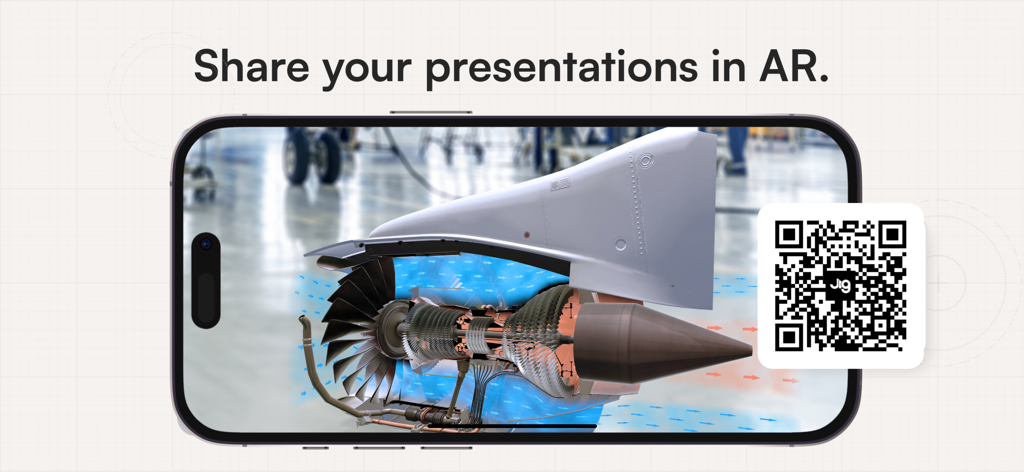
Share your Jigs with the world using a shareable link, QR code, or embed in your websites via iframe.
---
MAKE THE HARD-TO-EXPLAIN, HARD-TO-FORGET WITH JIGSPACE
Join leading companies in Formula 1, biotechnology, robotics, advanced manufacturing, and more who are using JigSpace for technical sales demonstrations, product launches, 3D instructions, and engaging training material.
“With JigSpace we’ve been able to shorten our sales cycle from 6 months to 6 weeks.”
- Mathew Keegan - Director of Applications Engineering, Automata
“JigSpace is just so useful for communicating the revolutionary design and beauty of our car, in an immediately accessible way.”
- Stefano Battiston, Head of Marketing, Alfa Romeo F1 Team Stake
YOUR JIGSPACE ACCOUNT WORKS ACROSS IPAD, IPHONE, DESKTOP and WEB.
DESKTOP APP - Exclusive creator tools include adding interactive actions to your objects, object list view, custom materials and textures, precise transformation, and content analytics.
IMPORT 3D FILES - Import SolidWorks CAD files, STEP, STP, FBX, OBJ, and STL files.
TEMPLATES - Try one of our 3D presentation templates to bring your 3D files to life, or make your own for your team to use.
ADD MEDIA - Add images, video, text-boxes, audio, and 3D effects to your presentations.
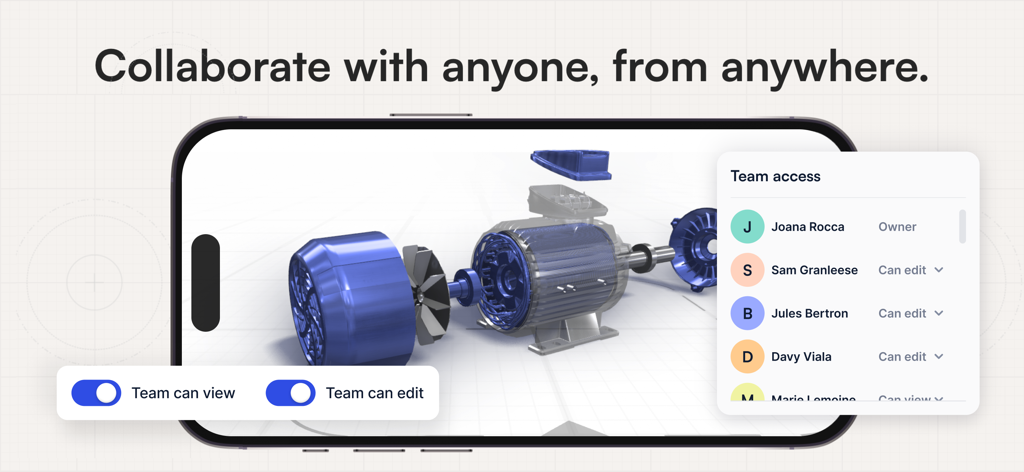
TEAMS - Invite your colleagues to your team to edit files, view private files or offline, share a common 3D object library and templates.
SHARE & EMBED - A single web link or QR code opens your Jig on all mobile devices, web browsers, and in the JigSpace apps. Embed Jigs you make on websites via iframe, or add a QR code to your digital documents or printed material.
“JigSpace makes not only a visual impact but also movement. Doing something where you stand up and look at it helps it click in a different way.”
- Maddison, Digital Media Architect, Abbott
“We love JigSpace because it allows us to utilize existing 3D data efficiently to tell a specific story at ALL project stages, adding value and providing an easily accessible tool for customers.”
- Craig Hooper, People and Innovation Manager at DTCo
“People's eyes light up when they realize they don’t have to sift through pdfs to understand a creative concept. People can control their own experience through interactive presentation rather than just being shown it, they are delighted to be able to immerse themselves into the Jig.”
- Matt, President of Slate Custom Design
JigSpace terms of service: https://www.jig.com/terms-and-conditions