KiCAD PCB Viewer

KiCAD PCB Viewer

ダウンロード: App Store
ロゴ: KiCAD PCB Viewer

KiCAD PCBビューア:現代のエンジニアのためのプロフェッショナルハードウェア設計検査

ワークステーションをポケットに。多層KiCADレイアウトをシームレスに表示し、自動デザインルールチェックを実行し、MCP経由のAI駆動分析を活用して、どこにいても製造可能性を確保します。

ダウンロード: App Store

開発元

明杰 曾

カテゴリ

Graphics & Design

ダウンロード

46K+

ユーザー評価

3.3/5

評価数

0

対応言語

7

すべてのレイヤーにおける精度

このインターフェースを利用する 46K+ 人のユーザー.

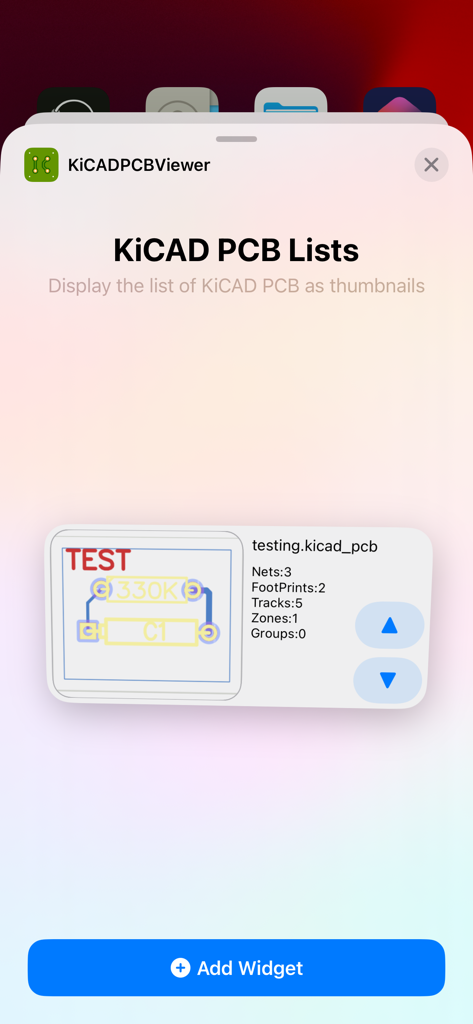
KiCAD PCBビューアのiOSウィジェット選択画面。PCBデザインがサムネイルとして表示されているリストを表示。
KiCAD PCBビューアのiOSウィジェット選択画面。PCBデザインがサムネイルとして表示されているリストを表示。

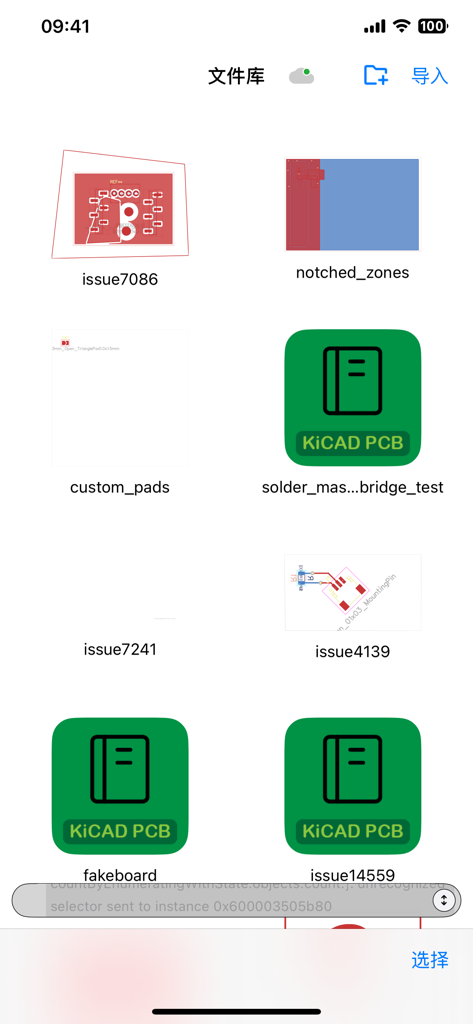
モバイルアプリのファイルライブラリ。複数のKiCAD PCBデザインプロジェクトと回路基板レイアウトを表示。
モバイルアプリのファイルライブラリ。複数のKiCAD PCBデザインプロジェクトと回路基板レイアウトを表示。

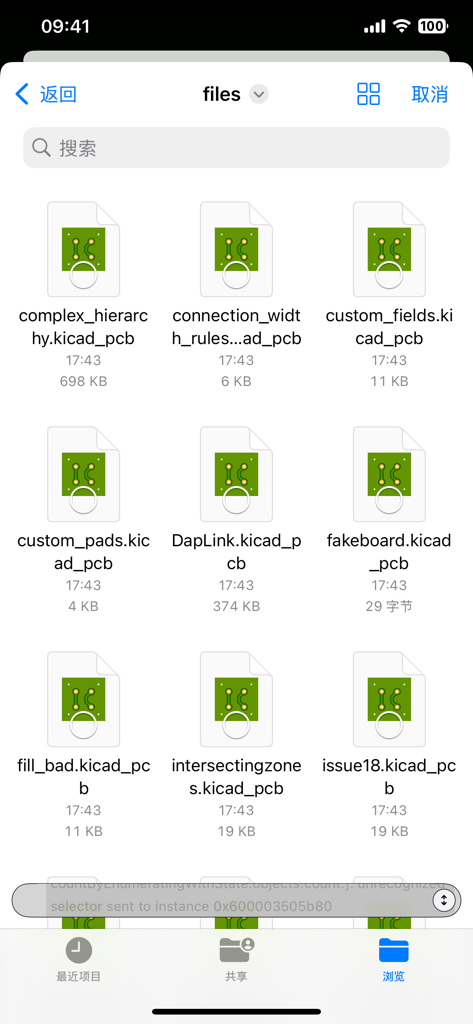
KiCAD PCBデザインファイルのリストをアイコンとファイル名とともに表示するファイル管理画面。
KiCAD PCBデザインファイルのリストをアイコンとファイル名とともに表示するファイル管理画面。

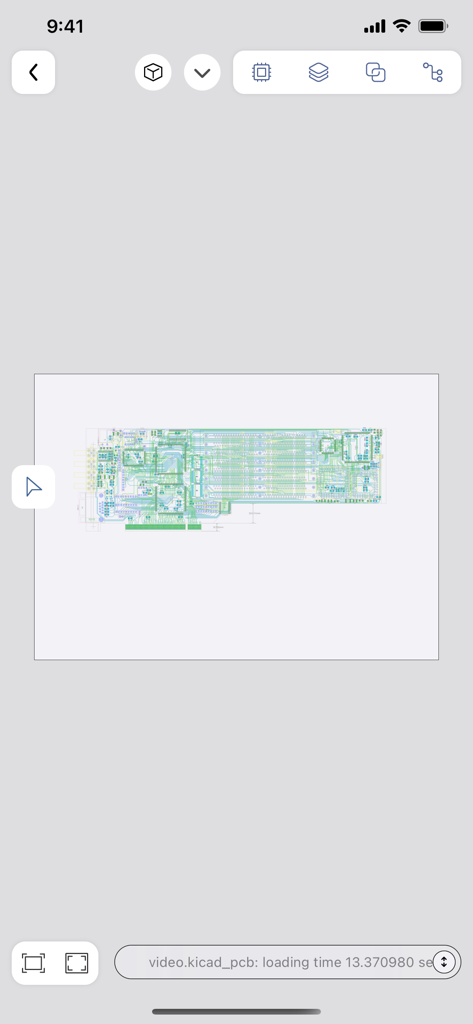
KiCAD PCBビューアモバイルアプリケーションで表示される詳細な回路基板レイアウト。
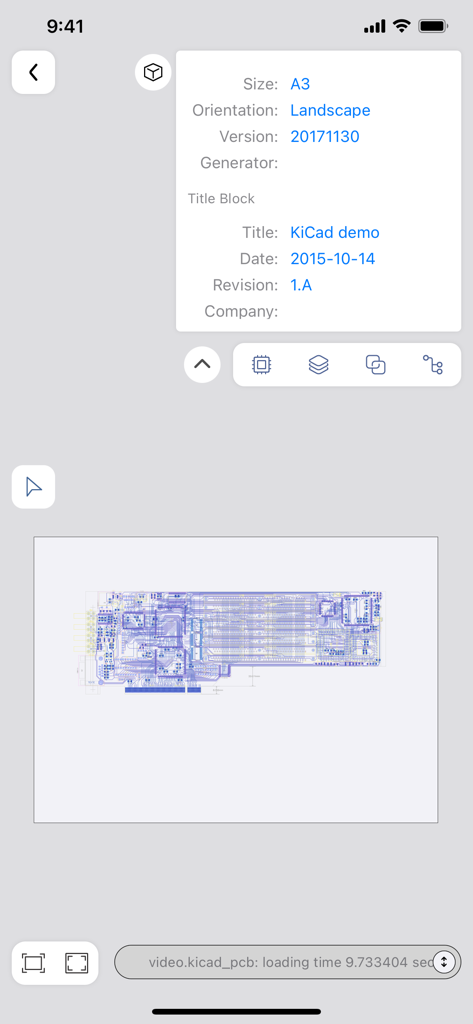
KiCAD PCBビューアモバイルアプリケーションで表示される詳細な回路基板レイアウト。

回路基板レイアウトと設計メタデータを表示するKiCAD PCBビューアのモバイルビュー。
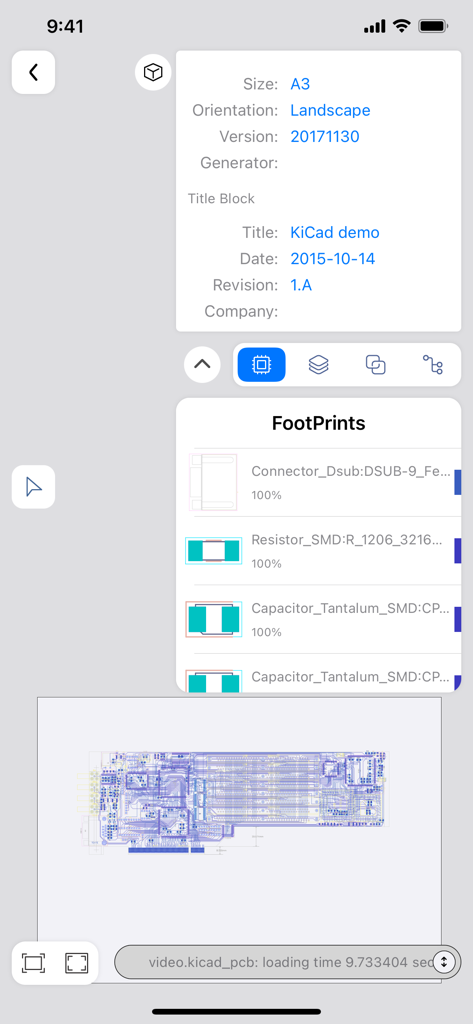
回路基板レイアウトと設計メタデータを表示するKiCAD PCBビューアのモバイルビュー。

回路レイアウトとコンポーネントフットプリントを表示するKiCAD PCBビューアモバイルインターフェース。
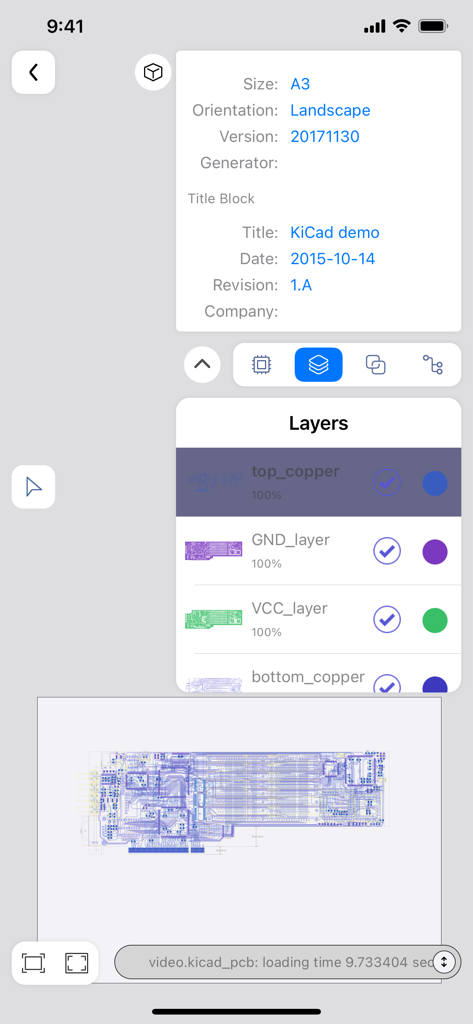
回路レイアウトとコンポーネントフットプリントを表示するKiCAD PCBビューアモバイルインターフェース。

基板レイヤーと設計詳細を表示するKiCAD PCBビューアのモバイルインターフェース。
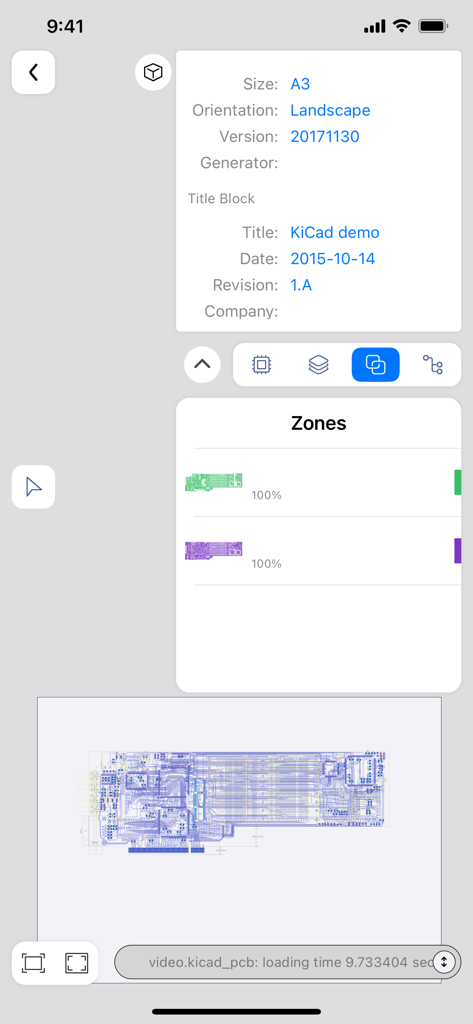
基板レイヤーと設計詳細を表示するKiCAD PCBビューアのモバイルインターフェース。

基板メタデータと設計ゾーンを表示するKiCAD PCBビューアアプリインターフェース。
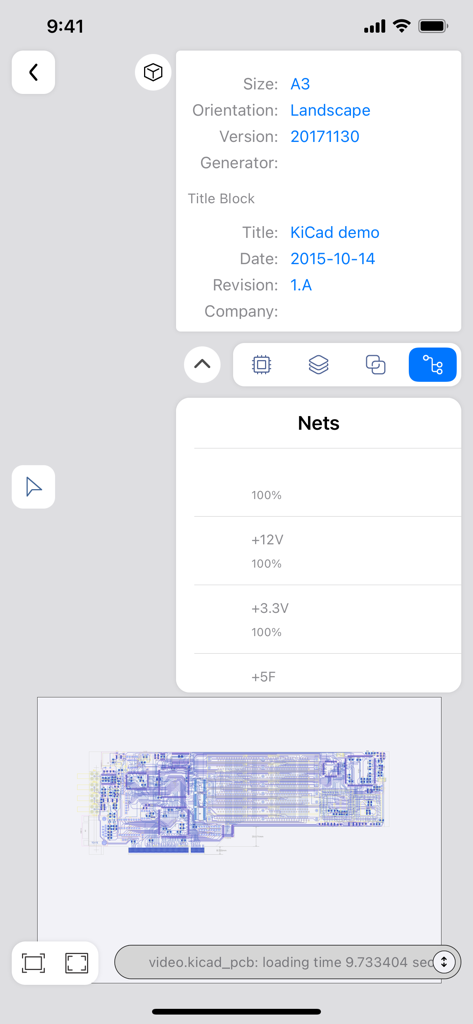
基板メタデータと設計ゾーンを表示するKiCAD PCBビューアアプリインターフェース。

ファイルメタデータと電気ネットを表示するKiCAD PCBビューアのモバイルインターフェース。
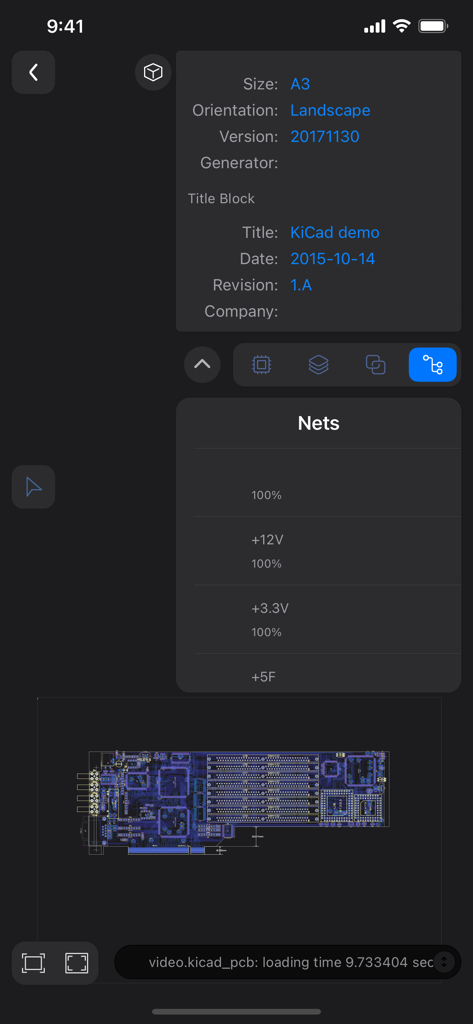
ファイルメタデータと電気ネットを表示するKiCAD PCBビューアのモバイルインターフェース。

PCBネットリスト、タイトルブロック情報、レイアウトプレビューを表示するKiCAD PCBビューアのモバイルアプリインターフェース。

PCBネットリスト、タイトルブロック情報、レイアウトプレビューを表示するKiCAD PCBビューアのモバイルアプリインターフェース。

ポケットの中の精密工学

このアプリを際立たせるツール、 46K+ 人のユーザーが選択.

🔍

高度な多層検査

直感的なタッチ最適化ナビゲーションと高精度ズームを使用して、すべてのレイヤーにわたる複雑な信号パスとトレース接続を分析します。

モバイルデザインルールチェック

製造前に基板が業界標準を満たしていることを確認するために違反をフラグ付けする組み込みDRCエンジンを使用して、ハードウェアをオンザフライで検証します。

🤖

AI駆動回路インサイト

モデルコンテキストプロトコル(MCP)を利用して、設計とAIモデルをブリッジし、自動検証とインテリジェントな障害診断を行います。

アプリについて

について知っておくべきこと KiCAD PCB Viewer.

説明

This is a lightweight APP for viewing KiCAD 3 - 9 generated pcb files in a mobile environment. No matter what questions, opinions or ideas you have, you can send an email to xjerry248@gmail.com . KiCAD PCB Viewer is a highly professional tool developed specifically for viewing and reviewing PCB design files generated by KiCAD. The tool integrates an advanced graphical interface that allows users to deeply browse PCB designs in a multi-layer view mode, supporting comprehensive analysis and verification of complex boards. Users can view the component layout, electrical connections, and signal paths of each layer in detail, and perform interactive design verification and troubleshooting. KiCAD PCB Viewer provides real-time zoom, pan, and rotation capabilities, enabling users to precisely locate and inspect every detail of the board. At the same time, the tool supports various display modes, including transparent view, high brightness display and inter-layer contrast, helping users to quickly identify and solve potential problems. KiCAD PCB Viewer also has a powerful Design Rule Check (DRC) feature that automatically detects and flags design violations to ensure that your board design meets industrial manufacturing standards. In addition, the tool supports annotation and marking capabilities, which facilitate team collaboration and design review. To improve the user experience, KiCAD PCB Viewer integrates cross-platform support and is able to run smoothly on Windows, macOS, and Linux systems. Its efficient file handling capability and optimized user interface make it an ideal choice for PCB design engineers in the design, verification and optimization process. You can access the Web interface of the APP directly in the browser, easily manage, upload and download the PCB design file generated by KiCAD, and achieve cross-platform convenient and efficient file operation. KiCAD PCB Viewer supports the Model Context Protocol (MCP). Through this protocol, it can provide AI models with the necessary context from PCB files to enhance circuit analysis. Engineers can connect KiCAD PCB Viewer with AI - driven functions like automated design analysis and intelligent verification. This allows them to more effectively identify potential PCB design issues and improve the overall quality of their PCB designs. KiCAD PCB Viewer provides engineers with comprehensive support to ensure high quality, reliability, and manufacturability of PCB designs, whether at the beginning of design, mid-development, or final review before production. By using KiCAD PCB Viewer, engineers can more efficiently perform design verification, optimization, and fault diagnosis, improving overall design efficiency and product quality.

最新バージョン

1.2.7

サイズ

9.6 MB

リリース日

2023年6月29日

ハードウェアワークフローに革命を起こす準備はできましたか?

KiCADレイアウトをモバイル化する46,000人以上のエンジニアに参加しましょう。複雑な基板をレビューし、プロフェッショナルなDRCを実行し、AI駆動の洞察を活用して、どこにいても活用できます。

ダウンロード: App Store

App information, icons, screenshots, and descriptions displayed on this page are sourced from the Apple App Store and are the property of their respective developers. Download estimates and rankings are based on MWM's proprietary models and may not reflect actual figures. This page is provided for informational and analytical purposes only.

Believe this page infringes your intellectual property? File a dispute