
このページはアプリまたはその開発者の公式ページではなく、情報提供および論評を目的として作成された独立した編集出版物です。明示的に別段の記載がない限り、アプリおよびその開発者は、MWM、Apple、Google Play、アプリのパブリッシャー、またはアプリの開発者と提携、承認、後援、認可、またはその他の公式的な関係はなく、このページのいかなる内容も、アプリがMWMのサービスを使用して開発されたことを意味するものではありません。すべての商標、ロゴ、スクリーンショット、その他のコンテンツはそれぞれの所有者の財産です。

Longshot - ScreenShot Stitcher
断片化された複数のスクリーンショットを送るのはもうやめましょう。チャット、ウェブサイト、メモを、簡単なスクロールで自動的に高解像度の長い画像に変換します。
ダウンロード
31K+ユーザー評価
評価数
500開発元
カテゴリ
Photo & Video対応言語
18最新バージョン
1.0.2サイズ
13.7 MBリリース日
2024年8月14日ストーリー全体を1つのショットでキャプチャ
散らかった画面キャプチャを、シームレスで高解像度の長い画像に変換します。バイラルスレッド、詳細な調査、または重要なレシートを、散らかりなく保存するのに最適です。
会話の自動ステッチ
画面を録画するだけで、AIがチャット履歴をシームレスに1つの連続した読みやすい画像にマージします。
クリスタルクリアなHDエクスポート
レシートを高解像度のまま保存しましょう。Slack、LinkedIn、または個人のアーカイブでプロフェッショナルに見える、見事な長いスクリーンショットをエクスポートします。
以下のスクリーンショットと説明は、アプリの公式ストアリスティングから直接取得されたものであり、アプリ開発者の所有物です。
アプリストア
スクリーンショット
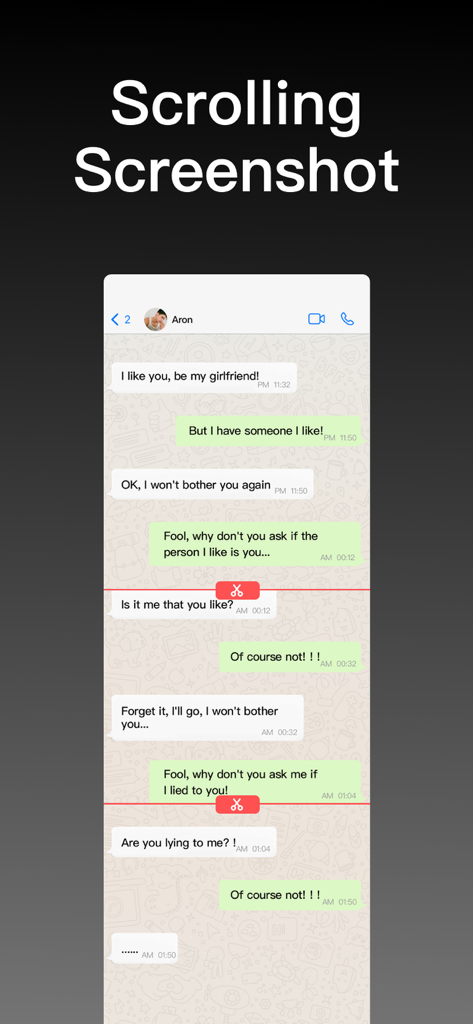
Longshotアプリのスクロールスクリーンショット。ステッチされたチャットの会話が表示されています。
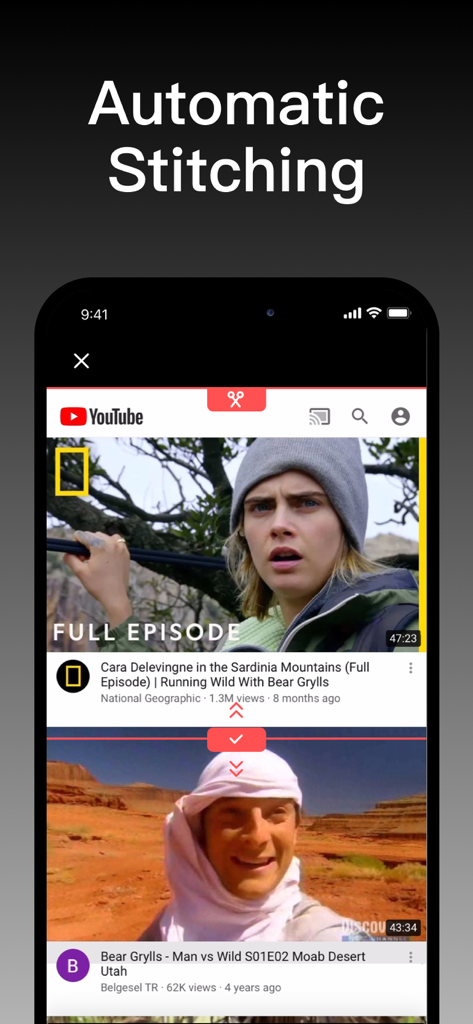
ビデオサムネイルの自動スクリーンショットステッチを示すモバイルアプリのインターフェイス。
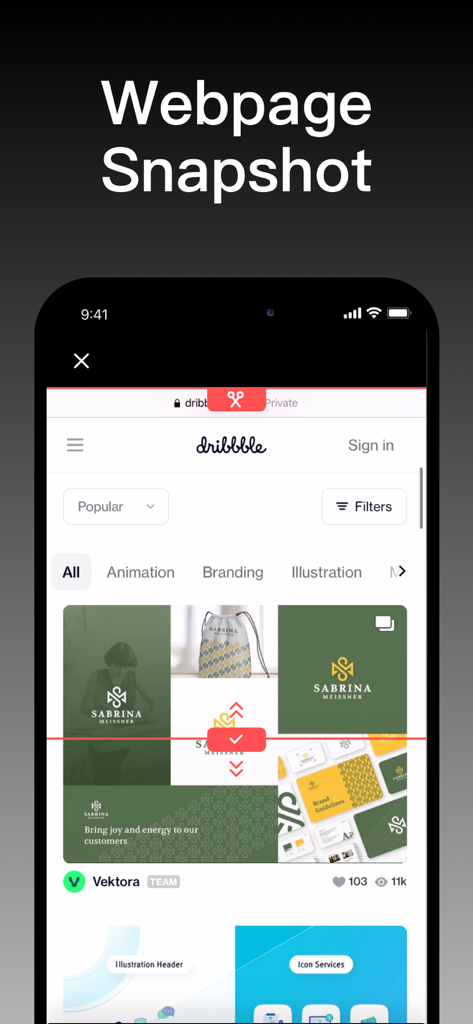
モバイルデバイスでウェブページのスナップショット機能を示しているLongshotアプリのインターフェイス。
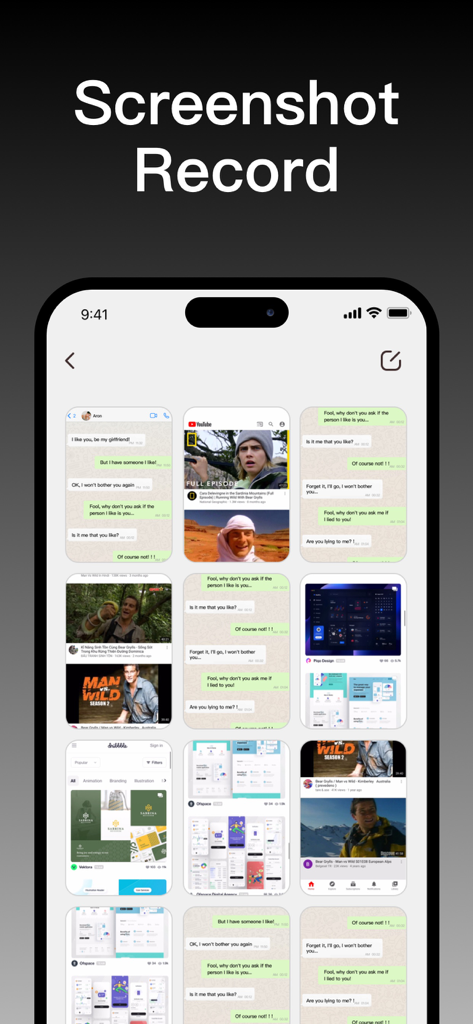
Longshotアプリのギャラリービュー。ステッチの準備ができている複数のスクリーンショットと画面録画が表示されています。
説明
Download
類似アプリ
同じカテゴリのトップランクアプリ

CapCut: Photo & Video Editor
BYTEDANCE PTE. LTD.

Instagram, Inc.

YouTube
Google LLC

Canva: AI Photo & Video Editor
Canva Pty Ltd

Snapchat
Snap, Inc.

快手
Beijing Kwai Technology Co., Ltd.

Edits: Video Editor
Instagram, Inc.

Meitu- AI Photo & Video Editor
Xiamen Meitu Technology Co., Ltd.

Google Photos: Backup & Edit
Google LLC
このページはアプリまたはその開発者の公式ページではなく、情報提供および論評を目的として作成された独立した編集出版物です。明示的に別段の記載がない限り、アプリおよびその開発者は、MWM、Apple、Google Play、アプリのパブリッシャー、またはアプリの開発者と提携、承認、後援、認可、またはその他の公式的な関係はなく、このページのいかなる内容も、アプリがMWMのサービスを使用して開発されたことを意味するものではありません。すべての商標、ロゴ、スクリーンショット、その他のコンテンツはそれぞれの所有者の財産です。