
このページはアプリまたはその開発者の公式ページではなく、情報提供および論評を目的として作成された独立した編集出版物です。明示的に別段の記載がない限り、アプリおよびその開発者は、MWM、Apple、Google Play、アプリのパブリッシャー、またはアプリの開発者と提携、承認、後援、認可、またはその他の公式的な関係はなく、このページのいかなる内容も、アプリがMWMのサービスを使用して開発されたことを意味するものではありません。すべての商標、ロゴ、スクリーンショット、その他のコンテンツはそれぞれの所有者の財産です。

Ruler App: AR Tape Measure cm
スマートフォンを高精度の計測スイートに変えましょう。拡張現実(AR)を使用して寸法を測定し、表面を水平にし、家のリフォームプロジェクトを簡単に管理できます。
ダウンロード
3M+ユーザー評価
評価数
1K+開発元
カテゴリ
Productivity対応言語
12最新バージョン
2.2.10サイズ
268.4 MBリリース日
2015年9月13日ポケットに入るプロ仕様のツールベルト
高精度AR技術、水平出しツール、プロジェクト管理を一つのアプリに凝縮。DIYや仕事の効率をアップさせます。
高精度AR計測
カメラを向けるだけで、長さ、面積、体積を瞬時に算出。物理的なメジャーなしで床材の見積もりや家具の配置確認に最適です。
スマートなプロジェクト追跡
すべての計測値を整理されたフォルダに保存、編集、管理。リフォームを効率化し、業者やデザイナーにすぐにデータを共有できます。
よくある質問
について知っておくべきこと Ruler App: AR Tape Measure cm
Ruler App: AR Tape Measure cmとは何ですか?
Prime Rulerは、拡張現実(AR)技術と画面上のツールを組み合わせて正確な測定を行う多機能ツールです。直感的なインターフェースで、プロフェッショナルなタスクと日常的な使用の両方をサポートします。
Ruler App: AR Tape Measure cmはAR測定機能を提供しますか?
はい、Prime RulerはARルーラー機能を提供しており、拡張現実を使用して長さ、面積、角度、体積を測定できます。距離計や高さ測定機能も含まれています。
Ruler App: AR Tape Measure cmで湾曲したオブジェクトを測定できますか?
はい、Prime Rulerには、標準的でないオブジェクトや湾曲したオブジェクトを簡単に測定できるように設計されたフレキシブル測定テープ機能が含まれています。これにより、多様な測定アプリケーションが可能になります。
Ruler App: AR Tape Measure cmのバブルレベルはどのように機能しますか?
Prime Rulerのバブルレベルは、デバイスのセンサーを使用して、表面が完全に水平または垂直であるかを確認します。位置合わせやレベリングのための正確なツールを提供します。
Ruler App: AR Tape Measure cmは写真内のオブジェクトを測定できますか?
はい、Prime Rulerにはフォトルーラー機能があります。ユーザーは写真を撮り、基準となるオブジェクトを選択し、マーカーを調整することで、写真内のオブジェクトを正確に測定できます。
Ruler App: AR Tape Measure cmは測定結果を保存できますか?
はい、Prime Rulerでは、「プロジェクト」機能を通じて測定結果を作成、保存、編集、管理できます。これにより、アプリ内での長期的なタスク管理が可能になります。
Ruler App: AR Tape Measure cmのプレミアムサブスクリプションの利点は何ですか?
Prime Rulerのプレミアムサブスクリプションは広告を削除し、無制限のプロジェクトを提供します。これにより、中断がなくなり、ストレージが拡張されることで、ユーザーエクスペリエンスが向上します。
Ruler App: AR Tape Measure cmはプレミアムサブスクリプションの無料トライアルを提供していますか?
はい、Prime Rulerは3日間の無料トライアル付きのプレミアムサブスクリプションを提供しています。トライアル期間終了の少なくとも24時間前にキャンセルすれば、料金は請求されません。
Ruler App: AR Tape Measure cmのサブスクリプションをキャンセルするにはどうすればよいですか?
ユーザーはiTunesアカウント設定でPrime Rulerのサブスクリプションを管理およびキャンセルできます。現在の有効期間終了の少なくとも24時間前にキャンセルすれば、自動更新は停止します。
Ruler App: AR Tape Measure cmのプライバシーポリシーはどこで見つけられますか?
Prime Rulerのプライバシーポリシーはhttps://grymala.by/policyでご覧いただけます。このドキュメントには、アプリケーションがユーザーデータをどのように処理するかが詳細に記載されています。
以下のスクリーンショットと説明は、アプリの公式ストアリスティングから直接取得されたものであり、アプリ開発者の所有物です。
アプリストア
スクリーンショット
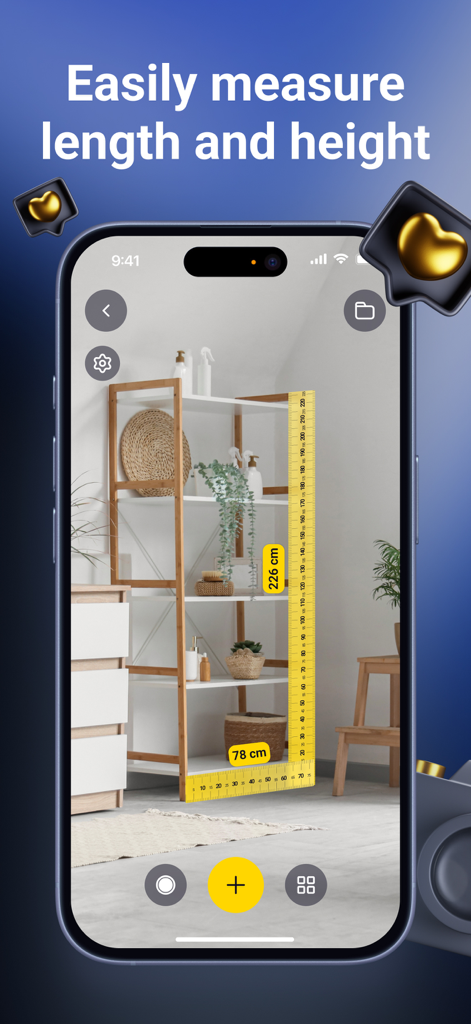
AR定規アプリでスマートフォンの棚の高さと長さを計測している様子
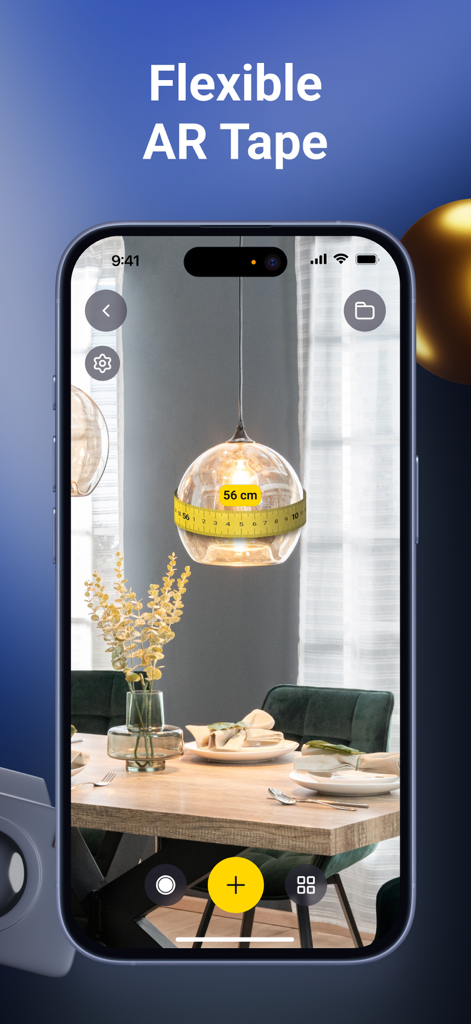
スマートフォンで柔軟なARメジャーを使い、丸い照明器具の周囲を計算している様子
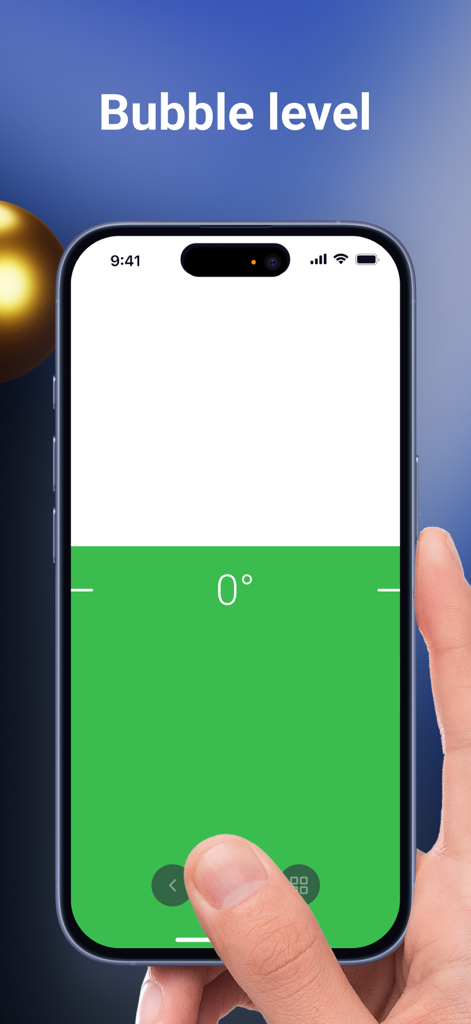
スマートフォンの画面に表示された、0度を示しているデジタル水準器ツール
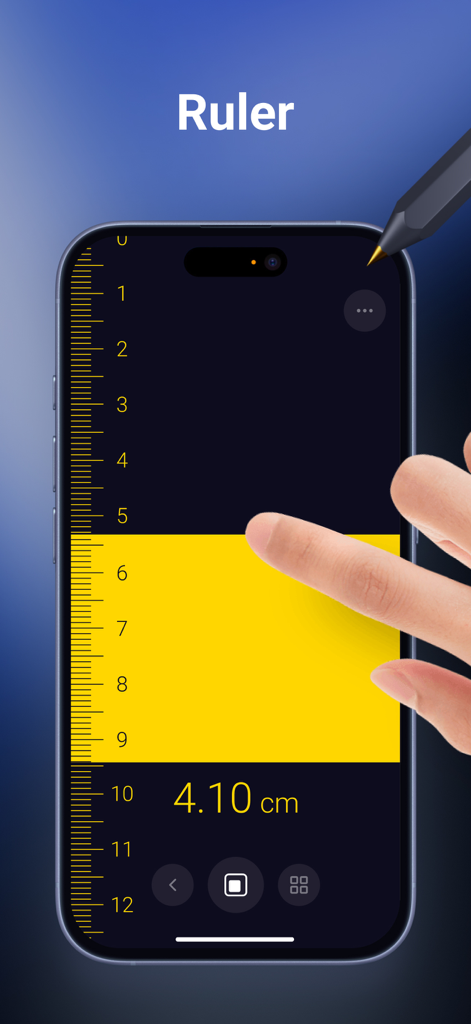
iPhoneの画面に表示されたデジタル定規アプリで、タッチインターフェースを使って4センチメートルを測っている手
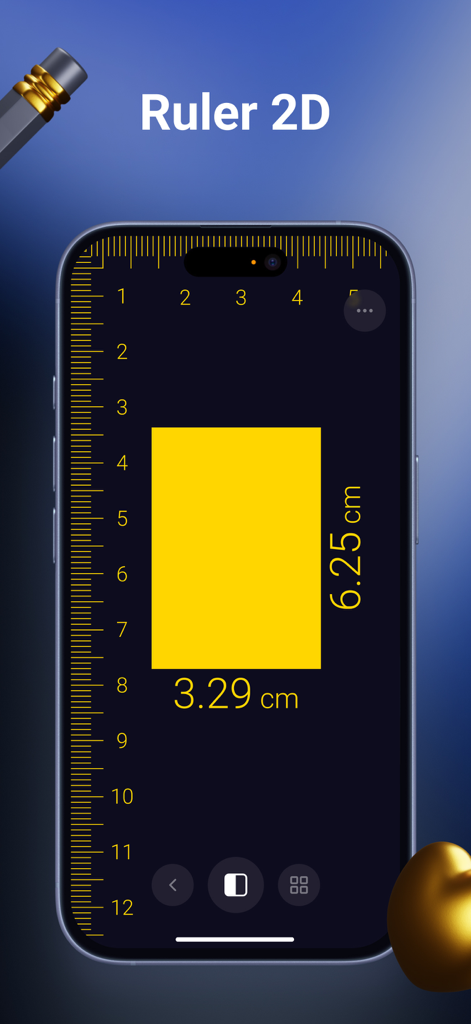
長方形をセンチメートル単位で計測している2D定規ツールのスマートフォン画面
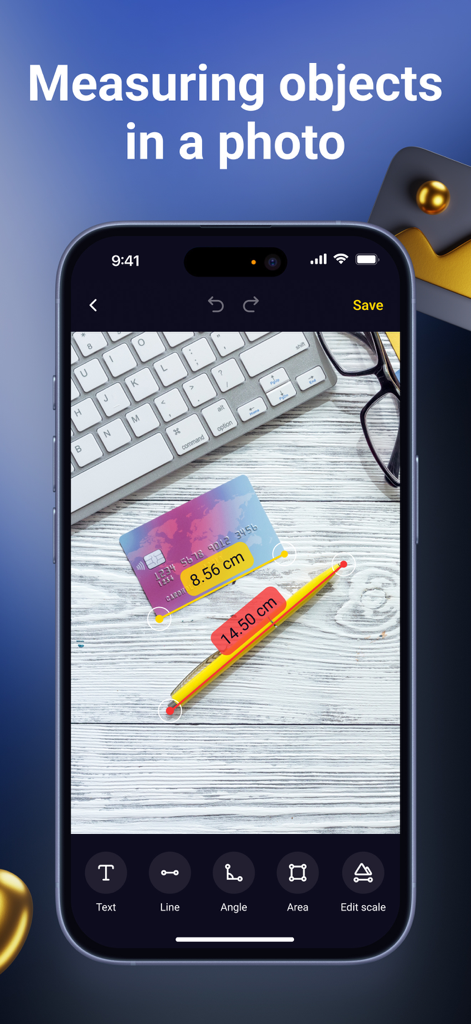
写真内のクレジットカードとペンを計測している写真定規機能のスマートフォン画面
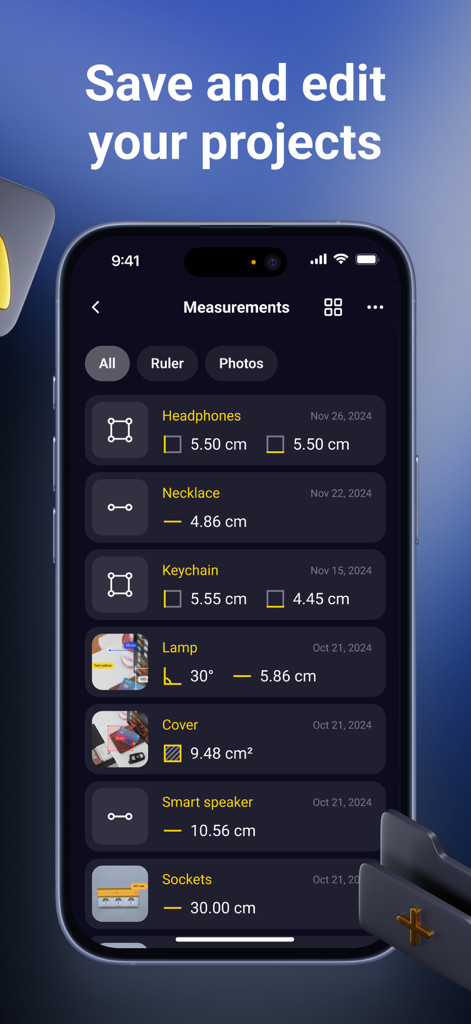
保存された計測プロジェクトと履歴データのリストを表示しているAR定規アプリのインターフェース
説明
Download
類似アプリ
似た機能とユーザー体験を持つアプリ

Pocket Bubble Level XXL
ExaMobile S.A.

Measuring Tape +ㅤ
Rocket Apps GmbH

CamToPlan - 3D Scanner & LiDAR
Tasmanic Editions

Tape Measure: AR Ruler
Veysel OTI

Home Planner - AI Room Design
Room Planner Ltd

Polycam 3D Scanner, LiDAR, 360
Polycam Inc.

Measuring Tape+ Measure AR app
MEASURE TECH SOCIEDAD LIMITADA

Tape Measure®
AI Photo Editor Lab SRL

Bubble Level for iPhone
Lemondo Apps LLC
このページはアプリまたはその開発者の公式ページではなく、情報提供および論評を目的として作成された独立した編集出版物です。明示的に別段の記載がない限り、アプリおよびその開発者は、MWM、Apple、Google Play、アプリのパブリッシャー、またはアプリの開発者と提携、承認、後援、認可、またはその他の公式的な関係はなく、このページのいかなる内容も、アプリがMWMのサービスを使用して開発されたことを意味するものではありません。すべての商標、ロゴ、スクリーンショット、その他のコンテンツはそれぞれの所有者の財産です。