
このページはアプリまたはその開発者の公式ページではなく、情報提供および論評を目的として作成された独立した編集出版物です。明示的に別段の記載がない限り、アプリおよびその開発者は、MWM、Apple、Google Play、アプリのパブリッシャー、またはアプリの開発者と提携、承認、後援、認可、またはその他の公式的な関係はなく、このページのいかなる内容も、アプリがMWMのサービスを使用して開発されたことを意味するものではありません。すべての商標、ロゴ、スクリーンショット、その他のコンテンツはそれぞれの所有者の財産です。


Message Viewer Pro
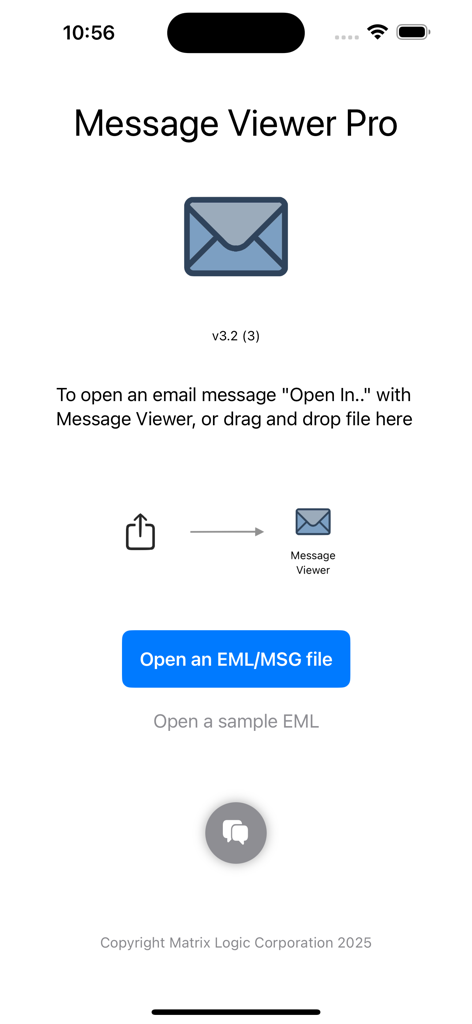
iOSとmacOSでアーカイブされたメールとその添付ファイルをシームレスに表示するためのプロフェッショナルユーティリティ—デスクトップは不要です。
ダウンロード
1K+ユーザー評価
評価数
0開発元
カテゴリ
Productivity対応言語
12最新バージョン
3.5サイズ
8.8 MBリリース日
2025年1月23日プロフェッショナルアーカイブへのシームレスなアクセス
Microsoft OutlookとAppleエコシステムとの間のギャップを埋めます。Message Viewer Proを使用すると、iPhone、iPad、Macで.msgおよび.emlファイルに即座にアクセス、読み取り、管理できます。
ユニバーサルファイル互換性
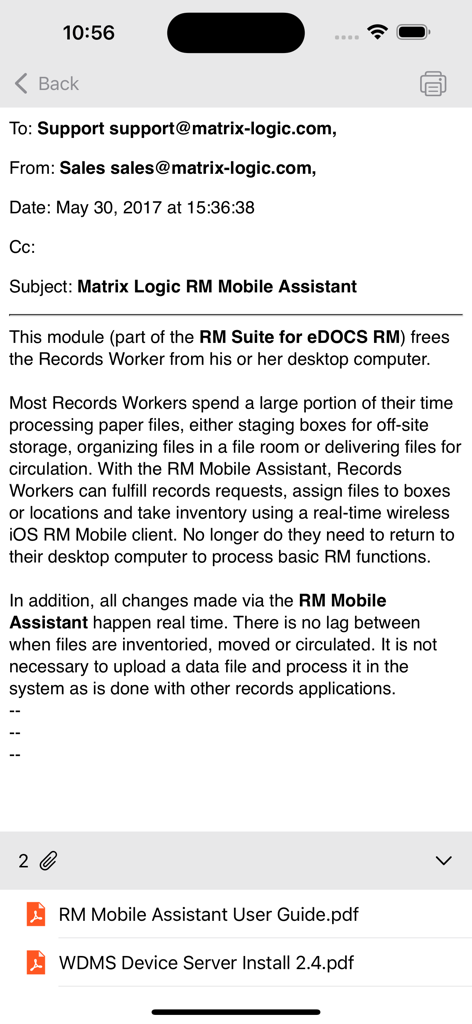
iOSではネイティブにサポートされていないMicrosoft Outlookの独自の.msgおよび.eml形式を即座に開くことができ、古い通信が手の届かないところにあることを保証しません。
完全な添付ファイル管理
アーカイブ内の埋め込みPDF、スプレッドシート、画像にアクセスします。ワークフローを維持するために、重要なドキュメントを直接他のアプリに印刷または共有します。
以下のスクリーンショットと説明は、アプリの公式ストアリスティングから直接取得されたものであり、アプリ開発者の所有物です。
アプリストア
スクリーンショット
説明
Download
類似アプリ
同じカテゴリのトップランクアプリ

ChatGPT
OpenAI OpCo, LLC

Google Gemini
Google LLC

Grok
X.AI Corporation

Gmail - Email by Google
Google LLC

千问 - 阿里最强大模型官方AI助手
Shanghai Zhixin Puhui Technology Co., Ltd.

Google Drive
Google LLC

Microsoft Authenticator
Microsoft Corporation

Google Sheets
Google LLC

Google Docs
Google LLC
このページはアプリまたはその開発者の公式ページではなく、情報提供および論評を目的として作成された独立した編集出版物です。明示的に別段の記載がない限り、アプリおよびその開発者は、MWM、Apple、Google Play、アプリのパブリッシャー、またはアプリの開発者と提携、承認、後援、認可、またはその他の公式的な関係はなく、このページのいかなる内容も、アプリがMWMのサービスを使用して開発されたことを意味するものではありません。すべての商標、ロゴ、スクリーンショット、その他のコンテンツはそれぞれの所有者の財産です。