My Auto Clicker: Automatic Tap

My Auto Clicker: Automatic Tap

ダウンロード: App Store
ロゴ: My Auto Clicker: Automatic Tap

My Auto Clicker: 自動タップ — プロレベルの自動化で全ジェスチャーをマスター

手間を省き、競争優位に立ちましょう。お気に入りのWebゲームやページで、複雑なクリック、カーブスワイプ、ピンチを簡単に記録、保存、再生できます。

ダウンロード: App Store

開発元

Ansell Asselin

カテゴリ

Productivity

ダウンロード

99K+

ユーザー評価

4.2/5

評価数

200

対応言語

1

アクション中の自動化

このインターフェースを利用する 99K+ 人のユーザー.

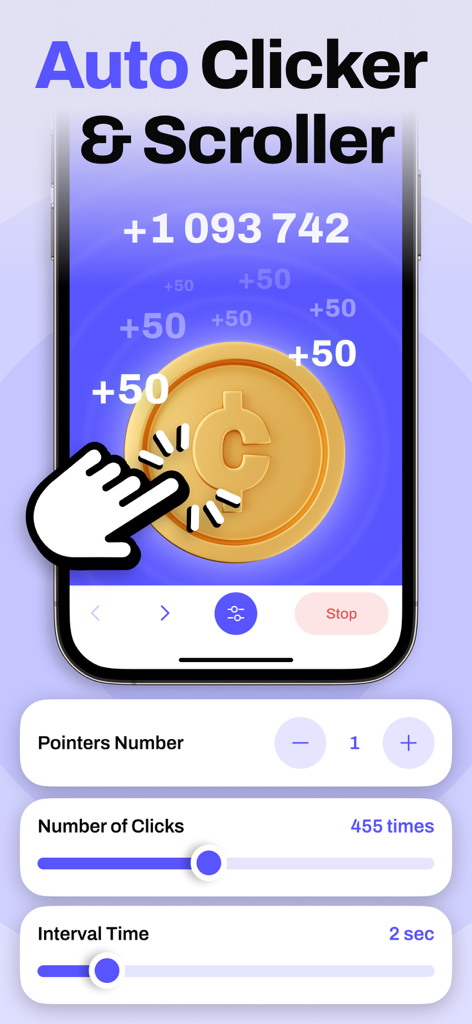
My Auto Clickerアプリのインターフェイス、自動タップとスクローラー設定が表示されています
My Auto Clickerアプリのインターフェイス、自動タップとスクローラー設定が表示されています

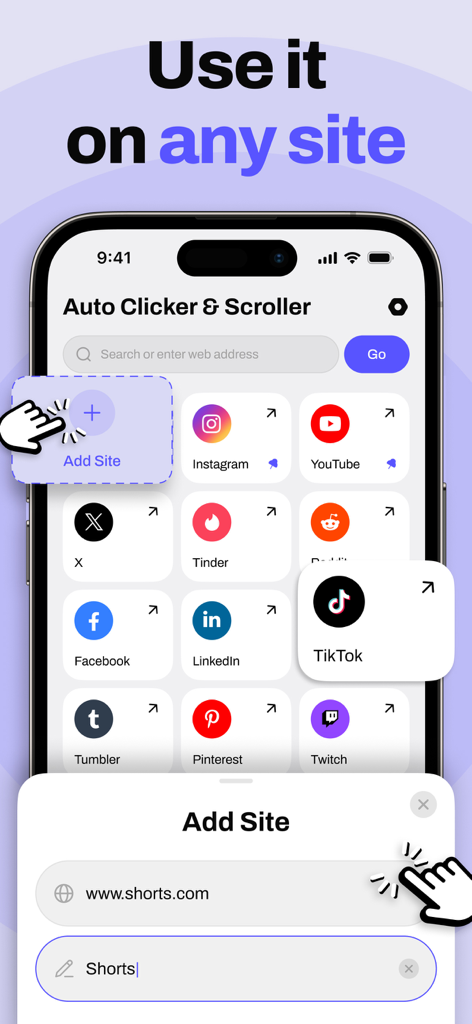
My Auto Clickerアプリのインターフェイス、自動化がサポートされているWebサイトのリストが表示されています
My Auto Clickerアプリのインターフェイス、自動化がサポートされているWebサイトのリストが表示されています

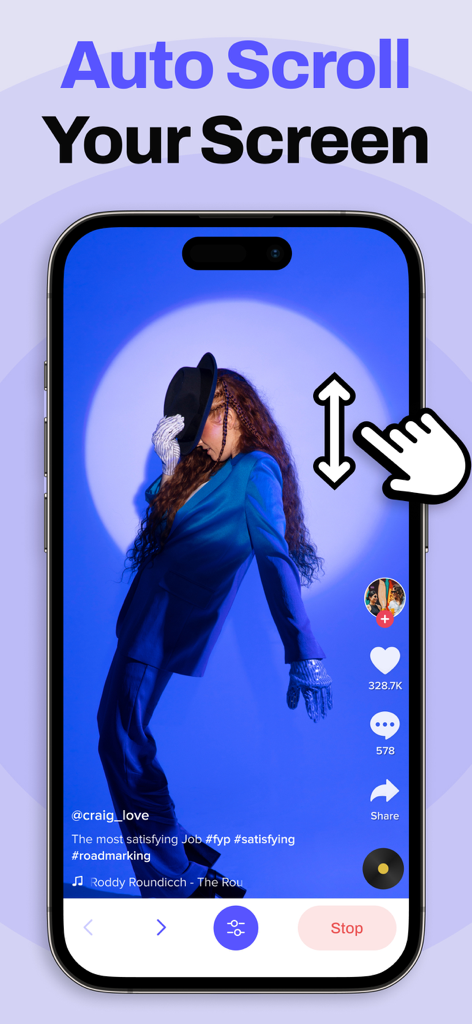
ソーシャルメディアフィードの自動スクロールジェスチャー機能を実演するiPhone画面
ソーシャルメディアフィードの自動スクロールジェスチャー機能を実演するiPhone画面

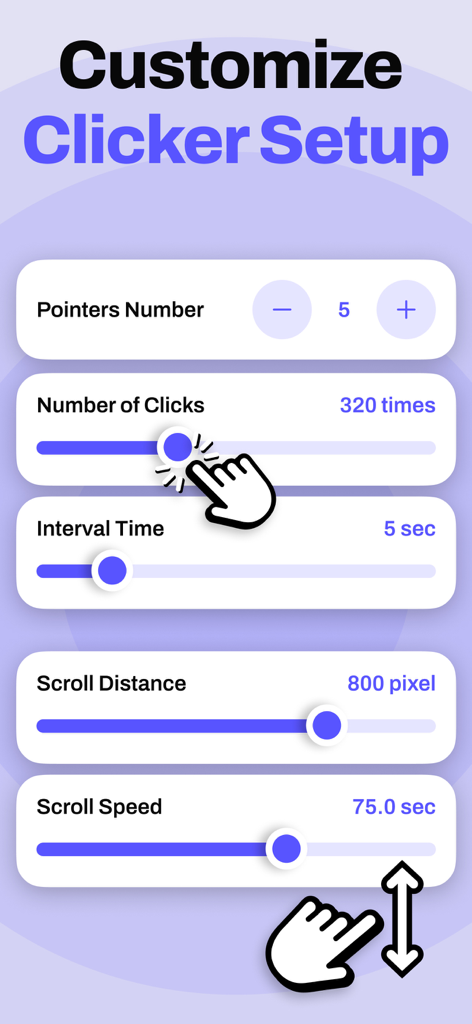
ポインター、クリック、間隔時間、スクロール速度を含む自動クリッカーパラメータをカスタマイズするためのモバイルアプリインターフェイス。
ポインター、クリック、間隔時間、スクロール速度を含む自動クリッカーパラメータをカスタマイズするためのモバイルアプリインターフェイス。

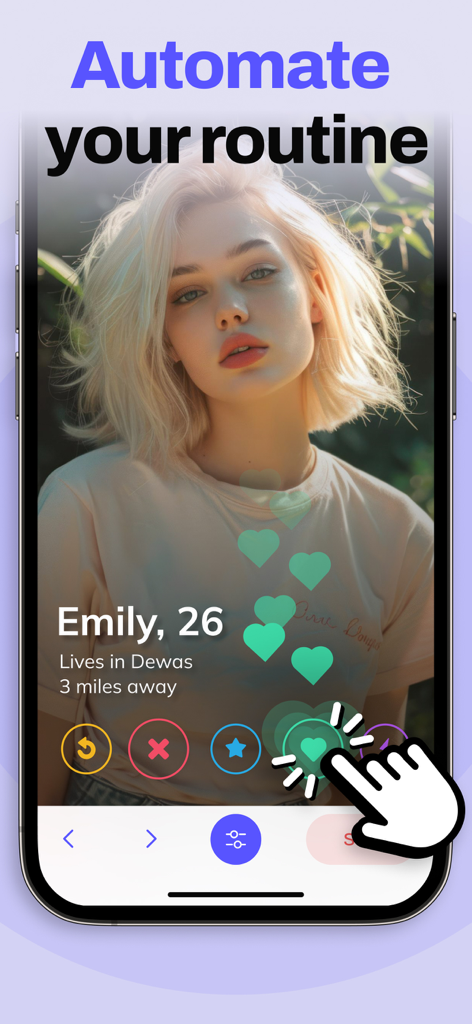
My Auto Clickerアプリのインターフェイス、テキストAutomate your routineと共にデーティングプロファイルでの自動タップを実演しています

My Auto Clickerアプリのインターフェイス、テキストAutomate your routineと共にデーティングプロファイルでの自動タップを実演しています

デジタル作業をマスターする

このアプリを際立たせるツール、 99K+ 人のユーザーが選択.

🎮

プロレベルのマルチタッチ

Webゲームやナビゲーションで競争優位に立つために、複雑なカーブスワイプ、ピンチ、スプレッドを自動化します。

🔄

スクリプトの記録と再生

カスタムジェスチャーを一度キャプチャしてスクリプトとして保存し、繰り返しの作業を永遠に排除します。

精密な速度制御

クリックと遅延をミリ秒単位の精度で調整し、重要なタスク中にビートを逃さないようにします。

アプリについて

について知っておくべきこと My Auto Clicker: Automatic Tap.

説明

The app is designed to automate clicks, curved swipes, and pinch gestures on custom web pages or web games. It offers customizable durations for each action, making it ideal for tasks requiring repetitive interactions. This auto clicker tool can automate clicks or swipes at any position with adjustable timing. It’s perfect for users looking to automate repetitive tasks such as reading online content, browsing the web, or playing games. Features: - User-Friendly Interface: Simple and intuitive to use. - Multi-Touch Gestures: Supports tapping, swiping, pinching, or spreading with one or multiple fingers. - Gesture Recording: Easily record and replay your gestures. - Customization: Adjust the size and opacity of the interface to your preference. - Configurable Click Settings: Set parameters like delay, touch duration, and repetition count. - Script Management: Save and load your scripts as needed. Subscription Details: - Charged to your iTunes account upon subscription confirmation. - Subscription renews automatically unless turned off at least 24 hours before the end of the current period. Renewal cost depends on your chosen plan: - Prices for other currencies align with App Store Price Matrix. - Subscriptions with a free trial automatically convert to paid subscriptions after the trial period. You can manage or cancel automatic renewal in your Account Settings. Cancellation takes effect 24 hours after the current subscription period ends, transitioning you to the free service. - Any unused portion of the free trial (if offered) will be forfeited upon purchasing a premium subscription. Privacy Policy: https://docs.google.com/document/d/1SXCAeXBjI2BG-WGlFme0i3QGh34jeALpRFIsrxPeCD8/edit?usp=sharing Terms of Use: https://docs.google.com/document/d/1nc3tuHrV5xHXgUPc7HgrrdJ9ts6rY1BNS26OTr1vPos/edit?usp=sharing https://www.apple.com/legal/internet-services/itunes/dev/stdeula/

最新バージョン

1.0.2

サイズ

7.0 MB

リリース日

2024年8月12日

成功を自動化する準備はできましたか?

99,000人以上のユーザーに加わり、手間を省きましょう。最も高度なiOS自動クリッカーをダウンロードして、Webゲーム、スクリプト、繰り返しのタスクを簡単にマスターしましょう。

ダウンロード: App Store

App information, icons, screenshots, and descriptions displayed on this page are sourced from the Apple App Store and are the property of their respective developers. Download estimates and rankings are based on MWM's proprietary models and may not reflect actual figures. This page is provided for informational and analytical purposes only.

Believe this page infringes your intellectual property? File a dispute