
このページはアプリまたはその開発者の公式ページではなく、情報提供および論評を目的として作成された独立した編集出版物です。明示的に別段の記載がない限り、アプリおよびその開発者は、MWM、Apple、Google Play、アプリのパブリッシャー、またはアプリの開発者と提携、承認、後援、認可、またはその他の公式的な関係はなく、このページのいかなる内容も、アプリがMWMのサービスを使用して開発されたことを意味するものではありません。すべての商標、ロゴ、スクリーンショット、その他のコンテンツはそれぞれの所有者の財産です。

Newsify: RSS Reader
情報管理を取り戻しましょう。お気に入りのブログやニュースを、AI搭載の要約とシームレスなマルチデバイス同期を備えた、美しく邪魔にならないレイアウトに整理しましょう。
ダウンロード
754K+ユーザー評価
評価数
35K+開発元
カテゴリ
News対応言語
1最新バージョン
8.0.4サイズ
111.9 MBリリース日
2012年4月22日情報フローを管理しましょう
アルゴリズムノイズを捨て、お気に入りのブログやジャーナルのパーソナライズされたフィードを、美しく邪魔にならない環境でキュレーションしましょう。
エレガントな新聞レイアウト
集中力と美的満足のためにデザインされた、驚くほど読みやすいビューでお気に入りのコンテンツを体験してください。
AI搭載記事要約
忙しいプロフェッショナルに最適な、スマートな要約で主要な洞察を即座に取得し、生産性を最大化しましょう。
よくある質問
について知っておくべきこと Newsify: RSS Reader
Newsify: RSS Readerとは何ですか?
Newsifyは、お気に入りのウェブサイトやブログを新聞のようなレイアウトで閲覧・共有できる無料のRSSリーダーアプリです。ニュース、ブログ、RSSフィードを1か所に集約します。
Newsifyは無料アプリですか?
はい、Newsifyは無料でダウンロードして使用できます。追加機能のためのプレミアムサブスクリプション「Newsify Premium」も提供しており、7日間無料で試すことができます。
Newsifyはどのような同期オプションを提供していますか?
NewsifyはFeedlyまたはNewsifyアカウントとの同期が可能です。アカウントなしでアプリを使用し、iCloudと同期することもできます。Newsifyアカウントがあれば、newsify.coでアクセスできます。
Newsifyはオフラインでの閲覧をサポートしていますか?
はい、Newsifyはオフラインでの閲覧をサポートしています。この機能には画像キャッシュが含まれており、インターネット接続なしで記事や画像にアクセスできます。
Newsifyにはナイトモードやテーマはありますか?
はい、Newsifyにはナイトモードがあり、自動または手動で設定でき、設定で有効にできます。また、ライト、セピア、グレー、ダークなど、複数のテーマも提供しています。
Newsify Premiumの料金はいくらですか?
Newsify Premiumは月額2.99米ドルまたは年額29.99米ドルです。価格は地域によって異なる場合があります。支払いはiTunesアカウントに請求され、期間終了の24時間前までに自動更新されます。
Newsify Premiumは記事の自動全文表示を提供しますか?
はい、Newsify Premiumはほとんどの部分フィードに対して自動的に全文表示を提供します。この機能により、ユーザーは記事をオフラインで閲覧するために保存でき、コンテンツへのアクセス性が向上します。
NewsifyはAI記事要約を提供していますか?
はい、Newsify PremiumにはAI記事要約が含まれています。このベータ機能はiOS/iPadOS 26を必要とし、Apple Intelligenceを活用して記事を要約します。
Newsifyアプリで広告を削除できますか?
はい、Newsify Premiumを購読することで広告を削除できます。プレミアムサブスクリプションは、記事を閲覧する際に広告なしのエクスペリエンスを提供します。
Newsifyのプライバシーポリシーはどこで見られますか?
Newsifyのプライバシーポリシーはウェブサイトで確認できます。完全なポリシーはhttps://newsify.co/privacy-policy/でアクセスできます。
以下のスクリーンショットと説明は、アプリの公式ストアリスティングから直接取得されたものであり、アプリ開発者の所有物です。
アプリストア
スクリーンショット
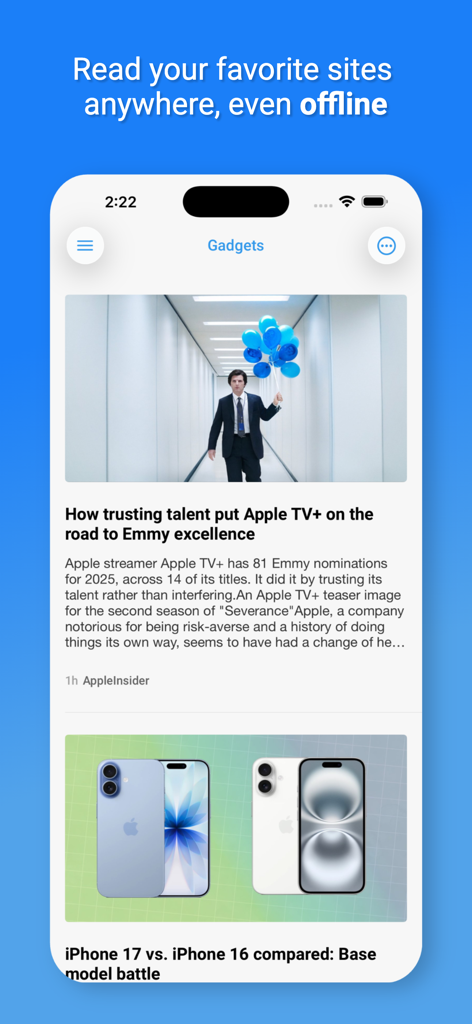
ガジェット記事のクリーンなニュースフィードとオフライン読書に関する見出しが表示されたNewsify RSSリーダーアプリのスマートフォン画面。
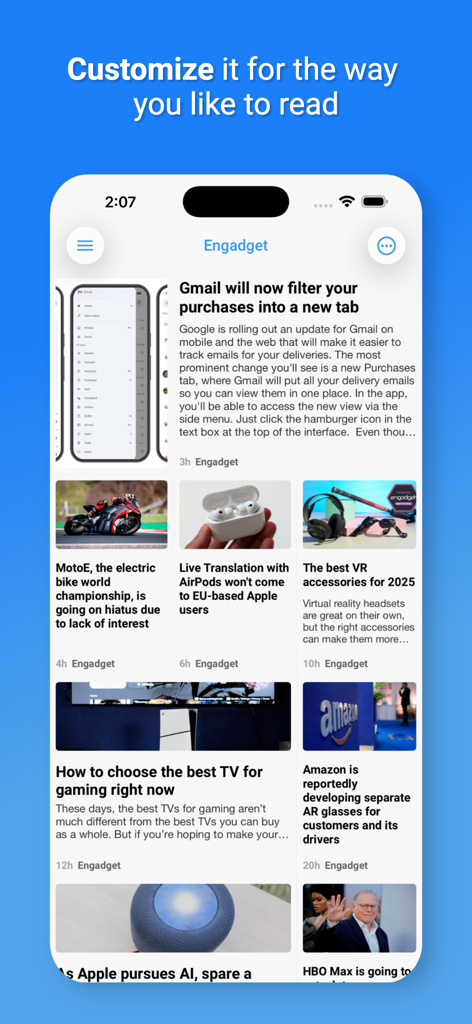
Techニュース記事のカスタマイズ可能な新聞レイアウトを表示するNewsifyアプリのスクリーンショット
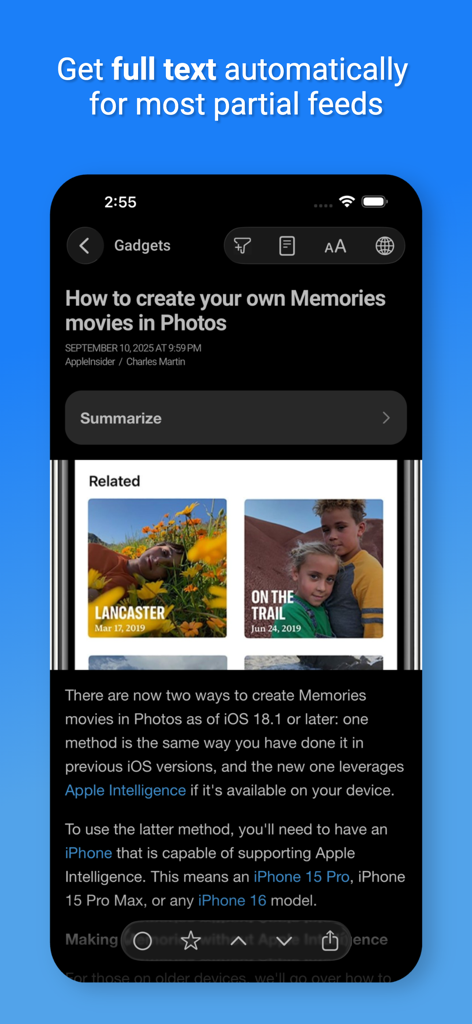
自動フルテキストとAI要約オプションを備えたナイトモードで記事を表示するNewsifyアプリ
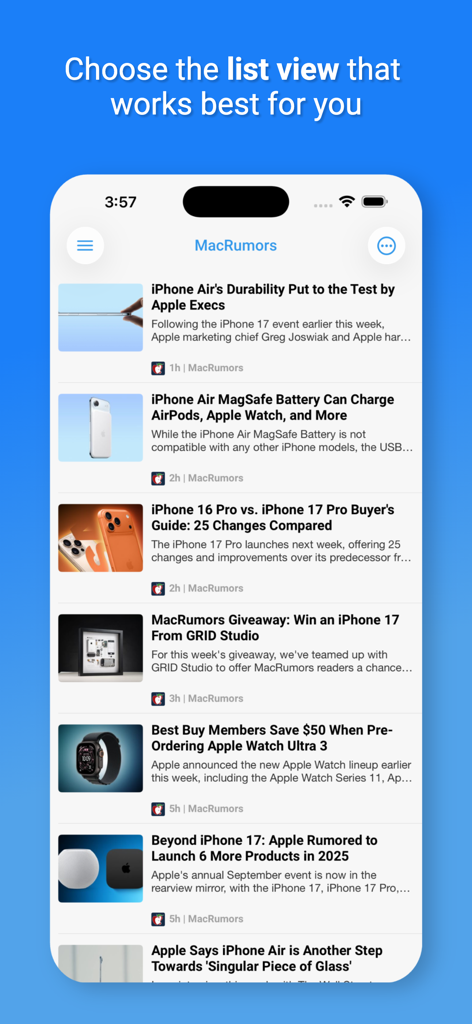
iPhone上のMacRumorsテックニュース記事のカスタマイズ可能なリストビューを表示するNewsifyアプリ
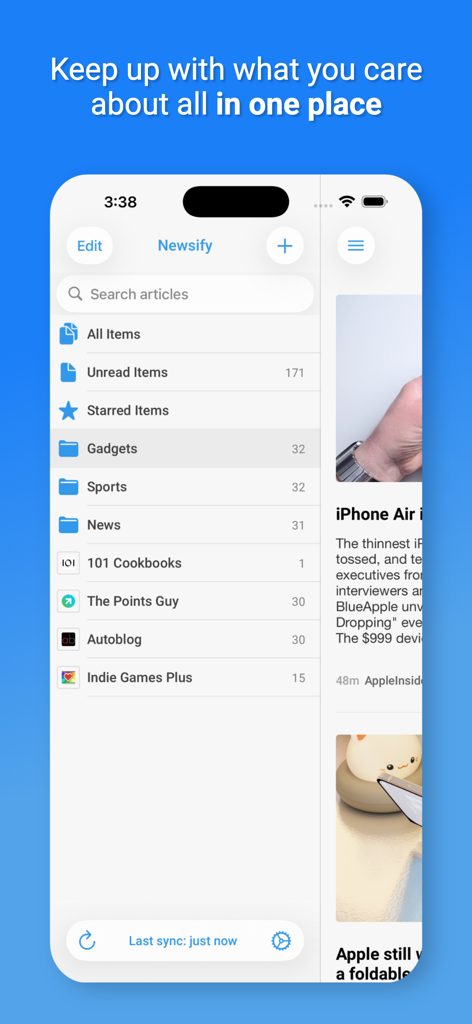
クリーンなメニューレイアウトでニュースカテゴリと未読記事のリストを表示するNewsify RSSリーダーアプリインターフェース。

Engadgetの記事を内蔵Webブラウザで表示するNewsifyアプリ。
説明
Download
類似アプリ
似た機能とユーザー体験を持つアプリ

NetNewsWire: RSS Reader
Brent Simmons

feeeed: rss reader and more
James Parrott

Perch Reader
GM LABS, INC.

Flipboard: The Social Magazine
Flipboard, Inc.

Feedly - Smart News Reader
Feedly Inc.

Inoreader: News & RSS reader
INNOLOGICA OOD
Outread: Speed Reading
Arkadiusz Holko

feeder.co - RSS Feed Reader
Really Simple i Stockholm AB

Unread: An RSS Reader
John Brayton
このページはアプリまたはその開発者の公式ページではなく、情報提供および論評を目的として作成された独立した編集出版物です。明示的に別段の記載がない限り、アプリおよびその開発者は、MWM、Apple、Google Play、アプリのパブリッシャー、またはアプリの開発者と提携、承認、後援、認可、またはその他の公式的な関係はなく、このページのいかなる内容も、アプリがMWMのサービスを使用して開発されたことを意味するものではありません。すべての商標、ロゴ、スクリーンショット、その他のコンテンツはそれぞれの所有者の財産です。