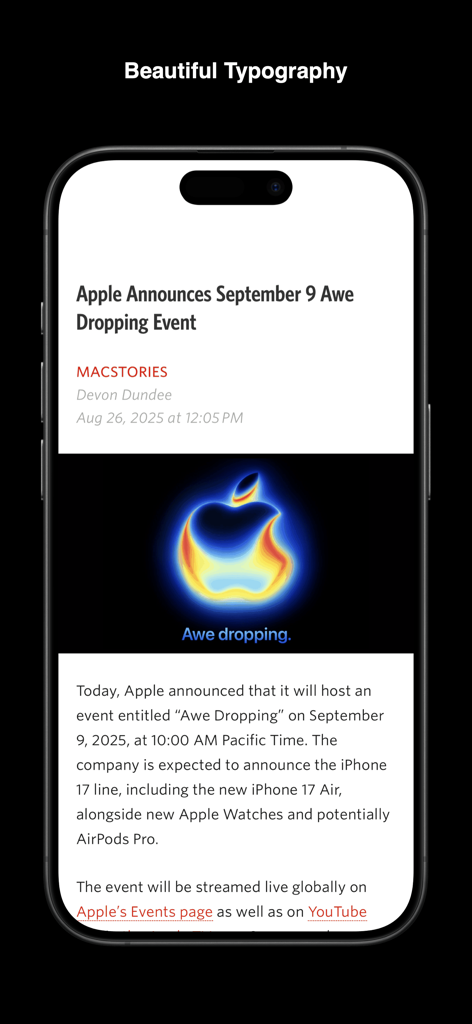
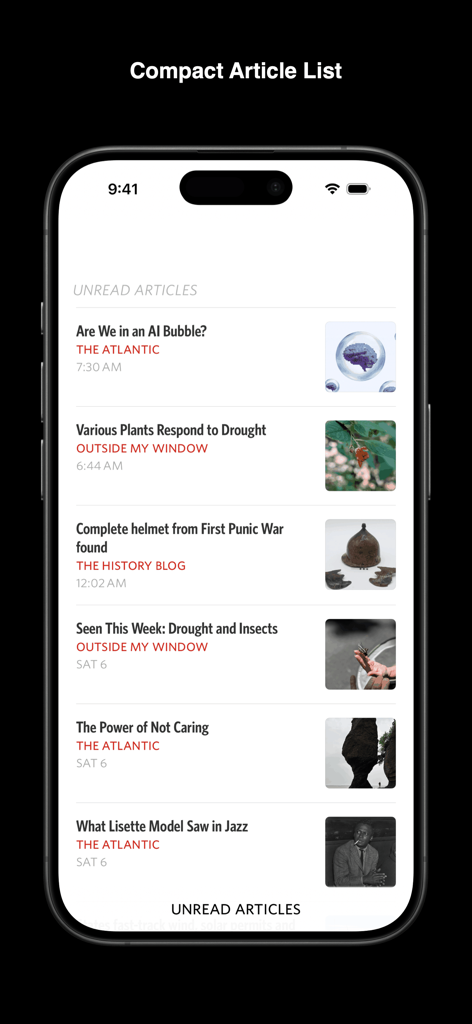
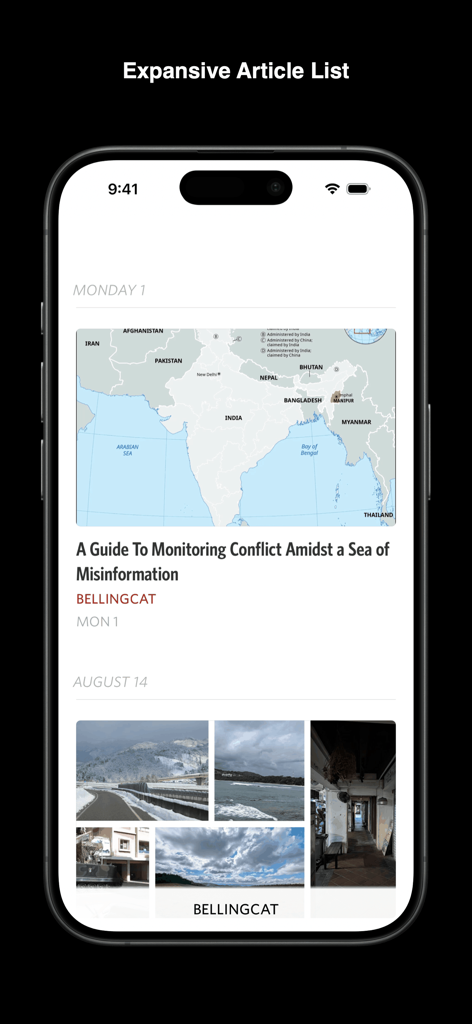
Rediscover the joy of reading your favorite writers and publications with Unread. Unread is an RSS reader with beautiful typography, comfortable gesture-based navigation, and a variety of color themes. Unread is available for iPhone, iPad, and Mac.
Capabilities include:
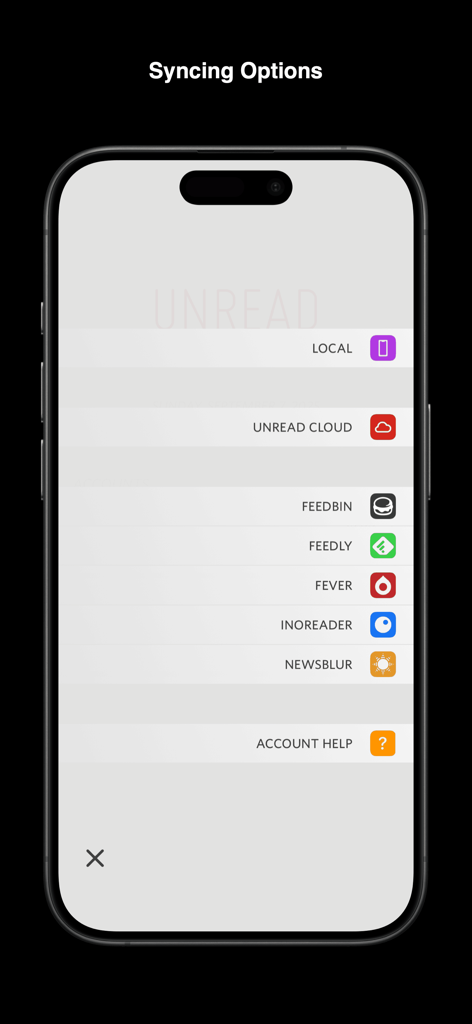
SYNCING: Our free Unread Cloud service keeps your devices in sync. Unread also syncs with Feedbin, Feedly, Fever, Inoreader, and NewsBlur.
AUTOMATIC WEBPAGE TEXT: For feeds that contain only article summaries, Unread will display the full article text from the webpage. You can easily switch between feed text and webpage text for any article, or make webpage text the default for individual feeds.
WEBSITE ACCOUNTS: For news websites that require an account, sign in and get full webpage text.
SUBSCRIBE IN UNREAD: This share sheet extension lets you subscribe to a website’s feeds while visiting that website from Safari or any other web browser.
SAVE TO UNREAD: This share sheet extension creates an article in Unread with the contents of the webpage you are visiting from Safari or any other web browser. (Subscription required.)
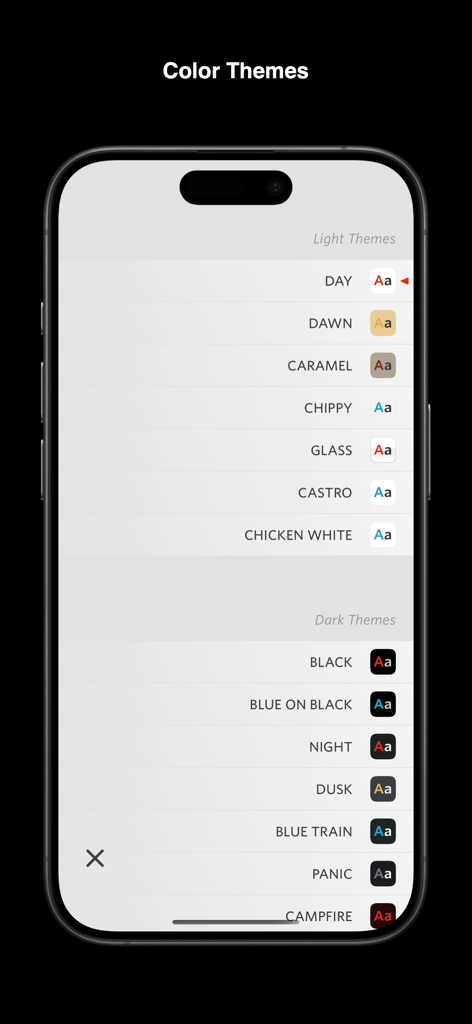
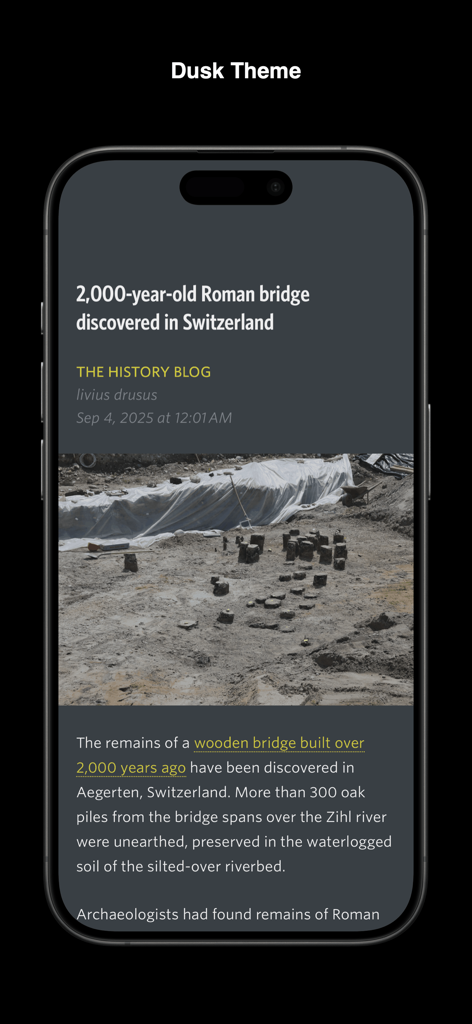
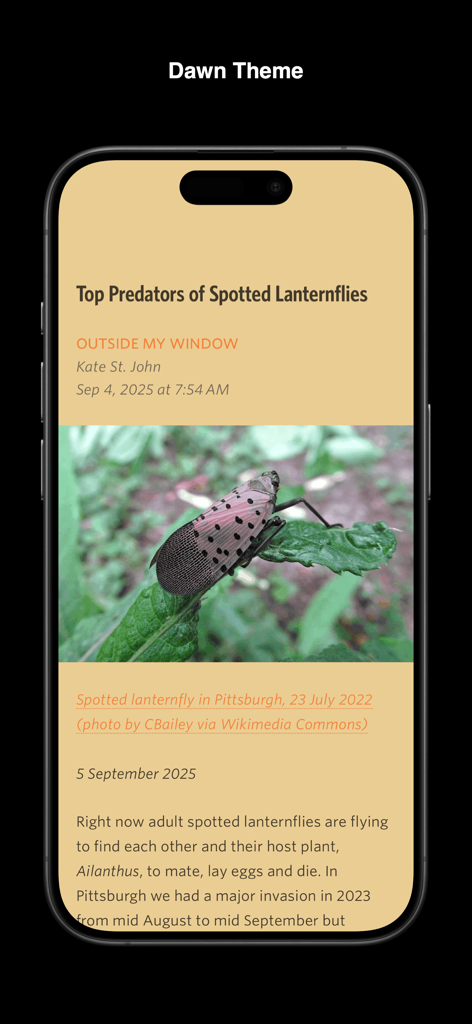
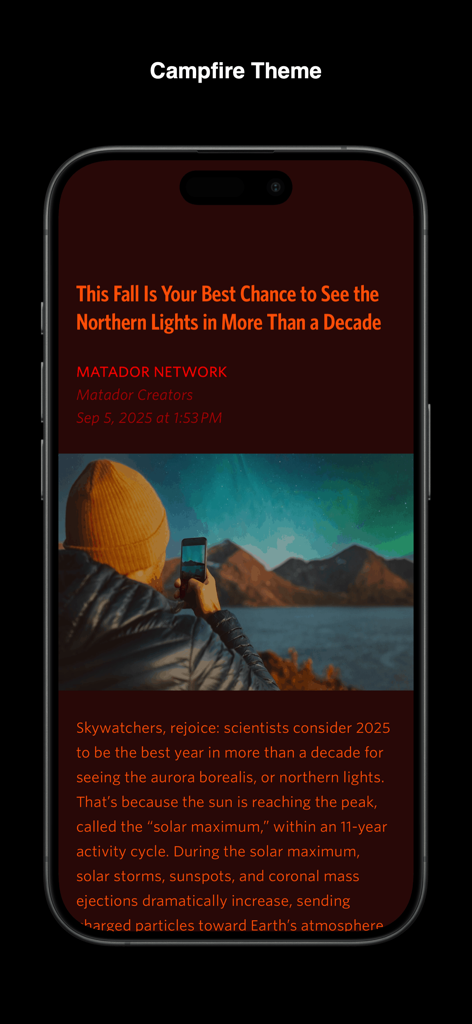
COLOR THEMES: Unread provides a variety of color themes. Choose one theme for light mode and another for dark mode.
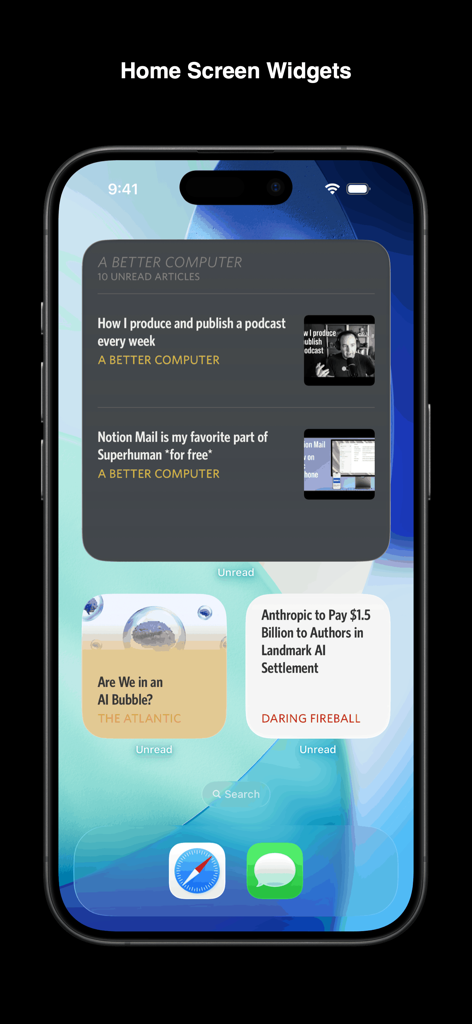
WIDGETS: Unread’s widgets display your most recent articles or unread article counts.
CACHING: Unread caches webpage text and images for instant loading and offline access. (Subscription required.)
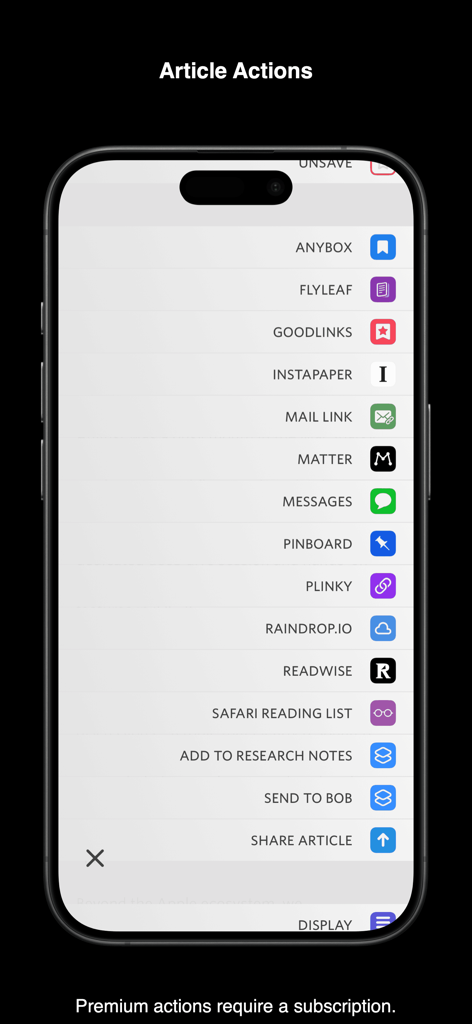
READ-LATER SERVICES: Unread can save articles to Anybox, Flyleaf, GoodLinks, Instapaper, Matter, Pinboard, Plinky, Raindrop.io, Readwise, Safari Reading List, and wallabag. On a device with a hardware keyboard, assign a custom keyboard shortcut to each. (Subscription required.)
SHORTCUTS: Perform shortcuts on articles and links inside articles. On a device with a hardware keyboard, assign a custom keyboard shortcut to each. (Subscription required.)
---
“Most importantly, I should stress again how refreshing it feels to have such a great native experience with Unread. The app is really fast, even when it’s loaded up with hundreds of feeds.”
— Niléane, MacStories
“It’s an RSS reader made with taste. It has great typography, themes, search, and compatibility with the usual suspects. I love having this app on my Mac.”
— David Sparks, MacSparky
“Unread is focused on eliminating chrome — it is a pure reading app. It’s like reader mode all the time, and the assortment of color themes is nicely curated.”
– John Gruber, Daring Fireball
---
Unread has full VoiceOver coverage. Every screen and every feature is available to users with vision impairments:
• From any screen you can perform a magic tap, a two-finger double tap, to open a menu of options available for that screen.
• When on an article list, there are actions available for each article in the list. After selecting an article, invoke the accessibility rotor and then select “Actions”. There is an action to mark the article read or unread, an action to share the article, and many others.
• Use the VoiceOver escape gesture, a two-finger “Z”, to back out of the current screen.
---
UNREAD SUBSCRIPTION
Unread is a free app. Additional functionality is available with a $29.99 (USD)/year auto-renewing subscription:
• Article actions for sending articles directly to supported bookmarking and read later services, and for sharing via email or iMessage.
• Ability to execute shortcuts on articles and links.
• Caching of webpage text and images.
• Widget customization options.
• Save to Unread share sheet extension.
• Custom app icons.
• Premium support.
A subscription automatically renews unless it is canceled at least 24 hours before the end of the current period. Your account will be charged for renewal within 24 hours prior to the end of the current period. You can manage and cancel your subscriptions by going to your account settings on the App Store after purchase.
Unread’s Terms of Use are available at:
https://www.goldenhillsoftware.com/unread/terms-of-use/