"No Distractions" for YouTube

"No Distractions" for YouTube

ダウンロード: App Store
ロゴ: "No Distractions" for YouTube

"No Distractions" for YouTube: 集中力を回復し、アルゴリズムを打ち破る

デジタルミニマリストのためのオープンソースSafari拡張機能。おすすめ、コメント、広告を非表示にして、YouTubeを単なる消耗品ではなく強力なユーティリティに変えましょう。

開発元

ULRIK LYNGS

カテゴリ

Productivity

ダウンロード

31K+

ユーザー評価

4.6/5

評価数

100

対応言語

1

集中力を回復する

このインターフェースを利用する 31K+ 人のユーザー.

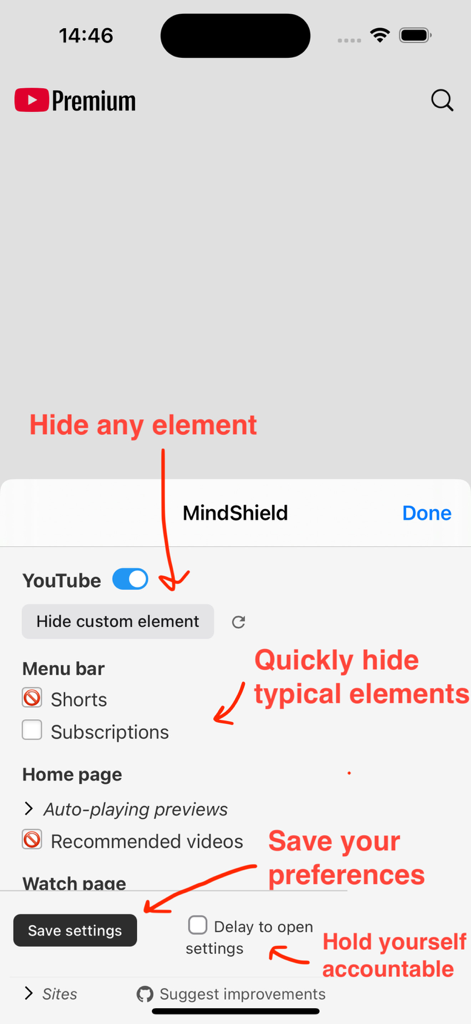
No Distractions for YouTube Safari拡張機能のインターフェース。ショート動画、おすすめ動画、カスタム要素を非表示にして集中力を向上させる設定が表示されています。
No Distractions for YouTube Safari拡張機能のインターフェース。ショート動画、おすすめ動画、カスタム要素を非表示にして集中力を向上させる設定が表示されています。

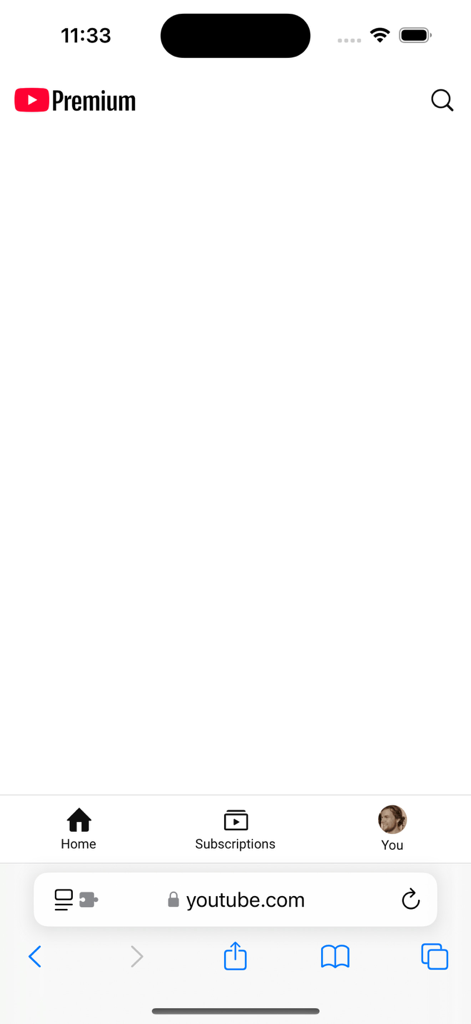
SafariブラウザでのYouTubeホームページのスクリーンショット。気を散らすものを防ぐため、すべてのおすすめ動画が非表示になっています。
SafariブラウザでのYouTubeホームページのスクリーンショット。気を散らすものを防ぐため、すべてのおすすめ動画が非表示になっています。

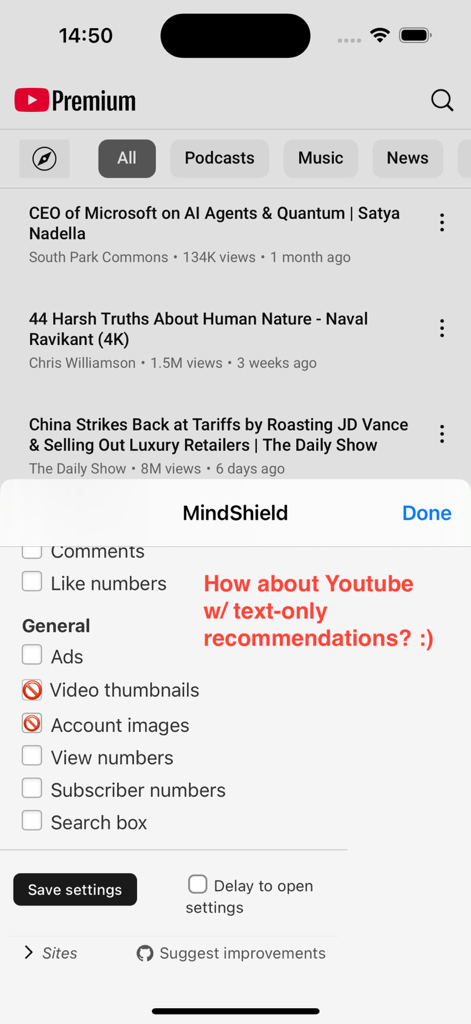
YouTubeモバイルフィード。No Distractions拡張機能の設定メニューを介して、サムネイルや画像なしで動画タイトルのみが表示されます。
YouTubeモバイルフィード。No Distractions拡張機能の設定メニューを介して、サムネイルや画像なしで動画タイトルのみが表示されます。

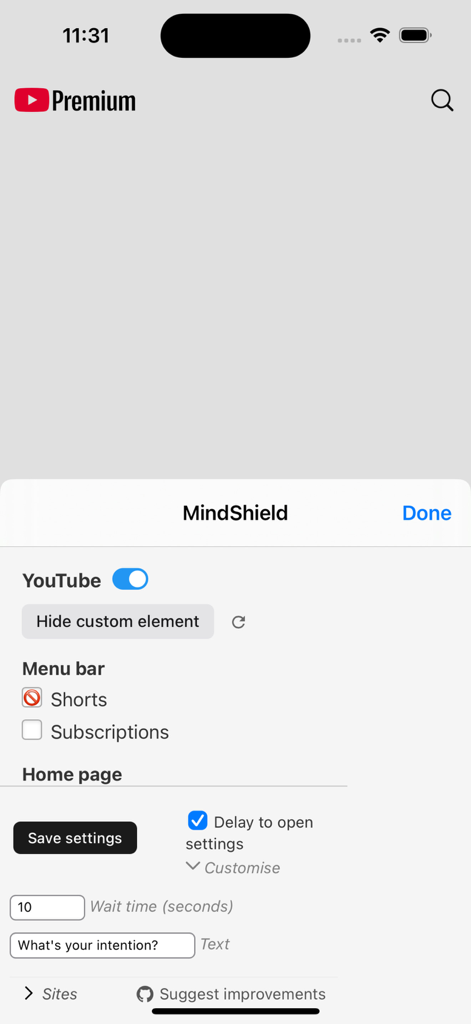
YouTube用No Distractions Safari拡張機能の設定メニュー。ショート動画を非表示にし、待機時間遅延を設定するオプションが表示されています。
YouTube用No Distractions Safari拡張機能の設定メニュー。ショート動画を非表示にし、待機時間遅延を設定するオプションが表示されています。

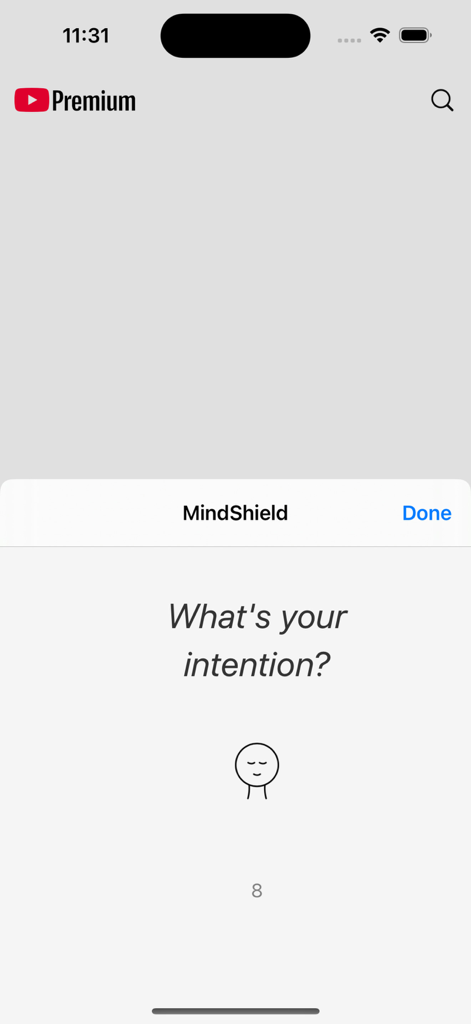
No Distractions for YouTube Safari拡張機能のMindShield意図性プロンプト。「あなたの意図は何ですか」と尋ねています。

No Distractions for YouTube Safari拡張機能のMindShield意図性プロンプト。「あなたの意図は何ですか」と尋ねています。

視聴時間をマスターする

このアプリを際立たせるツール、 31K+ 人のユーザーが選択.

🎯

気を散らすものを排除する

ホームフィードやサイドバーのおすすめをすべて削除し、意図したコンテンツのみに集中できるようにします。

意志の力を強化する

組み込みの待機タイマーを使用して、衝動的な設定変更を防ぎ、ディープワークの状態を維持します。

🛡️

透明で安全

プライバシーを尊重し、データを収集せず、検索結果から広告をクリアするオープンソース拡張機能です。

アプリについて

について知っておくべきこと "No Distractions" for YouTube.

説明

---- *NOTE: WORKS WITHIN SAFARI, NOT THE YOUTUBE APP*: This app lets you control how YouTube appears in the Safari browser. It does NOT change the YouTube app, as this is not possible. However, you can create an icon on your iPhone/iPad's home screen to take you directly to YouTube in the Safari browser, to make this just as easy as opening the app. To do so: Open Safari, go to youtube.com and press the sharing icon (with the up-arrow), press 'Add to Home Screen' and 'Add'. *NOTE 2: For an extension that works on ALL websites (not just YouTube), use ReDD Focus instead* ---- "No Distractions" for YouTube is an open-source Safari App Extension I built to help myself. It lets you take control over your use of YouTube instead of letting the YouTube algorithms control you...! It does this by letting you hide video recommendations, other distractions on the front, search, and watch pages, or any custom element you want. You can also choose to hide thumbnail images. Oh, and the app also also hides the ads that are inserted in your search results. :) You can decide for yourself which parts you want to see, by clicking the extension icon. If you want the app to remember your settings for next time, click 'save settings'. If you need to add a little friction to change the settings, so that you don't turn distractions back on too easily, you can set a wait time. This will make you wait e.g. 5 seconds when you open the settings before they appear. The app is open source and does not collect any data. You can inspect the source code, report bugs, and suggest additional features or improvements on: https://github.com/ulyngs/open-source-no-distractions-for-youtube

最新バージョン

4.8

サイズ

1.0 MB

リリース日

2019年10月6日

意図的に視聴する準備はできましたか?

31,000人以上の学生や専門家が、このオープンソース拡張機能を使用してアルゴリズムを沈黙させ、集中力を回復させています。

ダウンロード: App Store

App information, icons, screenshots, and descriptions displayed on this page are sourced from the Apple App Store and are the property of their respective developers. Download estimates and rankings are based on MWM's proprietary models and may not reflect actual figures. This page is provided for informational and analytical purposes only.

Believe this page infringes your intellectual property? File a dispute