Notesnook: Private note taking
ダウンロード: App Store

このページはアプリまたはその開発者の公式ページではなく、情報提供および論評を目的として作成された独立した編集出版物です。明示的に別段の記載がない限り、アプリおよびその開発者は、MWM、Apple、Google Play、アプリのパブリッシャー、またはアプリの開発者と提携、承認、後援、認可、またはその他の公式的な関係はなく、このページのいかなる内容も、アプリがMWMのサービスを使用して開発されたことを意味するものではありません。すべての商標、ロゴ、スクリーンショット、その他のコンテンツはそれぞれの所有者の財産です。


ロゴ: Notesnook: Private note taking
ダウンロード: App Store

Notesnook: Private note taking

アイデアのためのオープンソースの聖域で、あなたのデジタル主権を取り戻しましょう。軍事グレードのXChaCha20-Poly1305暗号化で保護され、あなたのジャーナル、タスク、ノートは、すべてのデバイスでシームレスに同期されながら、完全にプライベートに保たれます。

主要数値

ダウンロード

6K+

ユーザー評価

4.6/5

評価数

1K+

開発元

Streetwriters Private Limited

カテゴリ

Productivity

対応言語

1

最新バージョン

3.3.12

サイズ

77.9 MB

リリース日

2021年1月14日
機能

あなたのプライベート知的財産保管庫

軍事グレードのセキュリティとシームレスな整理を組み合わせた究極の生産性スイートを体験してください。データマイニングなし、監視なし—あなたの思考だけが保護されます。

ゼロ知識プライバシー

すべてがXChaCha20-Poly1305でオンデバイスで暗号化されます。あなたのプライベートノート、ジャーナル、タスクは、あなた以外には誰もアクセスできません。

プロフェッショナルMarkdownエディタ

リッチなMarkdownファーストエディタで、ディープワークセッションを加速させましょう。速度やフォーマットを犠牲にすることなく、複雑なプロジェクトをノートブックに整理できます。

以下のスクリーンショットと説明は、アプリの公式ストアリスティングから直接取得されたものであり、アプリ開発者の所有物です。

アプリストア

スクリーンショット
Notesnook: Private note taking - Notesnookのプロモーション画面。緑色のデジタルコードの背景に「Choose better privacy for your notes」というテキストが表示されています。
Notesnookのプロモーション画面。緑色のデジタルコードの背景に「Choose better privacy for your notes」というテキストが表示されています。

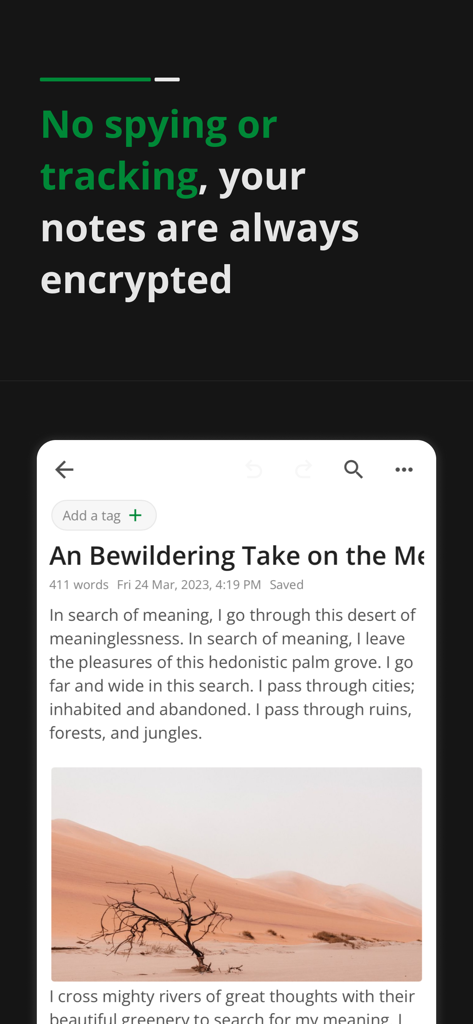
Notesnook: Private note taking - Notesnookアプリのインターフェース。砂漠の風景の画像とともに、暗号化されたプライベートジャーナルのエントリが表示されています。
Notesnookアプリのインターフェース。砂漠の風景の画像とともに、暗号化されたプライベートジャーナルのエントリが表示されています。

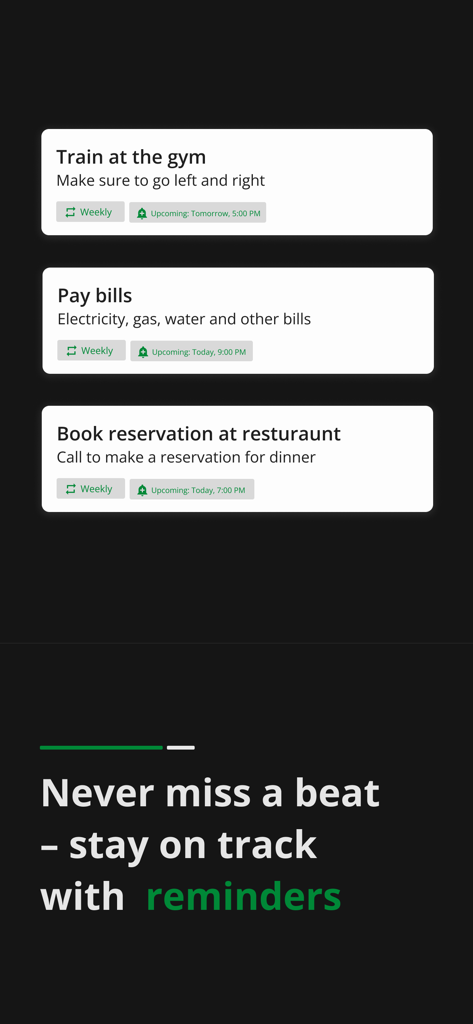
Notesnook: Private note taking - Notesnookアプリのダークモードでのスケジュールされたタスクリマインダーと通知。
Notesnookアプリのダークモードでのスケジュールされたタスクリマインダーと通知。

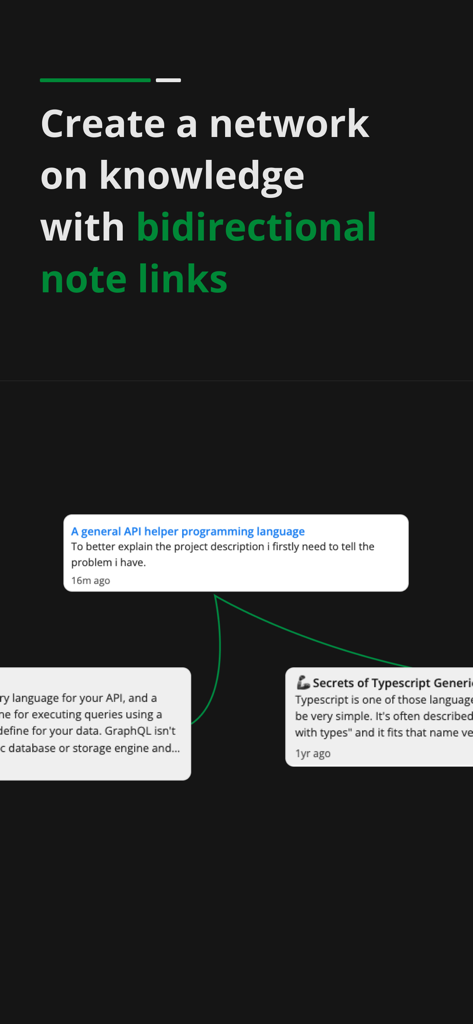
Notesnook: Private note taking - Notesnookアプリでの双方向ノートリンクの視覚的なデモンストレーション。知識ネットワークを作成します。
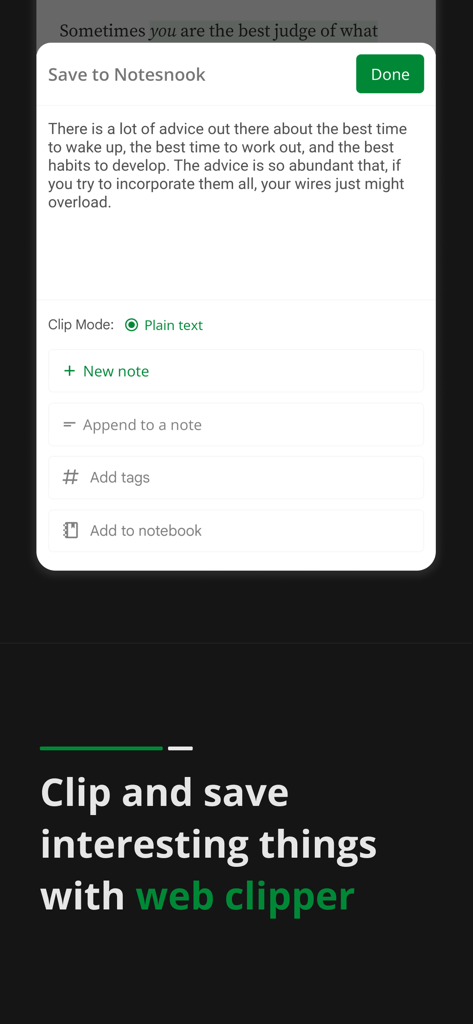
Notesnookアプリでの双方向ノートリンクの視覚的なデモンストレーション。知識ネットワークを作成します。

Notesnook: Private note taking - Notesnook Webクリッパーのインターフェース。テキストを新しいノートとして保存するか、ノートブックに追加するオプションが表示されています。
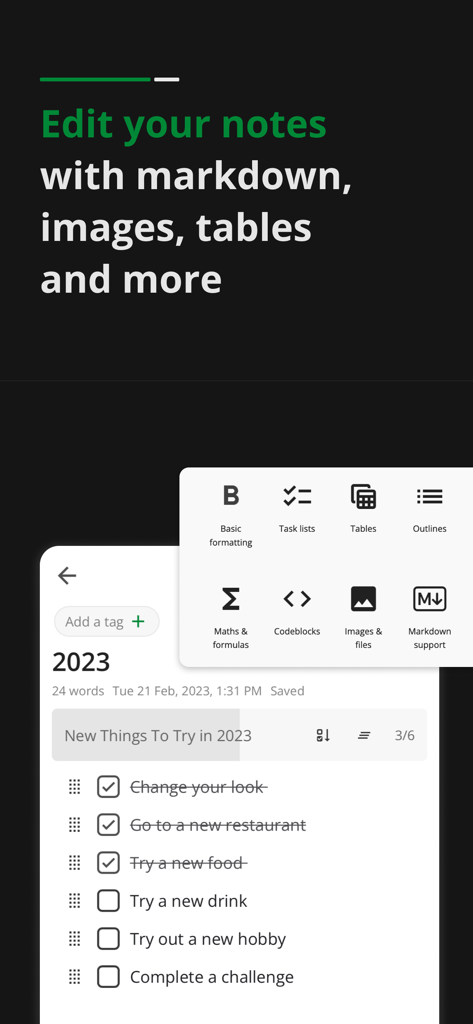
Notesnook Webクリッパーのインターフェース。テキストを新しいノートとして保存するか、ノートブックに追加するオプションが表示されています。

Notesnook: Private note taking - Notesnookモバイルインターフェース。タスクチェックリストと、Markdownテーブルや画像用のフォーマットメニューが表示されています。
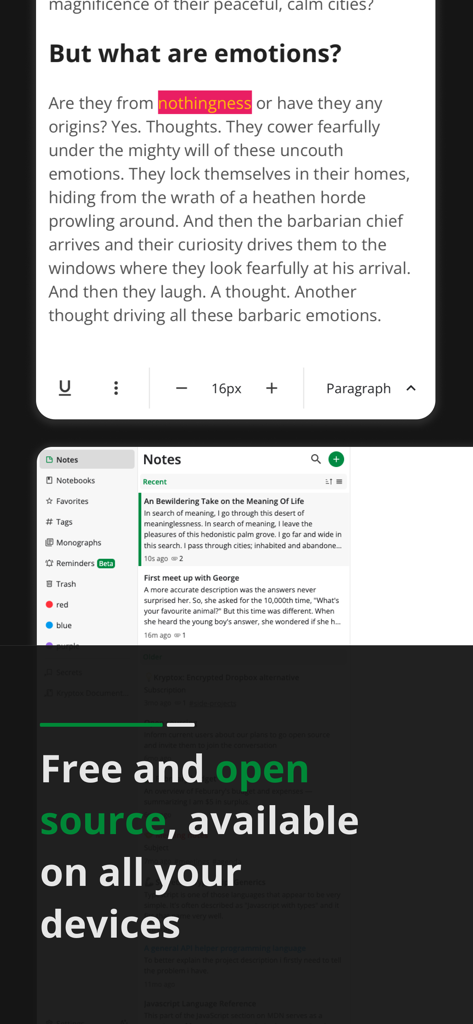
Notesnookモバイルインターフェース。タスクチェックリストと、Markdownテーブルや画像用のフォーマットメニューが表示されています。

Notesnook: Private note taking - Notesnookアプリのインターフェース。プライベートノートエディタと、すべてのデバイスで無料かつオープンソースであるというメッセージが表示されています。
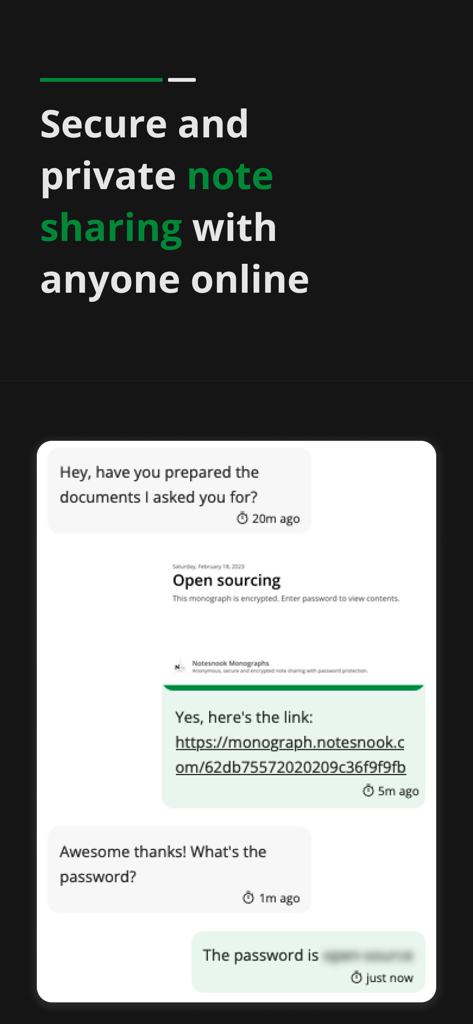
Notesnookアプリのインターフェース。プライベートノートエディタと、すべてのデバイスで無料かつオープンソースであるというメッセージが表示されています。

Notesnook: Private note taking - Notesnookアプリのインターフェース。暗号化されたモノグラフリンクを介した安全でプライベートなノート共有を実演しています。

Notesnookアプリのインターフェース。暗号化されたモノグラフリンクを介した安全でプライベートなノート共有を実演しています。

説明

Notesnook is an open source private notes app and organizer. It is fully cross-platform. Download it on all your devices for free. Sync notes between your computer, tablet and mobile seamlessly. With Notesnook, note taking is a simple and easy task. Just like opening a physical notebook and writing notes down. A notes app to protects your privacy With military grade encryption, no one can ever read your secret notes except you. We use XChaCha20-Poly1305 & Argon2 encryption algorithms that are stronger & safer than AES256, impenetrable & future-proof. A level of security and privacy that is rare in note taking apps. Encrypted and private by default You do not need to press any button or enable anything for encryption to work. Your privacy is our primary concern. By default all notes are encrypted and securely stored on our servers. We can't read or open your notes even if we want to. Sync notes to all devices Sync notes in a safe and secure way. All your notes are encrypted on your device and synced so no matter what device you use, you always have access to what you write and journal in notepad. Locked notes with vault Double encrypt your notes with vault. Locked notes require password on open and are encrypted at rest. Notepad & Diary with lock A private diary with lock. App lock let's you lock notes with fingerprint and even lock the app so no one has access except you. A truly personal, safe & private diary with password so you can journal and write secret notes. To-do lists & Tasks Get things done with to-do lists and tasks. Create to-do lists to get things done. Keep track of your daily progress in to-do lists and accomplish daily tasks. Private journal and diary Journal your life in our private diary. Add photos & videos to your journal. Record your daily emotions and activities in your diary. Keep online journal safe with password. Anything you write or express is secure with military strength encryption. Take your journal always. Rich and powerful notes editor Simple notes on notepad or writing a complex document. Our notes editor supports rich editing. It allows basic formatting and editing notes. Make to-do lists and bulleted lists. Add images and embed videos in notepad & add tables and links Markdown editor Use markdown in notes editor. Use all markdown shortcuts and write markdown notes. Add headings, links, lists & more with markdown shortcuts. Notebooks Organize notes with notebooks. Each notebook has topics. In topics you can add all your notes. Use notebooks for multiple purpose like office or school notes. Color notes Color notes easily with one tap. You can edit the name and rename colors according to the notes you keep. Offline access No internet connection is required to use our notes taking app. Add, edit and organize notes offline and sync notes in notepad when you have internet access. App lock in notepad free Built-in App Lock to lock the app with fingerprint so no one can open and peek into your private notes on your device. Export notes from notepad Export notes in formats such as PDF, HTML, Markdown and Plain Text. Share notes with anyone with standard size and formatting. Publish and share notes with Monograph Monographs allow you publish and share your notes. You can lock notes with password that you want to publish. With self destruct feature, a monograph is deleted when it is accessed once. Military grade encryption which is use to encrypt your data for syncing. Backup notes data • Create note backups • Restore backups • Encrypt all your backups optionally • Automatic daily, weekly & monthly backups of your data and notes. Dark mode Our notes app has dark mode, useful when you are working at night taking notes. Privacy Policy: https://notesnook.com/privacy Terms of Service: https://notesnook.com/tos Source Code: https://github.com/streetwriters/notesnook

Download

ダウンロード: App Store

このページはアプリまたはその開発者の公式ページではなく、情報提供および論評を目的として作成された独立した編集出版物です。明示的に別段の記載がない限り、アプリおよびその開発者は、MWM、Apple、Google Play、アプリのパブリッシャー、またはアプリの開発者と提携、承認、後援、認可、またはその他の公式的な関係はなく、このページのいかなる内容も、アプリがMWMのサービスを使用して開発されたことを意味するものではありません。すべての商標、ロゴ、スクリーンショット、その他のコンテンツはそれぞれの所有者の財産です。








