Obsbot Live
Obsbot Live
ダウンロード: App Store

このページはアプリまたはその開発者の公式ページではなく、情報提供および論評を目的として作成された独立した編集出版物です。明示的に別段の記載がない限り、アプリおよびその開発者は、MWM、Apple、Google Play、アプリのパブリッシャー、またはアプリの開発者と提携、承認、後援、認可、またはその他の公式的な関係はなく、このページのいかなる内容も、アプリがMWMのサービスを使用して開発されたことを意味するものではありません。すべての商標、ロゴ、スクリーンショット、その他のコンテンツはそれぞれの所有者の財産です。


ロゴ: Obsbot Live
ダウンロード: App Store

Obsbot Live

プロフェッショナルなマルチアングルコントロール、AI搭載トラッキング、お気に入りのプラットフォームへのシームレスなライブストリーミング(ランドスケープまたはポートレート)で、ソロプロダクションをレベルアップさせましょう。

主要数値

ダウンロード

2K+

ユーザー評価

4.6/5

評価数

0

開発元

Remo Tech Co.,Ltd.

カテゴリ

Photo & Video

対応言語

28

最新バージョン

1.2.4

サイズ

344.3 MB

リリース日

2024年8月6日
機能

ポケットに入るプロレベルのプロダクションスタジオ

OBSBOTセットアップをマルチカメラの強力なツールに変換します。Obsbot Liveは、ソロクリエイターに、プロのクルーを必要とせずに放送品質のストリームを制作するためのツールを提供します。

マルチカメラコマンドセンター

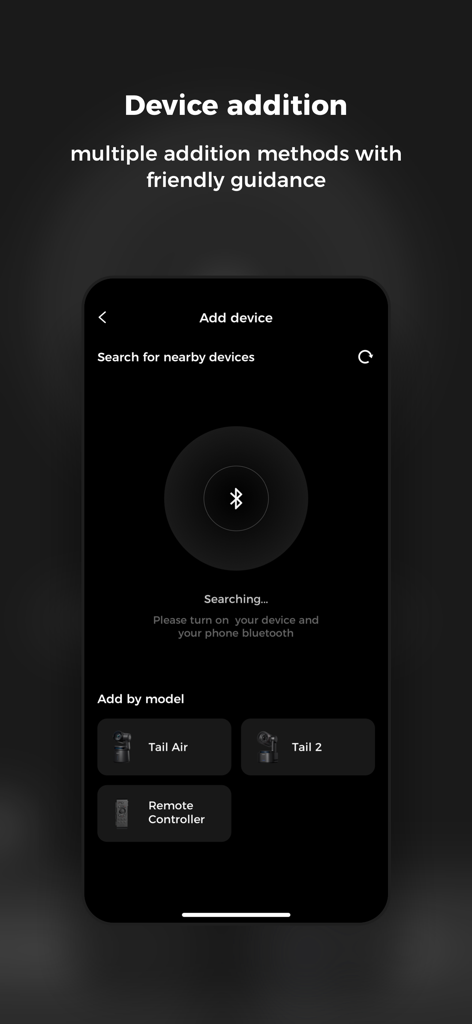
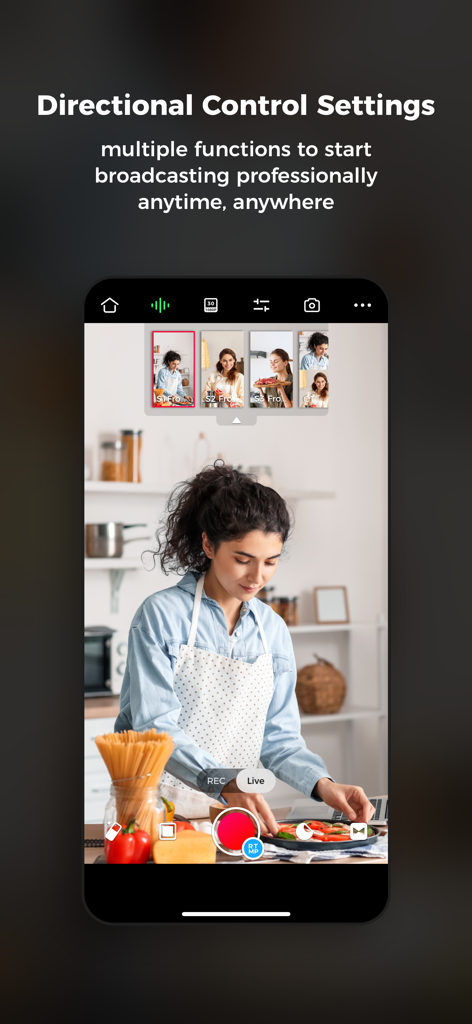
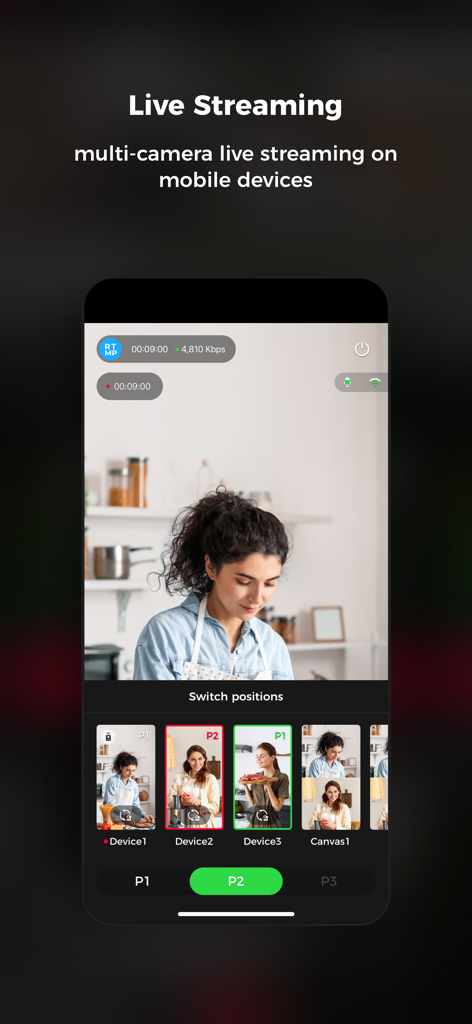
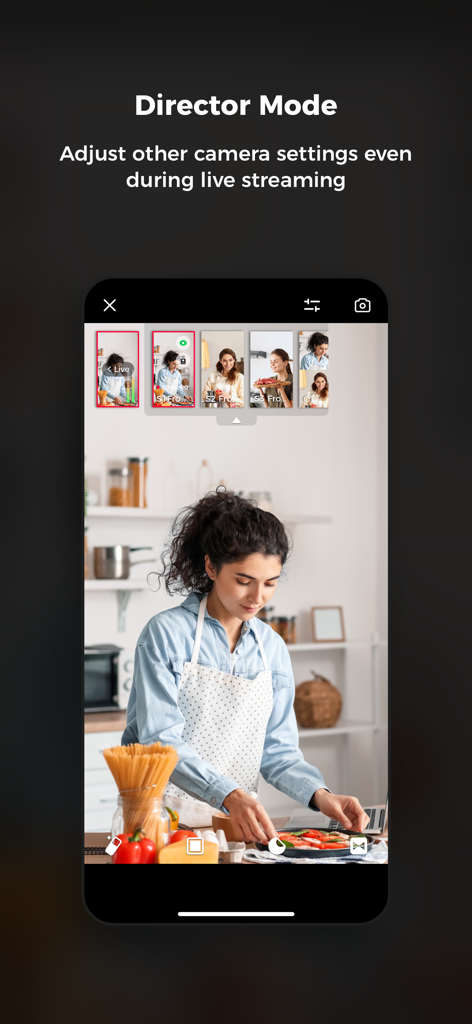
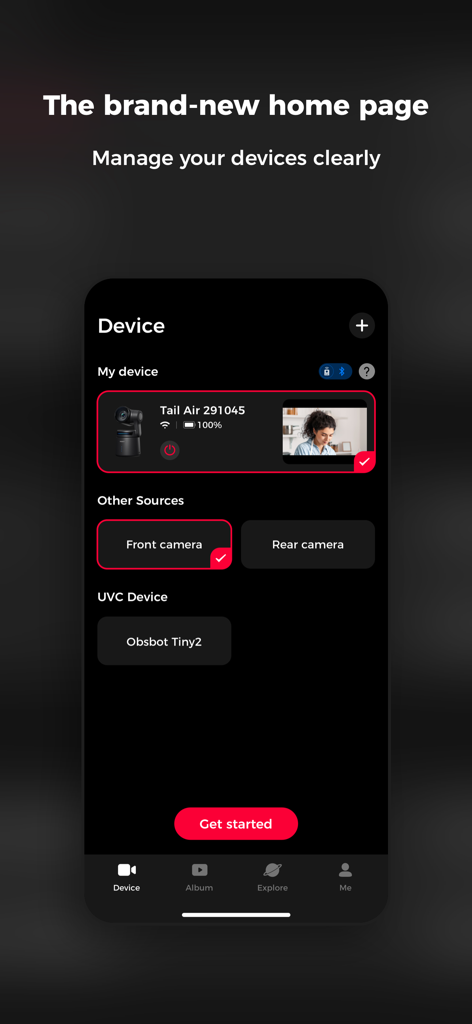
Wi-FiまたはBluetooth経由で最大3台のOBSBOTカメラを接続します。単一の直感的なインターフェイスから、アングルを切り替え、PTZ設定を調整し、ブロードキャスト全体を管理します。

AI搭載カメラクルー

高度なAIトラッキングを活用して、移動中でもフレーム内に留まります。フィットネスインストラクター、DIYクリエイター、ダイナミックなライブプレゼンテーションに最適です。

以下のスクリーンショットと説明は、アプリの公式ストアリスティングから直接取得されたものであり、アプリ開発者の所有物です。

アプリストア

スクリーンショット
Obsbot Live -

Obsbot Live -

Obsbot Live -

Obsbot Live -

Obsbot Live -

Obsbot Live -

説明

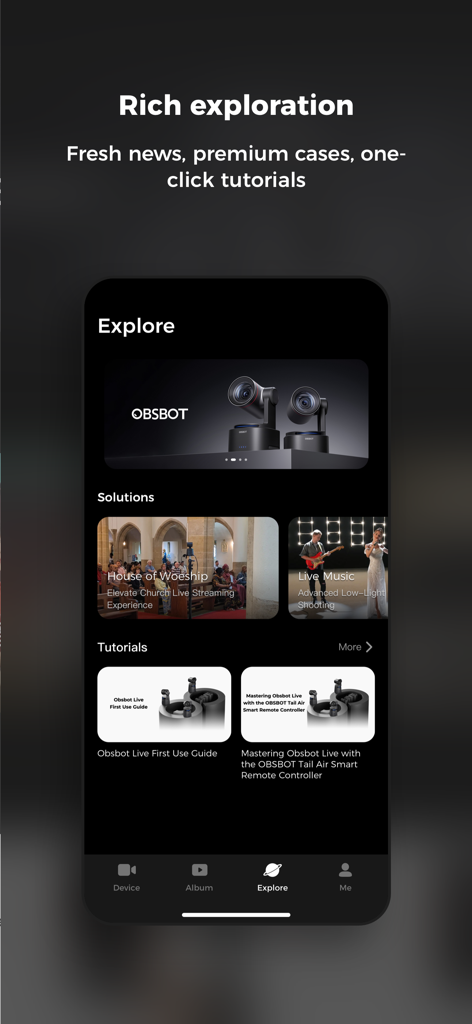
"Experience brand new multi-cam live streaming with the innovative OBSBOT Live Easy and Fast Control of Multiple OBSBOT Cameras Supports simultaneous connection to up to three OBSBOT camera devices via Bluetooth or Wi-Fi for PTZ control, AI Features, image parameter adjustment, and multi-camera recording control. Start Multi-camera Live Streaming Anytime, Anywhere The software supports mainstream social live-streaming platforms. After logging in and authorizing the corresponding accounts and connecting multiple OBSBOT cameras, you can start multi-camera video recording/live streaming anytime, anywhere. Landscape and Portrait View Obsbot Live has been adapted for landscape and portrait views. Users can choose the orientation that meets their current needs for live streaming and video recording based on personal habits and usage scenarios. Convenient Canvas Switching After detecting the video stream, the software can automatically recognize and fill in the video content and overlay it on the built-in canvas features. Users can also manually adjust the canvas content and customize their multi-camera live streaming canvas. Clear Audio Mixer With our advanced built-in audio mixer panel, users can monitor and manage the audio status of the currently connected devices, achieving integrated management of audio and video to ensure a high-quality multi-cam live streaming experience. Perfectly matched with Tail Air Smart Remote Controller With Tail Air Smart Remote Controller, your multi-camera control experience will be taken to the next level. Its easy-to-understand operation logic allows you to immediately experience device switching, more realistic button control, or futuristic Motion Control of the PTZ! OBSBOT aims to provide a simpler and more energetic way to enjoy video shooting and live streaming. Record and share your life moments on air with dynamic video language and limitless imagination. If you have any suggestions while using OBSBOT, feel free to write to service@obsbot.com. We value every communication with you."

Download

ダウンロード: App Store

このページはアプリまたはその開発者の公式ページではなく、情報提供および論評を目的として作成された独立した編集出版物です。明示的に別段の記載がない限り、アプリおよびその開発者は、MWM、Apple、Google Play、アプリのパブリッシャー、またはアプリの開発者と提携、承認、後援、認可、またはその他の公式的な関係はなく、このページのいかなる内容も、アプリがMWMのサービスを使用して開発されたことを意味するものではありません。すべての商標、ロゴ、スクリーンショット、その他のコンテンツはそれぞれの所有者の財産です。