Password Manager Data Vault
ダウンロード: App Store

このページはアプリまたはその開発者の公式ページではなく、情報提供および論評を目的として作成された独立した編集出版物です。明示的に別段の記載がない限り、アプリおよびその開発者は、MWM、Apple、Google Play、アプリのパブリッシャー、またはアプリの開発者と提携、承認、後援、認可、またはその他の公式的な関係はなく、このページのいかなる内容も、アプリがMWMのサービスを使用して開発されたことを意味するものではありません。すべての商標、ロゴ、スクリーンショット、その他のコンテンツはそれぞれの所有者の財産です。

ロゴ: Password Manager Data Vault
ダウンロード: App Store

Password Manager Data Vault

軍事グレードのAES-256暗号化で、パスワード、銀行口座、個人情報を保護しましょう。15年以上にわたり、データプライバシーの完全な制御を求めるパワーユーザーから信頼されています。

主要数値

ダウンロード

358K+

ユーザー評価

4.5/5

評価数

7K+

開発元

Ascendo Inc.

カテゴリ

Productivity

対応言語

7

最新バージョン

7.3.31

サイズ

51.2 MB

リリース日

2009年7月25日
機能

デジタルライフ全体のためのプロフェッショナルグレードのセキュリティ

15年以上にわたり信頼されているDataVaultは、軍事グレードの暗号化と直感的な整理の完璧なバランスを提供し、Appleエコシステム全体でプライベート情報を安全かつアクセス可能に保ちます。

妥協のないAES-256セキュリティ

銀行レベルの暗号化でデータが保護されているので、安心してお休みください。あなたの情報はあなた自身のハードウェアに保存されるため、クラウドのみの脆弱性に頼ることなく、完全な制御とプライバシーが得られます。

柔軟なデジタルウォレットテンプレート

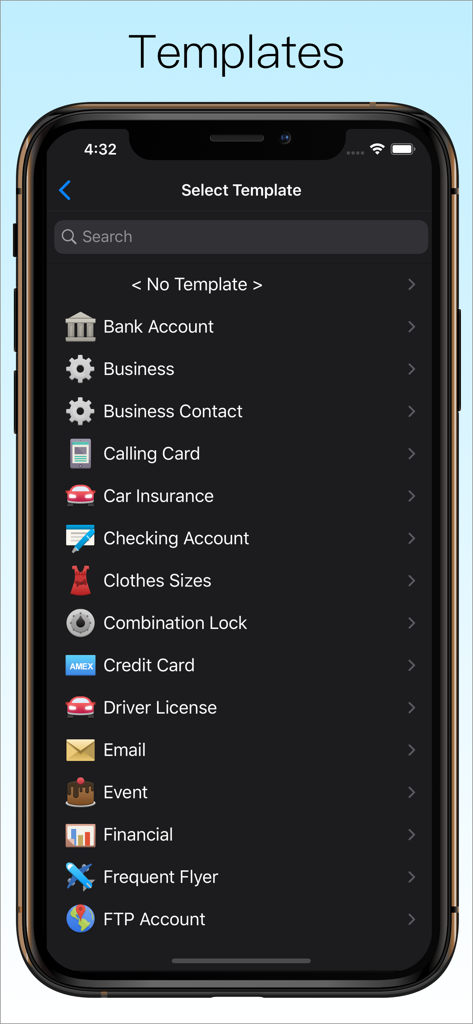
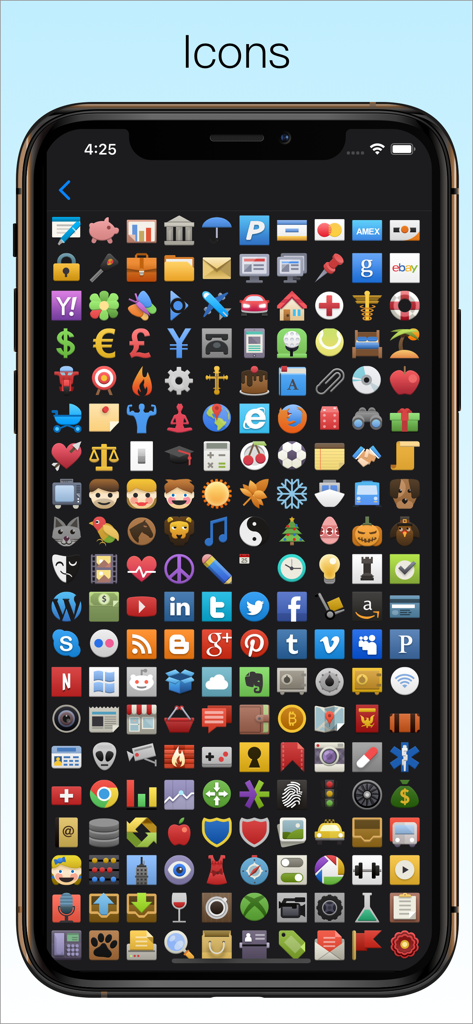
パスワードを超えて。究極のデジタルオーガナイザーのために設計された50以上のカスタマイズ可能なテンプレートと200のアイコンを使用して、クレジットカード、銀行口座、会員情報を整理しましょう。

以下のスクリーンショットと説明は、アプリの公式ストアリスティングから直接取得されたものであり、アプリ開発者の所有物です。

アプリストア

スクリーンショット
Password Manager Data Vault -

Password Manager Data Vault -

Password Manager Data Vault -

Password Manager Data Vault -

Password Manager Data Vault -

Password Manager Data Vault -

Password Manager Data Vault -

Password Manager Data Vault -

Password Manager Data Vault -

Password Manager Data Vault -

説明

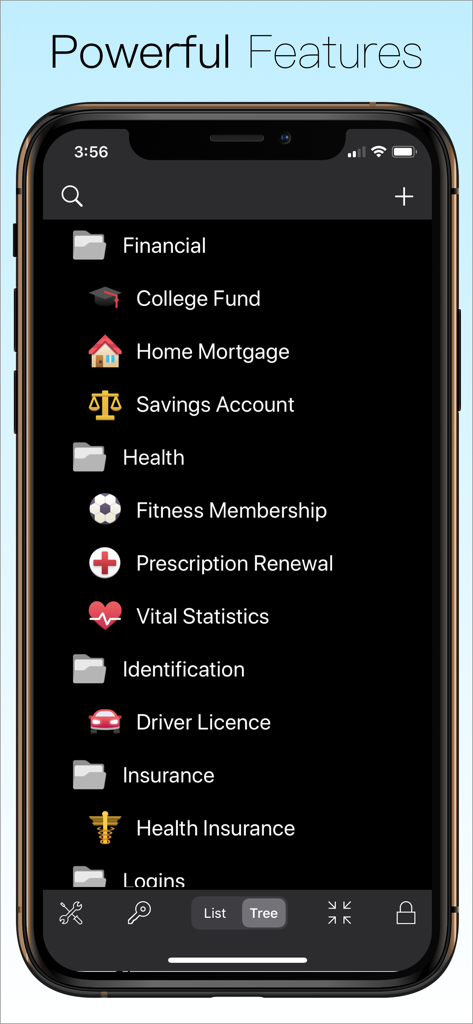
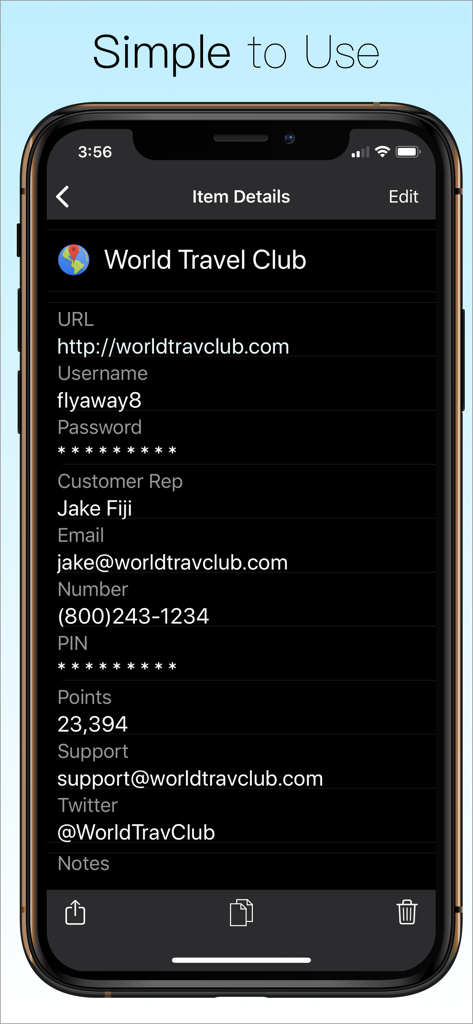
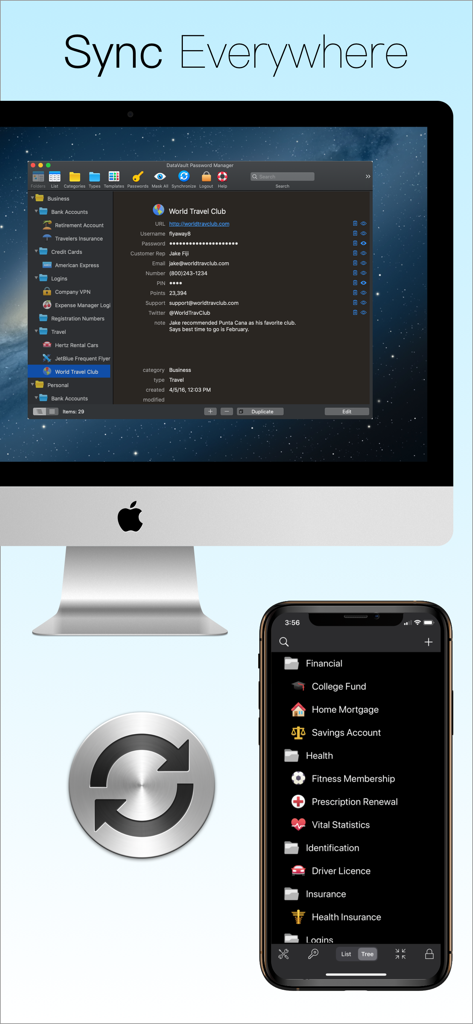
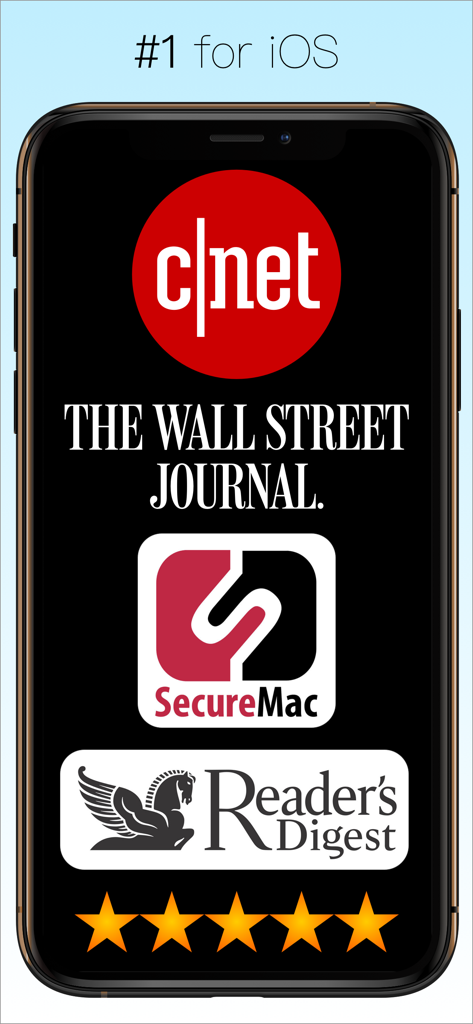
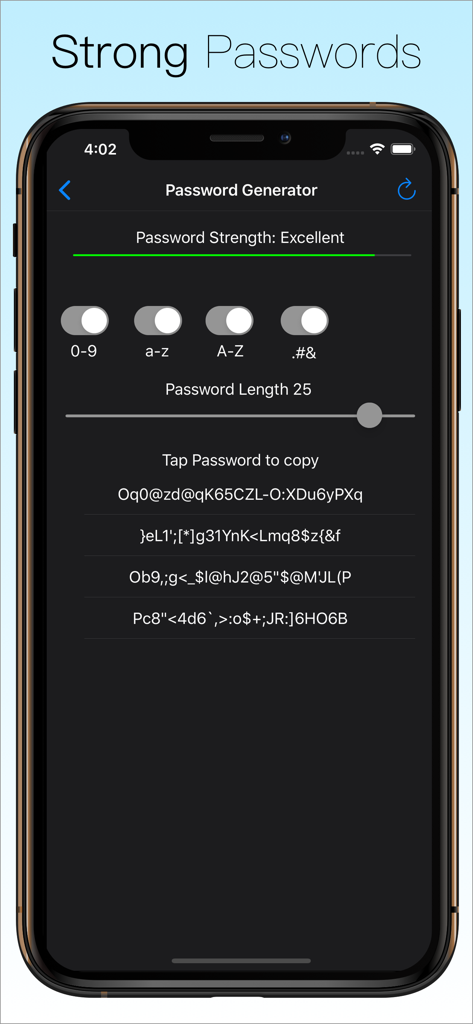
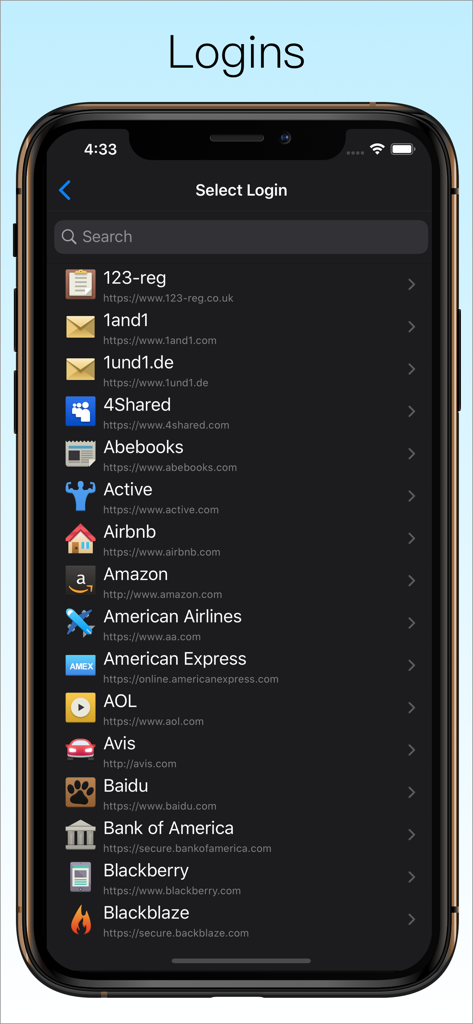
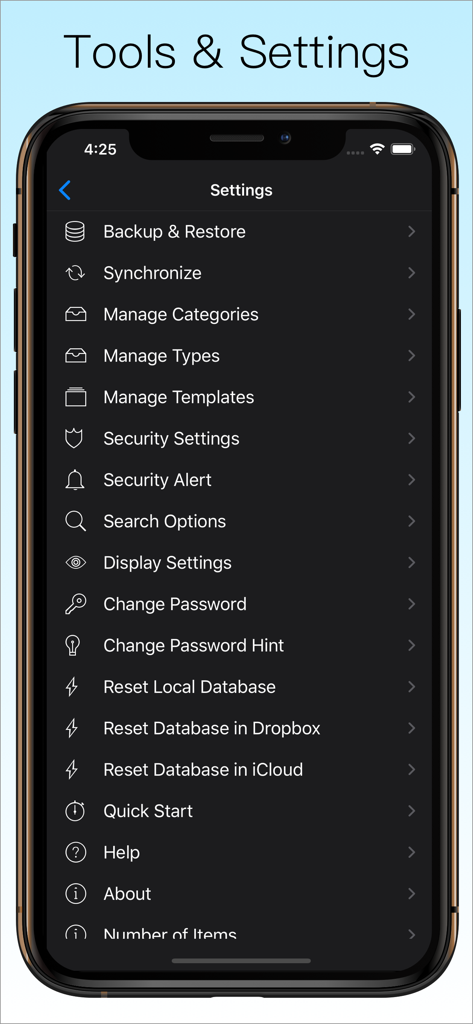
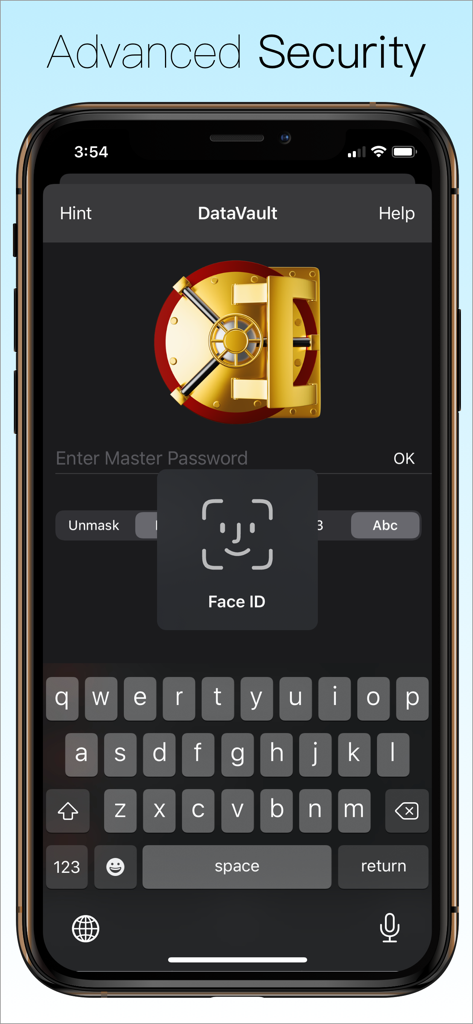
The Leading Password Manager for iPhone, iPad & iPod touch ◇ AES Encryption ◇ Face ID ◇ Touch ID ◇ Apple Watch ◇ Website Logins ◇ Safari Autofill ◇ iCloud Sync ◇ Automatic Backups ◇ Password Generator ◇ Flexible Templates ◇ Advanced Security Options Secure. Powerful. Simple. Try DataVault Password Manager today! #1 Must-Have App for iPhone - Cnet Apps that will Change your Life - Wall Street Journal #1 App to Banish Forgetfulness - Reader’s Digest Robust Password Management - Secure Mac Best iPad Password Manager - BrightHub Is your private information safe? Are your passwords secure? DataVault Password Manager protects confidential information related to credit cards, bank accounts, logins and more using Advanced Encryption Standard (AES), the most powerful technology to keep your data secure. DataVault Password Manager includes a unique set of features like Face ID, Touch ID, Website Logins, iCloud backups and advanced security options to protect your most precious information. Unrivaled features and ease-of-use have made DataVault a best-selling password manager for iPhone, iPad & iPod touch. USER REVIEWS “Essential Gear. A password manager should be one of the first apps you download. I compared a few and this one excelled because it could sync across multiple devices.” “Rock Solid Foundation. I've tried most of the password apps and selected this one for its flexibility in defining item templates, ability to sync one database to multiple mobile devices, and strong desktop versions. I have 1100 items now and the app has performed brilliantly.” “Terrific Customer Support. My question was answered within 24 hours and the issue resolved. Now that's what I expect from a developer!!!” “I have been using DataVault for many years. Song the way, I have tried other Password Managers but have always come back to DataVault. It is simple to use, and all data resides on my hardware, fully encrypted.” “Absolutely the best password safe across all platforms and outstanding support!” SECURE YOUR LIFE • Encrypts information using 256-bit AES with PBKDF2 and salting to insure the highest security of any password manager. Nobody can access your data without your master password, not even Ascendo. • Enable Face ID to login with facial recognition and Touch ID to login with your fingerprint. • Set Auto-Lock duration to require login after an inactivity delay. • Set Maximum Login Attempts to wipe your data after successive failed login attempts. • Set a hint in case you forget your master password. • Mask information to shield it from prying eyes. POWERFUL FEATURES • Access passwords and private information securely on your Apple Watch. • Log in to websites automatically using Safari. * Choose from 65 pre-configured logins such as Amazon, Paypal, etc. or make your own. • Generate strong passwords with settings for length & types of characters. • Use Strength Meter to determine if your passwords are weak, good or strong. • Backup your data automatically to insure you never lose your important information. • Synchronize with DataVault for Mac (sold separately) using iCloud, Dropbox or Wi-Fi. SIMPLE TO USE • View Items in list view or folder view. • Use Templates for common items such as bank accounts, credit cards & logins. • Choose from 50 default templates or create your own. • Initiate phone calls, emails or web site logins with action fields. • Use categories & types to organize items. And a whole lot more… • Full iPad support with split screen display. • 200 icons to personalize your items. • Import from text files in CSV format. • Import from Keeper, 1Password, EWallet, SplashID, mSecure, Keepass & other password managers with DataVault Desktops (sold separately). • Great support. One copy of DataVault Password Manager can be installed on up to 5 authorized iOS devices. Questions? Contact at info@ascendo.co Get peace of mind with the best password manager for iOS. Download DataVault Password Manager today!

Download

ダウンロード: App Store

このページはアプリまたはその開発者の公式ページではなく、情報提供および論評を目的として作成された独立した編集出版物です。明示的に別段の記載がない限り、アプリおよびその開発者は、MWM、Apple、Google Play、アプリのパブリッシャー、またはアプリの開発者と提携、承認、後援、認可、またはその他の公式的な関係はなく、このページのいかなる内容も、アプリがMWMのサービスを使用して開発されたことを意味するものではありません。すべての商標、ロゴ、スクリーンショット、その他のコンテンツはそれぞれの所有者の財産です。