PDF Converter Ai• WORD to PDF

PDF Converter Ai• WORD to PDF

ダウンロード: App Store
ロゴ: PDF Converter Ai• WORD to PDF

PDF Converter Ai • WORDからPDF:究極のオールインワン文書パワーツール

AI駆動の精度でファイルを簡単に変換、マージ、圧縮。iPhone、iPad、Macでシームレスなワークフローを求めるプロフェッショナルや学生に不可欠な生産性ツールです。

ダウンロード: App Store

開発元

Javeria Jabeen

カテゴリ

Productivity

ダウンロード

28K+

ユーザー評価

4.4/5

評価数

100

対応言語

30

効率を実際に

このインターフェースを利用する 28K+ 人のユーザー.

PDF Converter Aiアプリのスクリーンショット。複数のファイル形式からPDFへの変換機能を示しています。
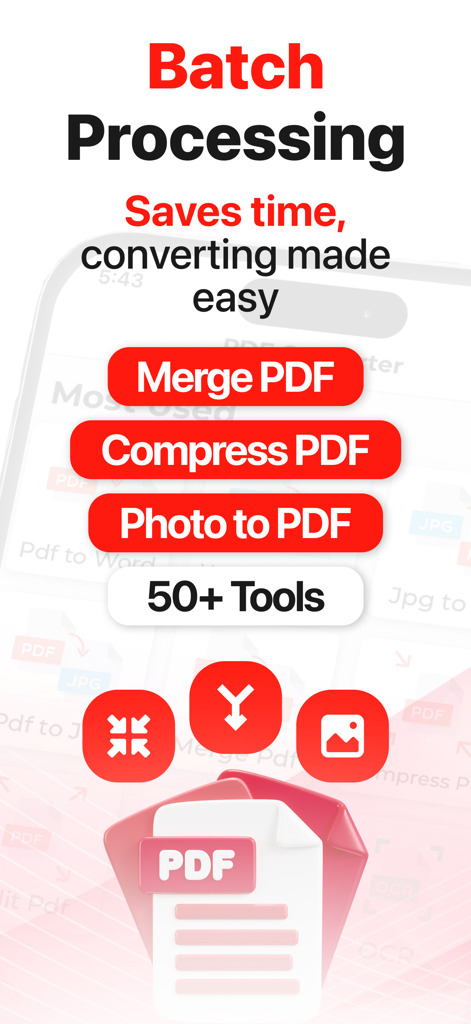
PDF Converter Aiアプリのスクリーンショット。複数のファイル形式からPDFへの変換機能を示しています。

PDF Converter Aiアプリの画面。バッチ処理と、マージや圧縮などのPDFツールを示しています。
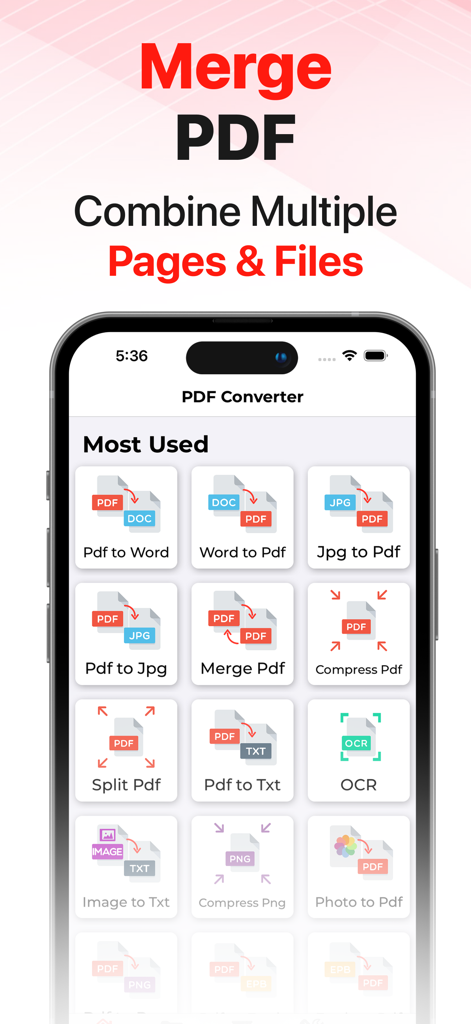
PDF Converter Aiアプリの画面。バッチ処理と、マージや圧縮などのPDFツールを示しています。

PDF Converter Aiアプリのインターフェース。PDFマージツールとさまざまなファイル変換機能を紹介しています。
PDF Converter Aiアプリのインターフェース。PDFマージツールとさまざまなファイル変換機能を紹介しています。

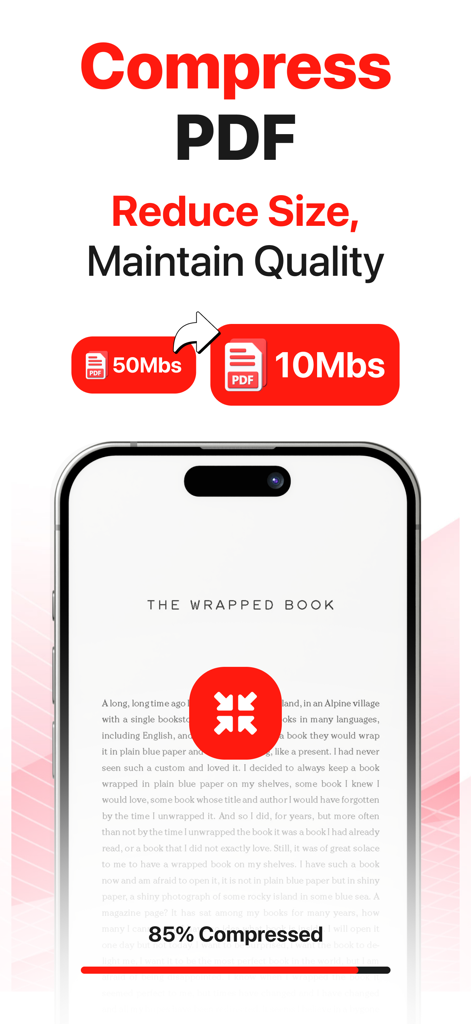
モバイルアプリの画面。PDFを50MBから10MBに圧縮する様子を示しています。
モバイルアプリの画面。PDFを50MBから10MBに圧縮する様子を示しています。

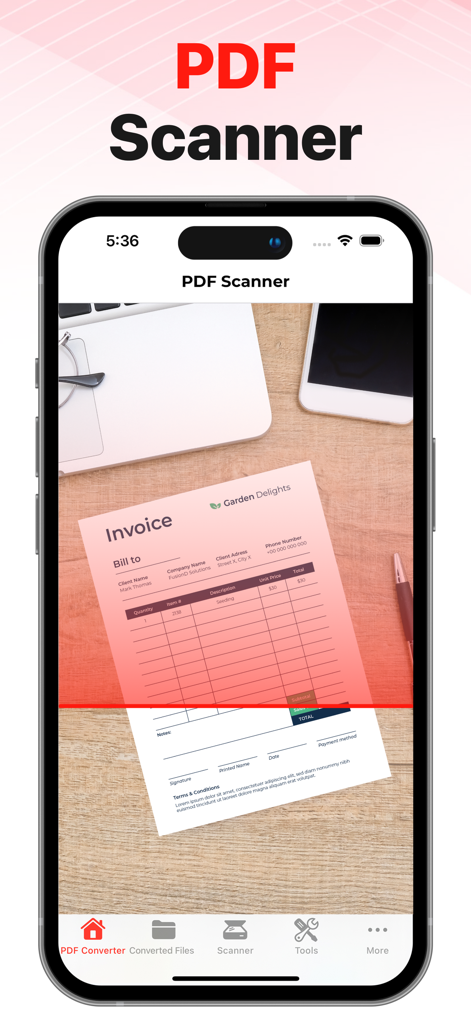
iPhoneの画面。紙の請求書をスキャンしてPDFドキュメントに変換するアプリを示しています。
iPhoneの画面。紙の請求書をスキャンしてPDFドキュメントに変換するアプリを示しています。

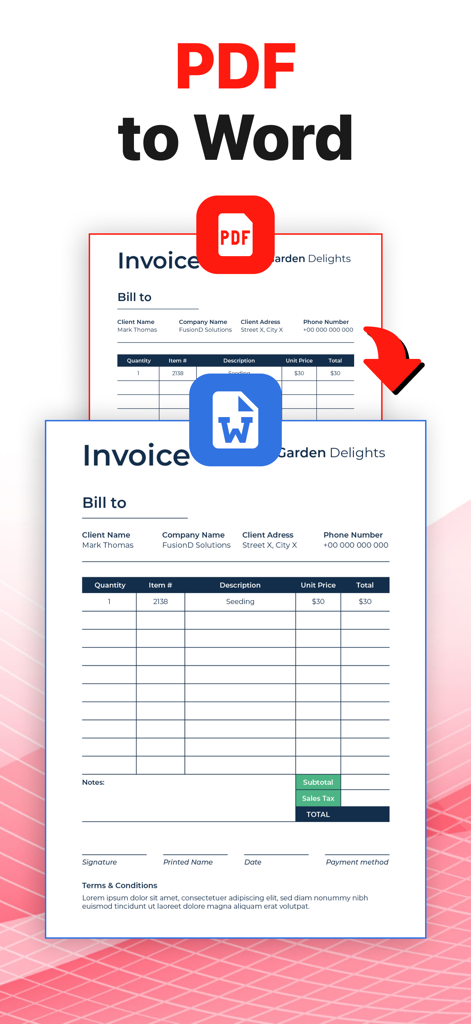
PDFからWordへの変換機能。請求書ドキュメントが変換されている様子を示しています。
PDFからWordへの変換機能。請求書ドキュメントが変換されている様子を示しています。

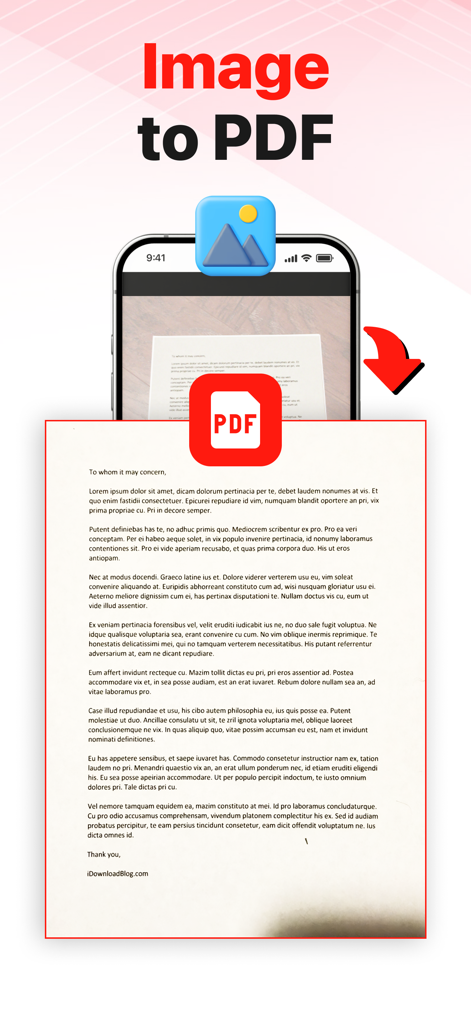
PDF Converter Aiモバイルアプリを使用して、文書の写真からPDFファイルへの変換プロセスを示す視覚的な表現。
PDF Converter Aiモバイルアプリを使用して、文書の写真からPDFファイルへの変換プロセスを示す視覚的な表現。

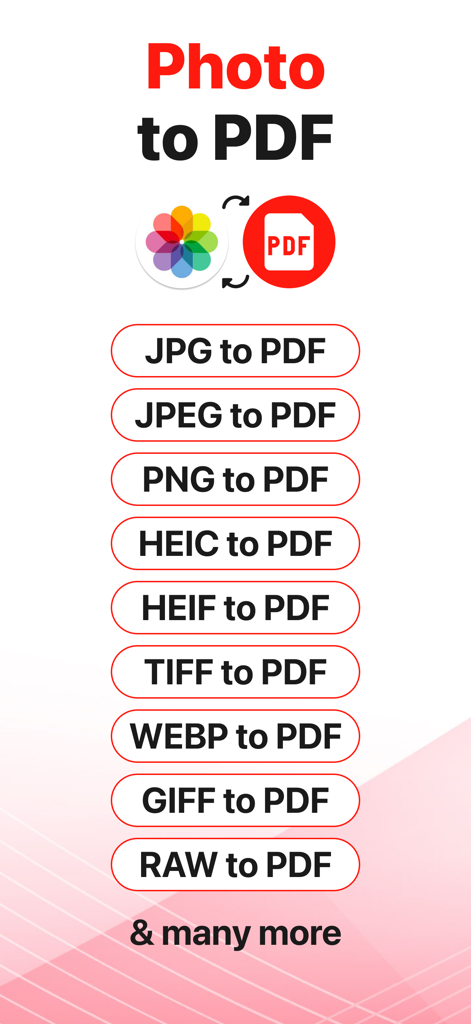
JPG、PNG、HEIC、RAWなど、PDF変換に対応している画像形式のリスト。

JPG、PNG、HEIC、RAWなど、PDF変換に対応している画像形式のリスト。

プロフェッショナルな文書管理をシンプルに

このアプリを際立たせるツール、 28K+ 人のユーザーが選択.

ユニバーサルAI変換

Word、Excel、iWork形式を瞬時に切り替え。AIは、複雑なApple固有のファイル(HEICなど)でもレイアウトを完全に保持します。

🗜️

プログレードの最適化

大きなPDFを縮小してシームレスなメール共有を可能にしたり、複数のレポートを1つのまとまったドキュメントにマージしたりできます。デスクトップの複雑さなしにプロフェッショナルなツールを利用できます。

🔍

スマートOCR&スキャナー

物理的な文書を検索可能なデジタルテキストに変換。契約書、ホワイトボード、メモをスキャンし、外出先で編集可能な形式に変換できます。

アプリについて

について知っておくべきこと PDF Converter Ai• WORD to PDF.

説明

The best PDF Converter on the AppStore!! Convert your files to all major formats. PDF Converter is currently supporting the following conversions.
 1. PDF to Word 2. Word To PDF 3. Photo To PDF 4. PDF to EPUB 5. EPUB to PDF 6. HEIC to PDF 7. JPG To PDF 8. PDF To JPG 9. Excel To PDF 10. PowerPoint To PDF 11. iWork To PDF 12. HTML To PDF 13. PDF To HTML 14. PDF To SVG 15. Vector To PDF
 PDF Converter also has following tools. 1. OCR 2. Merge PDF 3. Compress PDF 4. Split PDF 5. Compress PNG 6. Zip PDF 7. PDF Scanner, Scan to PDF, Scanner Convert your files in few east steps.
 1. Select your desired converter 2. Add input file. 3. Convert! It will only take a few seconds. 4. Download the file in your system. 


This app includes an optional auto-renewable subscription: Premium Pass beings with a free trial period, then an auto-renewable monthly subscription when trial ends. Yearly Plan has no free trial. Payment will be charged to your iTunes account at confirmation of purchase and will automatically renew (at the duration/price selected) unless auto-renew is turned off at least 24 hrs before the end of the current period. Account will be charged for renewal within 24-hours prior to the end of the current period. Current subscription may not be cancelled during the active subscription period; however, you can manage your subscription and/or turn off auto-renewal by visiting your iTunes Account Settings after purchase. Any unused portion of the free one week initial period will be forfeited when you purchase a subscription.
 Privacy Policy: 
https://oliviafrank.co/privacypolicy
 Terms of Service: 
 https://oliviafrank.co/termsandconditions

最新バージョン

1.3.0

サイズ

30.3 MB

リリース日

2021年11月18日

数秒で文書をマスター

あらゆるファイル形式を簡単に処理できるPDF Converter Aiを信頼する28,000人以上のプロフェッショナルや学生に加わりましょう。iPhone、iPad、Macで今すぐダウンロードして、究極のオールインワン生産性ツールキットを体験してください。

ダウンロード: App Store

App information, icons, screenshots, and descriptions displayed on this page are sourced from the Apple App Store and are the property of their respective developers. Download estimates and rankings are based on MWM's proprietary models and may not reflect actual figures. This page is provided for informational and analytical purposes only.

Believe this page infringes your intellectual property? File a dispute