
このページはアプリまたはその開発者の公式ページではなく、情報提供および論評を目的として作成された独立した編集出版物です。明示的に別段の記載がない限り、アプリおよびその開発者は、MWM、Apple、Google Play、アプリのパブリッシャー、またはアプリの開発者と提携、承認、後援、認可、またはその他の公式的な関係はなく、このページのいかなる内容も、アプリがMWMのサービスを使用して開発されたことを意味するものではありません。すべての商標、ロゴ、スクリーンショット、その他のコンテンツはそれぞれの所有者の財産です。

PDF Converter - Flyingbee
数秒でドキュメントを編集可能なWord、Excel、PowerPointファイルに変換。デバイスからデータを持ち出すことなく、レイアウトを完璧に保つ100%プライベートなオフライン処理を体験してください。
ダウンロード
72K+ユーザー評価
評価数
0開発元
カテゴリ
Productivity対応言語
12最新バージョン
8.8.6サイズ
77.8 MBリリース日
2015年11月25日どこでもワークフローをマスター
静的なPDFと編集可能なMicrosoft Officeドキュメントを繋ぐ究極の架け橋。スピードとセキュリティを重視するハイパフォーマンスなプロフェッショナルのために設計されました。
デスクトップ級のパワー、モバイルのスピード
iPhoneやiPadで直接、複雑なPDFを30秒以内にWord、Excel、PowerPointに変換。
エンタープライズレベルのプライバシー
100%オフライン処理で機密データを安全に。ドキュメントがサーバーにアップロードされることはありません。
よくある質問
について知っておくべきこと PDF Converter - Flyingbee
What is PDF Converter - Flyingbee?
PDF Converter - Flyingbeeは、PDFファイルをWord、PowerPoint、Excel、CSV、RTF、テキスト、HTML形式に変換するiOSアプリです。編集や再利用を容易にするために、元のコンテンツと書式設定を保持します。
What file formats does PDF Converter - Flyingbee support for conversion?
PDF Converter - Flyingbeeは、PDFをWord(.docx)、PowerPoint(.pptx)、Excel(.xlsx)、CSV(.csv)、RTF(.rtf)、テキスト(.txt)、HTML(.html)形式に変換します。コンテンツとレイアウトの保持を保証します。
Does PDF Converter - Flyingbee require an internet connection for PDF conversion?
いいえ、PDF Converter - Flyingbeeは変換にインターネット接続を必要としません。変換プロセス全体は、ローカルのiOSデバイス上で100%行われるため、プライバシーと利便性が保証されます。
How fast is PDF conversion with PDF Converter - Flyingbee?
PDF Converter - Flyingbeeは、非常に高速な変換を提供します。50ページのPDFファイルを30秒以内に変換できるため、ドキュメントの迅速な処理と貴重な時間の節約が保証されます。
Can users convert specific pages from a PDF file using PDF Converter - Flyingbee?
はい、PDF Converter - Flyingbeeでは、PDFファイルから特定のページを変換できます。ユーザーは、変換プロセス中に時間を節約するために、個々のページ(例:1、3~8、26)またはすべてのページを選択できます。
What are the steps to convert a PDF file using PDF Converter - Flyingbee?
PDF Converter - FlyingbeeでPDFを変換するには、メールアプリでPDFを開き、「"Open In.."」を使用してコンバーターに送信します。次に、アプリでPDFを開き、「Convert」ボタンをクリックします。
Why does PDF Converter - Flyingbee display a "Conversion Failed" error message?
PDF Converter - Flyingbeeで「Conversion Failed」というエラーメッセージが表示されるのは、PDFファイルにパスワードセキュリティまたはその他の制限があることを示します。これらの制限は、変換が正常に続行される前に削除する必要があります。
Why does PDF Converter - Flyingbee not extract some text from PDF files?
PDFファイル内のテキストが実際のテキストではなく画像として埋め込まれている場合、PDF Converter - Flyingbeeはテキストを抽出できないことがあります。このアプリは、画像テキストを含むPDFの変換を保証しません。
Does PDF Converter - Flyingbee support cloud storage connections?
はい、PDF Converter - Flyingbeeはオンラインクラウドストレージへの接続をサポートしています。これにはCloud Meおよび任意のFTPまたはWebDAVサーバーが含まれており、ユーザーはファイルをリモートで管理およびアクセスできます。
How can users transfer files into PDF Converter - Flyingbee?
ユーザーは4つの方法でPDF Converter - Flyingbeeにファイルを転送できます:「"Open in.."」を他のアプリから使用、iTunes USBファイル共有、Wifi共有、およびCloud Diskにより、柔軟なインポートオプションを提供します。
Is PDF Converter - Flyingbee compatible with Microsoft Office applications?
はい、PDF Converter - FlyingbeeはMicrosoft Office 2007、2008、2011、および2025 Office Word、Excel、PowerPointアプリケーションと互換性があります。iWorksとは完全には互換性がありません。
Is PDF Converter - Flyingbee a subscription-based application?
はい、PDF Converter - Flyingbeeはサブスクリプションモデルで動作します。各サブスクリプションの期間と価格は、購入時にアプリのストアフロントに表示され、支払いはiTunesに請求されます。
How can I manage auto-renewal for PDF Converter - Flyingbee subscriptions?
ユーザーは、iTunesアカウント設定でPDF Converter - Flyingbeeサブスクリプションの自動更新を管理またはオフにすることができます。自動更新は、現在の期間が終了する少なくとも24時間前までにオフにする必要があります。
Does PDF Converter - Flyingbee preserve the original formatting during conversion?
はい、PDF Converter - Flyingbeeは変換中に元の書式設定を保持します。編集を容易にするために、元のPDFドキュメントと一致するようにコンテンツのレイアウト、色、フォントスタイル、および画像を維持します。
以下のスクリーンショットと説明は、アプリの公式ストアリスティングから直接取得されたものであり、アプリ開発者の所有物です。
アプリストア
スクリーンショット
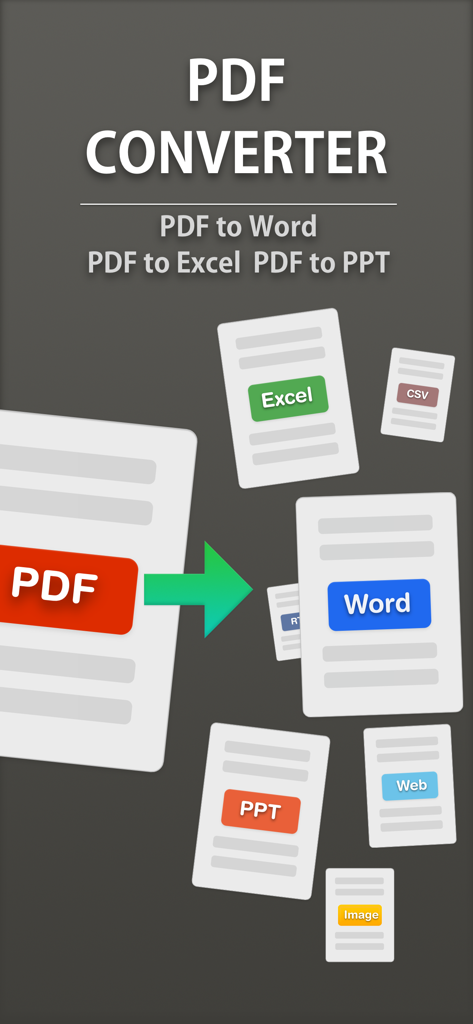
PDFを編集可能なWord、Excel、PowerPoint形式に変換する様子を示すアプリ画面
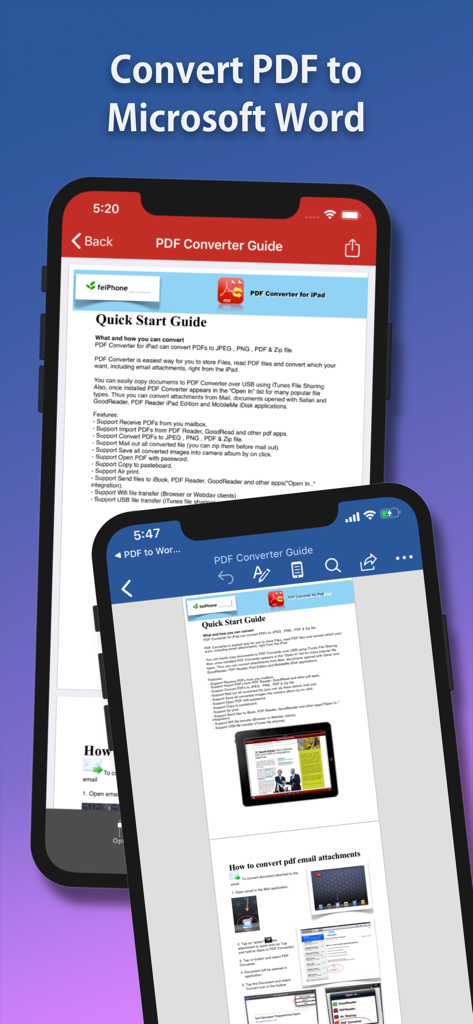
Flyingbee PDFコンバーターアプリがモバイルデバイスでドキュメントをMicrosoft Wordに変換しているスクリーンショット
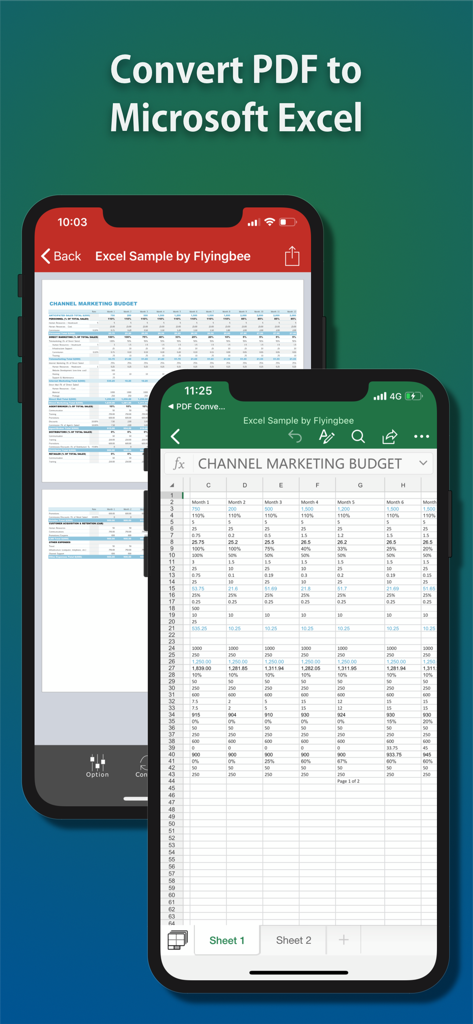
iPhoneでPDFドキュメントがMicrosoft Excelスプレッドシートに変換されているモバイルアプリのインターフェース
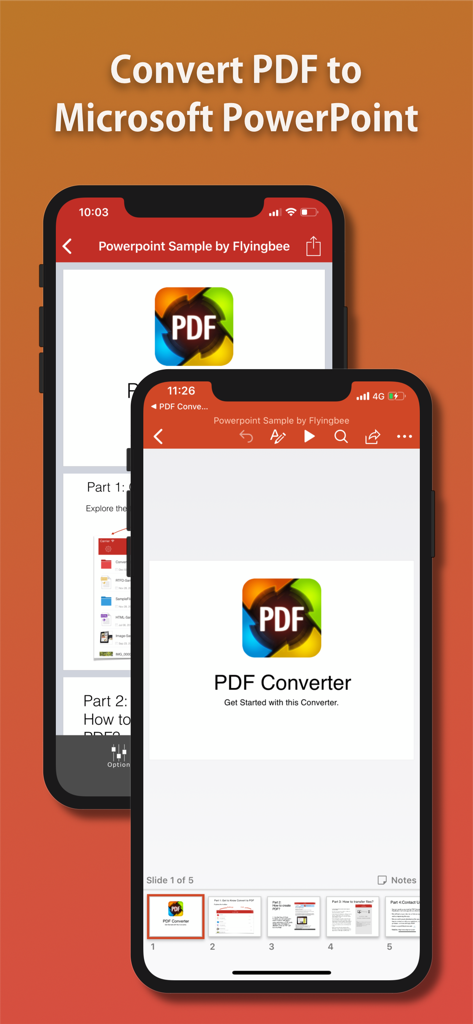
iPhoneでPDFファイルをPowerPointプレゼンテーションに変換するFlyingbeeアプリのインターフェース
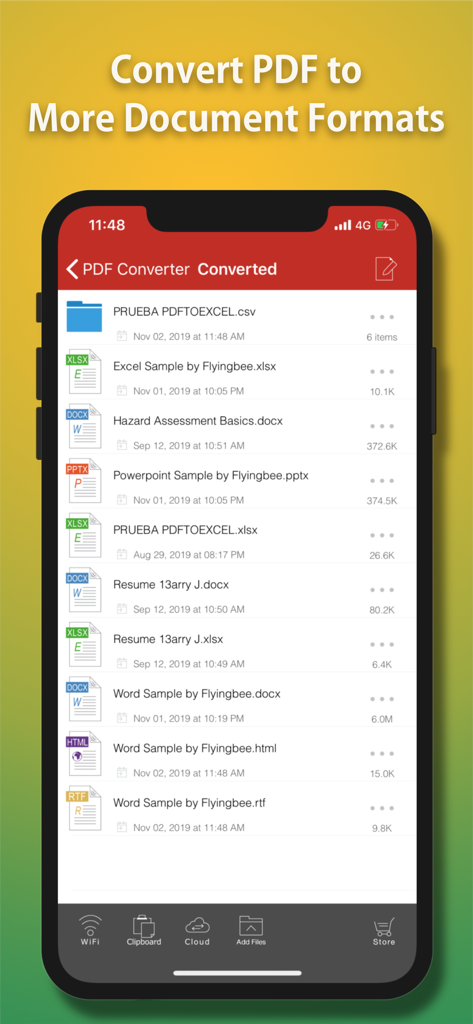
Word、Excel、PowerPoint、HTML形式に変換されたファイルの一覧を表示するFlyingbee PDFコンバーターアプリのインターフェース
説明
Download
類似アプリ
同じカテゴリのトップランクアプリ

ChatGPT
OpenAI OpCo, LLC

Google Gemini
Google LLC

Grok
X.AI Corporation

Gmail - Email by Google
Google LLC

千问 - 阿里最强大模型官方AI助手
Shanghai Zhixin Puhui Technology Co., Ltd.

Google Drive
Google LLC

Microsoft Authenticator
Microsoft Corporation

Google Sheets
Google LLC

Google Docs
Google LLC
このページはアプリまたはその開発者の公式ページではなく、情報提供および論評を目的として作成された独立した編集出版物です。明示的に別段の記載がない限り、アプリおよびその開発者は、MWM、Apple、Google Play、アプリのパブリッシャー、またはアプリの開発者と提携、承認、後援、認可、またはその他の公式的な関係はなく、このページのいかなる内容も、アプリがMWMのサービスを使用して開発されたことを意味するものではありません。すべての商標、ロゴ、スクリーンショット、その他のコンテンツはそれぞれの所有者の財産です。