PDF Editor App | Edit Document

PDF Editor App | Edit Document

ダウンロード: App Store
ロゴ: PDF Editor App | Edit Document

PDFエディターアプリ:究極のオールインワン・ドキュメントツールキット

iPhoneやiPadから、シームレスにスキャン、署名、編集、注釈を追加できます。外出先で書類を管理する必要がある、効率的なナレッジワーカーや学生のために設計されたプロフェッショナルグレードのツールです。

ダウンロード: App Store

開発元

Allied Clicks LLC

カテゴリ

Business

ダウンロード

53K+

ユーザー評価

4.6/5

評価数

700

対応言語

11

効率を指先で

このインターフェースを利用する 53K+ 人のユーザー.

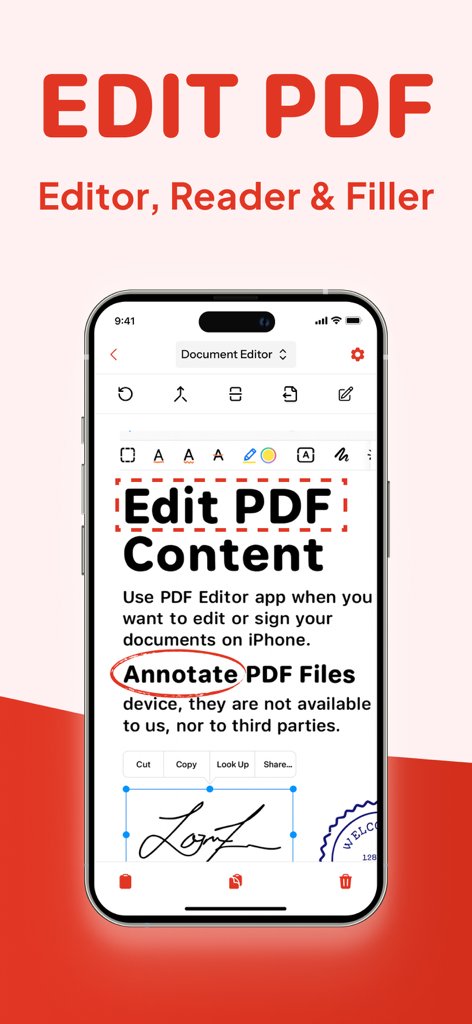
PDF編集の注釈とデジタル署名ツールを表示するスマートフォンの画面

PDF編集の注釈とデジタル署名ツールを表示するスマートフォンの画面

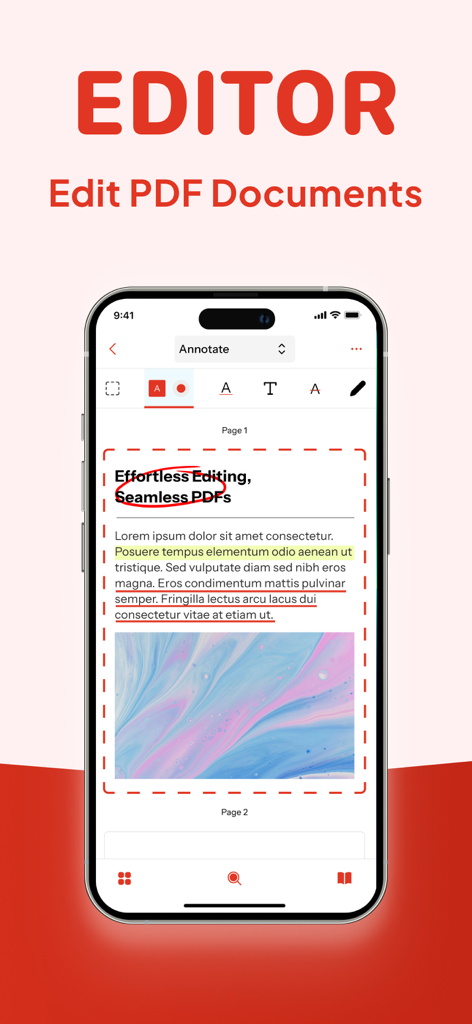
ハイライトや円を含む文書注釈ツールを表示するPDFエディターのiPhoneインターフェース
ハイライトや円を含む文書注釈ツールを表示するPDFエディターのiPhoneインターフェース

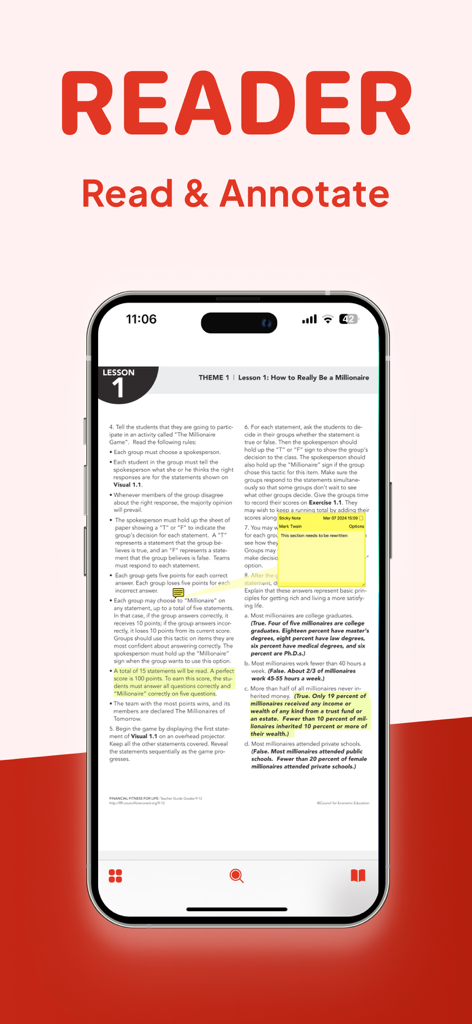
ハイライトや注釈用の付箋が付いたPDF文書を表示するiPhone画面
ハイライトや注釈用の付箋が付いたPDF文書を表示するiPhone画面

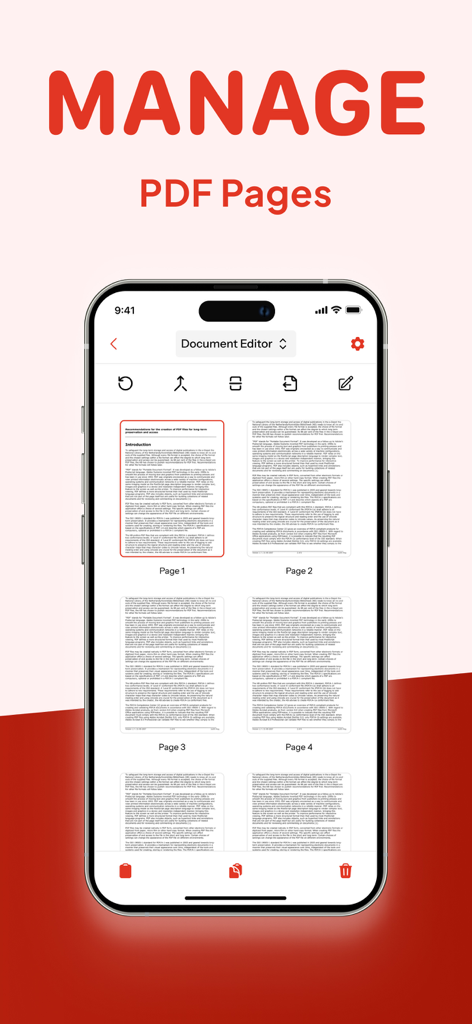
PDFエディターアプリのPDFページ管理機能を表示するiPhone画面
PDFエディターアプリのPDFページ管理機能を表示するiPhone画面

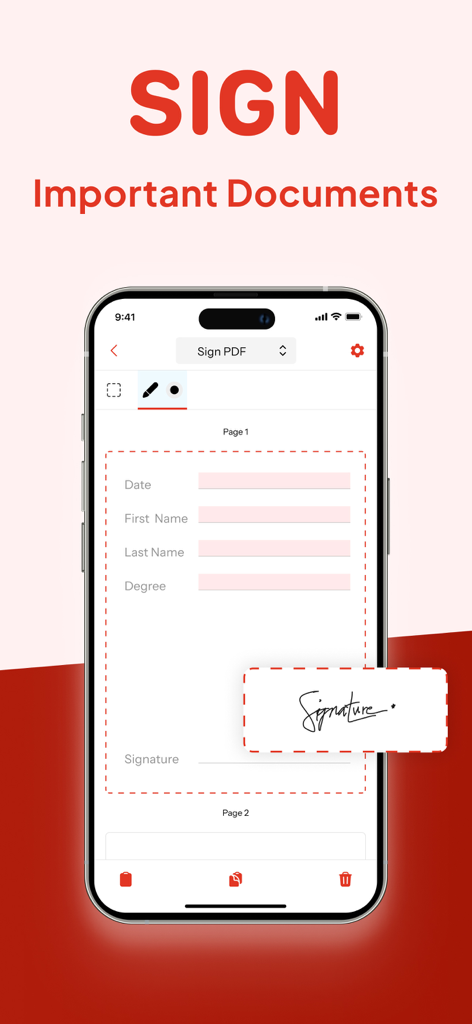
重要な文書に署名するためのPDFエディターアプリのデジタル署名機能を表示するiPhone画面
重要な文書に署名するためのPDFエディターアプリのデジタル署名機能を表示するiPhone画面

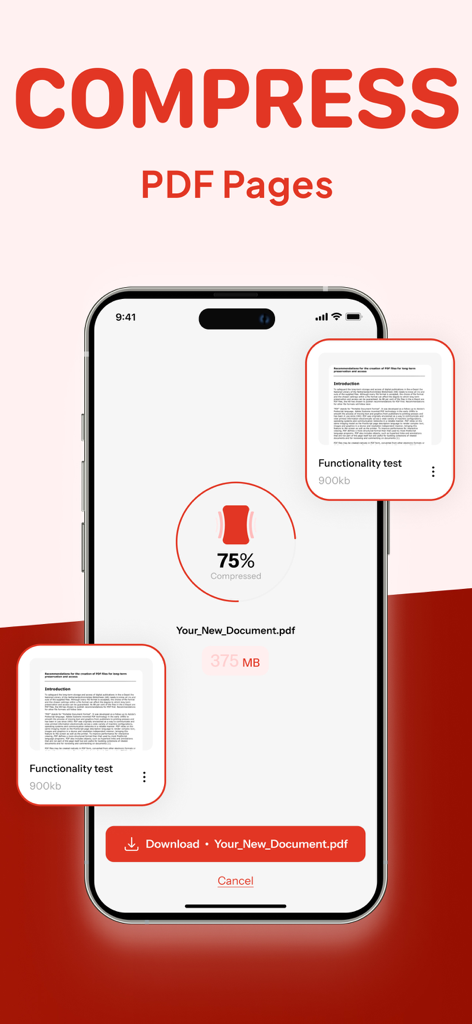
ファイルサイズを75%削減するPDF圧縮ツールを表示するスマートフォン
ファイルサイズを75%削減するPDF圧縮ツールを表示するスマートフォン

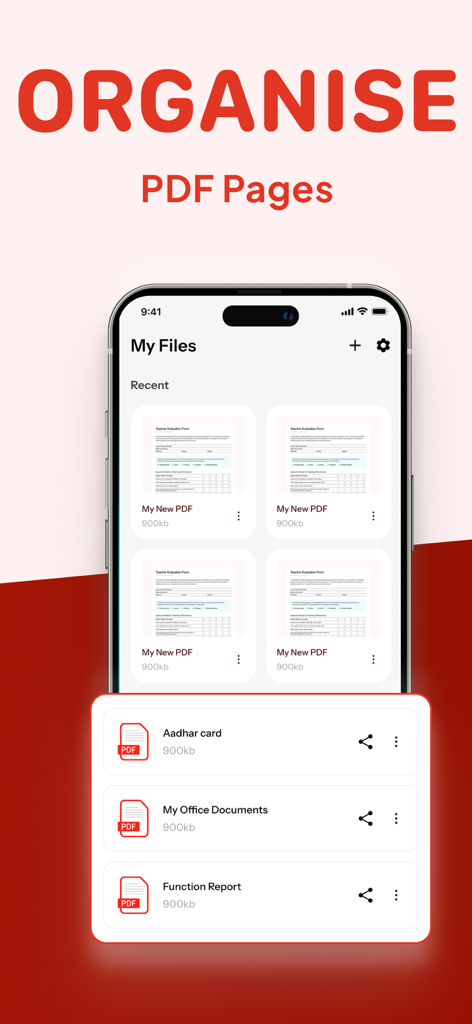
PDFページの整理方法とファイルの管理方法を表示するインターフェース

PDFページの整理方法とファイルの管理方法を表示するインターフェース

ワークフローをマスターするために必要なすべて

このアプリを際立たせるツール、 53K+ 人のユーザーが選択.

✍️

どこでも書類に署名&保護

iPhoneやiPadから、法的に有効な署名を契約に、機密情報を数秒で編集できます。

📝

テキストや画像を直接編集

ファイルを作り直す必要はありません。Word文書のように、テキストの変更、画像の差し替え、誤字の修正を簡単に行えます。

📂

結合、分割、圧縮

PDFを結合したり、ファイルサイズを縮小したりすることで、ワークフローを整理し、シームレスなメール共有やアップロードを実現します。

📂

結合、分割、圧縮

PDFを結合したり、ファイルサイズを縮小したりすることで、ワークフローを整理し、シームレスなメール共有やアップロードを実現します。

アプリについて

について知っておくべきこと PDF Editor App | Edit Document.

説明

PDF Editor App: Edit, Scan, Convert, Annotate & Sign Your PDF Documents Introducing PDF Editor, your all-in-one solution for working with PDF documents. Our intuitive app makes it simple to edit PDF, create PDF, and manage PDF files on the go, bringing professional document editing capabilities right to your fingertips. Transform the way you handle documents with powerful editing features that let you modify PDF text, adjust images, and format content exactly how you want it. Whether you're a business professional, student, or anyone who works with documents, our file editor delivers exceptional results for every task. Key Features: New PDF - Create documents from scratch with our comprehensive tools Manage Pages - Rearrange, rotate, and delete pages with intuitive controls Compress PDF - Reduce file size while maintaining document quality Sign PDF - Add digital signatures for professional and legal documents Redact PDF - Protect sensitive information with secure redaction tools Comment on PDF - Add notes and feedback for improved collaboration Annotate PDF - Mark up documents with highlights, underlines, and more Edit PDF - Modify text, images, and formatting directly in your documents Split/Merge PDF - Divide large documents or combine multiple files seamlessly Complete PDF Solution Our free PDF editor gives you complete control over your paperwork editor needs, functioning as both a full-featured editor and PDF reader in one convenient package. Edit PDF for free without compromising on quality or capabilities – all at no cost. Smart Document Management The smart PDF editor technology behind our app adapts to how you work, streamlining your document management process. Reorganize PDF content, reorder PDF pages, and make adjustments with just a few taps. Need to divide a large document? Our PDF splitter tool makes it easy to create separate files from a single document, while our compress PDF feature helps you save PDF space without sacrificing quality. Professional Annotation Tools Enhance your documents with our comprehensive markup editor tools. Annotate PDF with highlights, underlines, text boxes, and handwritten notes directly on your PDFs. Sketch on PDF diagrams, use PDF marker tools for important sections, and comment on PDF for collaborators – all within the same application. Security & Signatures We take security seriously. Our redact PDF feature ensures sensitive information stays protected, while our PDF signature tool lets you sign PDF documents digitally for legal and business purposes. Fill out PDF forms, type on PDF fields, and sign PDF files to finalize important paperwork without printing a single page. Why Should You Choose Our PDF Editor App? Compatible With All Apple Devices - Our PDF Editor is compatible with all Apple devices – iPhone (iOS 15.0 or later), iPad (iPadOS 15.0 or later), Mac (macOS 12.0 or later and a Mac with Apple M1 chip or later) Free Premium Trial - Unlock the Full Potential with a Free Trial. Experience all the premium features of our PDF Editor free for 3 days! Choose a subscription plan that best suits your needs and cancel anytime without obligation. What are you waiting for? No need to download multiple PDF Editor, PDF Scanner, PDF Manager, PDF Organizer or PDF Reader. Make your life easier with PDF Editor app today Please note: Subscriptions are charged through your App Store account. Subscriptions automatically renew unless canceled at least 24 hours before the end of the current period. Manage your subscription through your App Store account settings after purchase. Terms of Service - https://www.alliedclicks.com/app-terms.php Terms of Service for EULA - https://www.apple.com/legal/internet-services/itunes/dev/stdeula/ Refer to our privacy policy for any other issues - https://www.alliedclicks.com/app-privacy.php

最新バージョン

1.2.6

サイズ

96.1 MB

リリース日

2025年7月22日

ワンタップで書類作業をマスターする準備はできましたか?

5万人以上のプロフェッショナルや学生が利用しています。iPhone、iPad、Mac向けのオールインワンPDFソリューションをダウンロードして、3日間の無料トライアルを開始しましょう。

ダウンロード: App Store

App information, icons, screenshots, and descriptions displayed on this page are sourced from the Apple App Store and are the property of their respective developers. Download estimates and rankings are based on MWM's proprietary models and may not reflect actual figures. This page is provided for informational and analytical purposes only.

Believe this page infringes your intellectual property? File a dispute