PDF Merger | Merge & Split It

PDF Merger | Merge & Split It

ダウンロード: App Store
ロゴ: PDF Merger | Merge & Split It

PDF Merger | マージ&分割:プロフェッショナル&学生向けの安全なPDF管理

インターネット不要、サブスクリプションなしで、デバイス上で100%プライベートにドキュメントを簡単に結合、分割、スキャンできます。モバイルワークフローのための強力なツールです。

開発元

Evgeniy Konev

カテゴリ

Productivity

ダウンロード

36K+

ユーザー評価

4.8/5

評価数

1K+

対応言語

13

外出先でドキュメントをマスターする

このアプリを際立たせるツール、 36K+ 人のユーザーが選択.

🛡️

プライベートなオンデバイス処理

機密性の高い契約書や課題はiPhoneから離れません。完全にオフラインで作業することで、データがクラウド侵害から100%プライベートかつ安全に保たれます。

ワンタップでマージ&分割

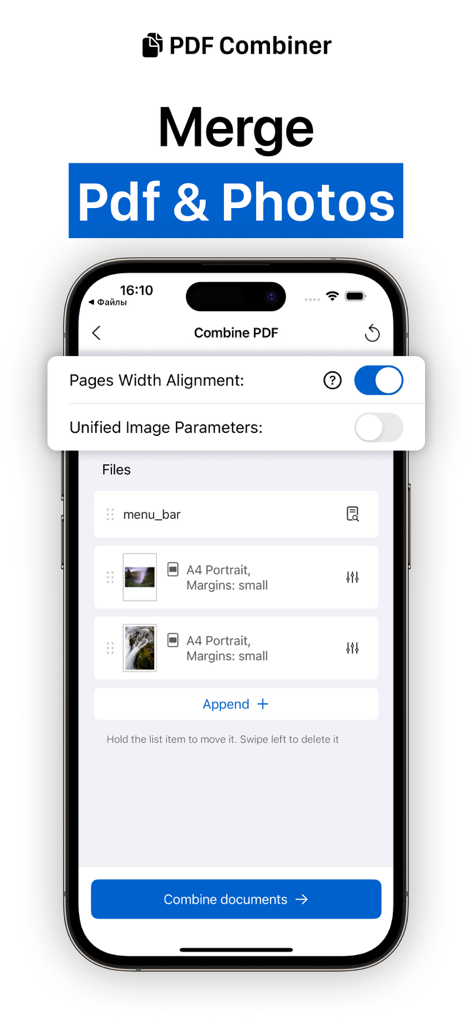
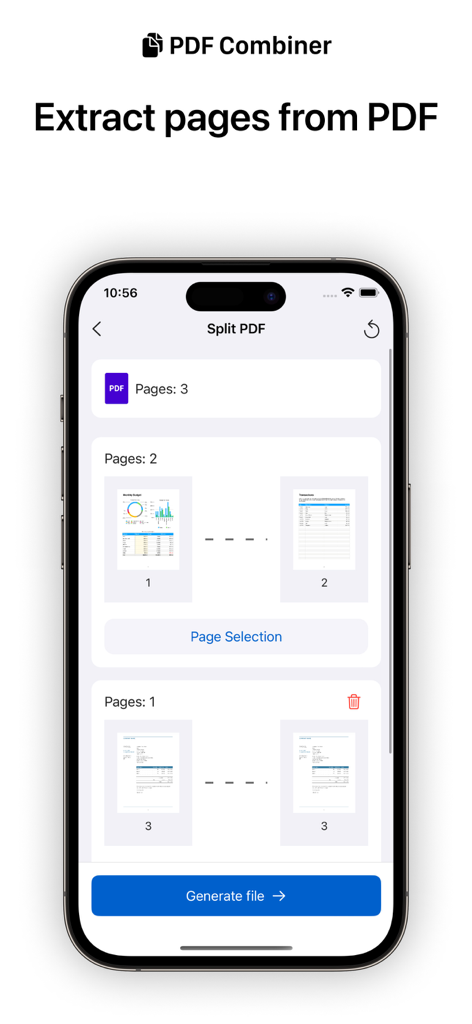
複数のスキャンを1つのドキュメントに簡単に結合したり、共有のために特定のページを抽出したりできます。レシート、レポート、講義ノートを整理するための効率的なワークフロー。

💎

生涯プロアクセス

単発の購入でサブスクリプション疲れを解消しましょう。透かしや画像変換などの高度なツールに、月額料金なしで永久にアクセスできます。

アプリについて

について知っておくべきこと PDF Merger | Merge & Split It.

説明

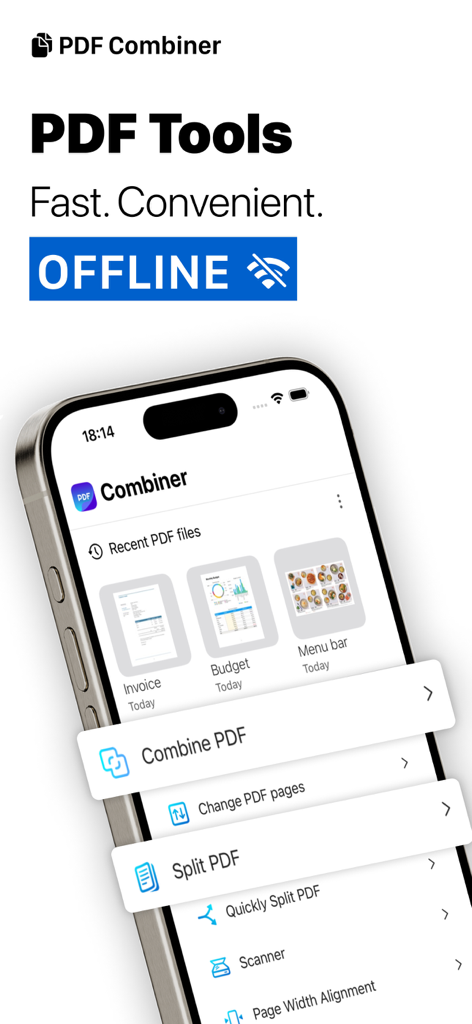
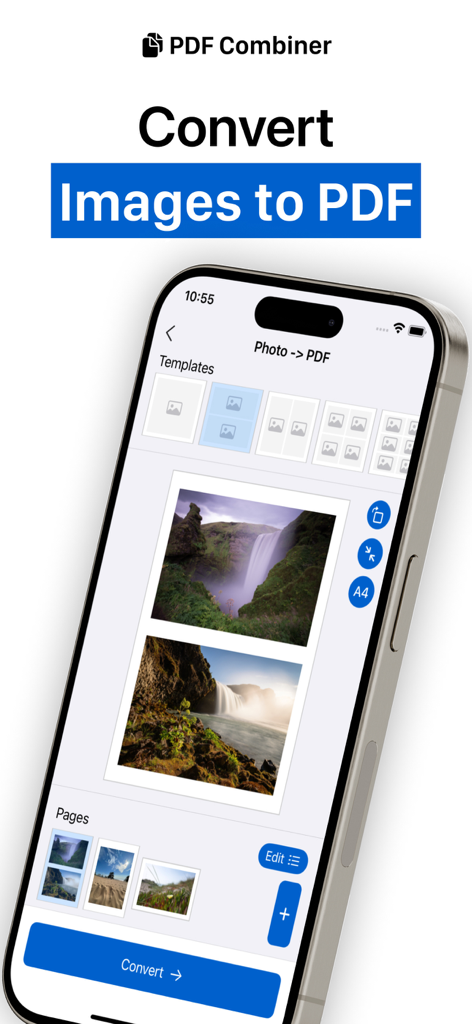
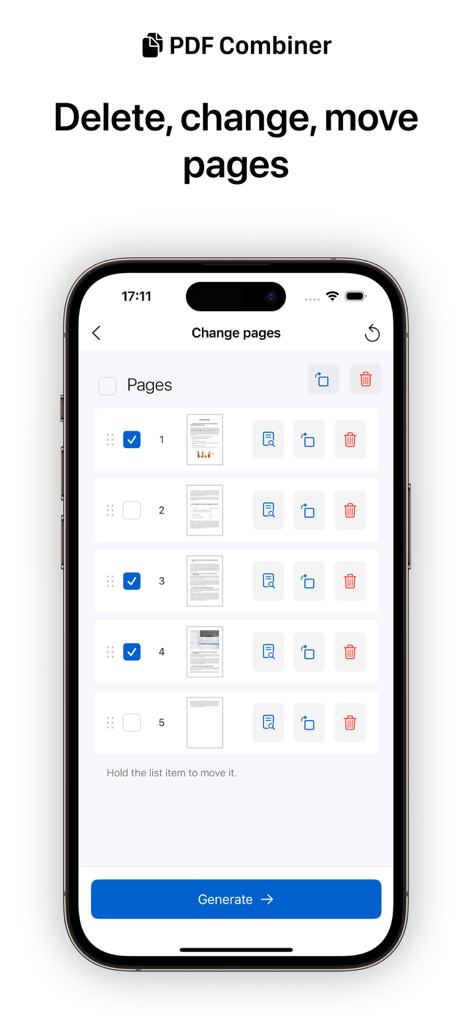
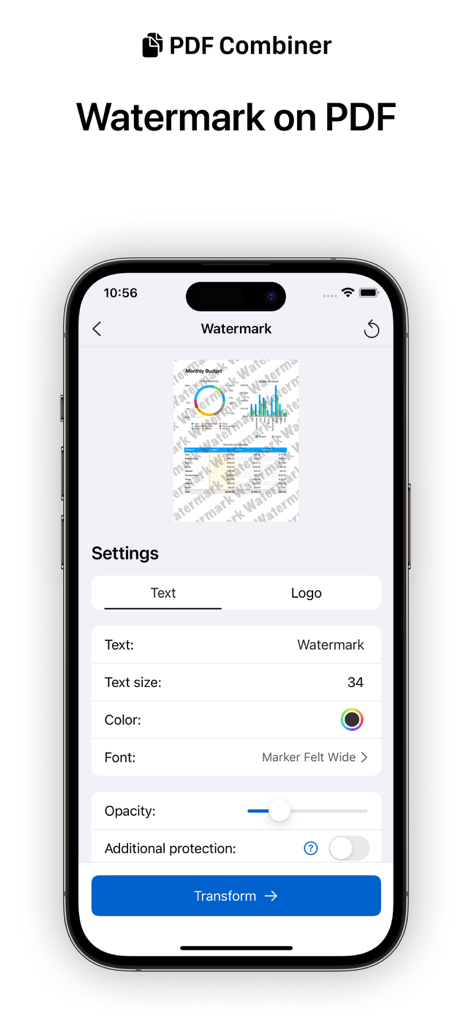
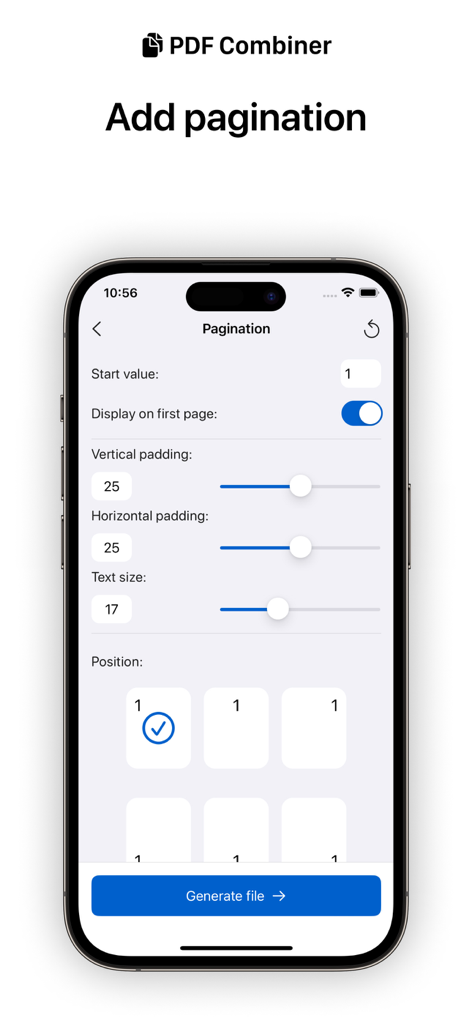
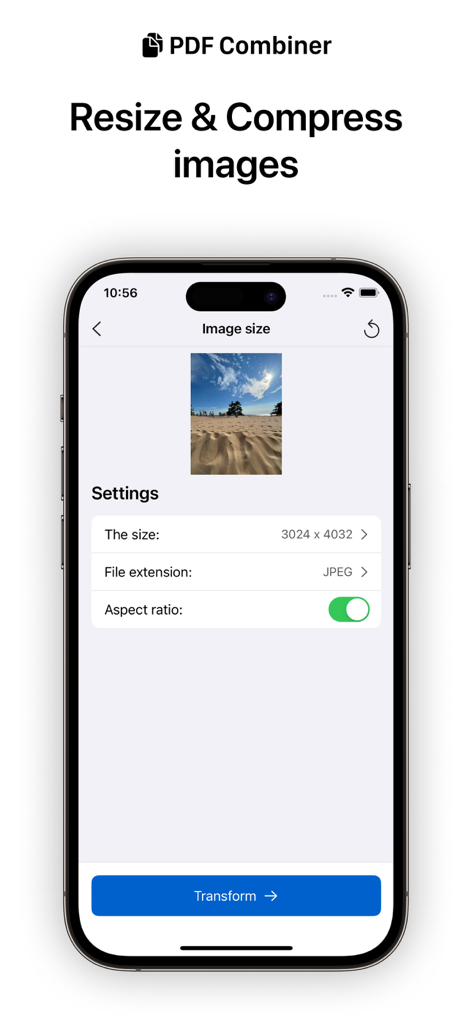
Say goodbye to clunky and complicated PDF management tools. Our app is designed with a user-friendly interface, making it easy to merge multiple PDFs, split PDFs into separate pages, and even extract specific pages from a PDF document. Whether you need to combine important documents for work or split a large PDF into smaller files for easy sharing, our app has you covered. Download now and experience the convenience of professional PDF management on the go. Imagine the freedom of being able to work on your files anytime, anywhere without the need for an Internet connection. With working solely on your device, you can be confident that your files are safe and secure, protected from the potential risks of using web services. This means you can work without any worries and focus on what really matters. The following tools for working with pdf are available in the application: - Merge PDF documents - Change PDF document page by page (move, delete, rotate pages) - Split PDF - Document scanner with the ability to import to pdf or photo - Quick view of documents in most formats - Set/remove a PDF password to save the document as a new document (The function does not allow you to unlock the document if the password is unknown.) - Pagination - Saving open documents of any format to pdf (beta) There are also PRO-version tools available in the application. You can use them for free to evaluate the work, but you can save the result only after purchasing the PRO version of the application. The PRO version is paid only once and becomes available forever: - Images -> PDF - PDF -> Images - Compress and resize images - Add watermark to document Note: PDF combiner is primarily a mobile application that uses the power of a mobile device to perform popular tasks with PDF documents. For complex tasks with large heavy files, it is better to use professional solutions. Privacy Policy https://docs.google.com/document/d/1Ey7ZxLODDc1tQ1_N08LCTCwsi2jnHXEbMZugFv_AiUk/edit?usp=sharing Terms of Use https://docs.google.com/document/d/1BjWeGxiOgNmTs-eCTKq5Y0LfgDBe_sVHDS1h22ZsZ9w/edit?usp=sharing

最新バージョン

4.6.3

サイズ

14.7 MB

リリース日

2020年6月16日

これがあればもうPDFツールは必要ありません

100%オンデバイス処理で安全にマージ、分割、スキャンできます。月額サブスクリプションはやめて、プロフェッショナルな買い切りツールで機密文書をプライベートに保ちましょう。

ダウンロード: App Store

App information, icons, screenshots, and descriptions displayed on this page are sourced from the Apple App Store and are the property of their respective developers. Download estimates and rankings are based on MWM's proprietary models and may not reflect actual figures. This page is provided for informational and analytical purposes only.

Believe this page infringes your intellectual property? File a dispute