PDF Reader - Read PDF Files
ダウンロード: App Store

このページはアプリまたはその開発者の公式ページではなく、情報提供および論評を目的として作成された独立した編集出版物です。明示的に別段の記載がない限り、アプリおよびその開発者は、MWM、Apple、Google Play、アプリのパブリッシャー、またはアプリの開発者と提携、承認、後援、認可、またはその他の公式的な関係はなく、このページのいかなる内容も、アプリがMWMのサービスを使用して開発されたことを意味するものではありません。すべての商標、ロゴ、スクリーンショット、その他のコンテンツはそれぞれの所有者の財産です。

ロゴ: PDF Reader - Read PDF Files
ダウンロード: App Store

PDF Reader - Read PDF Files

高額なサブスクリプションやアプリの煩わしさをなくしましょう。ポケットから、はるかに安価な費用で、テキストを直接編集し、契約書に署名し、GoogleドライブまたはDropboxと同期できます。

主要数値

ダウンロード

800

ユーザー評価

1.0/5

評価数

0

開発元

Sanjaykumar Khunt

カテゴリ

Productivity

対応言語

1

最新バージョン

1.3

サイズ

37.7 MB

リリース日

2024年1月31日
機能

あなたの完全なモバイルPDFスタジオ

高価なツールの切り替えをやめましょう。デスクトップソフトウェアのほんの一部の費用で、プロフェッショナルグレードの編集、署名、スキャンを入手できます。

デスクトップレベルのテキスト編集

電話で直接既存のテキストを変更し、タイプミスを修正し、画像を入れ替えます。プロフェッショナルな更新を行うためにラップトップは必要ありません。

安全な署名とフォーム記入

数秒で法的電子署名でリースと契約書を完了します。「印刷」を押さなくても、複雑な政府フォームに記入できます。

以下のスクリーンショットと説明は、アプリの公式ストアリスティングから直接取得されたものであり、アプリ開発者の所有物です。

アプリストア

スクリーンショット
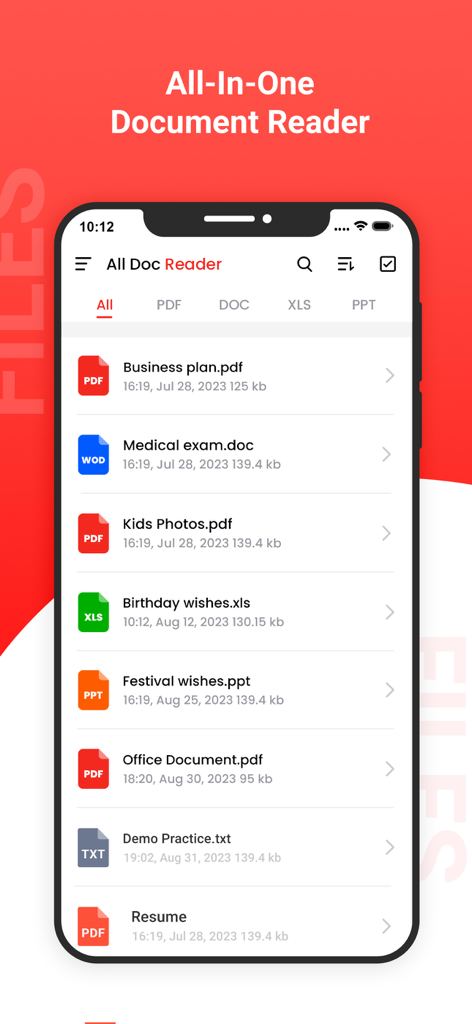
PDF Reader - Read PDF Files - PDF Word Excel PowerPointファイルの一覧が表示された、オールインワン文書リーダーアプリのスマートフォンスクリーン。

PDF Word Excel PowerPointファイルの一覧が表示された、オールインワン文書リーダーアプリのスマートフォンスクリーン。

PDF Reader - Read PDF Files - PDF Readerアプリ内でWord文書を表示するスマートフォン。

PDF Readerアプリ内でWord文書を表示するスマートフォン。

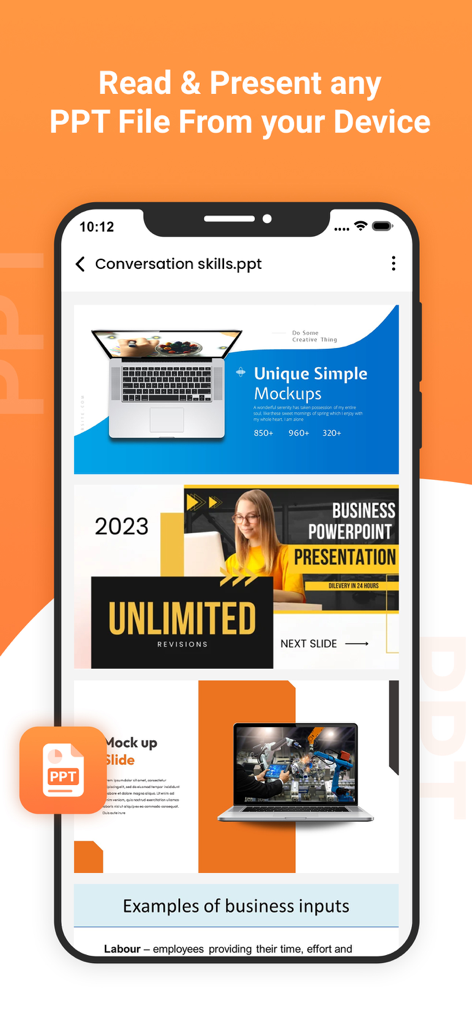
PDF Reader - Read PDF Files - PowerPointファイルを閲覧および提示するためのモバイルインターフェイスを示すPDF Readerアプリ。
PowerPointファイルを閲覧および提示するためのモバイルインターフェイスを示すPDF Readerアプリ。

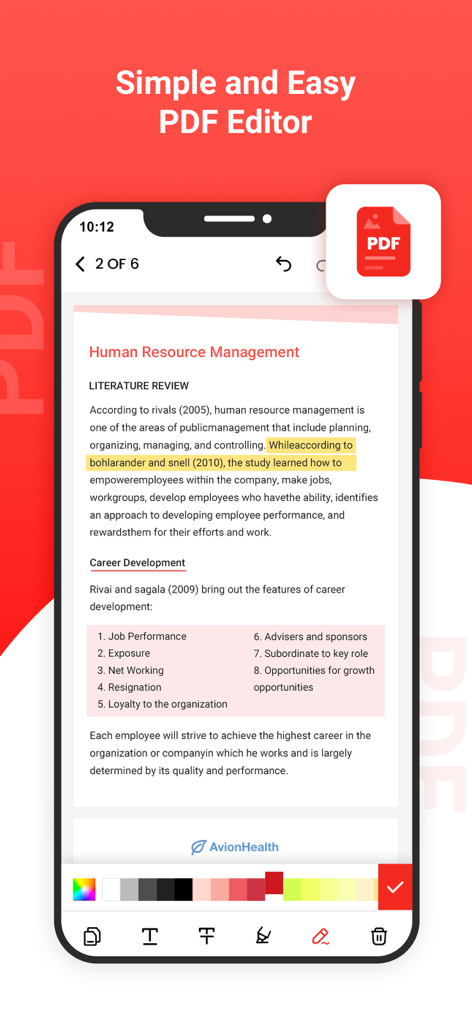
PDF Reader - Read PDF Files - テキストのハイライトと編集ツールを備えたPDF Readerアプリインターフェイスを示すモバイル画面。
テキストのハイライトと編集ツールを備えたPDF Readerアプリインターフェイスを示すモバイル画面。

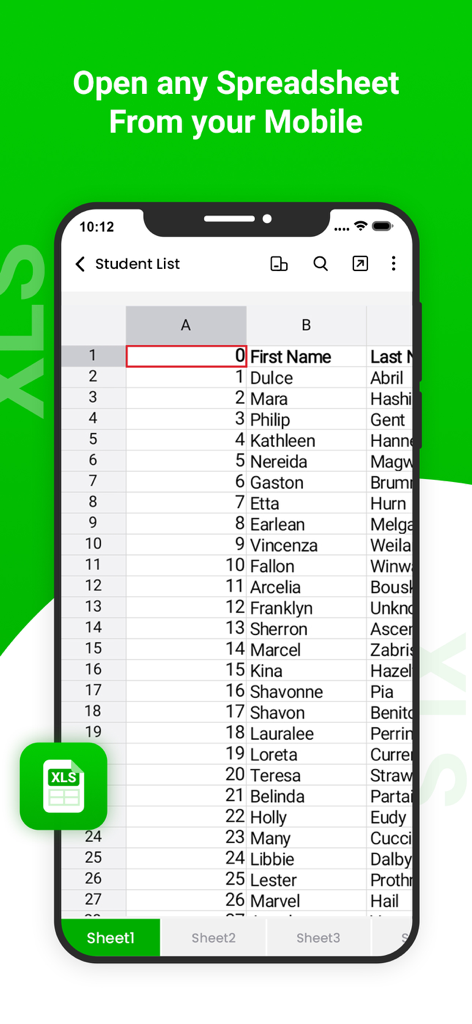
PDF Reader - Read PDF Files - モバイルXLSリーダーアプリ内のスプレッドシートの学生リストを表示するスマートフォンスクリーン。
モバイルXLSリーダーアプリ内のスプレッドシートの学生リストを表示するスマートフォンスクリーン。

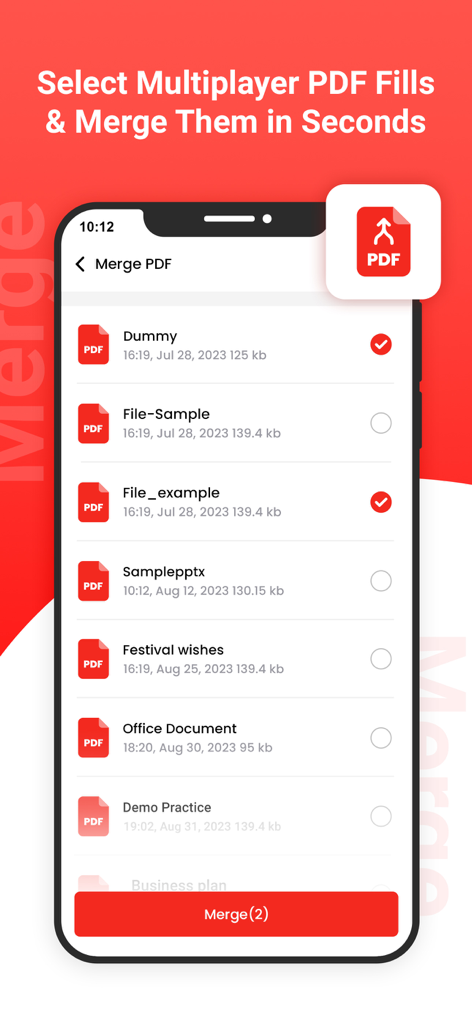
PDF Reader - Read PDF Files - ドキュメントのリストと選択チェックボックスが表示されたPDFマージ機能を示すモバイル画面。
ドキュメントのリストと選択チェックボックスが表示されたPDFマージ機能を示すモバイル画面。

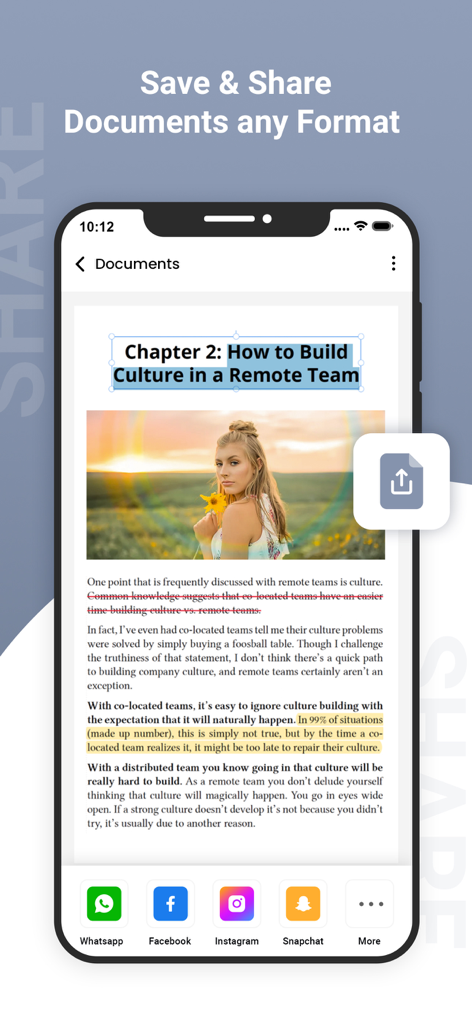
PDF Reader - Read PDF Files - さまざまなソーシャルメディアプラットフォームのドキュメント共有オプションを示すPDFリーダーアプリのモバイルインターフェイス。

さまざまなソーシャルメディアプラットフォームのドキュメント共有オプションを示すPDFリーダーアプリのモバイルインターフェイス。

説明

PDF Reader Pro is an all-in-one PDF reader & editor, without downloading multiple Apps, you can get all your PDF works done perfectly in PDF Reader Pro, here comes your almighty PDF tool: 1. PDF Editor: Edit PDF text and images easily on the phone 2. PDF Converter: Magically convert PDF to editable Word files 3. PDF Scanner: Scan paper documents to PDF clearly & quickly 4. PDF Signature App: Sign and fill PDF documents, e-signature is legal & secure 5. PDF Formfiller: Fill in a PDF file directly on the phone without printing or faxing 6. Protect PDF privacy, set the password for your PDF documents 7. Read PDF more easily, Black Mode & Reading Mode for your choice 8. Sync with Cloud documents, all PDF files in one place 9. Add annotations, Merge PDF, Compress PDF, etc All-in-one PDF tool, Maximizing PDF productivity, The most efficient choice for PDF users! ◆ PDF Reader Pro meets all your PDF needs "Edit, Sign and Fill PDF" - Real text-editable PDF editor, more than annotating PDF, edit PDF text like Word - Add, delete or rotate PDF images freely - E-sign your PDF smoothly, safest & most secure e-signature - Sign documents anywhere from any device - Fill in a PDF file directly on the phone "Protect PDF documents security" - Protect PDF documents by adding passwords - Add watermark to PDF documents - Safest electronic signature "All your PDF documents in one place" - Sync with Google Drive, Gmail, OneDrive, Dropbox, handle all pdf files in one place - Clearly categorized and well-organized PDF documents "More highlight features" - Annotate, highlight, comment PDF - Merge multiple PDF documents into one PDF - Organize PDF pages freely - Compress PDF files to reduce the file size - Extract text from PDF and images "Add text to PDF. Type on a PDF" - Make sure the 'Text' tool is selected. Click anywhere on the PDF page to add text. "Change PDF text" - Select the 'Text' tool in the top toolbar. Click any existing text to start editing. Make text bold or italic, change font size, font family and text color. "Add image to PDF" - Click the 'Images' menu and select 'New Image'. Select an image from your computer and then add it to the PDF page. You can drag with your mouse to move it, drag on the corners to resize it. "Fill out PDF forms" - Click any form field in the PDF and start typing. Form contains no input fields? Select the 'Text' tool to type text and the 'Forms' tool for checkmarks and radio bullets. "Add links to PDF and edit existing hyperlinks" - Add new links to web URLs or pages in the document. Easily edit existing hyperlinks in the PDF. "Whiteout PDF" - Cover part of the PDF page with a white rectangle so the contents is no longer visible. "Add shapes" - Click the 'Shape' tool to add rectangular or ellipsis shapes to a PDF page. Change border or background fill color. "Find and replace in PDF" - Easily find and replace all occurrences of words in a PDF. "Add form fields to PDF" - Click on 'Forms' in the top menu and select the type of form input you want to add: Text, Multiline Text, Dropdown, Checkbox, Radio choices. - Click on the desired form field type and place it on the page. Enter the new field's name and, optionally, the default value. "Annotate PDF pages" - Use the PDF annotator to strikethrough and highlight text on PDF pages. Click on 'Annotate', then choose the style and select text on page to apply. "Save your changes" - Click the 'Apply changes' button to apply the changes and then 'Download' your edited PDF document. Get unlimited access to all premium flyers, posters and banners. Subscribe Monthly PDF Editor Pro at $1.99 and Yearly PDF Editor Pro at $9.99 to use ads free versions of the premium app which can cancel anytime. • Privacy Policy: https://sites.google.com/view/postart-policy • Terms of Service: https://sites.google.com/view/postart-termsofuse Experience the future of PDF editing – Edit Everything!

Download

ダウンロード: App Store

このページはアプリまたはその開発者の公式ページではなく、情報提供および論評を目的として作成された独立した編集出版物です。明示的に別段の記載がない限り、アプリおよびその開発者は、MWM、Apple、Google Play、アプリのパブリッシャー、またはアプリの開発者と提携、承認、後援、認可、またはその他の公式的な関係はなく、このページのいかなる内容も、アプリがMWMのサービスを使用して開発されたことを意味するものではありません。すべての商標、ロゴ、スクリーンショット、その他のコンテンツはそれぞれの所有者の財産です。