PDF to JPG - Converter

PDF to JPG - Converter

ダウンロード: App Store
ロゴ: PDF to JPG - Converter

PDFからJPGへ - コンバーター: iPhoneとiPad向けのプロフェッショナルグレード画像抽出

PDFを高解像度のJPG、PNG、TIFFファイルに変換。品質とDPIを完全にコントロール。機密文書をデバイス上に保持し、クラウドにアップロードしない安全なネイティブ変換。

開発元

RootRise Technologies Private Limited

カテゴリ

Productivity

ダウンロード

264K+

ユーザー評価

4.7/5

評価数

400

対応言語

1

品質は一目瞭然

このインターフェースを利用する 264K+ 人のユーザー.

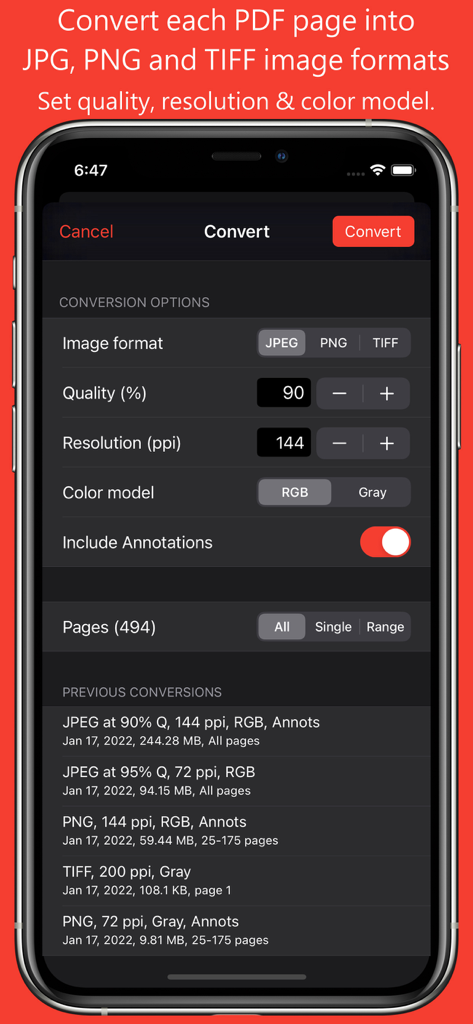
PDFからJPGへアプリの変換設定画面。画像フォーマット、品質、解像度、カラーモデルのオプションが表示されています。
PDFからJPGへアプリの変換設定画面。画像フォーマット、品質、解像度、カラーモデルのオプションが表示されています。

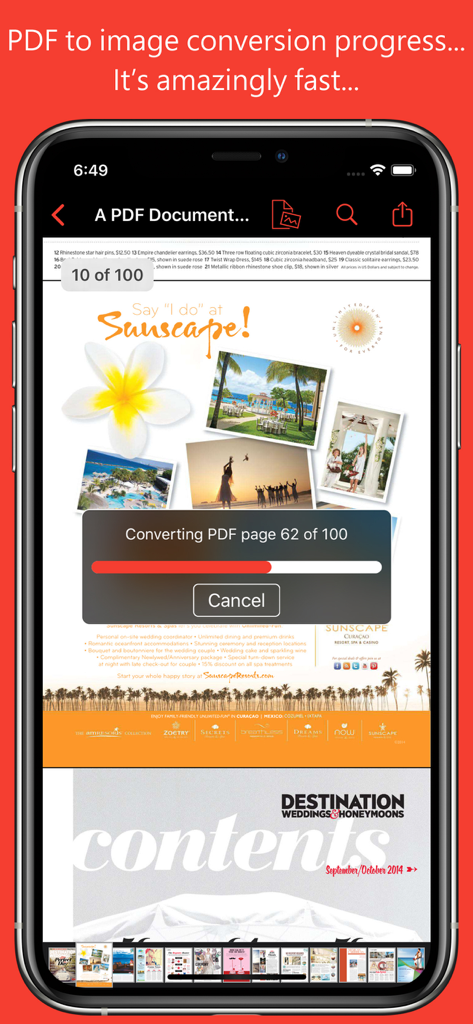
モバイルアプリのインターフェイスに、複数ページのPDFドキュメントを画像に変換中の進捗バーが表示されています。
モバイルアプリのインターフェイスに、複数ページのPDFドキュメントを画像に変換中の進捗バーが表示されています。

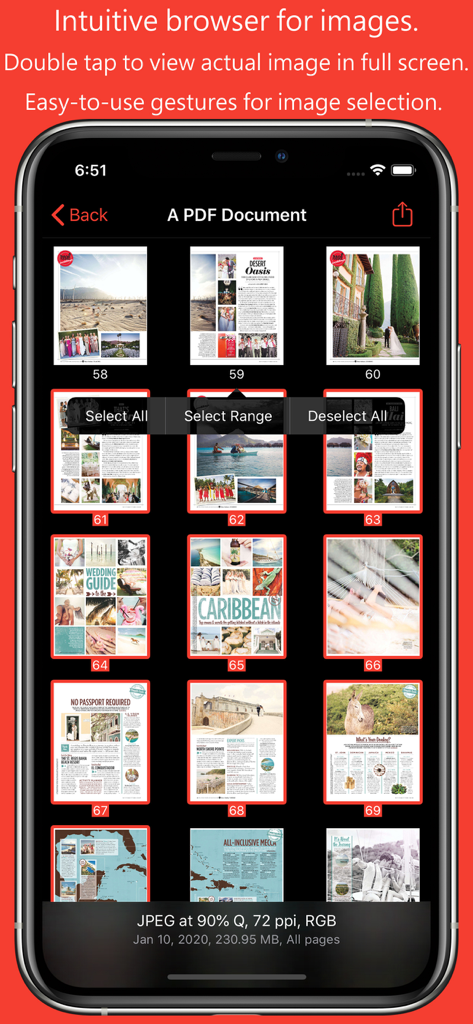
PDFドキュメントから変換された画像のサムネイルブラウザがモバイルデバイスに表示されています。
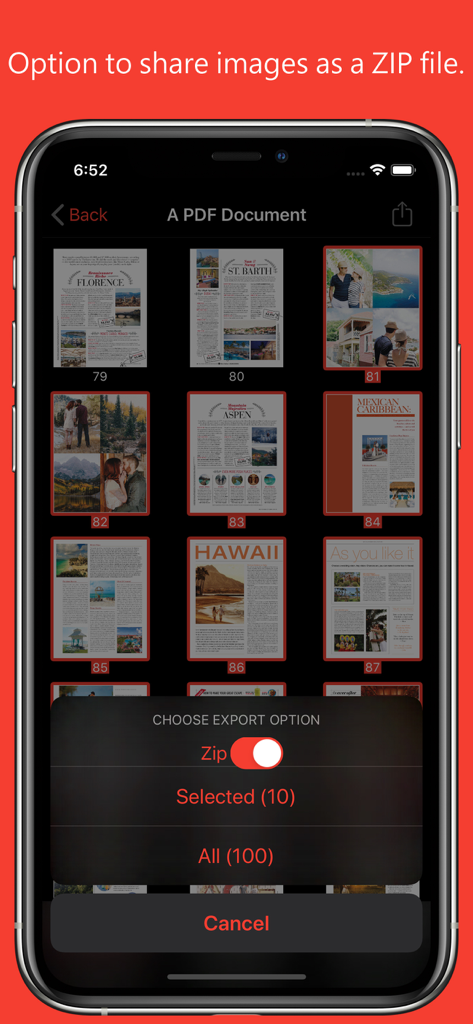
PDFドキュメントから変換された画像のサムネイルブラウザがモバイルデバイスに表示されています。

PDFからJPGへアプリに、変換された画像をZIPファイルとして共有するためのエクスポートオプションが表示されています。
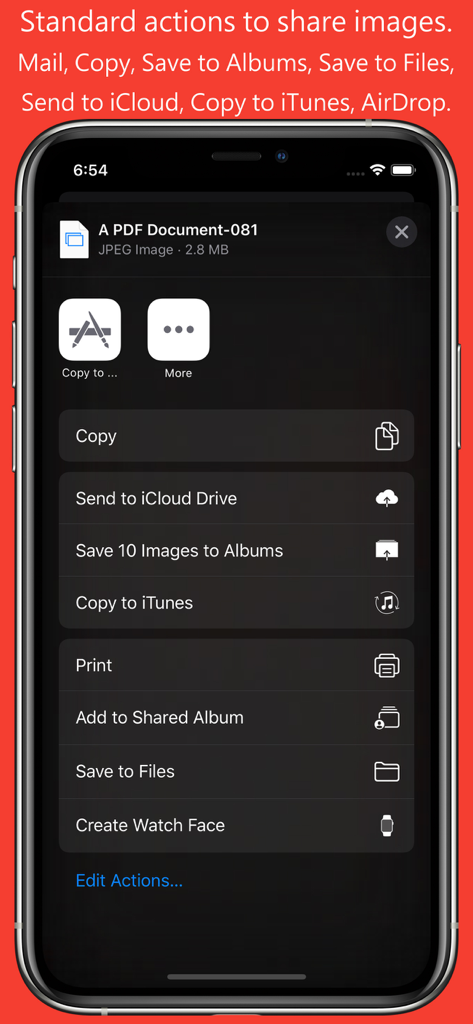
PDFからJPGへアプリに、変換された画像をZIPファイルとして共有するためのエクスポートオプションが表示されています。

PDFからJPGコンバーターアプリのスクリーンショット。変換された画像を保存および共有するためのオプションが表示されたiOS共有シートが表示されています。
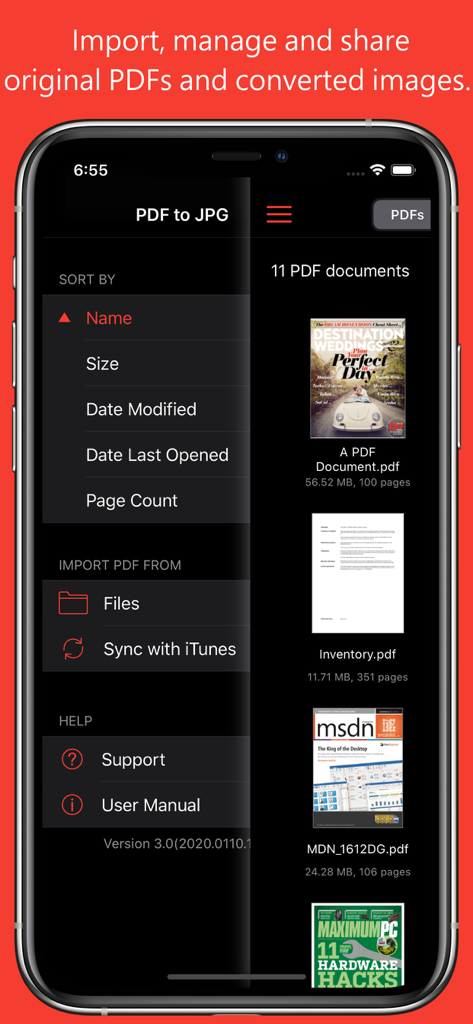
PDFからJPGコンバーターアプリのスクリーンショット。変換された画像を保存および共有するためのオプションが表示されたiOS共有シートが表示されています。

PDFからJPGアプリのインターフェイスに、ドキュメントリストとインポートメニューオプションが表示されています。
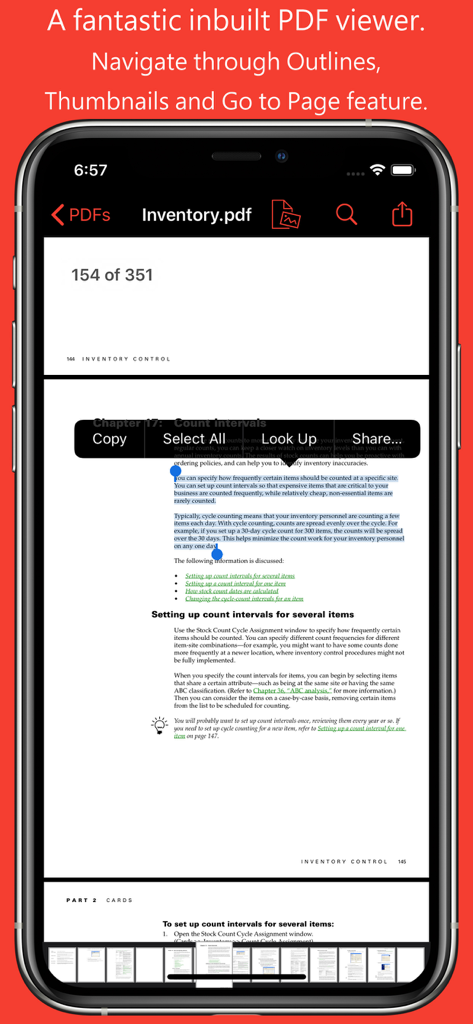
PDFからJPGアプリのインターフェイスに、ドキュメントリストとインポートメニューオプションが表示されています。

PDFからJPGアプリの組み込みPDFビューア。テキスト選択とページサムネイルによるナビゲーションが表示されています。

PDFからJPGアプリの組み込みPDFビューア。テキスト選択とページサムネイルによるナビゲーションが表示されています。

PDFを高画質な画像に変換

このアプリを際立たせるツール、 264K+ 人のユーザーが選択.

⚙️

精密な画像カスタマイズ

解像度、PPI、品質設定を調整して、完全にコントロール。プロフェッショナルグレードの明瞭度を維持しながら、JPEG、PNG、またはTIFFにエクスポート。あらゆるプロジェクトに対応します。

🛡️

安全なオンデバイス変換

あなたのプライバシーは最優先事項です。すべての変換は、iPhoneまたはiPad上でローカルに実行されるため、機密文書がデバイスを離れたり、クラウドに触れたりすることはありません。

📲

シームレスなモバイルワークフロー

iOSファイルと共有シートに統合。iCloudやDropboxからドキュメントを簡単に取り込み、iMessage、Slack、AirDrop経由でページを即座に送信できます。

アプリについて

について知っておくべきこと PDF to JPG - Converter.

説明

PDF to JPG is an intuitive app to convert PDF documents into best quality JPG, PNG and TIFF images on iPhones and iPads. PDF to JPG converts each PDF page as image and make it available for any application for reuse. * * * "PDF to JPG" and "PDF to JPG Pro" for macOS are also available on the Mac App Store. * * * Easy to access PDF files stored in folders on your device or stored remotely on cloud storages using integrated iOS Files browser. In addition, PDF documents in another app (For Example Mail, DropBox or SkyDrive etc.) that uses the share action button, use Copy to... action to open the PDF document in PDF to JPG. You can also transfer PDF documents from your desktop computer via iTunes into PDF to JPG application on your iPhone or iPad. CONVERSION OPTIONS ◆ IMAGE FORMATS : JPEG, PNG and TIFF are supported. ◆ QUALITY: The quality control only available for JPEG image format. The quality value allowed between 0 to 100 percent. You can use quality stepper control to increase and decrease quality value. Lower the quality percentage can convert low quality image but results into smaller file size due to high compression. Whereas higher quality percent can convert into excellent quality image but results into larger file size due to low compression. ◆ RESOLUTION: Enter resolution to scale PDF page proportionally for conversion into image. 72 ppi is equals 1x scale. Higher the resolution, bigger the output image. You can use resolution stepper control to increase and decrease quality value. ◆ COLOR MODEL: RGB or Gray to specify output image color space model. Conversion using Gray color model can create smaller file size images with only grayscale colors. ◆ INCLUDE ANNOTATIONS: Switch on to enable display of all types of annotations from PDF pages into respective converted images. KEY FEATURES: - Password protected PDF documents supported for conversion using correct password. - Option to share PDF files and converted images as a ZIP (*.zip) file. - Allows converted images to Copy, Save to Albums, Save to Files, Copy to… in another application, Mail, Message, Print, share PDFs to nearby iOS devices via AirDrop and many more standard share actions. - Use Copy to iTunes to save and share converted images on your desktop computer. PDF VIEWER: - Inbuilt PDF viewer with fully selectable and searchable text contents. Select and copy text to clipboard for further use. - Pinch out and Pinch in to ZoomIn and ZoomOut view. - Built in search feature to find a character, word or sentence any where in the PDF document. - Scroll through your document by thumbnail view or Go to page feature. IMAGE THUMBNAIL BROWSER: ◆ Inbuilt image thumbnail browser view to for easy to see, select and share converted images. ◆ Single tap on thumbnail to select image. ◆ Double tap on thumbnail to open full screen image view. Pinch and double tap gestures on image viewer to Zoom in - Zoom out image view. Swipe left right to navigate to previous and next converted image. ◆ Long press on thumbnail to popup easy selection menu options for range selection or select/deselect all images. Note: PDF to JPG is standalone application running natively to convert PDF documents into images securely on your iOS device. You can refer inbuilt User Manual for any assistance Or Contact Support.

最新バージョン

6.0

サイズ

6.2 MB

リリース日

2014年8月6日

ワークフローを効率化しませんか?

高解像度画像の安全なオンデバイス変換を信頼する264,000人以上のプロフェッショナルに加わりましょう。今日、iPhoneとiPad向けのNo.1 PDFからJPGへのコンバーターをダウンロードしてください。

ダウンロード: App Store

App information, icons, screenshots, and descriptions displayed on this page are sourced from the Apple App Store and are the property of their respective developers. Download estimates and rankings are based on MWM's proprietary models and may not reflect actual figures. This page is provided for informational and analytical purposes only.

Believe this page infringes your intellectual property? File a dispute