Photo Printer - Print to Size
ダウンロード: App Store

このページはアプリまたはその開発者の公式ページではなく、情報提供および論評を目的として作成された独立した編集出版物です。明示的に別段の記載がない限り、アプリおよびその開発者は、MWM、Apple、Google Play、アプリのパブリッシャー、またはアプリの開発者と提携、承認、後援、認可、またはその他の公式的な関係はなく、このページのいかなる内容も、アプリがMWMのサービスを使用して開発されたことを意味するものではありません。すべての商標、ロゴ、スクリーンショット、その他のコンテンツはそれぞれの所有者の財産です。

ロゴ: Photo Printer - Print to Size
ダウンロード: App Store

Photo Printer - Print to Size

スクラップブック、フレーム、DIYプロジェクト用のカスタムサイズプリントや美しいコラージュを簡単に作成できます。もう推測や紙の無駄はありません。数分で完璧な物理的な思い出を作成できます。

主要数値

ダウンロード

1K+

ユーザー評価

4.2/5

評価数

0

開発元

Jordan Zeleny

カテゴリ

Photo & Video

対応言語

1

最新バージョン

1.1.5

サイズ

56.3 MB

リリース日

2024年8月11日
機能

デジタルギャラリーを物理的な記念品に変える

忙しい親やDIYクラフターのために設計されたこのアプリは、iPhoneとホームプリンターの間のギャップを正確かつ簡単に埋めます。

正確なサイズ指定、無駄なし

寸法の推測はやめましょう。高価な写真用紙を節約しながら、フレームにぴったり合う4x6、5x7、またはカスタムウォレットサイズを正確に印刷できます。

写真ラボへの移動をスキップ

自宅でプロの結果を得ましょう。AirPrintプリンターにシームレスに接続して、学校のプロジェクトや家の装飾用のインスタントプリントを作成します。

以下のスクリーンショットと説明は、アプリの公式ストアリスティングから直接取得されたものであり、アプリ開発者の所有物です。

アプリストア

スクリーンショット
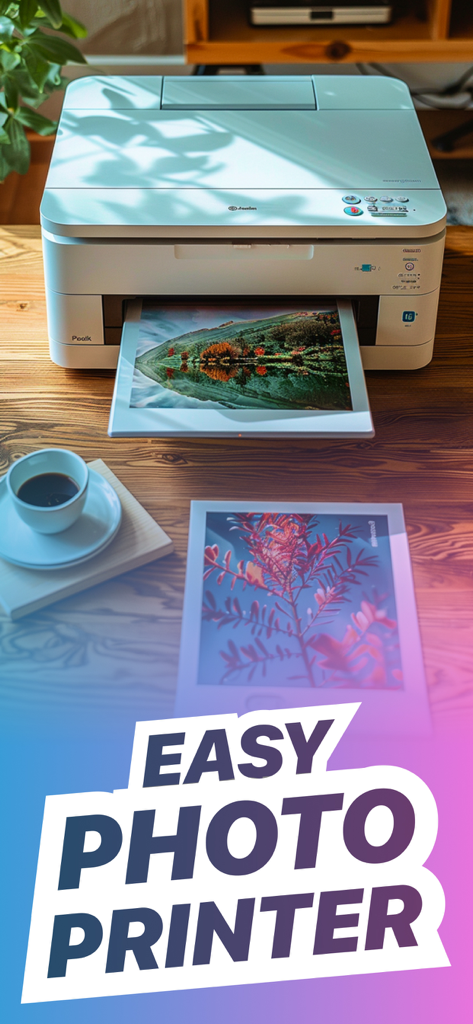
Photo Printer - Print to Size - 白い家庭用プリンターが木製のテーブルの上に風景写真を印刷しており、その横にコーヒーカップが置かれている。
白い家庭用プリンターが木製のテーブルの上に風景写真を印刷しており、その横にコーヒーカップが置かれている。

Photo Printer - Print to Size - Epson、Canon、Brother、HPなどの互換性のあるプリンターブランドのロゴ
Epson、Canon、Brother、HPなどの互換性のあるプリンターブランドのロゴ

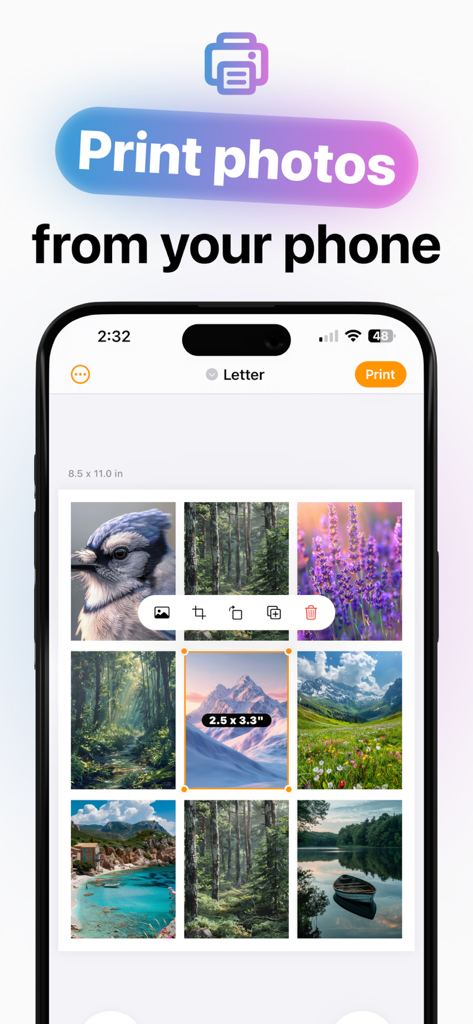
Photo Printer - Print to Size - スマートフォンの画面に、印刷用にレターサイズのシートに配置された複数の写真が表示されたフォトプリンターアプリのインターフェースが表示されている。
スマートフォンの画面に、印刷用にレターサイズのシートに配置された複数の写真が表示されたフォトプリンターアプリのインターフェースが表示されている。

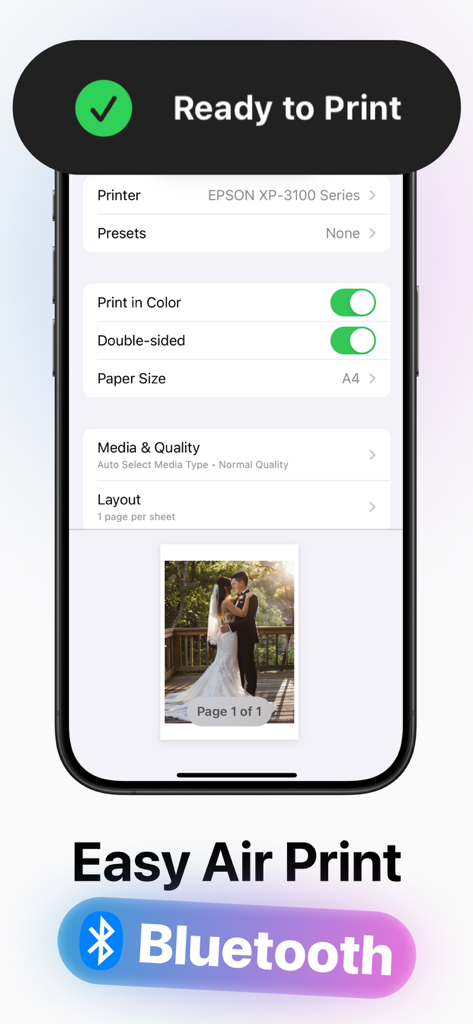
Photo Printer - Print to Size - EpsonプリンターのAirPrint設定を表示するモバイルアプリのインターフェース
EpsonプリンターのAirPrint設定を表示するモバイルアプリのインターフェース

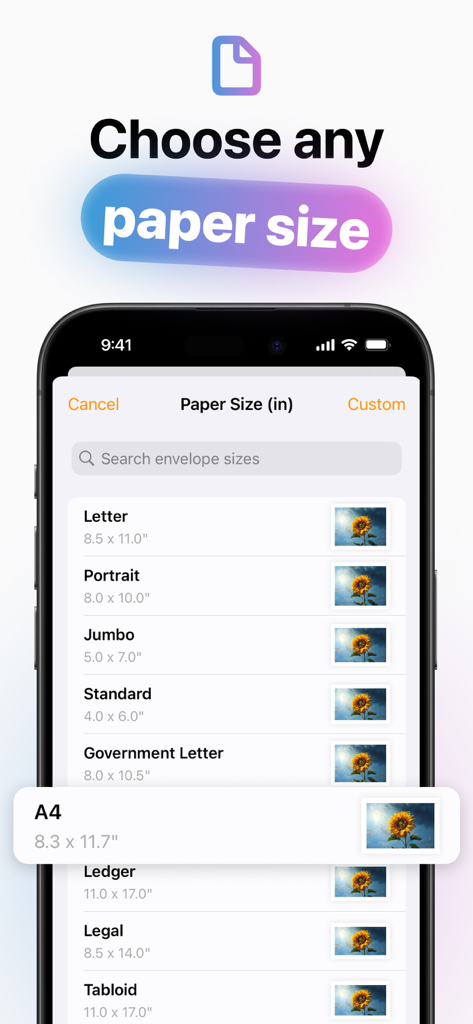
Photo Printer - Print to Size - iPhoneの画面に、レター(縦)、A4など、写真印刷用の用紙サイズのオプションリストが表示されている。
iPhoneの画面に、レター(縦)、A4など、写真印刷用の用紙サイズのオプションリストが表示されている。

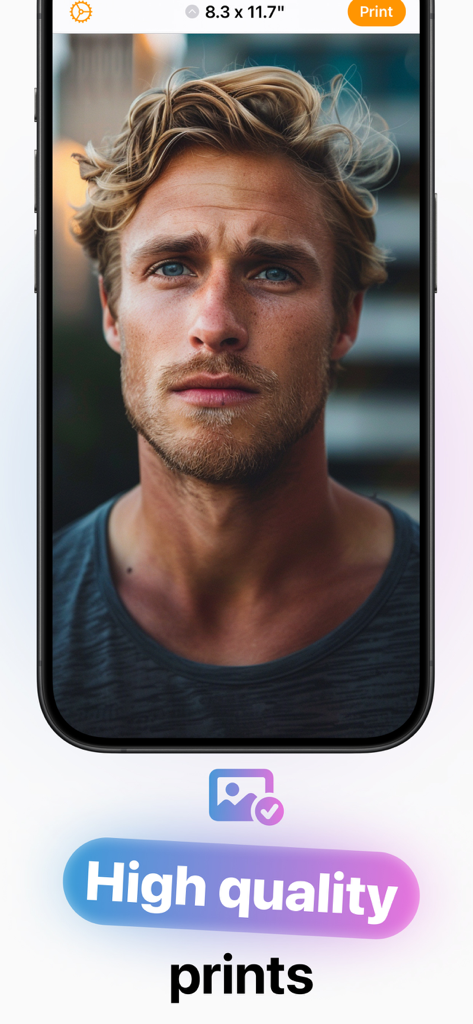
Photo Printer - Print to Size - 高品質印刷の準備ができた縦写真を表示するスマートフォンアプリ

高品質印刷の準備ができた縦写真を表示するスマートフォンアプリ

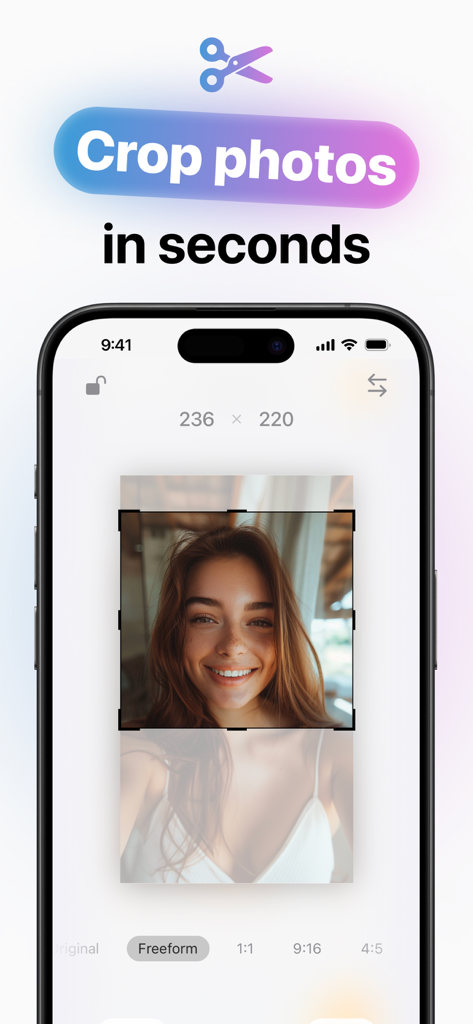
Photo Printer - Print to Size - フォトプリンターアプリのインターフェースに、さまざまなアスペクト比オプションでクロップされている縦写真が表示されている。

フォトプリンターアプリのインターフェースに、さまざまなアスペクト比オプションでクロップされている縦写真が表示されている。

説明

Photo Printer: Your Ultimate Photo Printing Solution Easily Create Beautiful Prints in Minutes Transform your photos into stunning prints with Photo Printer! Whether you want to print a single photo, create a collage, or design a multi-photo layout, our app makes it simple and fun. Perfect for both beginners and pros, Photo Printer offers a seamless and intuitive experience for all your photo printing needs. Key Features: • User-Friendly Layout Editor: Effortlessly arrange your photos with our easy-to-use layout editor. Drag, drop, and adjust your photos to create the perfect print. • Crop and Rotate: Fine-tune your photos to perfection. Crop out unwanted parts and rotate your images to get the ideal angle. • Aspect Ratio Selection: Choose from a variety of aspect ratios to ensure your photos look exactly how you want them. • Print on Any Size Paper: Whether you’re printing on standard photo paper or a custom size, Photo Printer supports it all. • Templates Galore: Pick from dozens of beautifully designed templates to create photo collages or multi-photo layouts. Mix and match to create unique prints every time. • Clear Printing Instructions: Follow our step-by-step printing guide to ensure your photos come out perfectly every time. No more guesswork or wasted paper. Why Choose Photo Printer? Photo Printer is designed with you in mind. Our goal is to make photo printing as easy and enjoyable as possible. With a range of powerful features and an intuitive interface, you’ll have everything you need to create beautiful prints effortlessly. Perfect for scrapbooking, gift-giving, or simply preserving your memories. Download Photo Printer today and start creating beautiful photo prints in minutes! Don't forget to leave a rating if you enjoyed this app! Contact: Jordanzeleny@gmail.com TERMS OF USE: https://www.apple.com/legal/internet-services/itunes/dev/stdeula/

Download

ダウンロード: App Store

このページはアプリまたはその開発者の公式ページではなく、情報提供および論評を目的として作成された独立した編集出版物です。明示的に別段の記載がない限り、アプリおよびその開発者は、MWM、Apple、Google Play、アプリのパブリッシャー、またはアプリの開発者と提携、承認、後援、認可、またはその他の公式的な関係はなく、このページのいかなる内容も、アプリがMWMのサービスを使用して開発されたことを意味するものではありません。すべての商標、ロゴ、スクリーンショット、その他のコンテンツはそれぞれの所有者の財産です。