
このページはアプリまたはその開発者の公式ページではなく、情報提供および論評を目的として作成された独立した編集出版物です。明示的に別段の記載がない限り、アプリおよびその開発者は、MWM、Apple、Google Play、アプリのパブリッシャー、またはアプリの開発者と提携、承認、後援、認可、またはその他の公式的な関係はなく、このページのいかなる内容も、アプリがMWMのサービスを使用して開発されたことを意味するものではありません。すべての商標、ロゴ、スクリーンショット、その他のコンテンツはそれぞれの所有者の財産です。


Playlist Transfer for My Music
音楽の壁を破壊し、プラットフォームの縛りから解放される。このアプリは、ユーザーに自分の音楽コレクションに対する絶対的な主権を与える。
ダウンロード
250k+ユーザー評価
評価数
7.6K開発元
カテゴリ
Music対応言語
1最新バージョン
12.8サイズ
220.1 MBリリース日
2024年3月13日クロスプラットフォーム音楽管理を再定義するツールとしての評価
「Playlist Transfer for My Music」主要機能分析
クロスプラットフォーム間でのシームレスな音楽転送
ユーザーは、お気に入りのアルバム、プレイリスト、曲を複数の音楽プロバイダー間で数秒で転送できます。手動で再作成する手間を省き、時間と労力を節約します。
主要な音楽サービスへの広範な対応
本アプリは、Spotify、Apple Music、YouTube、Soundcloud、Deezerなど、複数の主要な音楽ストリーミングサービスをサポートしており、ユーザーは自身の様々なプラットフォーム間で音楽コンテンツを管理できます。
音楽ライブラリの一括移行
ユーザーは、数秒で自身の音楽ライブラリ全体を新しい音楽プラットフォームへ移行できます。これにより、プラットフォームの切り替えが容易になります。
プレイリストの再作成不要化
このツールは、各音楽サービスで何度もプレイリストを作成する手間を解消します。ユーザーは既存のプレイリストを簡単に転送し、再利用できます。
直感的な転送プロセス
このアプリは、接続、選択、確認の簡単な5ステップで音楽転送を可能にし、技術的な知識が少ないユーザーでもスムーズに利用できます。
互換性のあるコンテンツの自動検出
ユーザーが新しい音楽プラットフォームに転送したい音楽を選択すると、本アプリは互換性のあるマッチングを自動的に発見し、転送の精度を高めます。
ソーシャルメディアでのプレイリスト共有
ユーザーは、自身のプレイリストストーリーをソーシャルメディアプラットフォームで共有し、友人やフォロワーに新しい音楽やプレイリストを紹介できます。
Spotifyのパーソナライズされた音楽統計
Spotifyユーザーは、自身のトップトラック、トップアーティスト、トップアルバムなどのパーソナライズされた統計情報を確認できます。
Spotifyの音楽視聴傾向分析
ユーザーは、Spotifyでの音楽視聴時間や、各曲の人気度、ダンス性、エネルギッシュさなどの詳細な特徴を分析できます。
Spotifyの生涯ストリーミング履歴の確認
Spotifyユーザーは、曲、アーティスト、アルバムごとの生涯ストリーミング履歴にアクセスし、自身の音楽遍歴を振り返ることができます。
よくある質問
について知っておくべきこと Playlist Transfer for My Music
How does the Playlist Transfer app work to transfer music?
The Playlist Transfer app works by connecting your music services, choosing the music to transfer, and then discovering compatible matches on the new platform. It performs the transfer in seconds.
Which music streaming services does Playlist Transfer support?
Playlist Transfer supports Spotify, Apple Music, YouTube, Soundcloud, Deezer, and Tidal. More services are coming soon.
Can I transfer multiple playlists at once using Playlist Transfer?
Yes, Playlist Transfer allows users to transfer multiple playlists instantly between supported music platforms. It moves entire music libraries in seconds.
Does Playlist Transfer provide music statistics for Spotify?
Yes, Playlist Transfer for Spotify offers music stats. It shows top tracks, artists, albums, listening duration, popularity scores, and lifetime streaming history.
Can I automatically synchronize my playlists with Playlist Transfer?
Yes, Playlist Transfer includes an auto-sync feature. This feature automatically updates the transferred playlist on the target platform as you add songs to the source platform.
Does the Playlist Transfer app allow sharing playlists with friends?
Yes, the Playlist Transfer app allows users to share their playlist story on social media platforms to help friends discover new music and playlists.
How can I contact support for the Playlist Transfer app?
You can contact the Playlist Transfer app support by sending an email to hello@virals.app for any questions or feedback.
以下のスクリーンショットと説明は、アプリの公式ストアリスティングから直接取得されたものであり、アプリ開発者の所有物です。
アプリストア
スクリーンショット
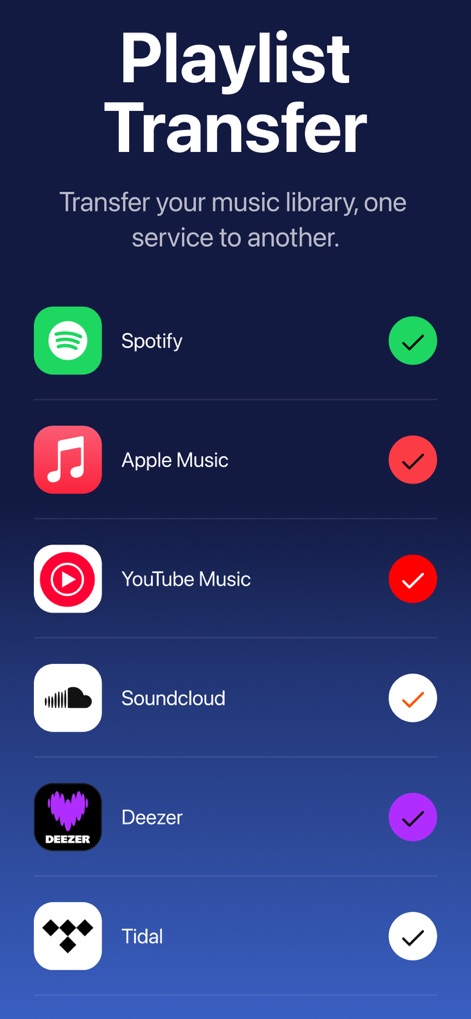
本アプリがサポートする主要な音楽ストリーミングサービスを一覧で表示し、ユーザーが利用可能なサービスと接続状況を一目で確認できます。
対応サービス一覧
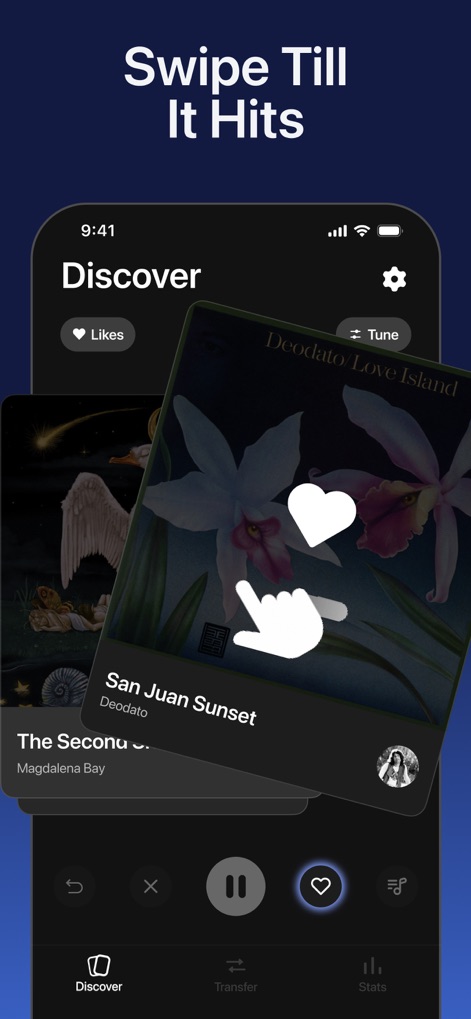
直感的なスワイプ操作でアルバムや楽曲を探索し、好みに合う新しい音楽を効率的に発見できるユーザーインターフェースが特徴です。
新しい音楽と出会う
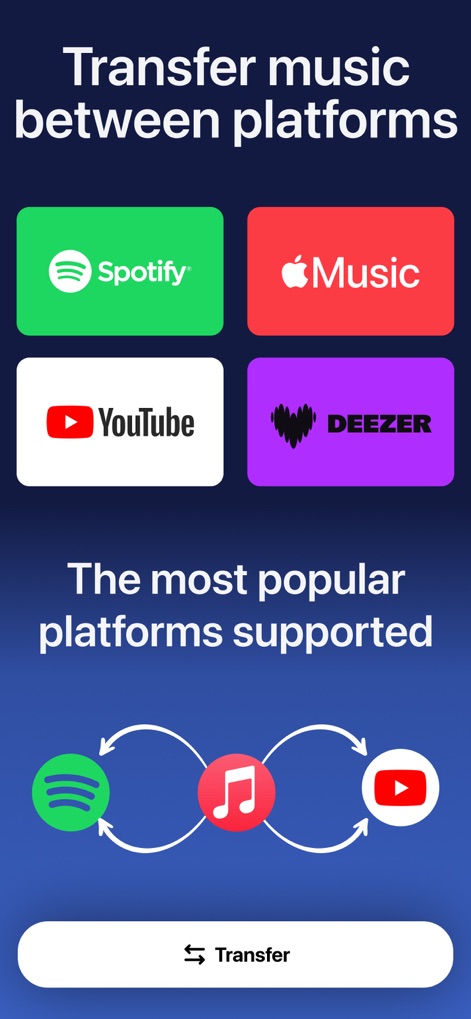
ユーザーはSpotify、Apple Musicなどの主要プラットフォーム間で音楽ライブラリを簡単に移動でき、直感的な「Transfer」ボタンで迅速に転送プロセスを開始できます。
プラットフォーム間転送
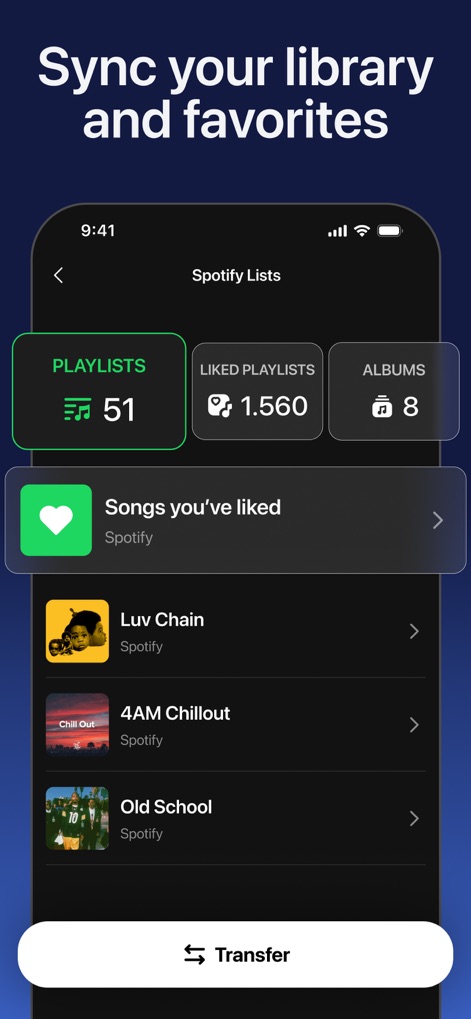
ユーザーのSpotifyアカウントからプレイリスト、お気に入り、アルバムといった音楽ライブラリの詳細な内訳が自動で同期され、一元的に管理できる機能を提供します。
ライブラリを同期
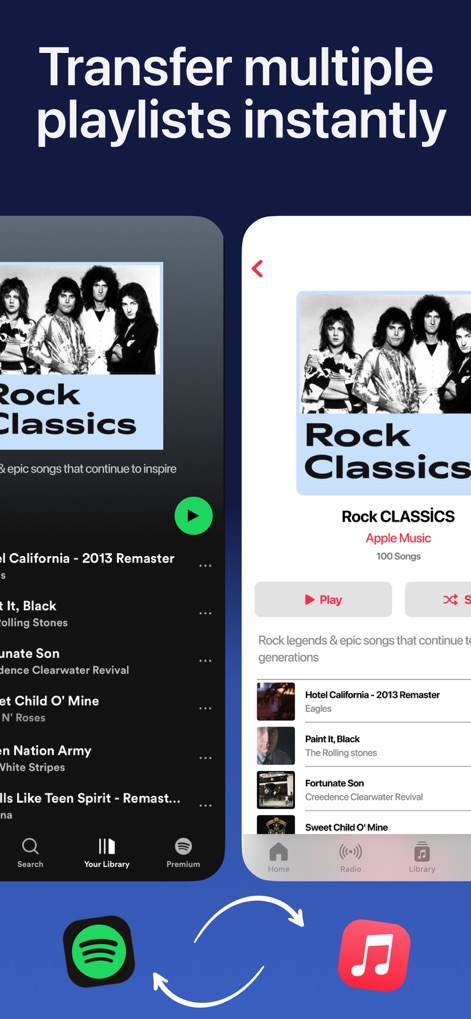
ユーザーはSpotifyからApple Musicへ「Rock Classics」のような複数のプレイリストを瞬時に転送でき、転送元と転送先のコンテンツを視覚的に比較して確認できます。
複数プレイリスト転送
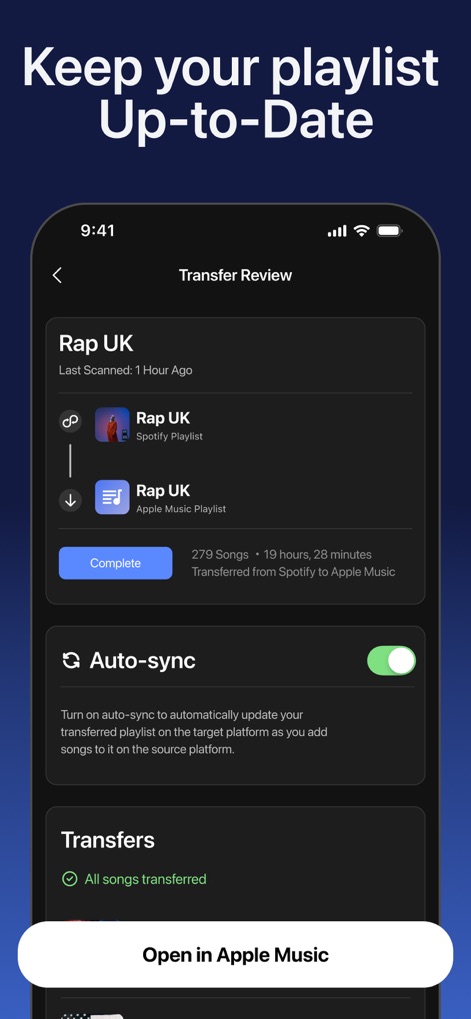
転送されたプレイリストの「Auto-sync」機能を有効にすることで、ユーザーは常に最新の状態を保つことができ、転送状況に関する明確な完了通知を受け取れます。
自動同期で更新
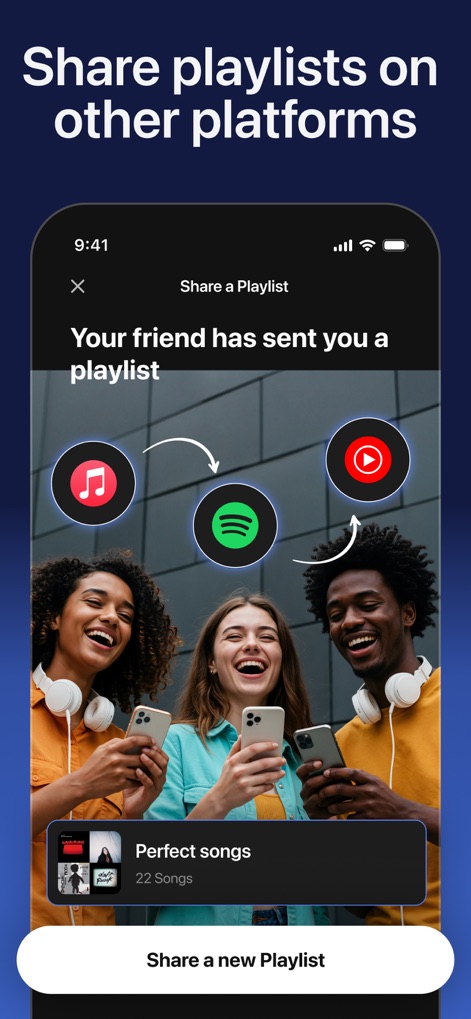
ユーザーは友人とプレイリストを簡単に共有でき、共有されたコンテンツがApple Music、Spotify、YouTubeといった様々なプラットフォームのアイコンで視覚的に表現されます。
プレイリストを共有
説明
Download
類似アプリ
似た機能とユーザー体験を持つアプリ
Playlisty for Apple Music
Obdura Ltd

SongShift
SongShift, LLC

TuneMySong
亮 何

TuneShift
建新 李

Transfer Music
DANIIL VOIDILOV, IE

FreeYourMusic
Hernas OU

Music transfer & stats: Swapy
Maryana Yurieva

Youtify + for Spotify Premium
KISSAPP, S.L.
Playlisty for Spotify
Obdura Ltd
このページはアプリまたはその開発者の公式ページではなく、情報提供および論評を目的として作成された独立した編集出版物です。明示的に別段の記載がない限り、アプリおよびその開発者は、MWM、Apple、Google Play、アプリのパブリッシャー、またはアプリの開発者と提携、承認、後援、認可、またはその他の公式的な関係はなく、このページのいかなる内容も、アプリがMWMのサービスを使用して開発されたことを意味するものではありません。すべての商標、ロゴ、スクリーンショット、その他のコンテンツはそれぞれの所有者の財産です。