Projector: All TV Remote App
ダウンロード: App Store

このページはアプリまたはその開発者の公式ページではなく、情報提供および論評を目的として作成された独立した編集出版物です。明示的に別段の記載がない限り、アプリおよびその開発者は、MWM、Apple、Google Play、アプリのパブリッシャー、またはアプリの開発者と提携、承認、後援、認可、またはその他の公式的な関係はなく、このページのいかなる内容も、アプリがMWMのサービスを使用して開発されたことを意味するものではありません。すべての商標、ロゴ、スクリーンショット、その他のコンテンツはそれぞれの所有者の財産です。

ロゴ: Projector: All TV Remote App
ダウンロード: App Store

Projector: All TV Remote App

失くしたリモコンの煩雑さから解放。iPhoneから直接、画面ミラーリング、家族の思い出のキャスト、家中のあらゆるスマートTVのコントロールを簡単に。

主要数値

ダウンロード

60K+

ユーザー評価

3.3/5

評価数

100

開発元

QUANTUM4U LAB PRIVATE LIMITED

カテゴリ

Photo & Video

対応言語

14

最新バージョン

12

サイズ

146.4 MB

リリース日

2023年8月23日
機能

ポケットの中のホームシアター全体をコントロール

複数のリモコンの煩雑さから解放され、単一のシームレスなインターフェイスで、お気に入りの4Kの思い出を大画面にキャストしましょう。

ユニバーサルリモコン

iPhone上の単一の直感的なインターフェイスで、SamsungからApple TVまで、家中のあらゆるテレビを管理。

インスタントメディアキャスト

写真ギャラリーやホームビデオを大画面に投影して、友人や家族に見せることで、生き生きとさせましょう。

以下のスクリーンショットと説明は、アプリの公式ストアリスティングから直接取得されたものであり、アプリ開発者の所有物です。

アプリストア

スクリーンショット
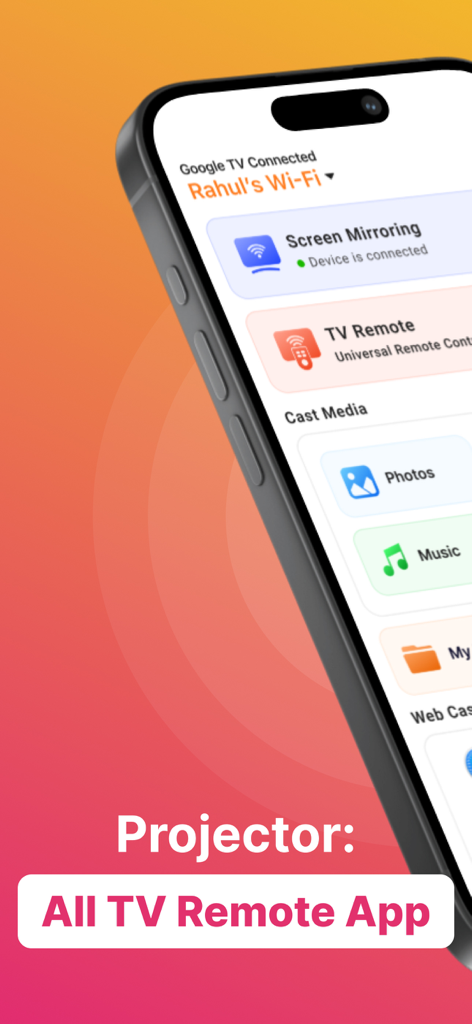
Projector: All TV Remote App - iPhone上のProjectorアプリのインターフェイス。画面ミラーリング、ユニバーサルTVリモコン、メディアキャストのオプションが表示されています。
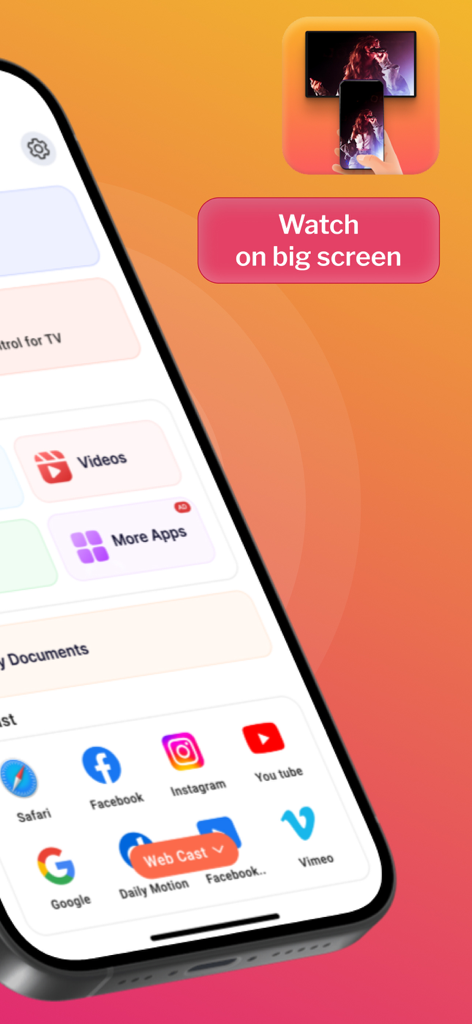
iPhone上のProjectorアプリのインターフェイス。画面ミラーリング、ユニバーサルTVリモコン、メディアキャストのオプションが表示されています。

Projector: All TV Remote App - ソーシャルメディアアプリのウェブキャストオプションと、大画面で視聴するプロンプトが表示されたモバイルアプリ画面
ソーシャルメディアアプリのウェブキャストオプションと、大画面で視聴するプロンプトが表示されたモバイルアプリ画面

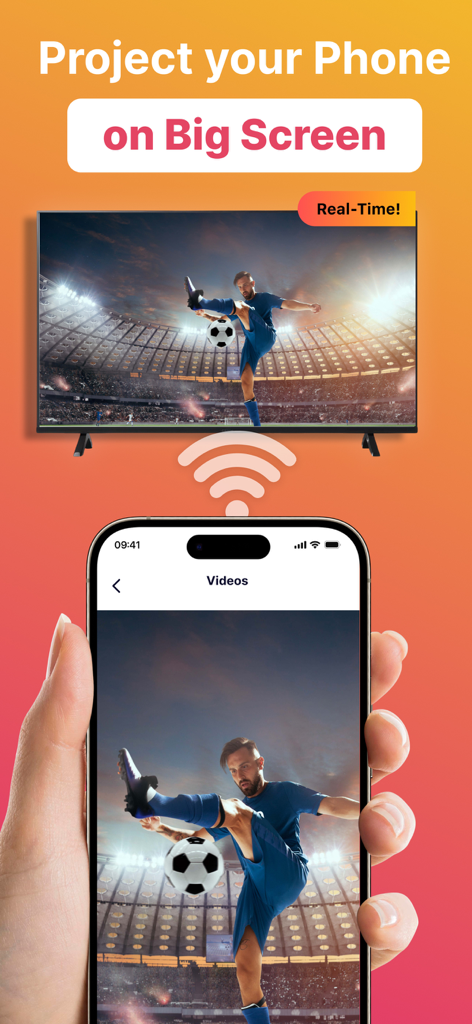
Projector: All TV Remote App - リアルタイムで大画面のスマートTVにサッカーの動画をキャストしているスマートフォンの画面
リアルタイムで大画面のスマートTVにサッカーの動画をキャストしているスマートフォンの画面

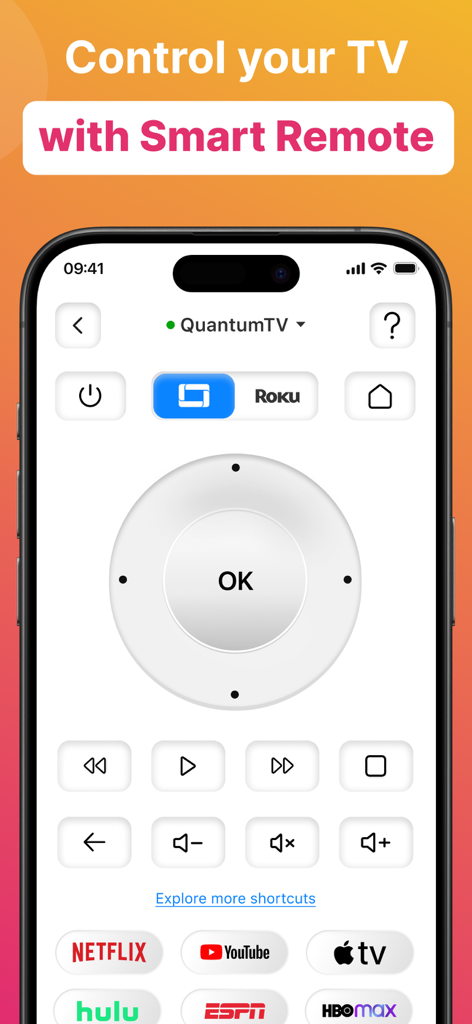
Projector: All TV Remote App - ナビゲーションパッド、音量コントロール、NetflixやYouTubeなどの人気ストリーミングサービスへのショートカットを備えたユニバーサルスマートTVリモコンインターフェイスが表示されたスマートフォンの画面。
ナビゲーションパッド、音量コントロール、NetflixやYouTubeなどの人気ストリーミングサービスへのショートカットを備えたユニバーサルスマートTVリモコンインターフェイスが表示されたスマートフォンの画面。

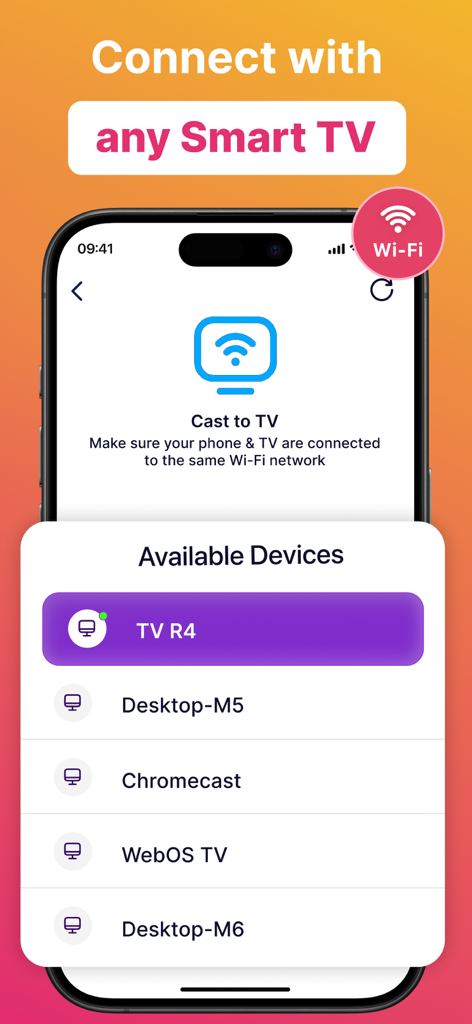
Projector: All TV Remote App - 画面キャスト用の利用可能なスマートTVデバイスのリストが表示されているProjectorアプリのインターフェイス
画面キャスト用の利用可能なスマートTVデバイスのリストが表示されているProjectorアプリのインターフェイス

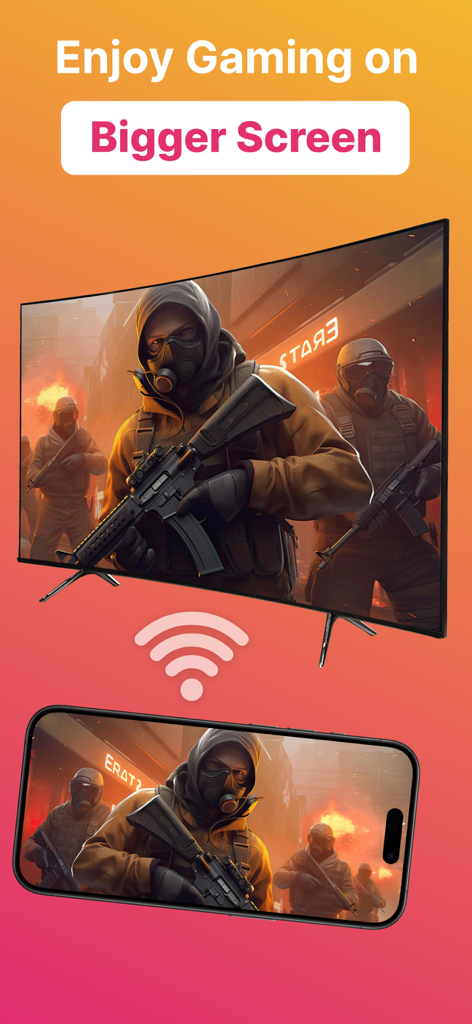
Projector: All TV Remote App - 大画面テレビにビデオゲームをキャストしているスマートフォン

大画面テレビにビデオゲームをキャストしているスマートフォン

説明

Introducing Projector TV Cast screen - the ultimate solution for hassle-free TV casting, making your entertainment experience seamless and immersive. Cast videos, photos, and apps from your mobile directly to your smart TV effortlessly. Enjoy reliving cherished memories or indulging in movie nights with friends, all in stunning HD. Screen Cast takes the hassle out of TV casting and lets you seamlessly cast videos, photos, and even apps from your mobile directly onto your smart TV. Whether it's reliving cherished memories with family and friends or indulging in an immersive movie night, our casting feature is your gateway to a captivating entertainment realm. However both devices must be connected to the same WiFi network for casting to work. Plus, you can keep using your phone normally while screen cast goes on in the background. Main Features of Screen Cast Cast on any TV This app works as projector TV HQ Screen Casting Cast photos, videos and audio. TV Remote & Shortcuts Experience the joy of seamless screen casting and projector TV casting to take your entertainment to the next level! Seamlessly connect your devices and unleash a whole new realm of entertainment possibilities with Screen Cast, a powerful casting and projector tv app. Features of Screen Casting TV Casting Immerse yourself in the wonders of TV casting. Cast or project your favorite videos, photos, and apps directly onto your smart TV with just a tap, and watch as they come to life in stunning high-definition. Universal TV Remote The new update includes the Universal TV Remote for all TV including smart TV & Apple TV. The new TV Remote also comes with Smart Remote & helps you by managing everything from the app only. You may not need to keep multiple remotes. Multiple TVs Supported This app comes with a ground breaking feature that lets you cast or project on any TV along with the Universal TV Remote control feature. Screen Casting Experience the joy of screen casting like never before. With Screen Casting or Tv Projector you can effortlessly cast your smartphone onto your TV screen, creating a captivating larger-than-life experience for TV! Universal TV Compatibility Screen Casting works its charm across a wide array of smart TVs. Whichever smart TV you own, our projector app ensures seamless compatibility to make the connection process a breeze. Cast anything You can select any Video, Audio or Photos and cast it on your big TV. Whether it be a movie you downloaded on your phone or priceless family photos of moments you want to relive, this video cast screen casting app does it all. Premium plans Monthly - $6.99 Yearly - $24.99 Subscription Info - The yearly subscription plan comes with a 3 day trial period. The user can cancel their subscription anytime during the trial period without being billed. They will be billed automatically after the trial period ends. - The user can cancel his/her subscription at any time by going into iTunes and App Store Apple ID Settings. - All prices include applicable local sales taxes. - Payment will be charged to your iTunes Account after confirmation of purchase. - Subscription automatically renews at least 24-hours before the end of the current period. - The user's account will be charged for renewal within 24-hours before the end of the current period. Privacy Policy: https://quantum4u.in/web/projectorios/privacy-policy Terms of Use: https://quantum4u.in/web/projectorios/tandc EULA: https://quantum4u.in/web/projectorios/eula

Download

ダウンロード: App Store

このページはアプリまたはその開発者の公式ページではなく、情報提供および論評を目的として作成された独立した編集出版物です。明示的に別段の記載がない限り、アプリおよびその開発者は、MWM、Apple、Google Play、アプリのパブリッシャー、またはアプリの開発者と提携、承認、後援、認可、またはその他の公式的な関係はなく、このページのいかなる内容も、アプリがMWMのサービスを使用して開発されたことを意味するものではありません。すべての商標、ロゴ、スクリーンショット、その他のコンテンツはそれぞれの所有者の財産です。








