
このページはアプリまたはその開発者の公式ページではなく、情報提供および論評を目的として作成された独立した編集出版物です。明示的に別段の記載がない限り、アプリおよびその開発者は、MWM、Apple、Google Play、アプリのパブリッシャー、またはアプリの開発者と提携、承認、後援、認可、またはその他の公式的な関係はなく、このページのいかなる内容も、アプリがMWMのサービスを使用して開発されたことを意味するものではありません。すべての商標、ロゴ、スクリーンショット、その他のコンテンツはそれぞれの所有者の財産です。


Quick Share: Fast File Sharing
サイロ化された環境から解放されましょう。写真、動画、ドキュメントを数秒で任意のデバイスに安全に送信し、デュアルソーシャルアカウントを管理し、超高速転送でワークフローを効率化します。
ダウンロード
102K+ユーザー評価
評価数
700開発元
カテゴリ
Productivity対応言語
10最新バージョン
3.0サイズ
49.0 MBリリース日
2024年10月8日デジタルワールドをシームレスに接続
iPhone、PC、そしてプロフェッショナルライフのギャップを埋めるために設計された、超高速転送とスマートツールの自由を体験してください。
iPhoneからPCへ、楽々転送
Appleのエコシステムから解放されましょう。ケーブル、メール、遅いクラウド同期なしで、高解像度ファイルをWindows PCに即座に転送します。
生産性を倍増
1つのアプリでデュアルWhatsAppまたはFacebookアカウントを管理。ビジネス顧客に迅速に対応しながら、プライベートな生活を保護します。
よくある質問
について知っておくべきこと Quick Share: Fast File Sharing
Quick Share: Fast File Sharingとは何ですか?
Quick Shareは、迅速かつ安全なファイル共有のために設計されたアプリです。簡単なインターフェースと高速な速度で、写真、音楽、連絡先、その他のファイルを転送できます。
Quick Shareは安全なファイル転送を提供しますか?
はい、Quick Shareは安全なファイル転送を提供します。インスタント転送中にすべての共有ファイルのプライバシーを確保するために、高度な暗号化が統合されています。
Quick ShareでQRコードを使用してファイルを共有できますか?
はい、Quick ShareはQRコード共有をサポートしています。ユーザーはアプリ内で直接QRコードを生成して、ファイルを迅速かつ簡単に送受信できます。
Quick Shareでどのような種類のファイルを転送できますか?
Quick Shareでは、写真、ビデオ、音楽、連絡先など、さまざまな種類のファイルを転送できます。また、一般的なファイル管理機能も提供しています。
Quick Shareはファイル管理機能を提供しますか?
はい、Quick Shareには堅牢なファイル管理機能が含まれています。ユーザーは使いやすいシステムで、ファイルを1つの中心的な場所に整理できます。
Quick Shareは複数のソーシャルメディアアカウントを管理できますか?
はい、Quick Shareにはデュアルソーシャルチャット機能があります。これにより、ユーザーはWhatsAppやFacebookなどの複数のソーシャルメディアアカウントをアプリ内から直接管理できます。
Quick Shareはクロスデバイスファイル転送をサポートしていますか?
はい、Quick Shareはクロスデバイス同期をサポートしています。お使いの電話とPC間の簡単な接続とファイル転送機能を提供します。
Quick Shareは無料のアプリケーションですか?
Quick Shareは、すべての広告なし機能へのアクセスを、自動更新サブスクリプションモデルで提供しています。サブスクリプションは、週次、月次、または年次で利用できます。
Quick Shareのサブスクリプション設定を管理するにはどうすればよいですか?
購入後、iTunesアカウント設定でQuick Shareのサブスクリプション設定を管理し、自動更新をオフにすることができます。
Quick Shareのサブスクリプションはいつでもキャンセルできますか?
いいえ、アクティブ期間中に現在のQuick Shareサブスクリプションをキャンセルすることはできません。ただし、iTunesアカウント設定で将来の自動更新設定を管理できます。
Quick Shareのプライバシーポリシーはどこで見つけられますか?
Quick Shareのプライバシーポリシーは、https://ssapps01.blogspot.com/p/privacy-policy.html でオンラインでアクセスできます。
以下のスクリーンショットと説明は、アプリの公式ストアリスティングから直接取得されたものであり、アプリ開発者の所有物です。
アプリストア
スクリーンショット
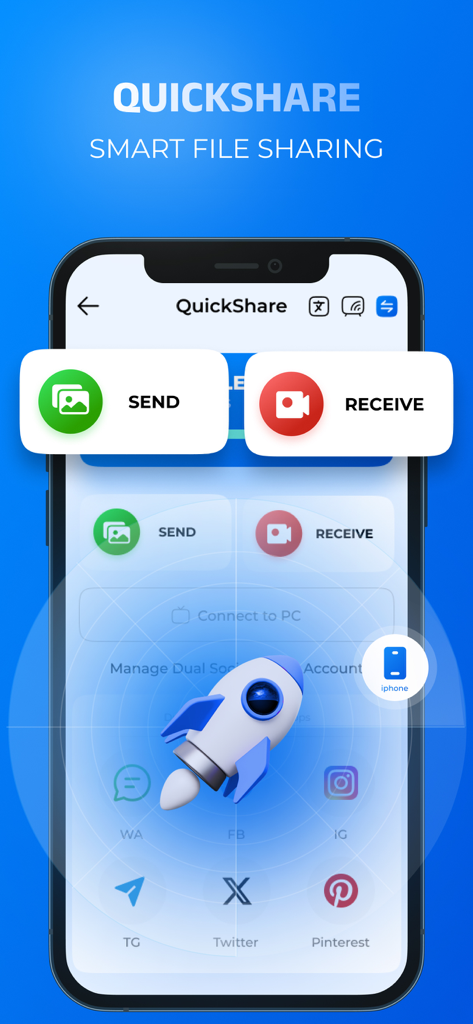
Quick Shareアプリのインターフェース。送信と受信ボタンと、高速ファイル転送を表すロケットのアイコンが表示されています。
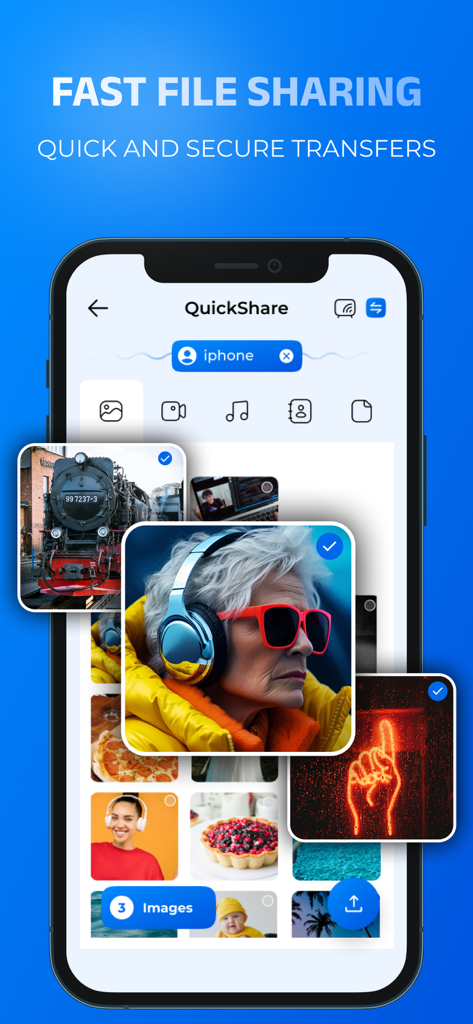
スマートフォン上のQuick Shareアプリのインターフェース。高速ファイル共有のための写真ギャラリー選択画面が表示されています。
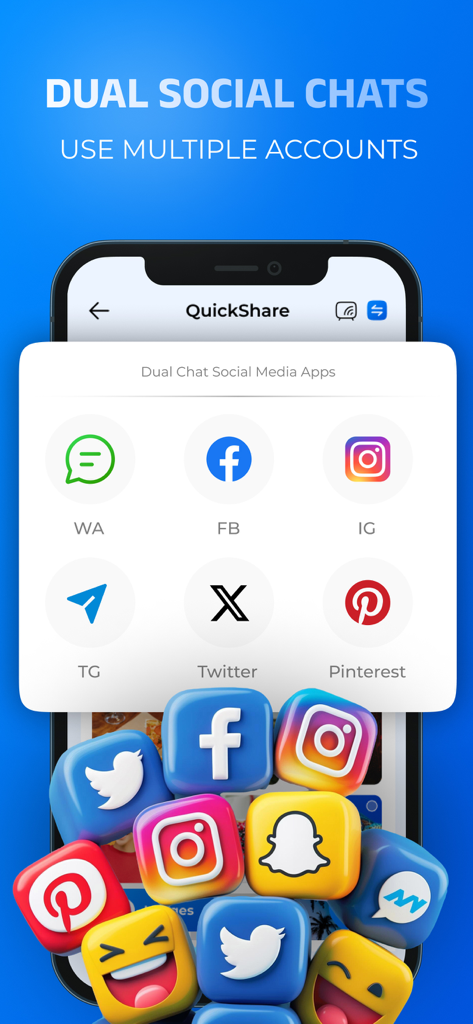
複数のアカウントを管理するためのデュアルソーシャルチャット機能が表示されているインターフェース。
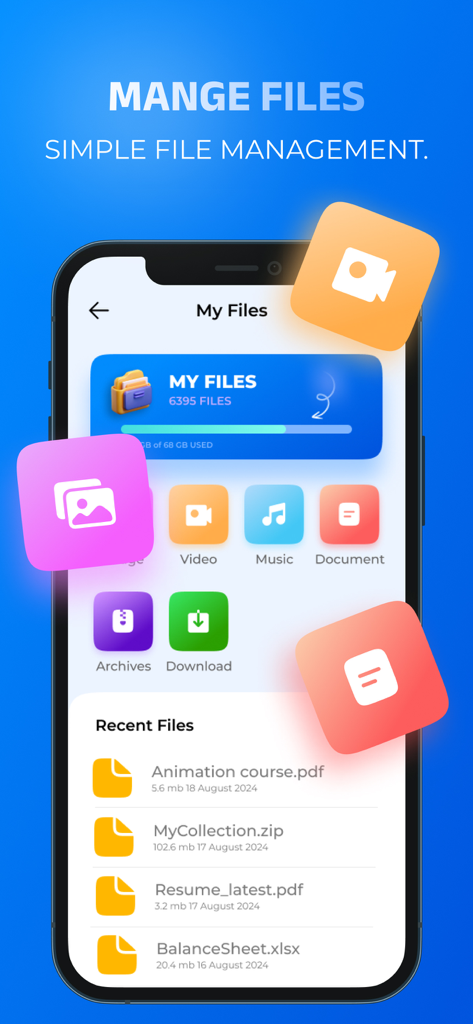
Quick Shareアプリのインターフェース。整理されたファイルカテゴリと最近使用したドキュメントのリストが表示されています。
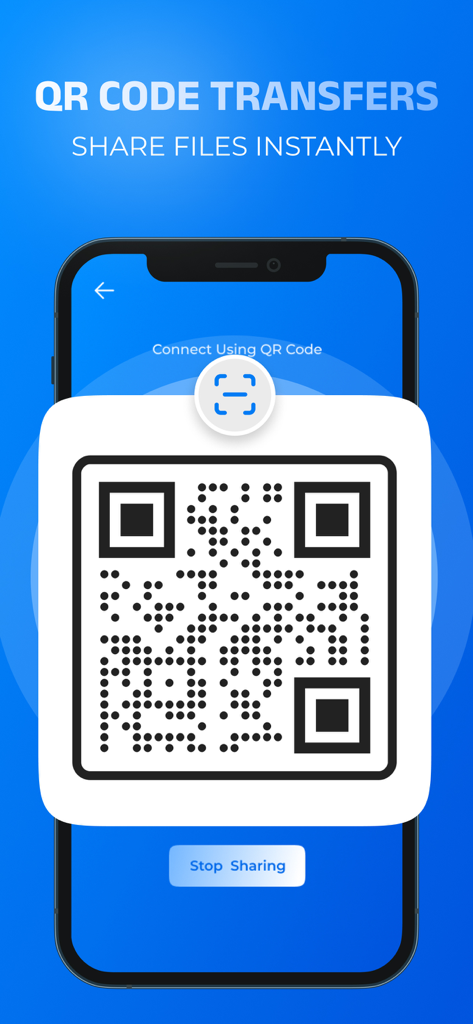
QRコードを生成してインスタントファイル共有を行うQuick Shareアプリが表示されているスマートフォンの画面。
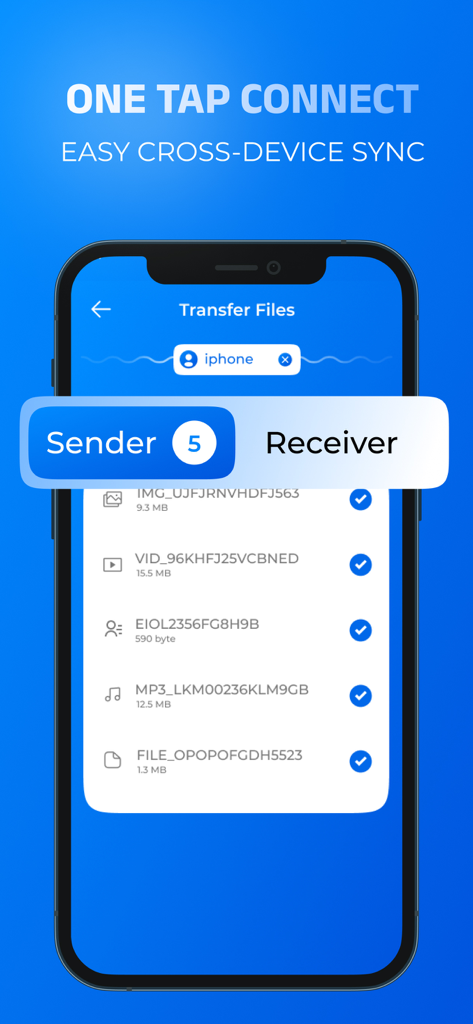
簡単なクロスデバイスファイル同期と転送のためのQuick Shareアプリのインターフェース。
説明
Download
類似アプリ
似た機能とユーザー体験を持つアプリ

WeTransfer: Transfer Files
Wetransfer B.V.

Send Anywhere - File Transfer
Rakuten Symphony Korea, Inc.

Blip: Send Files in a Click
Blip Studio Inc.

Zapya - File Sharing
Lindong Network Technology(Beijing) Co.,Ltd.

Files Transfer - Quick share
梦洋 崔

Air File Share & Drop
Best Free and Fun Games, LLC

手机克隆-极速换机助手免流量数据迁移
军甫 贺

Photo Transfer: Send via WiFi
Mobileware Studio SL

SHAREit: Transfer, Share Files
SHAREit Technologies Co. Ltd
このページはアプリまたはその開発者の公式ページではなく、情報提供および論評を目的として作成された独立した編集出版物です。明示的に別段の記載がない限り、アプリおよびその開発者は、MWM、Apple、Google Play、アプリのパブリッシャー、またはアプリの開発者と提携、承認、後援、認可、またはその他の公式的な関係はなく、このページのいかなる内容も、アプリがMWMのサービスを使用して開発されたことを意味するものではありません。すべての商標、ロゴ、スクリーンショット、その他のコンテンツはそれぞれの所有者の財産です。