
このページはアプリまたはその開発者の公式ページではなく、情報提供および論評を目的として作成された独立した編集出版物です。明示的に別段の記載がない限り、アプリおよびその開発者は、MWM、Apple、Google Play、アプリのパブリッシャー、またはアプリの開発者と提携、承認、後援、認可、またはその他の公式的な関係はなく、このページのいかなる内容も、アプリがMWMのサービスを使用して開発されたことを意味するものではありません。すべての商標、ロゴ、スクリーンショット、その他のコンテンツはそれぞれの所有者の財産です。

Roku TV Remote Control & Cast
絡まった配線や失くしたリモコンにさよなら。iPhoneのリアルタイムミラーリング、お気に入りの思い出のクリアな品質でのキャスト、そしてタップ一つでRoku TVの完全なコントロールをお楽しみください。
ダウンロード
208K+ユーザー評価
評価数
1K+開発元
カテゴリ
Utilities対応言語
13最新バージョン
1.5サイズ
52.3 MBリリース日
2024年1月23日究極のRokuコンパニオン
失くしたリモコンを探すのをやめ、共有を始めましょう。このアプリは、あなたのiPhoneを強力なコントロールセンターと、すべてのデジタルコンテンツのための高解像度ゲートウェイに変えます。
いつでも使えるリモコン
ソファの隙間をもう探す必要はありません。プラスチック製のリモコンよりも速く、信頼性の高いインターフェースで、テレビの操作、アプリの起動、音量の調整ができます。
ワイヤーフリーミラーリング
お気に入りのTikTok、モバイルゲーム、家族の写真を即座にキャストできます。高価なアダプターは必要ありません。絡まるケーブルなしで、クリーンでミニマルなセットアップをお楽しみください。
よくある質問
について知っておくべきこと Roku TV Remote Control & Cast
Roku TV Remote Control & Cast アプリとは何ですか?
Roku TV Remote Control & Cast アプリは、スマートテレビのリモコンとして機能し、ワイヤレス画面ミラーリングを提供します。応答性の高いコントロール、キーボード、音声コマンドを備え、写真や動画を大画面にキャストできます。
Roku TV Remote Control & Cast アプリは画面ミラーリングを許可しますか?
はい、Roku TV Remote Control & Cast アプリはワイヤレス画面ミラーリングを許可します。ユーザーは、デバイスから写真を表示したり、動画をストリーミングしたり、プレゼンテーションを大画面に表示したりでき、鮮明な品質とリアルタイムのパフォーマンスが得られます。
Roku TV Remote Control & Cast はどのようなリモコン機能を提供しますか?
Roku TV Remote Control & Cast は、電源制御、ナビゲーション、アプリへのアクセス、音量調整、メディア再生など、包括的なリモコン機能を提供します。応答性の高いタッチパッド、リモコンキーボード、テレビの音声コントロールも含まれています。
Roku TV Remote Control & Cast のサブスクリプションオプションにはどのようなものがありますか?
Roku TV Remote Control & Cast は、いくつかのサブスクリプションオプションを提供しています。アプリの全機能にアクセスするために、年間、6か月、月間、週間プランから選択できます。
Roku TV Remote Control & Cast サブスクリプションの自動更新を管理するにはどうすればよいですか?
ユーザーは Roku TV Remote Control & Cast サブスクリプションを管理し、自動更新をオフにすることができます。これは、購入後に iTunes のユーザーアカウント設定に移動することで行われます。
Roku TV Remote Control & Cast アプリのプライバシーポリシーはどこにありますか?
Roku TV Remote Control & Cast のプライバシーポリシーは、アプリの説明に記載されている直接リンクからアクセスできます。これにより、ユーザーはデータ処理慣行に関する情報にアクセスできます。
以下のスクリーンショットと説明は、アプリの公式ストアリスティングから直接取得されたものであり、アプリ開発者の所有物です。
アプリストア
スクリーンショット
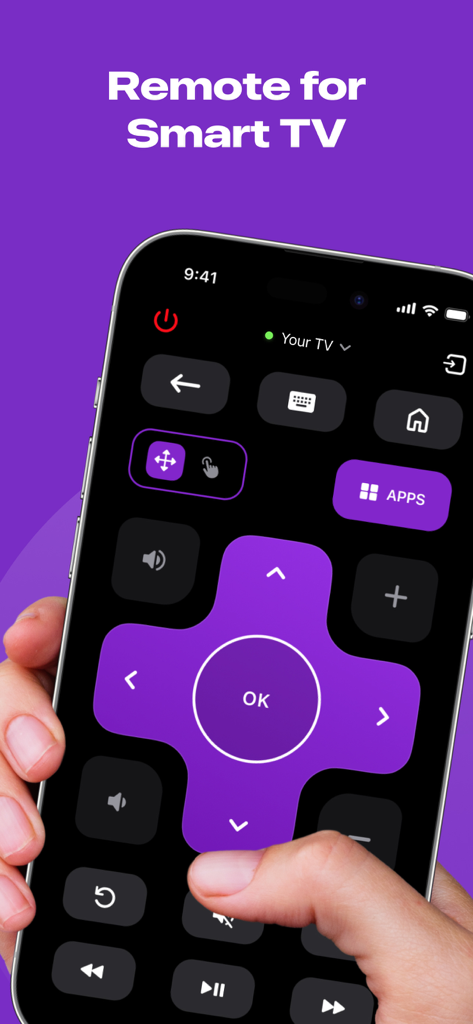
iPhone画面に表示されたスマートTV用デジタルリモコンインターフェース
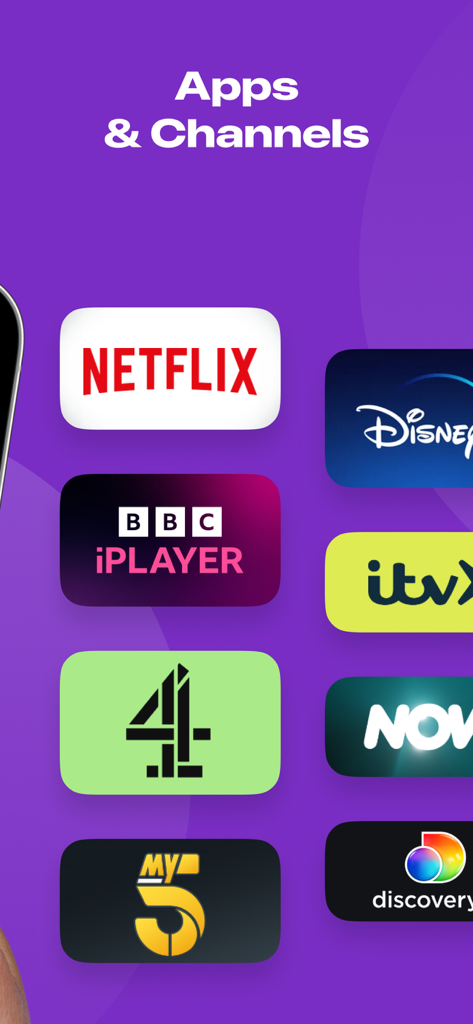
NetflixやDisney Plusなどのストリーミングアプリとチャンネルのリスト
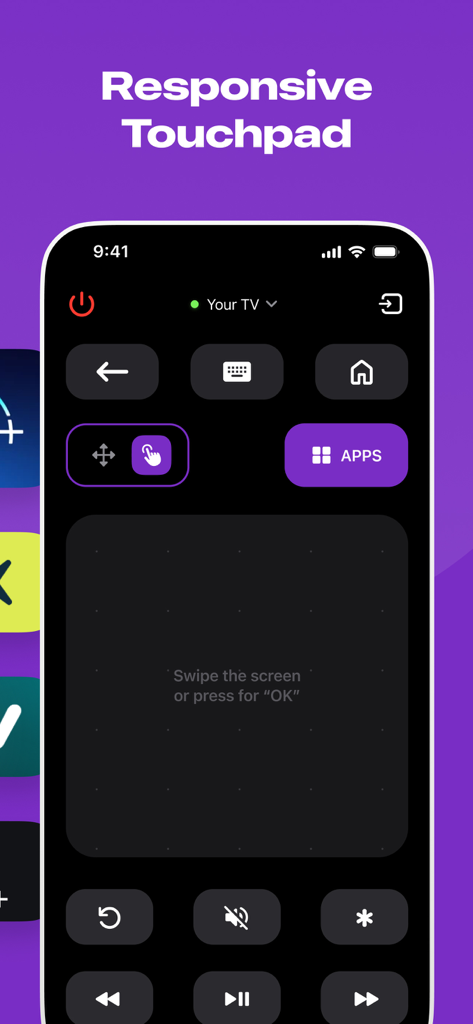
Roku TV Remoteアプリのインターフェース。ナビゲーション用の応答性の高いタッチパッドが表示されています。
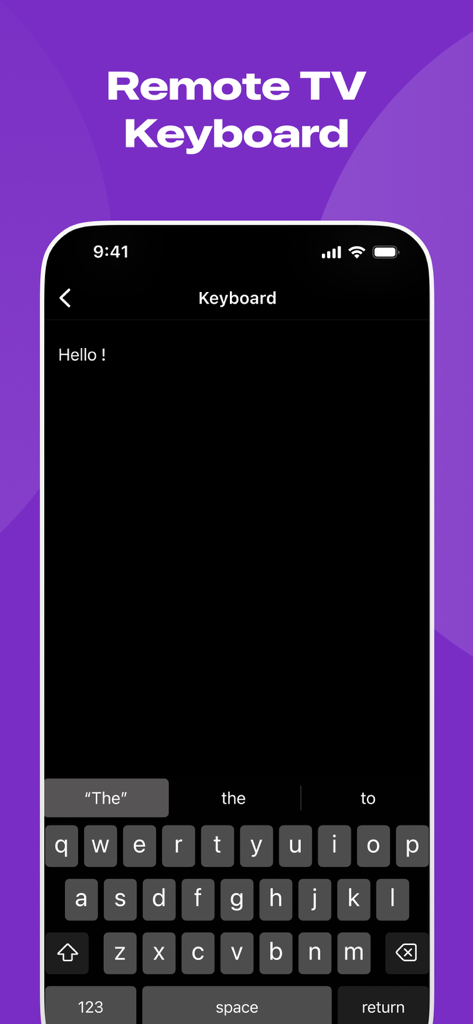
iPhone上のRoku用リモートTVキーボード機能
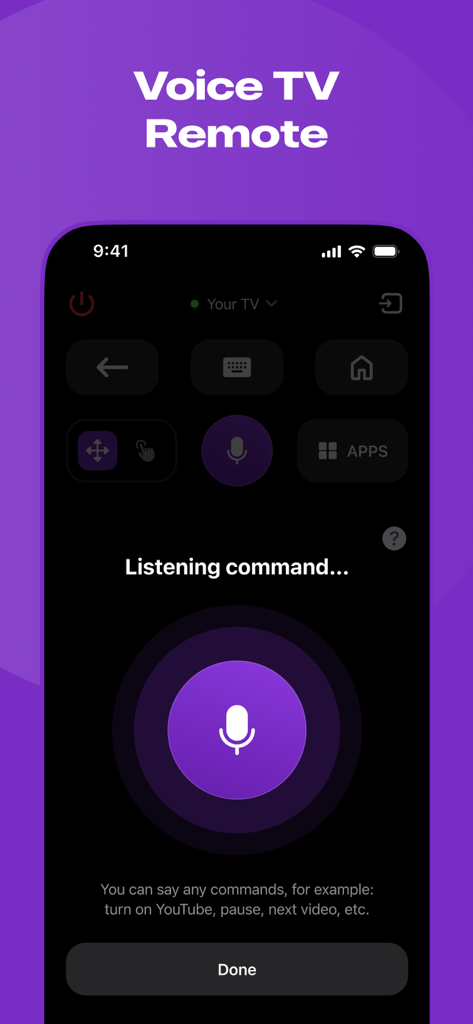
Roku TVリモート用のモバイルアプリインターフェース。大きなマイクボタンとリスニングプロンプトが表示された音声コントロール機能を示しています。
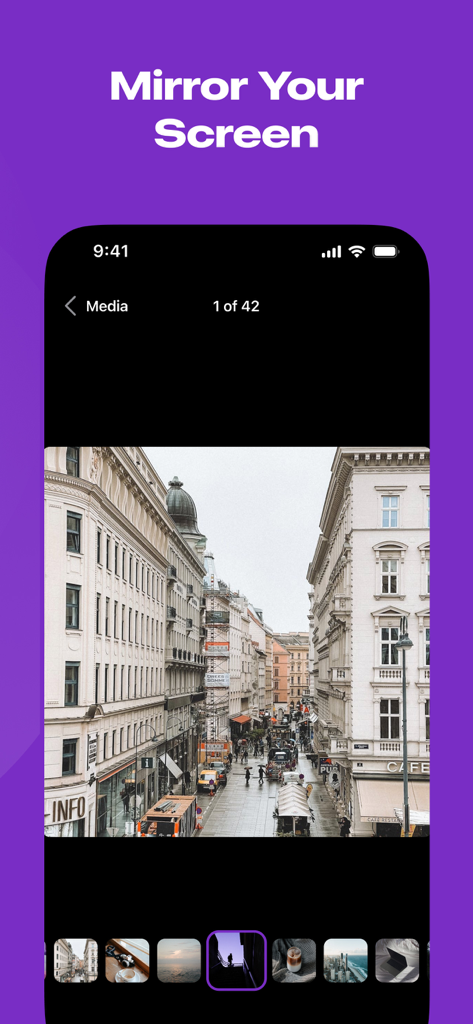
「画面をミラーリング」という見出しの下に写真ギャラリーを表示するiPhone画面
説明
Download
類似アプリ
似た機能とユーザー体験を持つアプリ

DJI Mimo
SZ DJI TECHNOLOGY CO., LTD

DJI Ronin
SZ DJI TECHNOLOGY CO., LTD

Remote for Hisense TV.
Duscov Stepan

Alpha Linker - Camera Transfer
恒茂 刘

MyCentsys Pro
Centurion Systems (Pty) Ltd

Roku TV Remote Control・
Artur Belov

Luminair
Synthe FX, LLC

FUJIFILM XApp
FUJIFILM Corporation
Epson iProjection
Seiko Epson Corporation
このページはアプリまたはその開発者の公式ページではなく、情報提供および論評を目的として作成された独立した編集出版物です。明示的に別段の記載がない限り、アプリおよびその開発者は、MWM、Apple、Google Play、アプリのパブリッシャー、またはアプリの開発者と提携、承認、後援、認可、またはその他の公式的な関係はなく、このページのいかなる内容も、アプリがMWMのサービスを使用して開発されたことを意味するものではありません。すべての商標、ロゴ、スクリーンショット、その他のコンテンツはそれぞれの所有者の財産です。