
このページはアプリまたはその開発者の公式ページではなく、情報提供および論評を目的として作成された独立した編集出版物です。明示的に別段の記載がない限り、アプリおよびその開発者は、MWM、Apple、Google Play、アプリのパブリッシャー、またはアプリの開発者と提携、承認、後援、認可、またはその他の公式的な関係はなく、このページのいかなる内容も、アプリがMWMのサービスを使用して開発されたことを意味するものではありません。すべての商標、ロゴ、スクリーンショット、その他のコンテンツはそれぞれの所有者の財産です。

Ruler AR - Tape Measure Camera
物理的なメジャーを探すのはもうやめましょう。ARテクノロジーでiPhoneを精密ツールに変え、長さ、高さ、面積を瞬時に測定。DIYプロジェクト、家具の買い物、家のリフォームに最適です。
ダウンロード
774K+ユーザー評価
評価数
1K+開発元
カテゴリ
Utilities対応言語
20最新バージョン
4.2サイズ
25.9 MBリリース日
2017年10月31日ポケットに入る完全なデジタルツールボックス
拡張現実の力を活用して、正確に計画、リフォーム、装飾しましょう。引き出しの中を探す手間を省き、iPhoneで床から天井まであらゆるものを測定できます。
瞬時のAR測定
カメラを向けるだけで、数秒で長さ、高さ、面積を測定できます。家具のサイズを測ったり、二人目がなくても床面積を計算したりするのに最適です。
プログレードのバブルレベル
すべての額縁や棚が完全にまっすぐであることを確認してください。統合されたレベルツールは、垂直および水平の精度を提供し、すべてのDIYプロジェクトをプロフェッショナルに仕上げます。
よくある質問
について知っておくべきこと Ruler AR - Tape Measure Camera
Ruler AR - Tape Measure Cameraとは何ですか?
Ruler ARは、Apple ARKitと拡張現実を使用して、iPhoneのカメラで長さ、高さ、距離、面積、角度を測定できるiPhoneアプリです。デジタル巻尺として機能します。
Ruler ARはどのように物体を測定しますか?
ユーザーは電話を動かして周囲を検出し、開始点に照準マークを置き、タップし、終点まで移動してから再度タップします。アプリはARテクノロジーを使用して距離を計算します。
Ruler ARはカメラで高さを測定できますか?
はい、Ruler ARには専用の高さ測定機能が搭載されています。これにより、ユーザーはiPhoneカメラを直接使用して、物体や人物の高さを正確に測定できます。
Ruler ARはどのような測定単位をサポートしていますか?
Ruler ARは、インチ、メートル、センチメートルでの測定をサポートしています。ユーザーは、長さ、高さ、面積などのさまざまな測定で好みの単位を選択できます。
Ruler AR - Tape Measure Cameraにはサブスクリプションがありますか?
はい、Ruler ARはプレミアムメンバーシップ週刊サブスクリプションを提供しています。これにより、プレミアム機能が利用でき、アプリ内の広告が削除されます。
Ruler ARのプレミアムメンバーシップ週刊の料金はいくらですか?
Ruler ARのプレミアムメンバーシップ週刊は、米国の顧客の場合、週あたり2.99ドルです。他の国では、現地通貨換算に基づいて価格が異なる場合があります。
Ruler ARのサブスクリプションをキャンセルするにはどうすればよいですか?
ユーザーは、iTunesアカウント設定を通じて、いつでもRuler ARサブスクリプションの自動更新をオフにすることができます。キャンセルは、現在のサブスクリプション期間が終了した後に有効になります。
Ruler ARには無料トライアルがありますか?
はい、Ruler ARは無料トライアル期間を提供しています。このトライアルは、終了の少なくとも24時間前までにキャンセルされない限り、自動的に有料サブスクリプションに移行します。
Ruler ARは角度を測定できますか?
はい、Ruler ARは拡張現実技術を使用して角度を測定できます。このアプリは、物体や空間の角度次元を正確に決定するためのツールを提供します。
Ruler ARのタッチモードは何のためにありますか?
Ruler ARのタッチモードは、より正確な測定を提供します。ユーザーはiPhoneを開始点の横に置き、タップし、終点まで移動してから再度タップして測定します。
Ruler ARは測定結果を保存できますか?
はい、Ruler ARでは測定結果を保存できます。このアプリは、利便性のために「ワンタップでカメラロールに保存」機能を提供しています。
以下のスクリーンショットと説明は、アプリの公式ストアリスティングから直接取得されたものであり、アプリ開発者の所有物です。
アプリストア
スクリーンショット
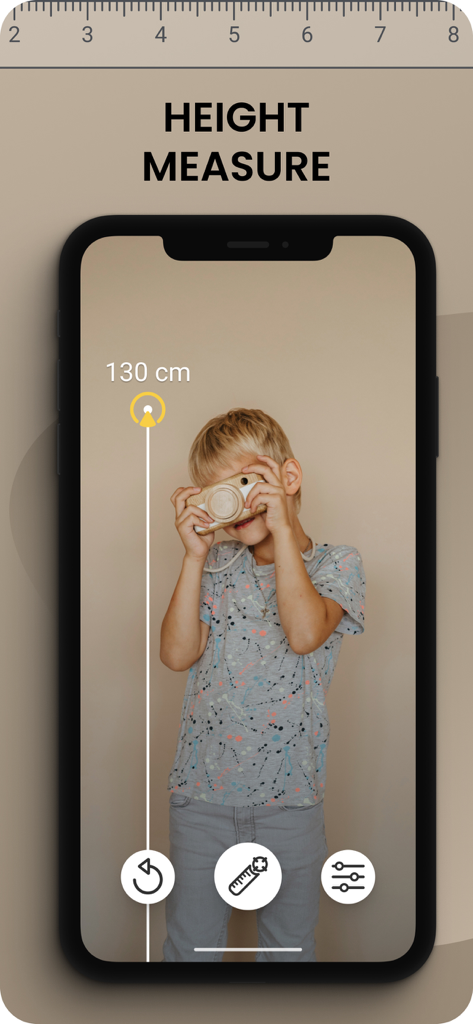
iPhone画面に子供の身長を仮想測定しているRuler ARアプリのインターフェースを表示
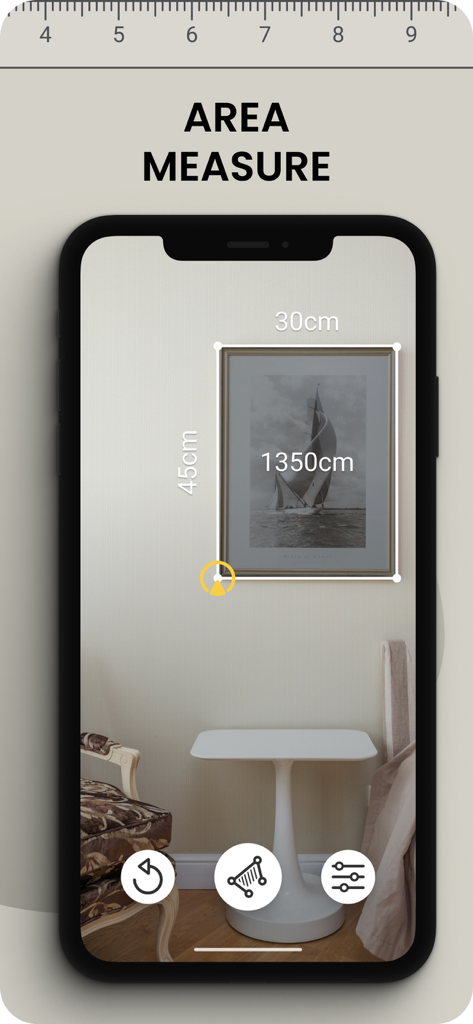
壁の額縁を測定しているARルーラーアプリ
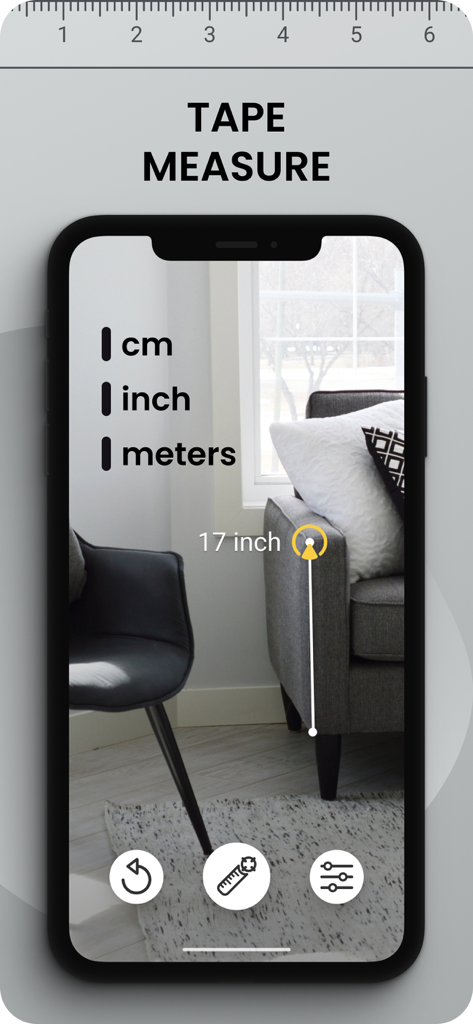
ソファの高さをインチで測定しているARメジャーアプリのインターフェース
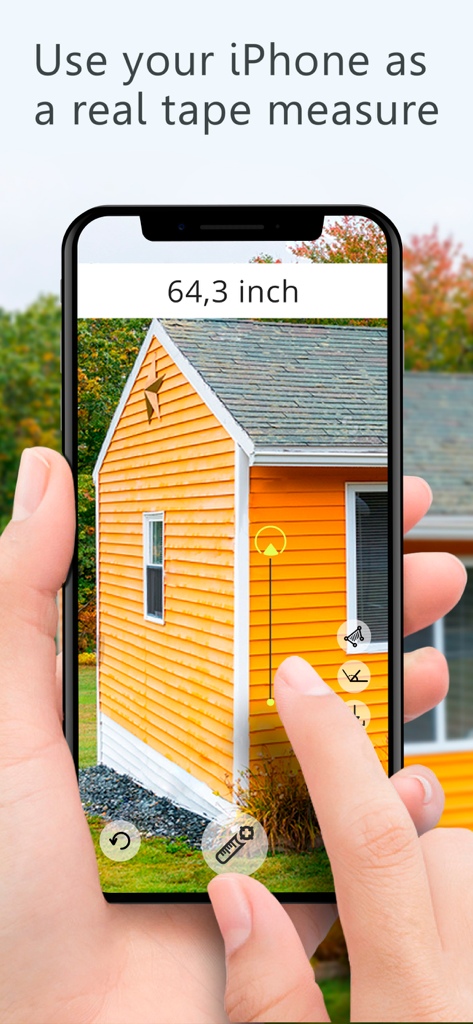
オレンジ色の建物の外側の高さを測定するためにRuler ARアプリを使用したiPhoneを持っている人
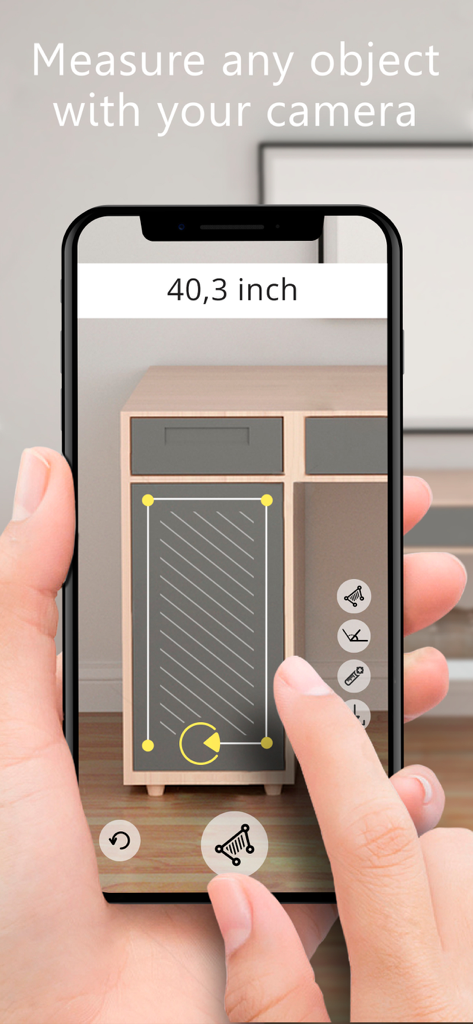
Ruler ARアプリを使用してキャビネットの引き出しの寸法を測定
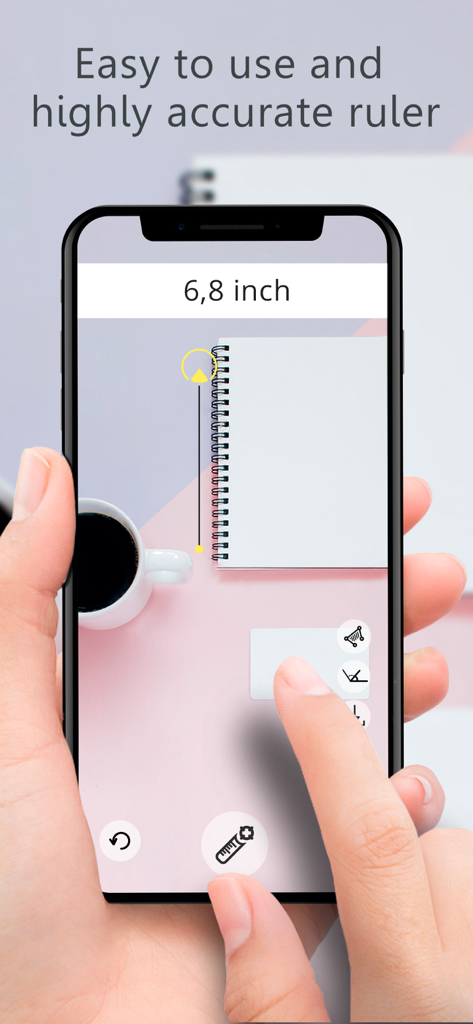
机の上のノートを測定するためにRuler ARアプリを使用しているスマートフォンを持つ手
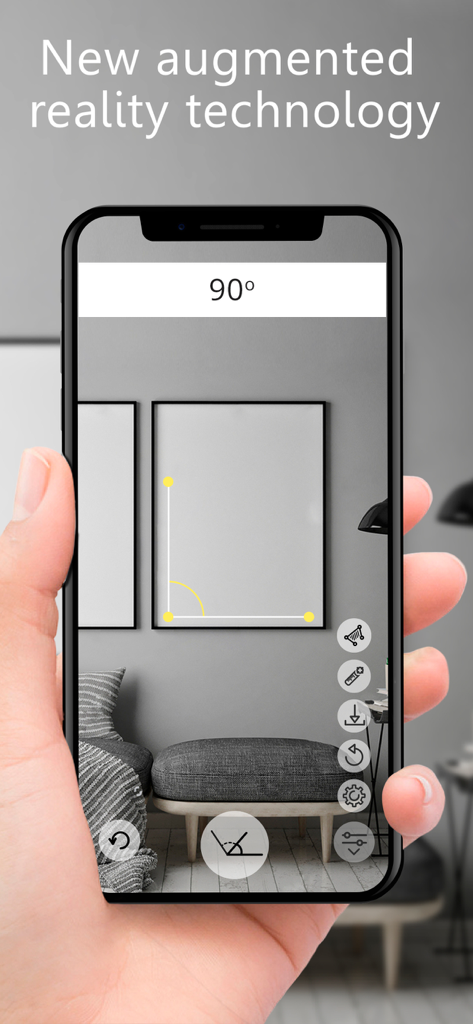
壁にかかった額縁の90度の角度を測定するためにiPhoneでRuler ARアプリを使用している人
説明
Download
類似アプリ
似た機能とユーザー体験を持つアプリ

Pocket Bubble Level XXL
ExaMobile S.A.

Measuring Tape +ㅤ
Rocket Apps GmbH

CamToPlan - 3D Scanner & LiDAR
Tasmanic Editions

Tape Measure: AR Ruler
Veysel OTI

Home Planner - AI Room Design
Room Planner Ltd

Polycam 3D Scanner, LiDAR, 360
Polycam Inc.

Measuring Tape+ Measure AR app
MEASURE TECH SOCIEDAD LIMITADA

Tape Measure®
AI Photo Editor Lab SRL

Bubble Level for iPhone
Lemondo Apps LLC
このページはアプリまたはその開発者の公式ページではなく、情報提供および論評を目的として作成された独立した編集出版物です。明示的に別段の記載がない限り、アプリおよびその開発者は、MWM、Apple、Google Play、アプリのパブリッシャー、またはアプリの開発者と提携、承認、後援、認可、またはその他の公式的な関係はなく、このページのいかなる内容も、アプリがMWMのサービスを使用して開発されたことを意味するものではありません。すべての商標、ロゴ、スクリーンショット、その他のコンテンツはそれぞれの所有者の財産です。