
このページはアプリまたはその開発者の公式ページではなく、情報提供および論評を目的として作成された独立した編集出版物です。明示的に別段の記載がない限り、アプリおよびその開発者は、MWM、Apple、Google Play、アプリのパブリッシャー、またはアプリの開発者と提携、承認、後援、認可、またはその他の公式的な関係はなく、このページのいかなる内容も、アプリがMWMのサービスを使用して開発されたことを意味するものではありません。すべての商標、ロゴ、スクリーンショット、その他のコンテンツはそれぞれの所有者の財産です。


ダウンロード
1M+ユーザー評価
評価数
2.6K開発元
カテゴリ
Utilities対応言語
11最新バージョン
1.9サイズ
28.1 MBリリース日
2019年5月3日AR技術を活用した多機能測定ツールの主要機能とそのユーザーへの影響を評価します。
「Ruler, Measuring Tape - AR App」機能分析レポート
AR技術による高精度測定
本アプリは、AR技術を利用してデバイスのサイズと解像度に自動調整し、測定の正確性を最大限に高めます。ユーザーは常に信頼性の高い結果を得ることが可能です。
多様な長さ測定機能
本ツールは、オブジェクト、部屋、または家全体の長さを簡単に測定する機能を提供します。直線、水平線、垂直線など、様々な方法で測定が可能です。
面積および体積測定
このアプリは、長方形の面積や3D体積キューブの測定機能を提供します。ユーザーは設計やDIYプロジェクトにおいて、迅速に空間を評価できます。
カスタマイズ可能なホーム画面定規
このアプリは、ホーム画面から常にアクセス可能なフルサイズのカスタマイズ可能な定規を提供します。ユーザーは小さなオブジェクトの迅速かつ正確な測定を簡単に行えます。
オブジェクト・人物の高さ測定
このアプリは、オブジェクトや人物の高さ測定機能を提供します。ユーザーは、高所の物体や人の身長を容易に測定することが可能です。
距離測定機能
本ツールは、異なる表面間の空間を数タップで評価するための距離測定機能を提供します。これにより、ユーザーは迅速に空間の広さを把握できます。
角度測定機能
本ツールは、精密な作業のための角度測定機能を提供します。ユーザーは、家具の配置や建築作業で正確な角度を確保できます。
単位変換機能
本ツールは、ミリメートルからインチ、センチメートルからインチへの単位変換機能を提供します。ユーザーは異なる測定単位間を簡単に切り替えることが可能です。
測定履歴の管理
本ツールは、すべての測定活動を追跡するための測定履歴機能を提供します。ユーザーは過去の測定値を簡単に参照・確認できます。
複雑な形状のポリライン測定
本ツールは、複雑な形状や経路の測定に利用できるポリライン機能を提供します。ユーザーは不規則な境界線を持つエリアも正確に測定できます。
よくある質問
について知っておくべきこと Ruler, Measuring Tape - AR App
What is Ruler, Measuring Tape - AR App?
Ruler, Measuring Tape - AR App transforms your device into a handy AR ruler and tape measure, offering accurate measurements for professionals and everyday users. It utilizes advanced AR technology for precise results.
Does Ruler, Measuring Tape - AR App have a unit converter?
Yes, Ruler, Measuring Tape - AR App includes a unit converter for various units, such as mm to inches and centimeters to inches. Users can also switch between inches and centimeters.
Can Ruler, Measuring Tape - AR App measure angles?
Yes, Ruler, Measuring Tape - AR App supports precise angle measurement for various tasks. It also features measurements for polygons and other complex shapes.
What are the device requirements for Ruler, Measuring Tape - AR App's AR features?
Ruler, Measuring Tape - AR App requires ARKit with an A9 processor or later. This means it functions on iPhone 6S or newer models for its Augmented Reality features.
Does Ruler, Measuring Tape - AR App offer subscriptions?
Yes, Ruler, Measuring Tape - AR App offers premium features via weekly or yearly subscriptions. Selected subscriptions may include a free trial period.
How do I manage my Ruler, Measuring Tape - AR App subscription?
Yes, you can manage your Ruler, Measuring Tape - AR App subscriptions and turn off auto-renewal from your iTunes Account Settings after purchase. Auto-renewal must be off 24 hours before the period ends.
Does Ruler, Measuring Tape - AR App save measurement history?
Ruler, Measuring Tape - AR App provides a measurement history feature. This allows users to keep track of all their measurement activities within the application.
Where can I find the Privacy Policy for Ruler, Measuring Tape - AR App?
The Privacy Policy for Ruler, Measuring Tape - AR App is located at magic-cake-e95.notion.site/iOS-Ruler-Measuring-Tape-AR-App-Privacy-Policy-225cf6557a088076bb82fe374bccca0b.
以下のスクリーンショットと説明は、アプリの公式ストアリスティングから直接取得されたものであり、アプリ開発者の所有物です。
アプリストア
スクリーンショット
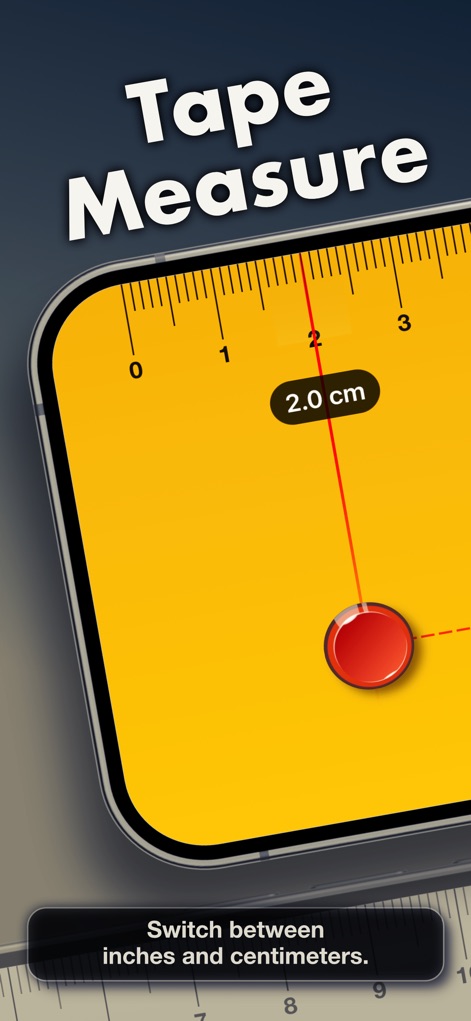
このアプリはデジタル定規として機能し、ユーザーは特定のポイントから「2.0 cm」などの正確な距離を測定できます。また、「単位切り替え機能」で測定単位を柔軟に変更可能です。
簡単距離測定

ユーザーはデジタル定規を使って「9.0 cm」といった正確な測定を行い、さらに「異なるカラースタイルからの選択」機能でツールの外観をパーソナライズできます。
定規をカスタマイズ
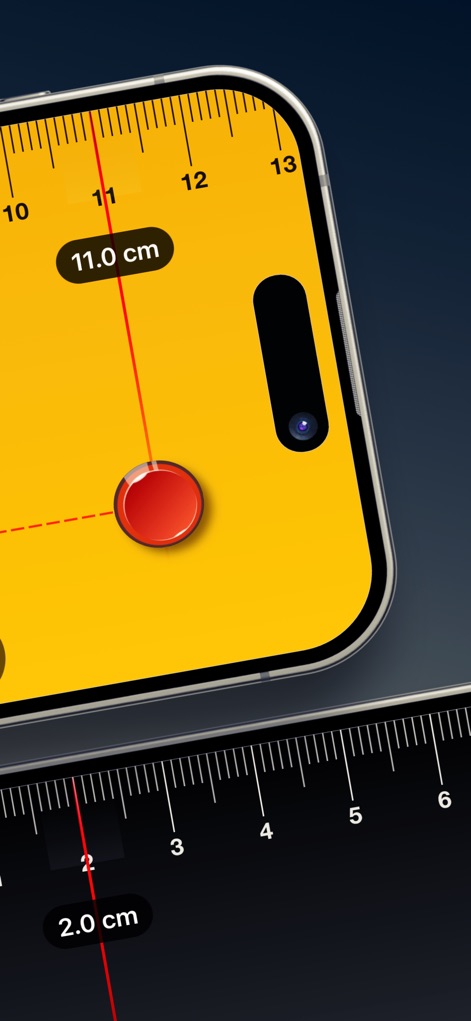
このツールは、画面上に表示される「直感的な定規表示」によって「11.0 cm」などの細かい測定を可能にし、より大きなアイテムの測定にも対応します。
画面上測定
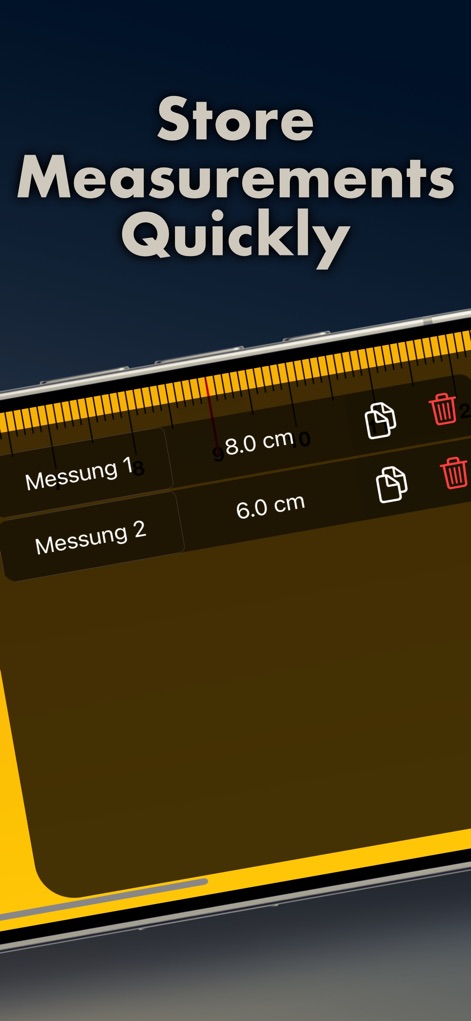
ユーザーは「迅速に測定値を保存」でき、「測定履歴リスト」を通じて過去の記録を簡単に確認し、コピーや削除といった「測定値の管理機能」を活用できます。
測定履歴を記録
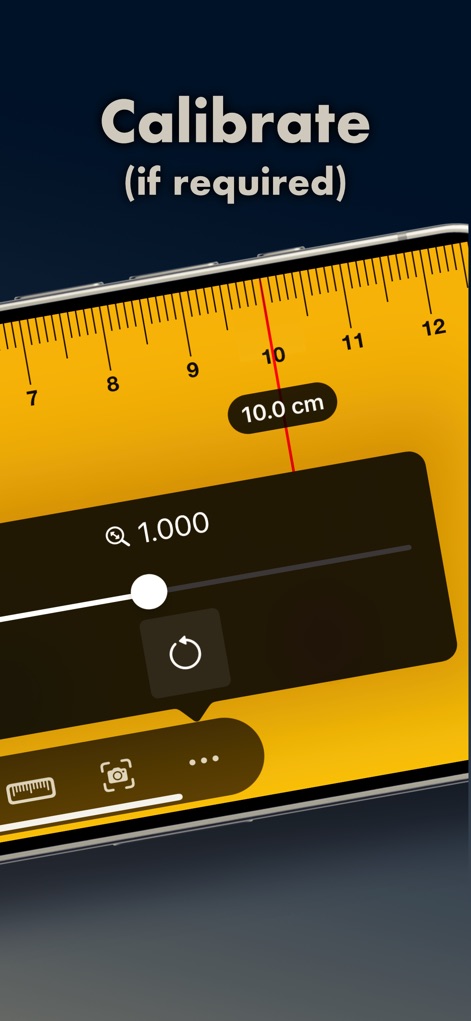
ユーザーは必要に応じて「定規の校正機能」を利用し、視覚的な「測定値調整スライダー」とリセットボタンで測定の精度を最適化できます。
定規の精密校正
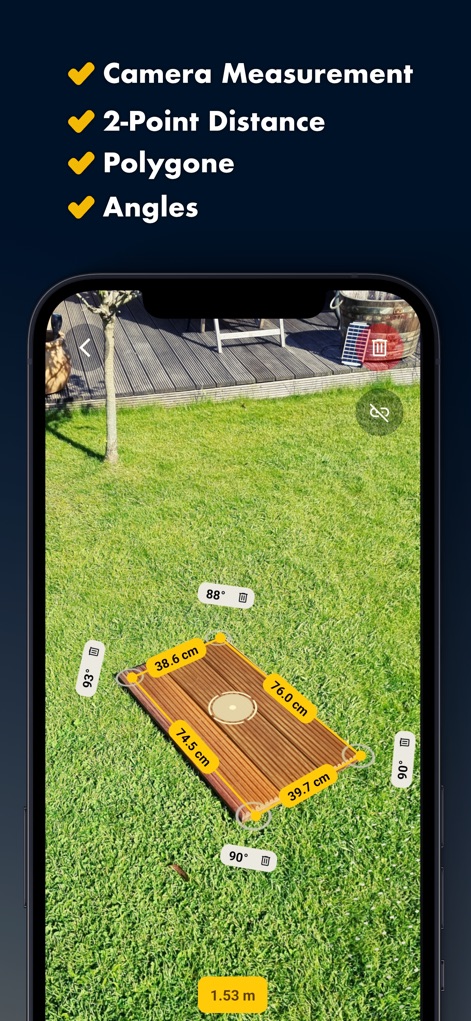
このアプリの「ARカメラ測定」機能は、現実世界の物体に対して「38.6 cmや88°といった複数要素の同時計測」を可能にし、複雑な形状や空間の全体像を把握するのに役立ちます。
AR空間測定
説明
Download
類似アプリ
似た機能とユーザー体験を持つアプリ

Pocket Bubble Level XXL
ExaMobile S.A.

Measuring Tape +ㅤ
Rocket Apps GmbH

CamToPlan - 3D Scanner & LiDAR
Tasmanic Editions

Tape Measure: AR Ruler
Veysel OTI

Home Planner - AI Room Design
Room Planner Ltd

Polycam 3D Scanner, LiDAR, 360
Polycam Inc.

Measuring Tape+ Measure AR app
MEASURE TECH SOCIEDAD LIMITADA

Tape Measure®
AI Photo Editor Lab SRL

Bubble Level for iPhone
Lemondo Apps LLC
このページはアプリまたはその開発者の公式ページではなく、情報提供および論評を目的として作成された独立した編集出版物です。明示的に別段の記載がない限り、アプリおよびその開発者は、MWM、Apple、Google Play、アプリのパブリッシャー、またはアプリの開発者と提携、承認、後援、認可、またはその他の公式的な関係はなく、このページのいかなる内容も、アプリがMWMのサービスを使用して開発されたことを意味するものではありません。すべての商標、ロゴ、スクリーンショット、その他のコンテンツはそれぞれの所有者の財産です。