* Safe Lock - Private Photo Vault: The Ultimate Photo Hiding App and Gallery Lock *
Looking for a reliable solution to protect your personal photos and videos?
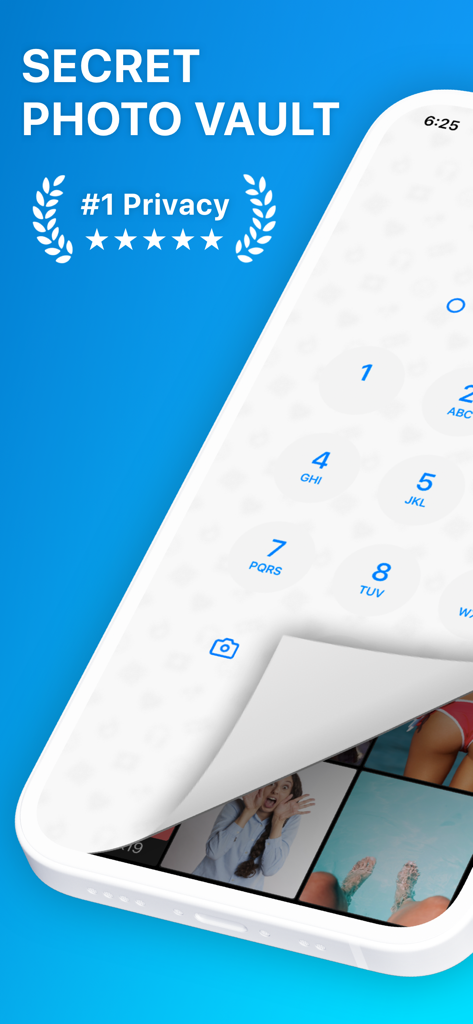
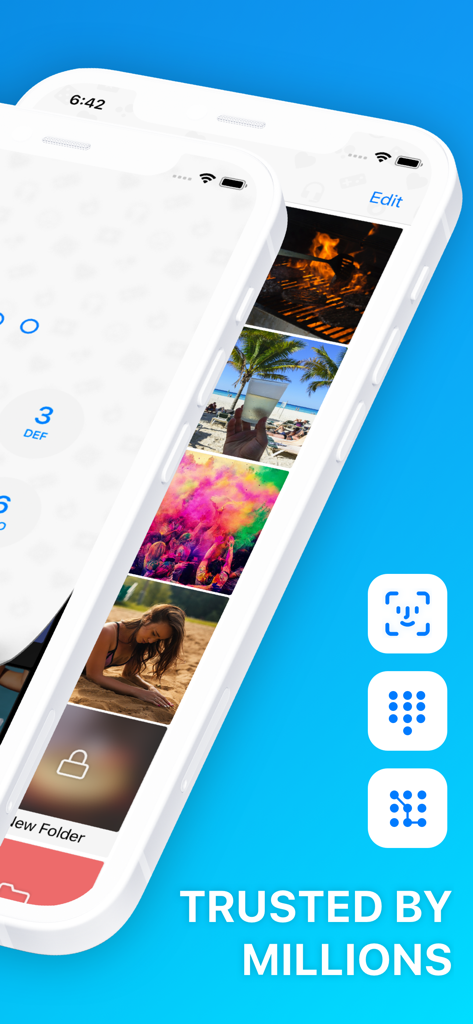
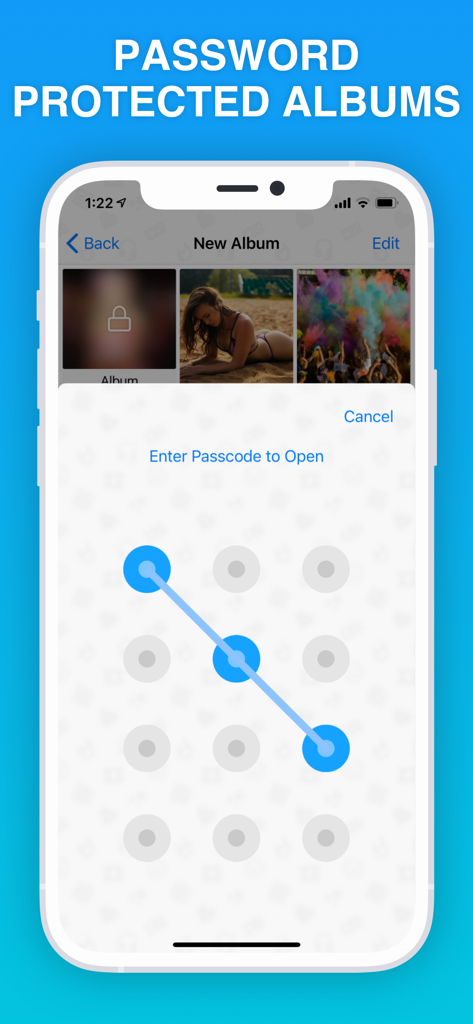
Safe Lock - Private Photo Vault, the most secure and private app in the App Store. With features like PIN-code, Touch ID, Face ID, DotLock, numeric, or alphabetic passwords, this app ensures your hidden photo album remains locked and inaccessible to prying eyes.
Safe Lock - Private Photo Vault offers a secret folders where you can securely store your private photos, videos and notes. Capture new pictures using the built-in hidden camera within the app and instantly add them to your locked photo album. We do not have access to your secrets, photos and videos are saved only on your device.
Discover of Safe Lock - Private Photo Vault:
/Protect Your Memories/: Safeguard your private photo and video memories with our secret folders.
/Secure Important Photos, Videos/: Keep copies of essential documents, such as driving license, passports, ID, and bank cards, protected from unauthorized access.
/Plan Surprises and Gifts/: Use the app to plan surprises and keep gift ideas securely tucked away. Store and organize essential notes with ease, knowing they are kept safe within Safe Lock - Private Photo Vault.
Key App Features:
/Multiple Lock Options/: Choose from a range of secure locks including PIN-code, DotLock, Numeric, Alphabetic, Passcode, Touch ID, and Face ID to ensure privacy for your hidden photo vault.
/Innovative Locking Methods/: Take advantage of unique gestures like shaking or flipping to instantly lock your photos and hide app.
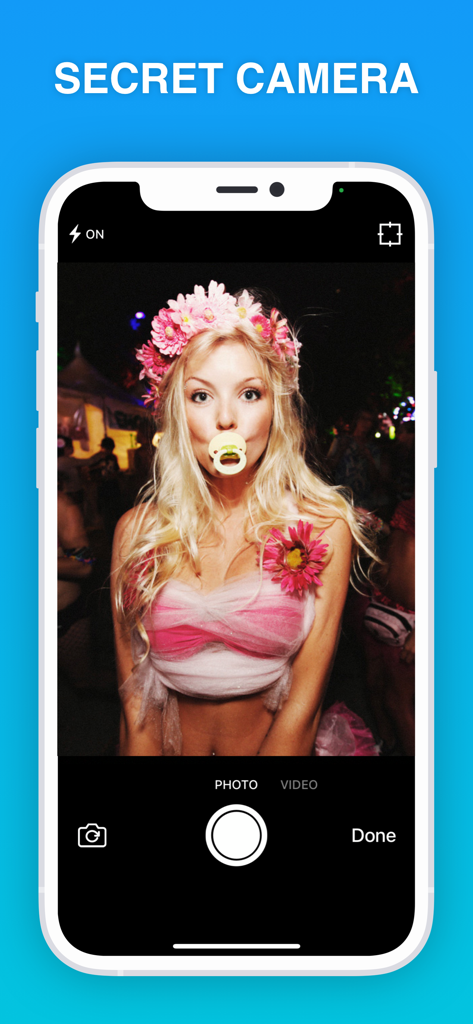
/Hidden Photo Camera/: Capture photos discreetly within the app using the secret camera with a zoom option, allowing you to add exclusive content to your hidden photo vault.
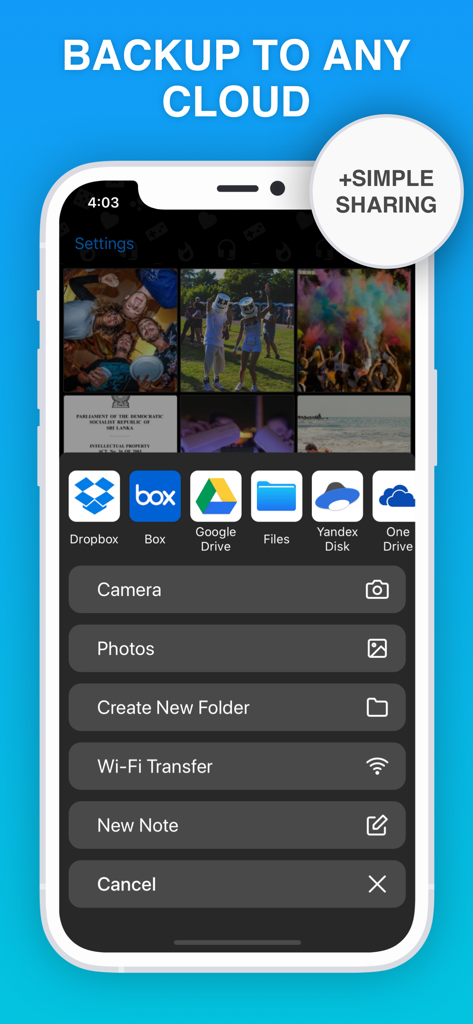
/Easy Data Management/: Transfer files through WiFi or easily export/import from popular Cloud platforms like Dropbox, Google Drive, Yandex.Disk, iCloud, and Box.
/Slideshow and Sharing/: Showcase your secret photos and videos with a stunning slideshow and easily export or import them to/from your Photo Roll, Email, or any Cloud platform.
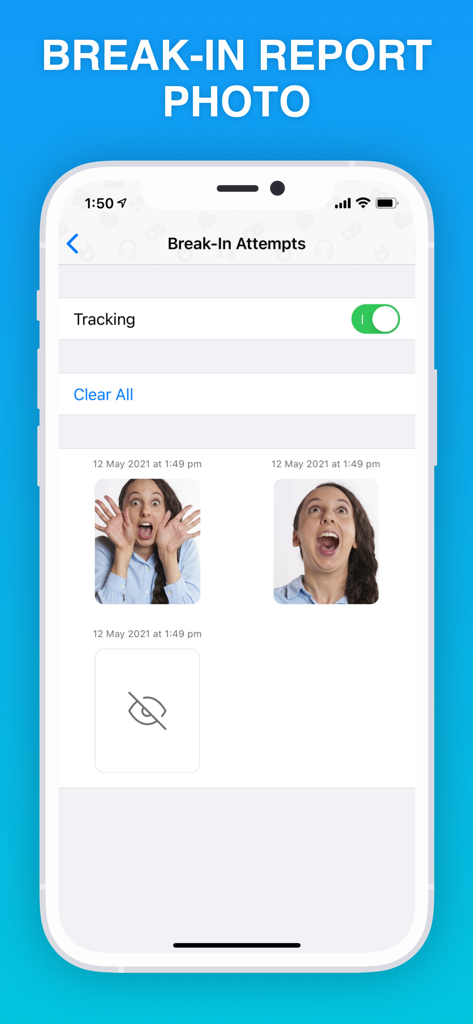
/Anti-Theft Measures/: Receive break-in reports with photos, empowering you to take swift action if any unauthorized access attempts occur.
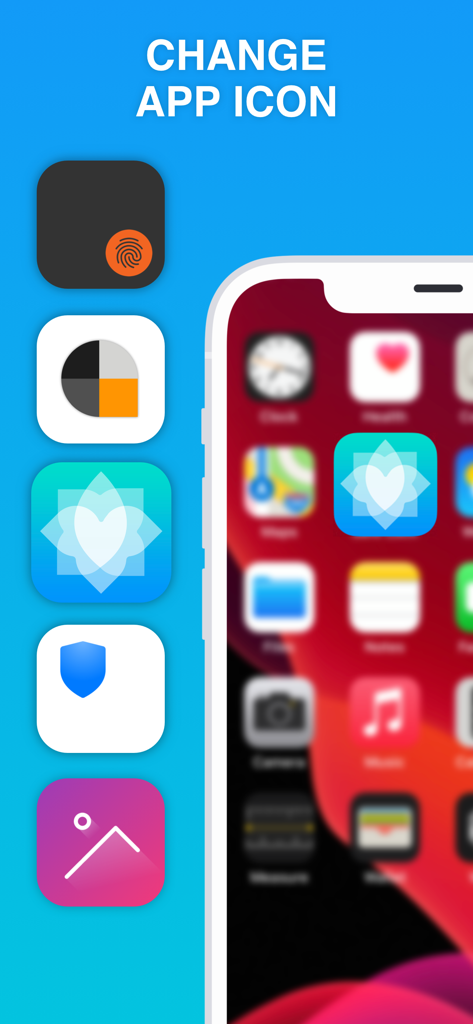
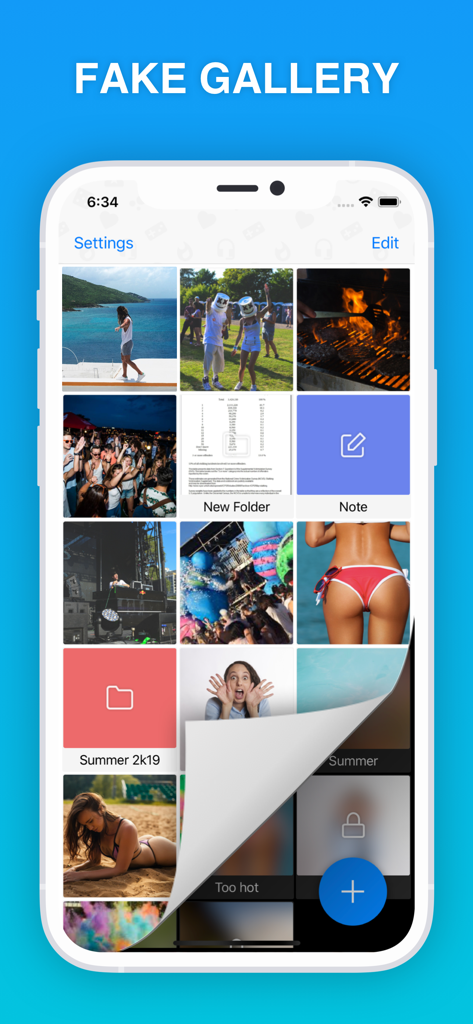
/Additional Features/: Benefit from GIF and PDF support, customize your app icon, jot down secret notes, enjoy dark mode support, and use the fake password feature that opens a fake gallery for added security.
Download Safe Lock - Private Photo Vault today and experience the peace of mind that comes with keeping your personal photos and videos secure. Your memories deserve the utmost protection.
+++++++++++++++++++++++++++++++++++++++++++++++++++++++
/Premium Subscription/
Premium subscription unlocks all features to manage your personal content within Safe Lock. Also app includes number of cool features such as seven different patterns of locks, Touch ID, immediate lock button, extra security features for the internal albums, on the go photo camera and etc.
Payment will be charged to iTunes Account at confirmation of purchase. Subscriptions automatically renew unless auto-renew is turned off at least 24-hours before the end of the current period. Account will be charged for renewal within 24-hours prior to the end of the current period, and identify the cost of the renewal. Subscriptions may be managed by the user and auto-renewal may be turned off by going to the user's Account Settings after purchase. No cancellation of the current subscription is allowed during active subscription period.
By using application, you are agreeing to our Privacy Policy and Terms of Use:
ToS: http://appslabmobile.com/tos_safelock.html
Privacy: http://appslabmobile.com/privacypolicy_safelock.html