SafeInCloud 1

SafeInCloud 1

ダウンロード: App Store
ロゴ: SafeInCloud 1

SafeInCloud 1:完全なデータ主権を持つ安全なパスワード管理

デジタルセキュリティを完全に管理しましょう。暗号化されたデータベースをご自身のクラウドに保存し、すべてのデバイス間で同期し、サブスクリプションの煩わしさなしにプレミアム機能をお楽しみください。

開発元

SAFEINCLOUD SAS

カテゴリ

Productivity

ダウンロード

342K+

ユーザー評価

4.8/5

評価数

11K+

対応言語

33

一目でわかるセキュリティ

このインターフェースを利用する 342K+ 人のユーザー.

SafeInCloudアプリのインターフェース。iPhone上に様々なアカウントのパスワードカードが安全にリスト表示されている様子
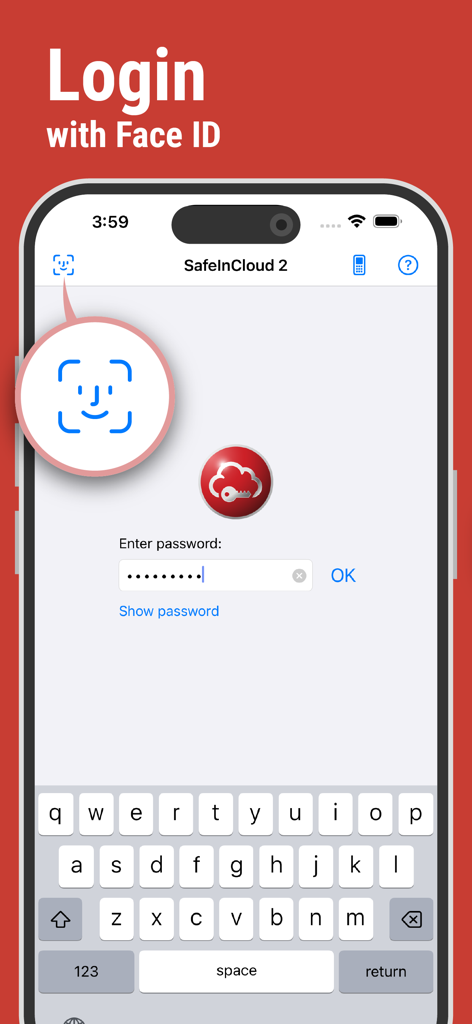
SafeInCloudアプリのインターフェース。iPhone上に様々なアカウントのパスワードカードが安全にリスト表示されている様子

SafeInCloudパスワードマネージャーのログイン画面。iPhone上にFace ID生体認証が表示されている様子
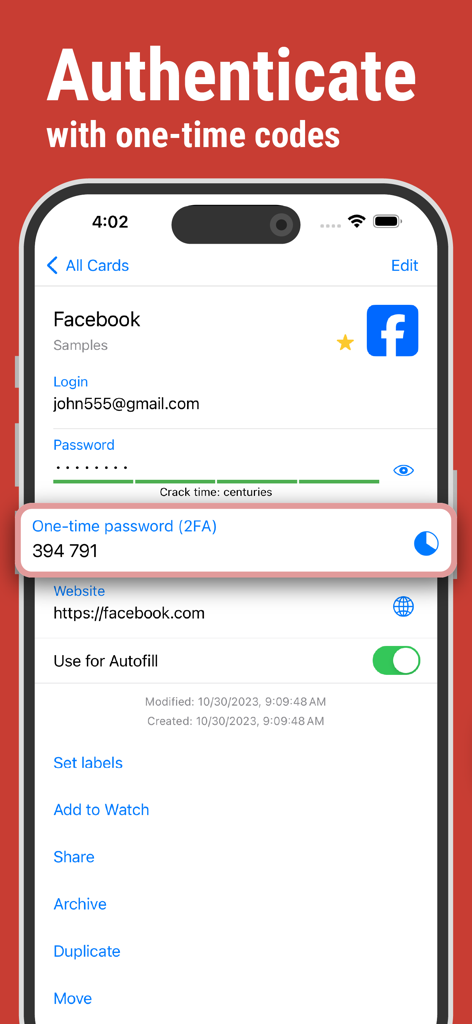
SafeInCloudパスワードマネージャーのログイン画面。iPhone上にFace ID生体認証が表示されている様子

SafeInCloudアプリの画面。アカウント認証用の2FAワンタイムコードが表示されている様子
SafeInCloudアプリの画面。アカウント認証用の2FAワンタイムコードが表示されている様子

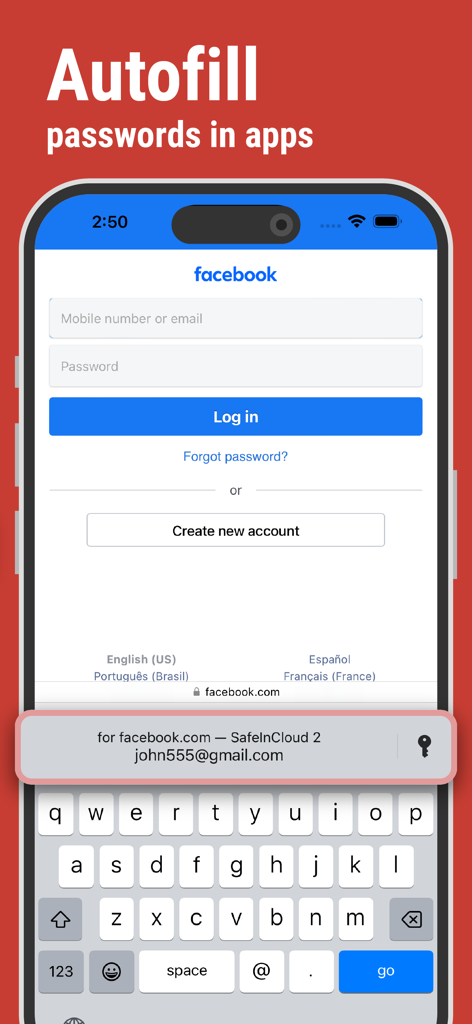
SafeInCloudパスワードマネージャーがiPhone上でログイン情報を自動入力している様子
SafeInCloudパスワードマネージャーがiPhone上でログイン情報を自動入力している様子

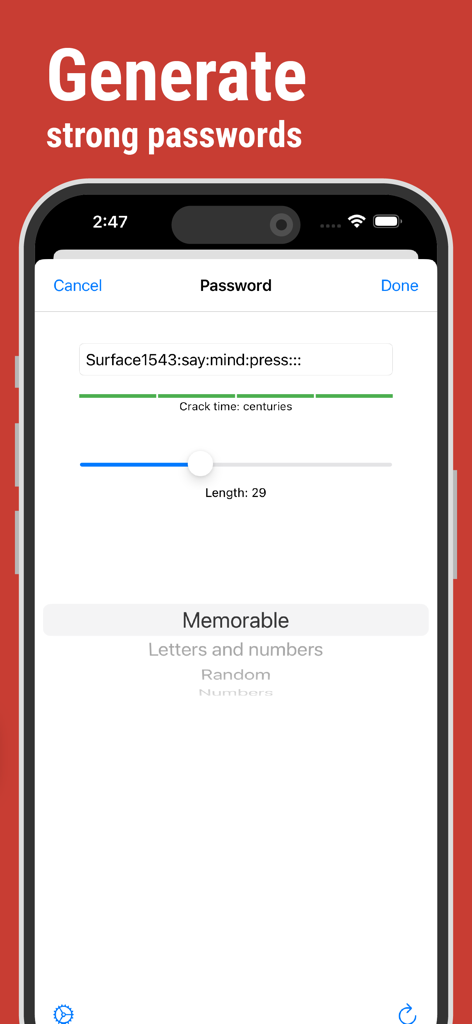
SafeInCloudアプリのインターフェース。推定クラック時間分析とともに、強力で覚えやすいパスワードを生成する様子
SafeInCloudアプリのインターフェース。推定クラック時間分析とともに、強力で覚えやすいパスワードを生成する様子

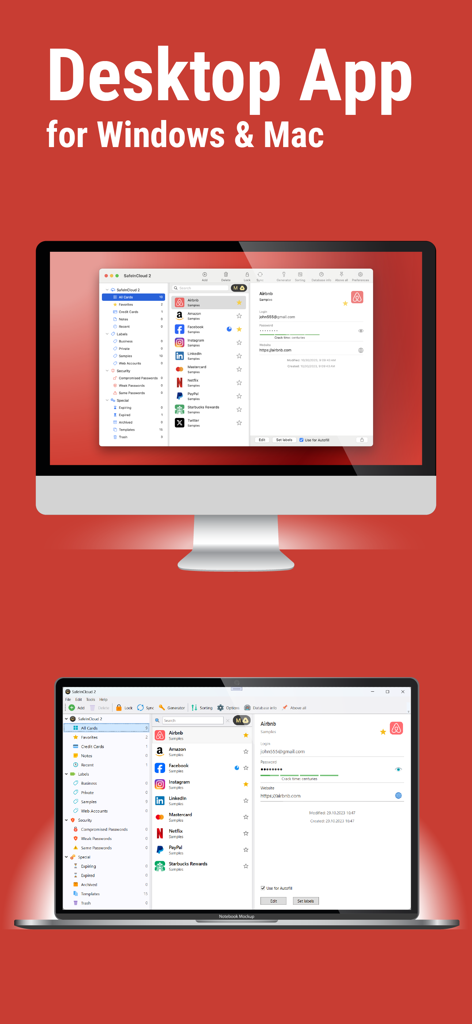
SafeInCloudパスワードマネージャーのデスクトップアプリケーションインターフェースがMacおよびWindowsコンピューターに表示されている様子

SafeInCloudパスワードマネージャーのデスクトップアプリケーションインターフェースがMacおよびWindowsコンピューターに表示されている様子

妥協のないセキュリティ

このアプリを際立たせるツール、 342K+ 人のユーザーが選択.

🛡️

完全なデータ主権

お客様のデータは当社のサーバーには保存されません。ご自身のiCloud、Google Drive、またはプライベートNAS経由で暗号化されたボールトを同期します。

摩擦のない生産性

Face IDとTouch IDで即座にログイン。WindowsおよびMac用の無料デスクトップアプリを使用して、 lightning-fast data entry を実現します。

🔐

軍事グレードAES-256

政府機関が使用する業界標準の暗号化により、安心してご利用いただけます。お客様の個人情報は、お客様以外には読み取ることができません。

アプリについて

について知っておくべきこと SafeInCloud 1.

説明

SafeInCloud Password Manager allows you to keep your logins, passwords, and other private info safe and secure in an encrypted database. You can synchronize your data with another phone, tablet, Mac or PC via your own cloud account. KEY FEATURES ◆ Easy to Use ◆ Strong Encryption (256-bit Advanced Encryption Standard) ◆ Cloud Synchronization (iCloud, Google Drive, Dropbox, OneDrive, NAS, WebDAV) ◆ Login with Touch ID & Face ID ◆ Autofill in Apps ◆ Apple Watch App ◆ Password Strength Analysis ◆ Password Generator ◆ Free Desktop App (Windows, Mac) ◆ Automatic Data Import ◆ Cross-Platform EASY TO USE Try it yourself and enjoy an easy-to-use yet powerful user interface. STRONG ENCRYPTION Your data is always encrypted on a device and in a cloud with a strong 256-bit Advanced Encryption Standard (AES). This algorithm is used by the U.S. Government for protection of a top secret information. AES is also widely adopted worldwide and became the de facto encryption standard. CLOUD SYNCHRONIZATION Your database is automatically synchronized with your own cloud account. Thus you can easily restore your entire database from a cloud to a new phone or computer (in case of a loss or an upgrade). Your phone, tablet and computer are also automatically synchronized between each other via a cloud. LOGIN WITH TOUCH ID & FACE ID You can instantly unlock SafeInCloud with a fingerprint on devices with Touch ID. You can also unlock SafeInCloud by face recognition using Face ID technology. AUTOFILL IN APPS You can autofill login and password fields into any app on your phone directly from SafeInCloud. You don't need to copy and paste them manually. APPLE WATCH APP You can put some selected cards on your wrist to easily access them on the run. These could be your credit card PINs, door and locker codes. PASSWORD STRENGTH ANALYSIS SafeInCloud analyses your password strengths and shows a strength indicator next to each password. The strength indicator displays an estimated crack time for a password. All cards with weak passwords are marked with a red sign. PASSWORD GENERATOR The password generator helps you generating random and secure passwords. There is also an option to generate memorable, but still strong passwords. FREE DESKTOP APP Download a free Desktop application for Windows or Mac OS from www.safe-in-cloud.com to be able access your database on your computer. The Desktop application also makes data entry and editing fast and easy using a hardware keyboard. AUTOMATIC DATA IMPORT The Desktop application can automatically import your data from another password manager. You don't need to manually reenter all your passwords.

最新バージョン

25.1.0

サイズ

60.5 MB

リリース日

2014年1月15日

デジタルセキュリティを完全に管理する

サブスクリプションの煩わしさから解放され、軍事グレードの暗号化を利用する342,000人以上のユーザーに加わりましょう。今すぐダウンロードして、パスワードをご自身のクラウドに同期し、すべてのデバイスで完全なデータ主権をお楽しみください。

ダウンロード: App Store

App information, icons, screenshots, and descriptions displayed on this page are sourced from the Apple App Store and are the property of their respective developers. Download estimates and rankings are based on MWM's proprietary models and may not reflect actual figures. This page is provided for informational and analytical purposes only.

Believe this page infringes your intellectual property? File a dispute