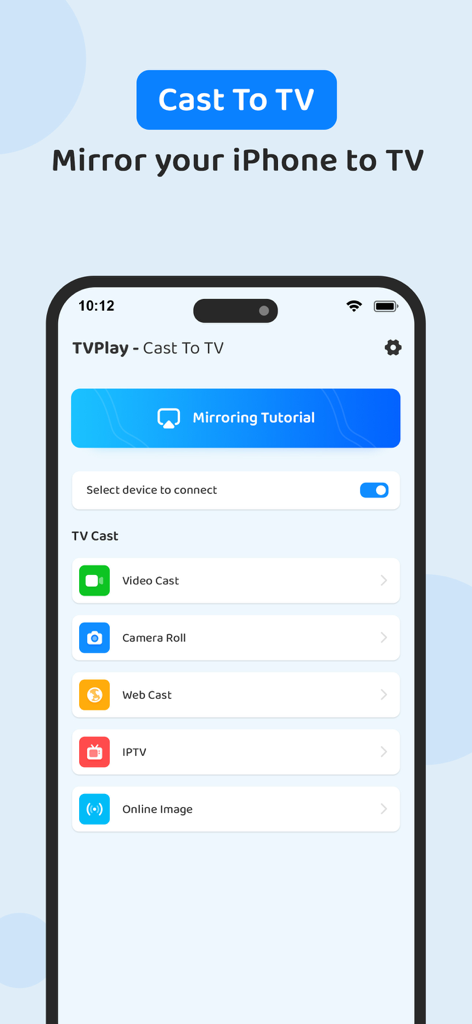
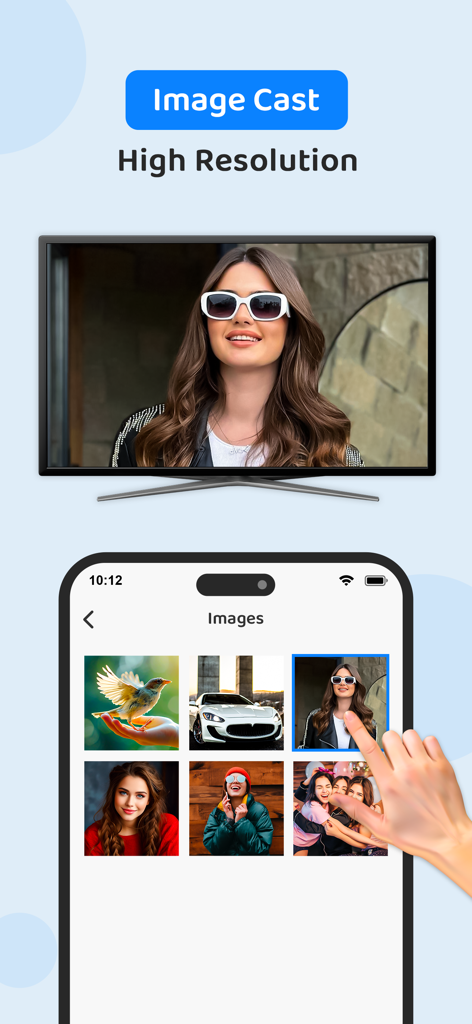
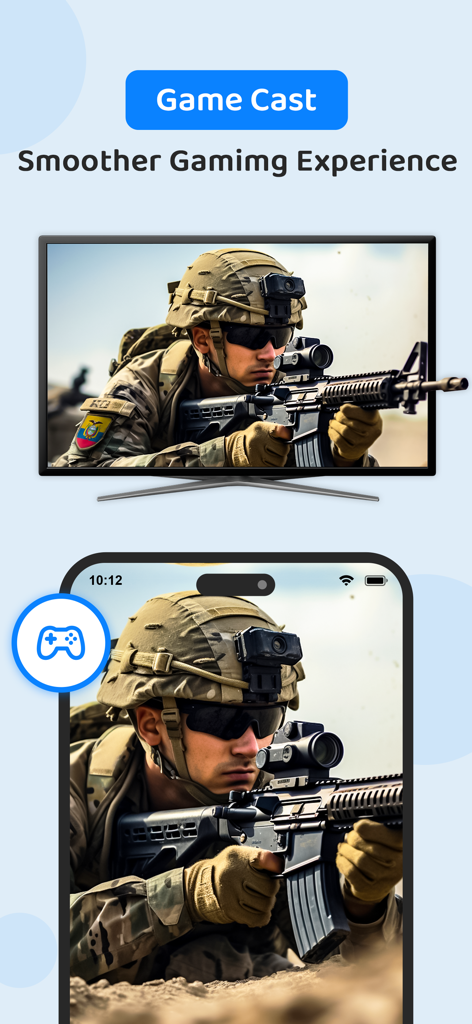
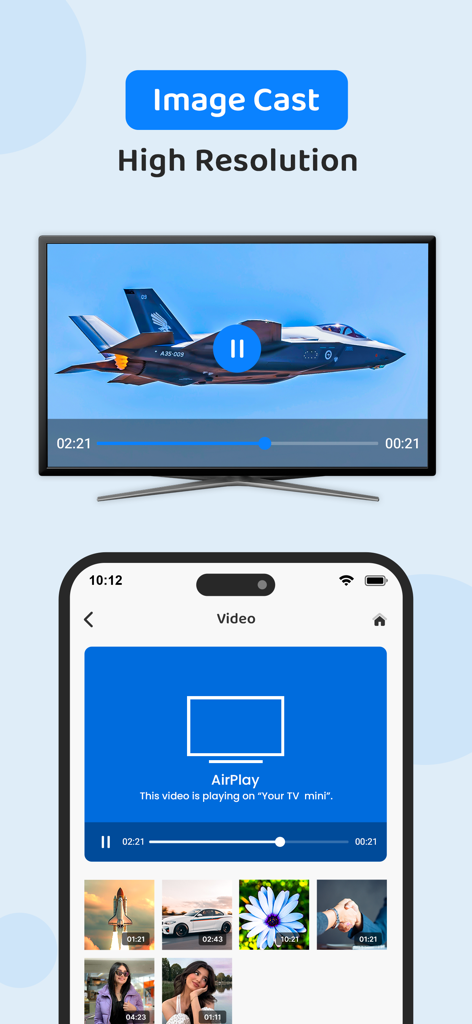
TVPlay - Cast to TV, helps you cast a small phone screen to big TV screen in high quality and real-time speed. You can easily access all types of media files, including mobile games, photos, music, videos & E-books on the big screen.
With the TV play app, you can cast to TV and make screen share with your family or friends in simple steps.
Cast to TV enables you to cast online videos and all local videos, music and images to TV, Chromecast, Roku, Amazon Fire Stick or Fire TV, Xbox, Apple TV or other DLNA Devices. Cast to TV and stream videos & movies on TV now!
Features:
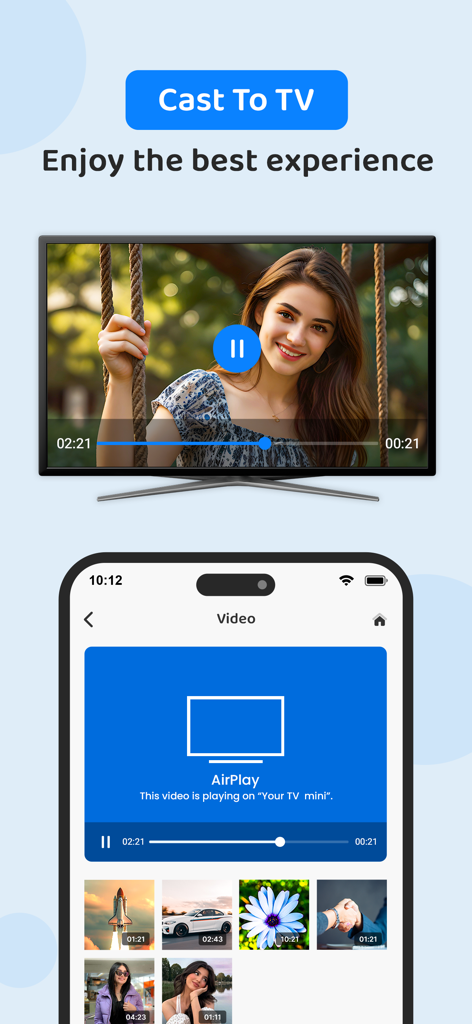
• Easy to control TV with phone: pause, volume, forward/rewind, previous/next etc.
Cast videos to tv.
• Local playback for videos.
• Auto search for available cast devices & streaming device.
• Identify video, audio, photo files on your device automatically.
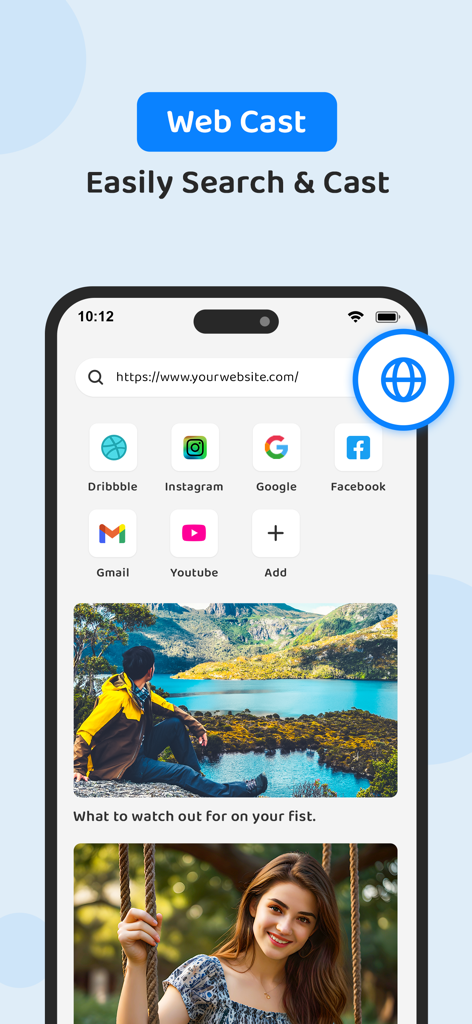
• Inbuilt browser for web video cast.
• Add local video, local audio to Play Queue.
• Play media in shuffle, loop, repeat mode.
• Design for video cast, music cast & photo slideshow cast.
All Cast in One. With Cast to TV, you can cast to:
• Chromecast
• Smart TVs: Samsung, LG, Sony, Hisense, Xiaomi, Panasonic, etc.
• Xbox One and Xbox 360
• Amazon Fire TV and Cast to Fire Stick
• Apple TV and Airplay
• Roku, Roku Stick and Roku TVs
• Other DLNA receivers
• Coming soon: Kodi, IPTV etc.
If you want to cast video from phone to tv, you’d better try Cast to TV - Cast to Chromecast.
Cast to Roku
Easy to connect and cast to Roku. You can cast videos and music to Roku without limitations. Fast forward and backward can provide you with an excellent experience for watching movies. Just search videos from your favorite website and cast to Roku now!
Cast to Chromecast
Cast local video, photo slideshow, and music from phone to Chromecast easily and fast. Cast to Chromecast, Fire TV and other smart TVs with no feature limited. Cast web video to Chromecast, and enjoy the best experience of watching videos.
Cast to Apple TV
Cast both local files and online videos to Apple TV with the airplay function. Cast to Apple TV with the remote control to adjust the video progress and volume.
Stream to TV From Phone
With Cast to TV, you can stream videos to tv from phone without limitation. It helps you instantly stream videos, music and photos to your Smart TV, Chromecast, Amazon Fire Stick, etc.
Stream to tv from phone is very dependent on Wi-Fi network and streaming device. Please make sure that your phone and streaming device is connected with the same Wi-Fi. And the format of the media is supported by streaming device. If you have troubles when you stream to tv or cast to Chromecast, you can try to reboot the Wi-Fi router and streaming device.
Get unlimited access to all premium features of TVPlay by
Subscribe Monthly TVPlay Pro at $1.99 and Yearly TVPlay Pro at $9.99 to use ads free versions of the premium app which can cancel anytime.
• Privacy Policy: https://sites.google.com/view/anandnaidu-pp
• Terms of Service: https://sites.google.com/view/anandnaidu-tou
Best way to cast your phone screen to TV.