
このページはアプリまたはその開発者の公式ページではなく、情報提供および論評を目的として作成された独立した編集出版物です。明示的に別段の記載がない限り、アプリおよびその開発者は、MWM、Apple、Google Play、アプリのパブリッシャー、またはアプリの開発者と提携、承認、後援、認可、またはその他の公式的な関係はなく、このページのいかなる内容も、アプリがMWMのサービスを使用して開発されたことを意味するものではありません。すべての商標、ロゴ、スクリーンショット、その他のコンテンツはそれぞれの所有者の財産です。


Screen Recorder & Record Video
特別なゲームプレイを録画し、FaceCamでバイラルなリアクションを作成し、タップひとつでプロのように編集。画面をブランドに変え、究極の録画ツールキットでフォロワーを増やしましょう。
ダウンロード
299K+ユーザー評価
評価数
4K+開発元
カテゴリ
Photo & Video対応言語
2最新バージョン
11.2サイズ
197.4 MBリリース日
2019年9月18日あなたの内なるクリエイターを解き放つ
数秒でバイラル対応コンテンツを録画、リアクション、編集するのに役立つプロツール一式で、基本的な画面録画を超えましょう。
FaceCamリアクション
画面と顔を同時に録画します。ブランドを構築し、フォロワーとつながる魅力的なリアクション動画の作成に最適です。
プロのゲームプレイキャプチャ
お気に入りのモバイルゲームを高画質なオーディオとクリアな解像度で録画します。ライブ解説を追加して、勝利や戦略を共有しましょう。
よくある質問
について知っておくべきこと Screen Recorder & Record Video
Screen Recorder & Record Videoとは何ですか?
Screen Recorder & Record Videoは、デバイスの画面をキャプチャし、ビデオゲームを録画し、チュートリアルを作成するアプリです。FaceCamリアクション、リアルタイム解説、編集機能などが含まれています。
Screen Recorder & Record Videoでゲームを録画できますか?
はい、Screen Recorder & Record Videoを使用すると、お気に入りのビデオゲームを撮影し、特別なゲームプレイを作成できます。アプリは、アクティブなアプリケーションに関係なく画面をキャプチャします。
Screen Recorder & Record VideoはFaceCam録画に対応していますか?
はい、Screen Recorder & Record Videoアプリを使用すると、ギャラリーのビデオに反応するための素晴らしいFaceCam映像を録画でき、ビデオリアクションをプロフェッショナルに見せることができます。
Screen Recorder & Record Videoで画面録画に音声解説を追加できますか?
はい、ユーザーはデバイスの画面を録画し、ビデオにリアルタイム解説を追加できます。アプリには、チュートリアルやトレーニングのためにマイクのオン/オフを切り替えるオプションがあります。
Screen Recorder & Record Videoにはどのような編集機能がありますか?
Screen Recorder & Record Videoには、アプリ内ビデオエディタが含まれています。このエディタを使用すると、録画のトリミング、カット、ステッカーの追加、フィルターの適用、完全にカスタマイズ可能なテキストの挿入が可能です。
Screen Recorder & Record Videoの料金はいくらですか?
Screen Recorder & Record Videoでは、3日間の無料トライアルの後、週 $2.99、年 $49.99、$19.99/年、$9.99/月のいくつかのサブスクリプションプランを提供しています。価格はiTunesアカウントに請求されます。
Screen Recorder & Record Videoの無料トライアルはありますか?
はい、Screen Recorder & Record Videoは、すべてのサブスクリプションプランで3日間の無料トライアルを提供しています。トライアル期間終了後、自動更新がオフになっていない限り、選択したサブスクリプションは自動的に更新されます。
Screen Recorder & Record Videoのサブスクリプションをキャンセルするにはどうすればよいですか?
サブスクリプションは購入後、iTunesアカウント設定で管理します。請求を避けるためには、現在の期間終了の少なくとも24時間前に自動更新をオフにする必要があります。アクティブ期間中の現在のサブスクリプションのキャンセルは許可されていません。
Screen Recorder & Record Videoのプライバシーポリシーはどこにありますか?
Screen Recorder & Record Videoのプライバシーポリシーは https://topappsandpopulargames.wordpress.com/privacy-policy/ で入手できます。このドキュメントには、ユーザーデータがどのように収集され、アプリケーションによって使用されるかが詳細に記載されています。
Screen Recorder & Record Videoから録画を共有できますか?
はい、ユーザーはリアクションを直接携帯電話に保存したり、任意のソーシャルネットワークで家族や友人と共有したりできます。この機能により、録画されたコンテンツを簡単に配布できます。
以下のスクリーンショットと説明は、アプリの公式ストアリスティングから直接取得されたものであり、アプリ開発者の所有物です。
アプリストア
スクリーンショット
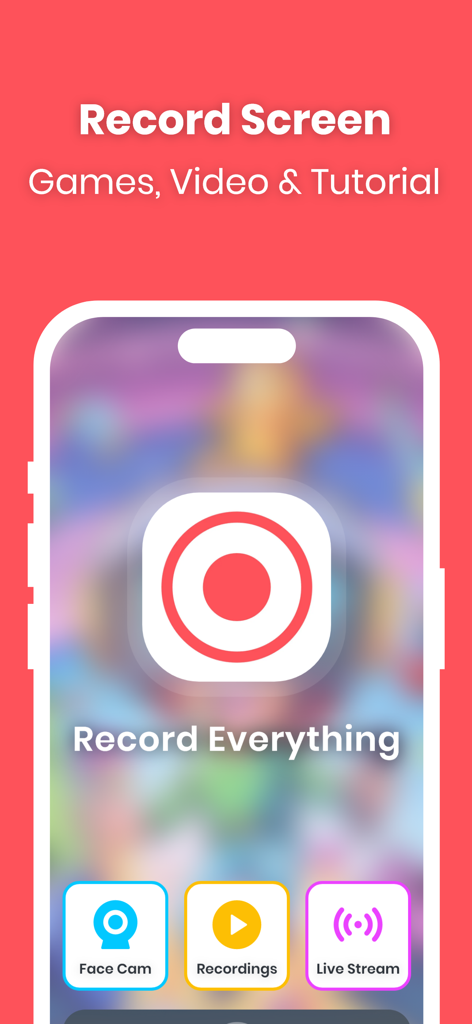
画面録画アプリのインターフェース。FaceCamとライブストリーム機能を使用してゲームやチュートリアルを録画します。
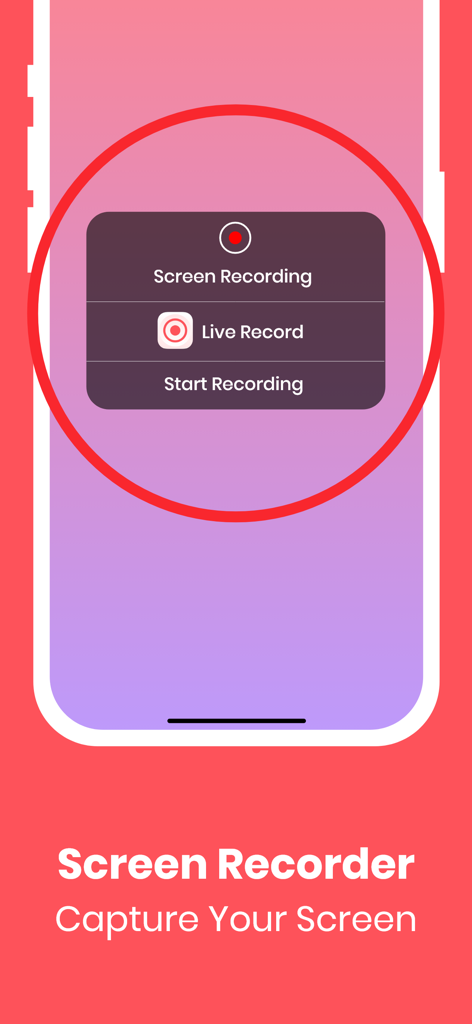
モバイルデバイス上の画面録画アプリのインターフェース。画面録画を開始するオプションが表示されます。
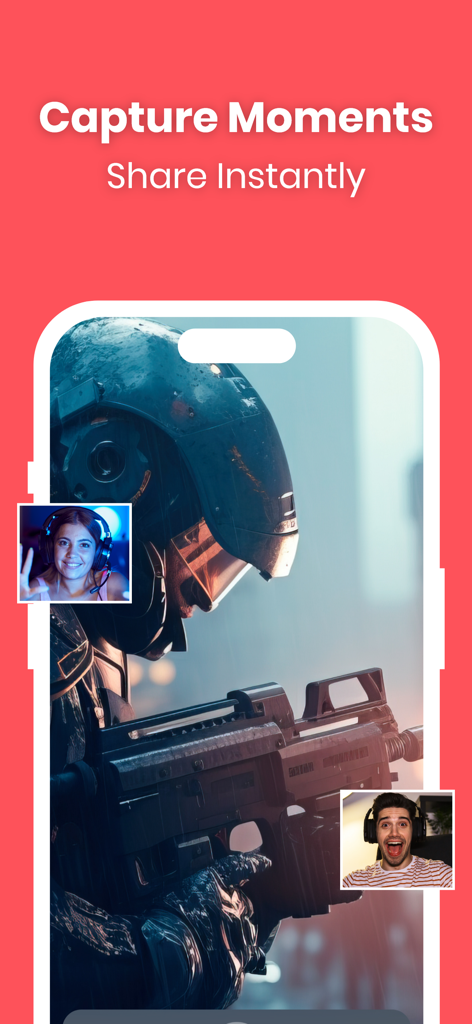
FaceCamリアクションオーバーレイを使用したモバイルゲームプレイを示す画面録画アプリのインターフェース。
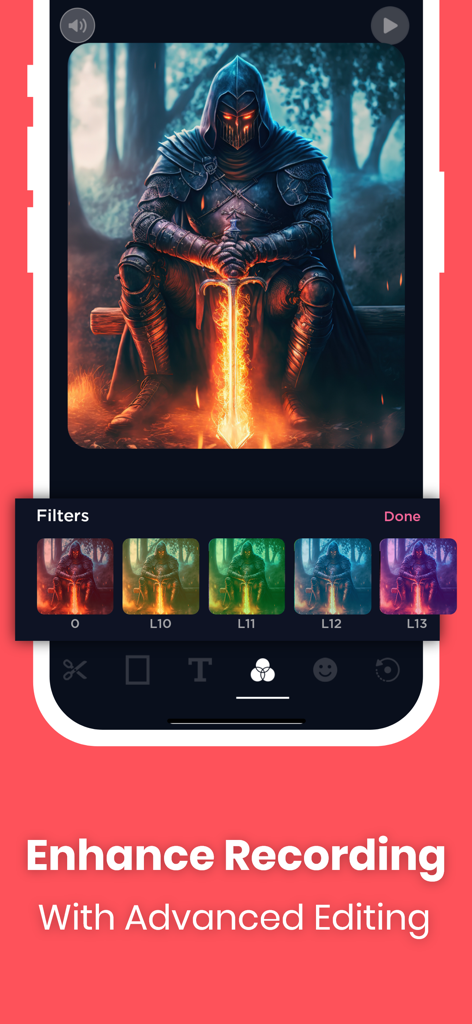
ゲーム画面録画に高度なビデオフィルターが適用されていることを示すモバイルインターフェース。
説明
Download
類似アプリ
似た機能とユーザー体験を持つアプリ

Medal - Game Clipping
Medal B.V.

Screen Recorder,Video Recorder
VIDEOSHOW PTE. LTD.

Screen Recorder
App of the Year LLC

Record it! :: Screen Recorder
DIGISET LLC

Screen Recorder Voice & Video
Arthur Eduardo Skaetta Alvarez Desenvolvimento de Software LTDA.

Screen Recorder ®
Poster App LLP

Super Screen Recorder: Full HD
Dream United, Ltd.

Screen Recorder: Go Record
Torqued Studios LLC

Screen Recorder-Video & Voice
Danila Ianushev
このページはアプリまたはその開発者の公式ページではなく、情報提供および論評を目的として作成された独立した編集出版物です。明示的に別段の記載がない限り、アプリおよびその開発者は、MWM、Apple、Google Play、アプリのパブリッシャー、またはアプリの開発者と提携、承認、後援、認可、またはその他の公式的な関係はなく、このページのいかなる内容も、アプリがMWMのサービスを使用して開発されたことを意味するものではありません。すべての商標、ロゴ、スクリーンショット、その他のコンテンツはそれぞれの所有者の財産です。