Screen Recorder - Stream Games

Screen Recorder - Stream Games

ダウンロード: App Store
ロゴ: Screen Recorder - Stream Games

Screen Recorder - Stream Games:新進クリエイターのためのオールインワンスタジオ

高画質のゲームプレイをキャプチャし、Facecamでリアクションし、AI搭載のテレプロンプタを使用して完璧なスクリプトを提供しましょう。プロフェッショナルなTikTok、YouTube、ゲームコンテンツへの近道はここにあります。

ダウンロード: App Store

開発元

Arpana Singh

カテゴリ

Photo & Video

ダウンロード

559K+

ユーザー評価

3.8/5

評価数

1K+

対応言語

11

魔法を体験する

このインターフェースを利用する 559K+ 人のユーザー.

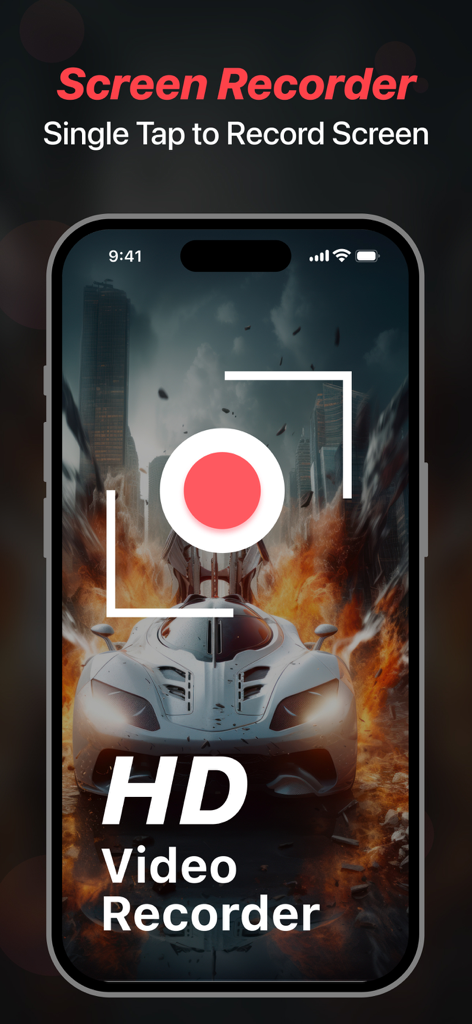
高画質のレースゲームを背景にHD動画録画ボタンが表示されたScreen Recorderアプリのインターフェースを示すiPhone画面
高画質のレースゲームを背景にHD動画録画ボタンが表示されたScreen Recorderアプリのインターフェースを示すiPhone画面

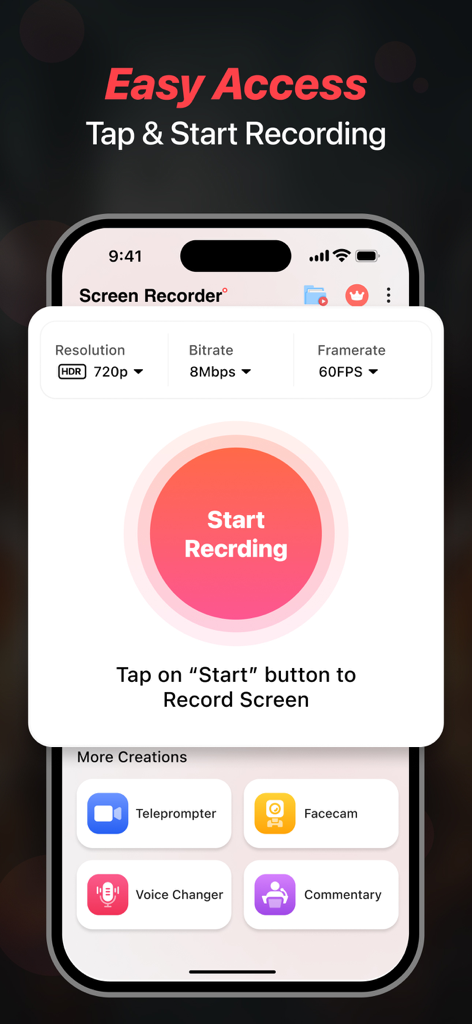
中央に録画開始ボタンと動画品質設定が表示されたScreen RecorderアプリのiPhone画面
中央に録画開始ボタンと動画品質設定が表示されたScreen RecorderアプリのiPhone画面

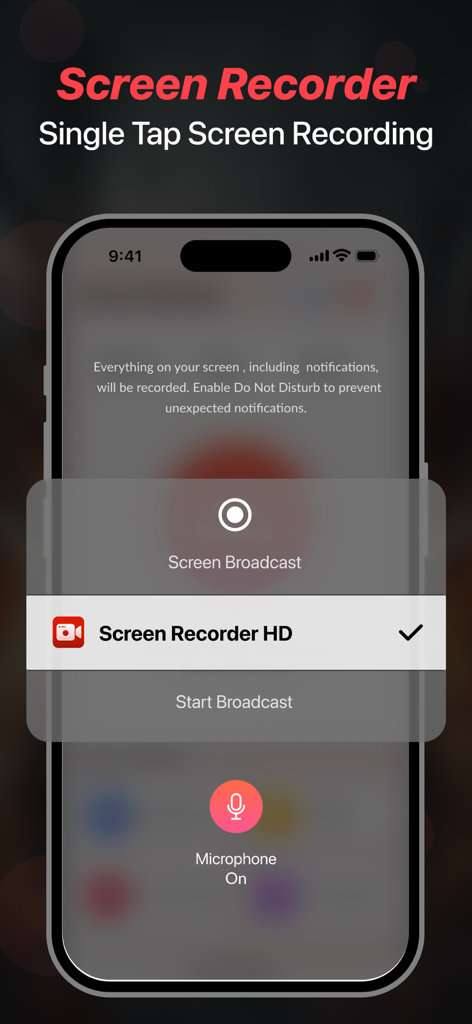
モバイルゲームプレイとコンテンツ作成のためのワンタップ画面録画機能を示すiPhoneインターフェース
モバイルゲームプレイとコンテンツ作成のためのワンタップ画面録画機能を示すiPhoneインターフェース

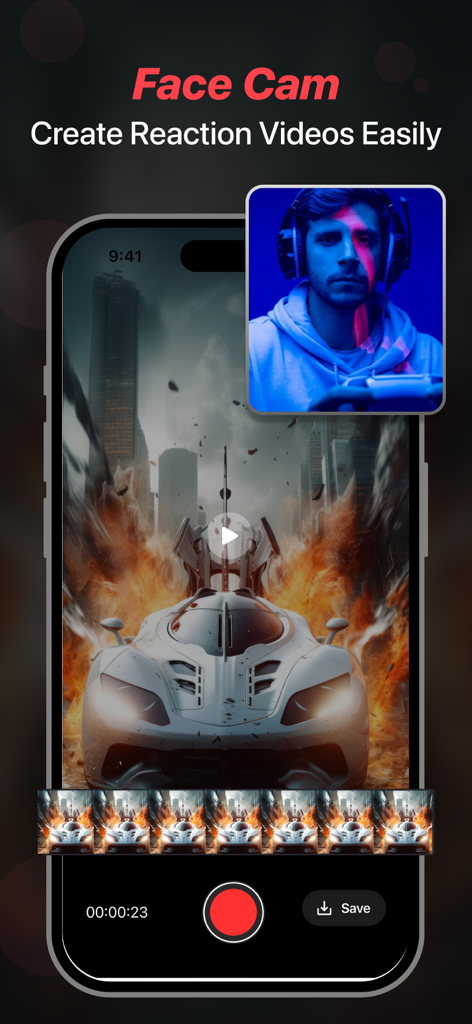
ゲームをしながらリアクション動画を作成するためのフェイスカム機能を示すスマートフォン画面
ゲームをしながらリアクション動画を作成するためのフェイスカム機能を示すスマートフォン画面

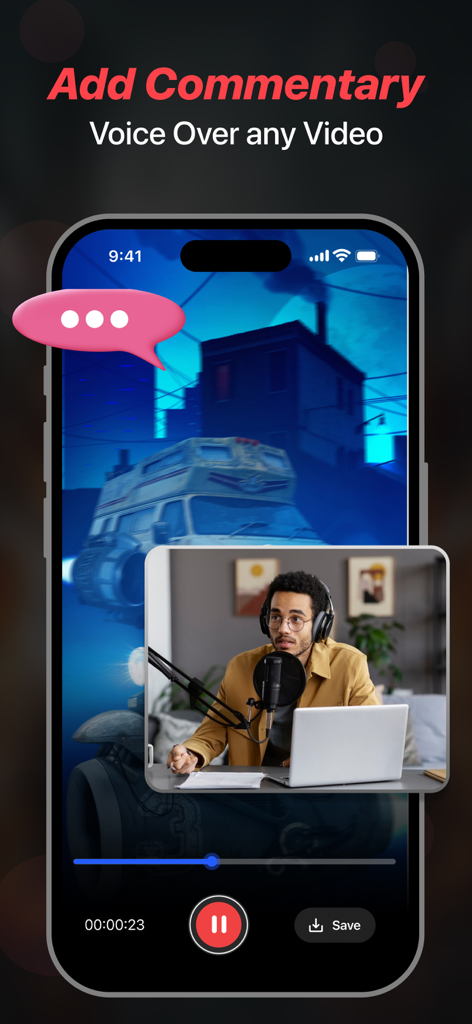
ビデオ解説とボイスオーバーを追加するためのフェイスカムオーバーレイを示すiPhoneディスプレイ
ビデオ解説とボイスオーバーを追加するためのフェイスカムオーバーレイを示すiPhoneディスプレイ

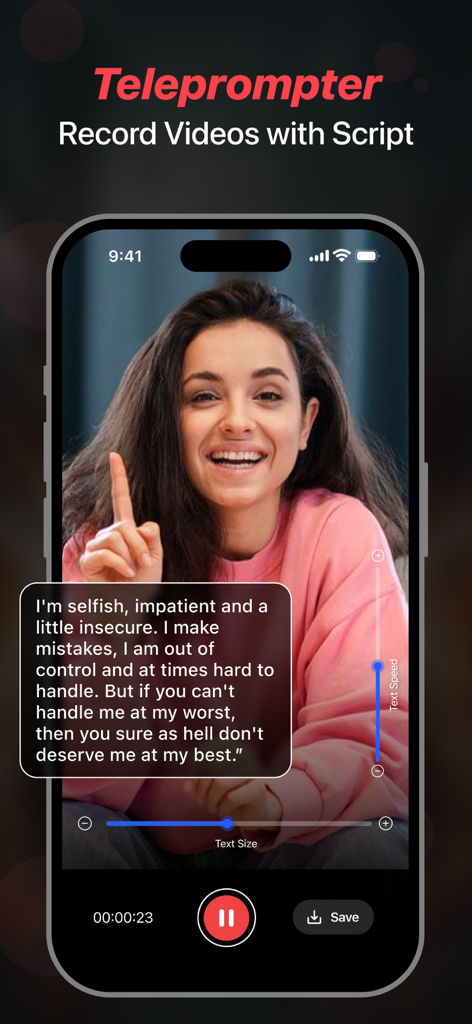
スクリプトオーバーレイ付きの動画を録画するためにテレプロンプタ機能を使用しているクリエイターのスマートフォン画面
スクリプトオーバーレイ付きの動画を録画するためにテレプロンプタ機能を使用しているクリエイターのスマートフォン画面

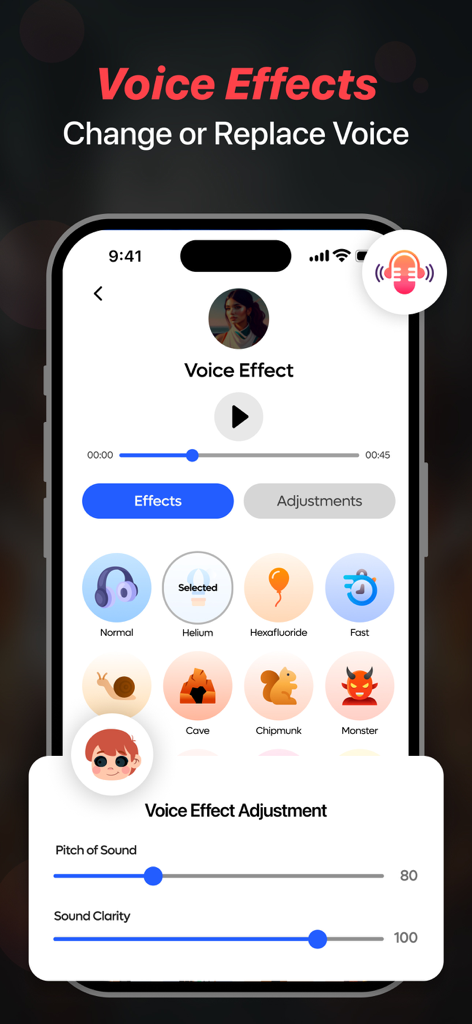
ヘリウムチップマンクやモンスターなどのボイスエフェクトオプションと、ピッチと明瞭度調整スライダーが表示されたスクリーンレコーダーモバイルアプリのインターフェース
ヘリウムチップマンクやモンスターなどのボイスエフェクトオプションと、ピッチと明瞭度調整スライダーが表示されたスクリーンレコーダーモバイルアプリのインターフェース

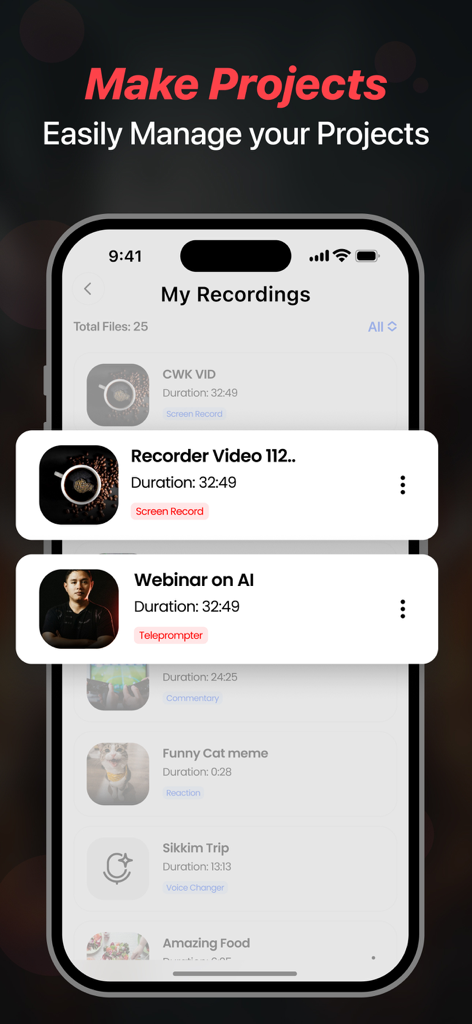
アプリ内で管理されている保存された動画録画とプロジェクトのリストが表示されたScreen Recorderアプリのインターフェース

アプリ内で管理されている保存された動画録画とプロジェクトのリストが表示されたScreen Recorderアプリのインターフェース

バイラルになるために必要なすべて

このアプリを際立たせるツール、 559K+ 人のユーザーが選択.

🎙️

AIテレプロンプタ&スクリプト作成

もう言葉に詰まることはありません。ChatGPTでバイラル対応のスクリプトを生成し、録画中に画面上で完璧に読み上げましょう。

🎮

プロゲーム&Facecam

60FPSの1080pで全ての勝利をキャプチャしましょう。内蔵のFacecamを使用してライブリアクションを録画し、TikTokとYouTubeで熱心なファンを築きましょう。

🎭

ボイスFX&解説

他の人とは違う存在になりましょう。プロフェッショナルな解説を追加したり、ボイスチェンジャーを使用してユニークな個性とユーモアをコンテンツにもたらしましょう。

アプリについて

について知っておくべきこと Screen Recorder - Stream Games.

説明

Facecam Record-Screen Recorder records everything in High-Definition without limits. Start recording with one tap. Use Teleprompter feature to quickly make your videos using auto running scripts and never forget what you have to say while recording a video. You can write your own script or generate one by using the advanced Chatgpt service. Features Highlights - Screen Recorder, Teleprompter, Voice Changer, Face Cam & Add Commentary. Key Features in Facecam- Screen Recorder & Teleprompter - Record videos in 1080p. You can also change your resolution manually. - Let's set your bitrate. - Record awesome videos in 60FPS - Add audio & music to recordings & videos. - Add filters, effects & transitions to your recordings. - Use Screen Recorder in 11 Languages from around the world. - Change the orientation of screen to Portrait or Landscape. - Set recording duration or record without limits. - Ability to change the resolution of Facecam. - Share your recordings on social media and become a star. - Use Teleprompter so you don't need to remember your script - React on Videos using the Facecam feature - Record Videos & Change Voice using Voice Changer - Add your Commentary to videos - Use Chatgpt AI Assistant to generate scripts Screen Recorder - This feature gives you direct access to record anything quickly and you can use different resolution, bitrate & framerate. It gives you an option to record screen in HD using resolution of upto 1080 HD, 12 MBPS bitrate & 60 FPS framerate. Teleprompter - This feature lets you create videos while reading your script that will appear while recording, you can write your own script or generate one using the Chatgpt service. Face Cam - Easily react to videos to add your views on them and share them on multiple social media platforms like - Instagram, Facebook, WhatsApp or Snapchat etc. Voice Changer - With this amazing feature, you can easily change voice for your audio or video recordings. You get multiple voice changing option to add to your audio or video. Commentary - Add your comments to recorded videos or record a new one with your views on it and share them on other platforms. Some of the data we collect - Device-specific information such as device model, OS version being used. This provides knowledge of how our application is being used so we can improve the user experience and the app itself. - We collect anonymized data such as statistics, analytics, insights about your activity in order to provide you a reliable and high-quality experience. - Payment data & an optional Email (if using paid Services). Premium plans Length & Price Yearly - $79.99 Monthly - $9.99 Benefits you get by upgrading to premium plans: - No Ads Interruption - Unlimited access to premium features Subscription Info - The user can cancel their subscription at any time by going into iTunes and App Store Apple ID Settings. - All prices include applicable local sales taxes. - Payment will be charged to your iTunes Account after confirmation of purchase. - Subscription automatically renews at least 24-hours before the end of the current period. - The user's account will be charged for renewal within 24-hours before the end of the current period. Privacy Policy: https://www.q4umobileapps.com/web/screenrecorderios/privacy-policy Terms of use: https://www.q4umobileapps.com/web/screenrecorderios/tandc EULA: https://www.q4umobileapps.com/web/screenrecorderios/eula

最新バージョン

14.0

サイズ

87.8 MB

リリース日

2021年7月28日

コンテンツクリエイターとしてのキャリアをスタートする準備はできましたか?

AI搭載スクリプト、1080p録画、Facecamを使用してソーシャルメディアを制覇している50万人以上のクリエイターに参加しましょう。あなたの次のバイラル動画はタップするだけです。

ダウンロード: App Store

App information, icons, screenshots, and descriptions displayed on this page are sourced from the Apple App Store and are the property of their respective developers. Download estimates and rankings are based on MWM's proprietary models and may not reflect actual figures. This page is provided for informational and analytical purposes only.

Believe this page infringes your intellectual property? File a dispute