ScreenPal Screen Recorder

ScreenPal Screen Recorder

ダウンロード: App Store
ロゴ: ScreenPal Screen Recorder

ScreenPalスクリーンレコーダー:プロフェッショナルな画面キャプチャとビデオ編集を即座に作成

数百万人の教育者やプロフェッショナルが使用する、広告なし、ウォーターマークなしのNo.1レコーダーに参加しましょう。フェイスカムで画面をキャプチャし、プロの編集ツールで強化し、すべてのデバイスでシームレスなデモやレッスンを共有しましょう。

開発元

Big Nerd Software, LLC

カテゴリ

Photo & Video

ダウンロード

360K+

ユーザー評価

4.6/5

評価数

10K+

対応言語

8

内部を覗いてみましょう

このインターフェースを利用する 360K+ 人のユーザー.

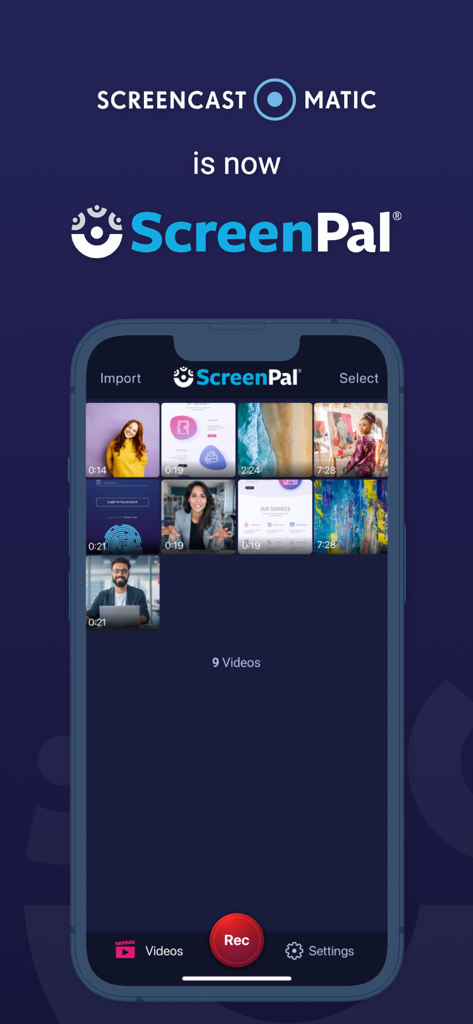
ScreenPalアプリのiPhoneインターフェイス。Screencast O Maticからのビデオライブラリとリブランディングのアナウンスが表示されています。
ScreenPalアプリのiPhoneインターフェイス。Screencast O Maticからのビデオライブラリとリブランディングのアナウンスが表示されています。

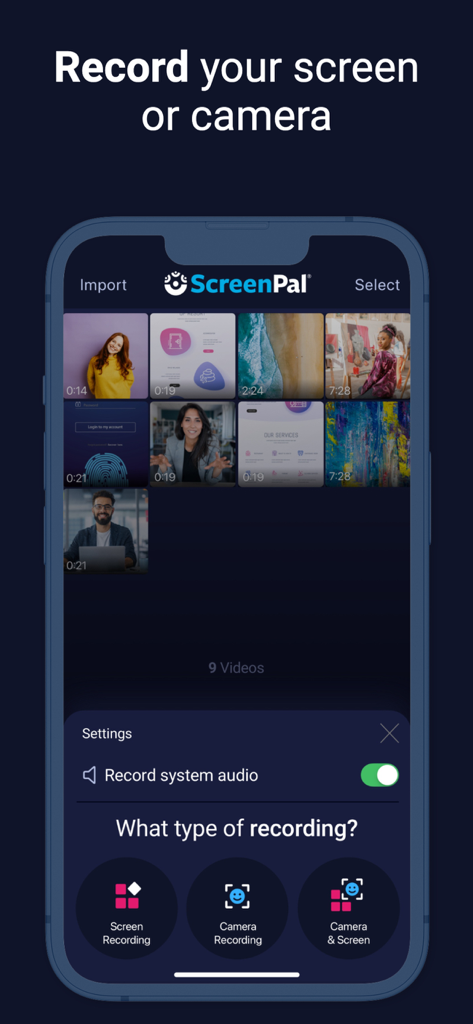
ScreenPalアプリのインターフェイス。画面録画、カメラ録画、および複合録画のオプションが表示されています。
ScreenPalアプリのインターフェイス。画面録画、カメラ録画、および複合録画のオプションが表示されています。

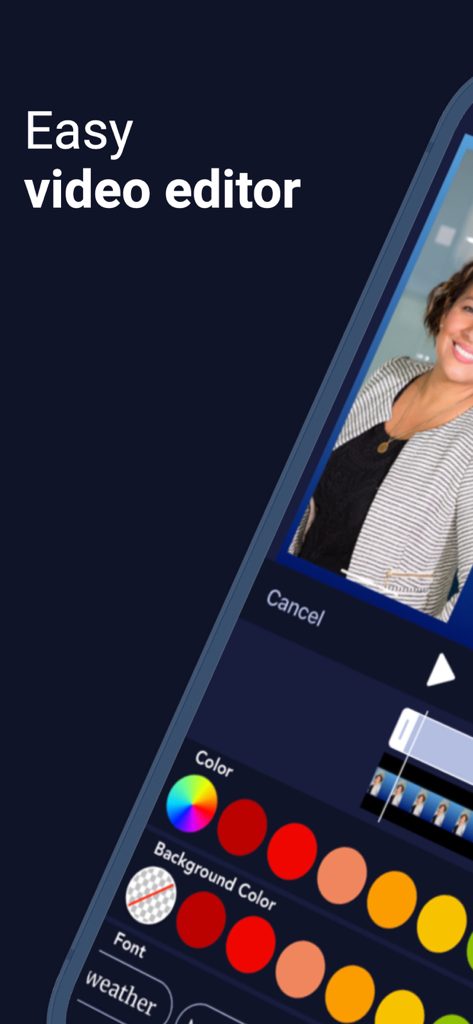
ScreenPalモバイルアプリの簡単なビデオエディターインターフェイス。
ScreenPalモバイルアプリの簡単なビデオエディターインターフェイス。

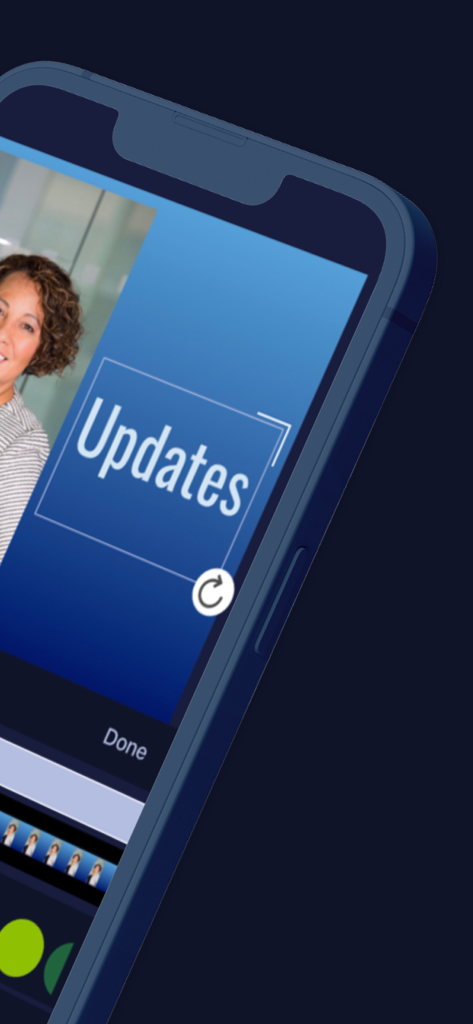
ScreenPalアプリのインターフェイス。ビデオ録画にテキストオーバーレイを追加するためのものです。
ScreenPalアプリのインターフェイス。ビデオ録画にテキストオーバーレイを追加するためのものです。

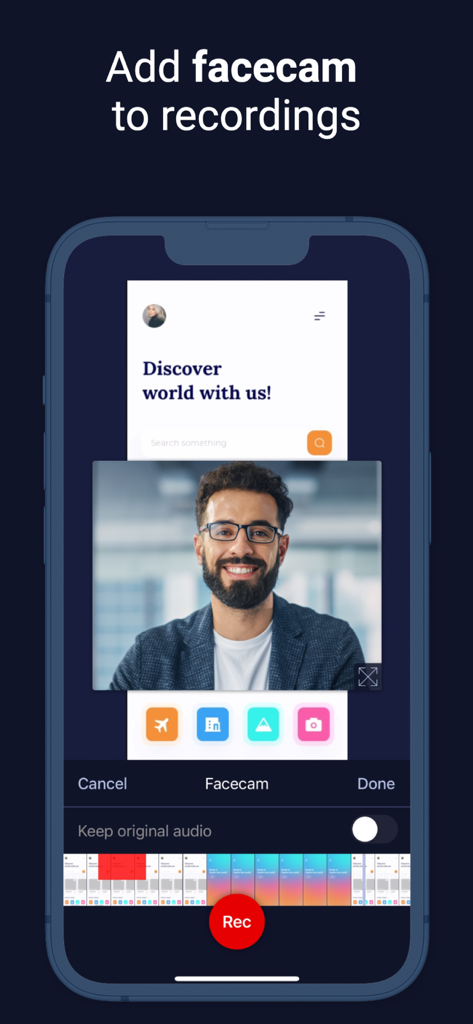
ScreenPalアプリのiPhoneインターフェイス。チュートリアル用の、フローティングフェイスカムオーバーレイ付きの画面録画が表示されています。
ScreenPalアプリのiPhoneインターフェイス。チュートリアル用の、フローティングフェイスカムオーバーレイ付きの画面録画が表示されています。

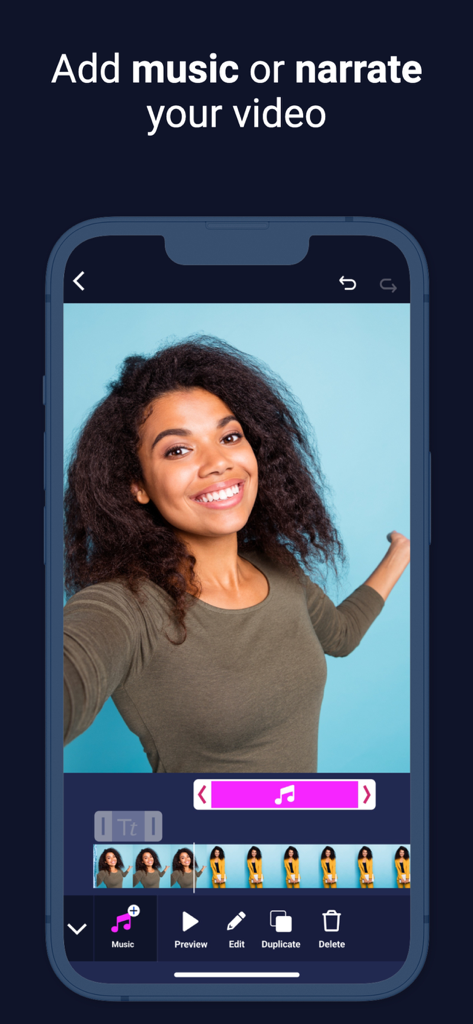
ScreenPalビデオエディターのインターフェイス。音楽やナレーションを追加するオプションがあります。
ScreenPalビデオエディターのインターフェイス。音楽やナレーションを追加するオプションがあります。

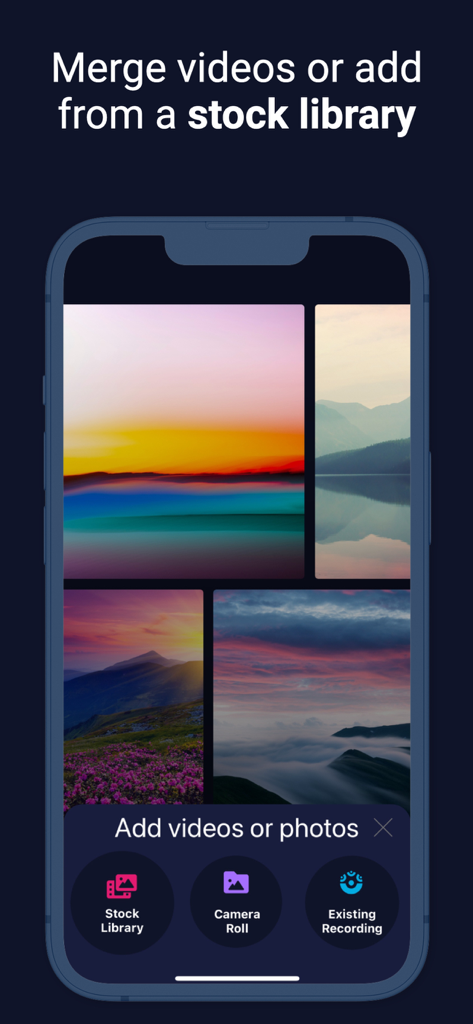
ScreenPalアプリのインターフェイス。ビデオをマージし、ストックライブラリからコンテンツを追加するためのものです。
ScreenPalアプリのインターフェイス。ビデオをマージし、ストックライブラリからコンテンツを追加するためのものです。

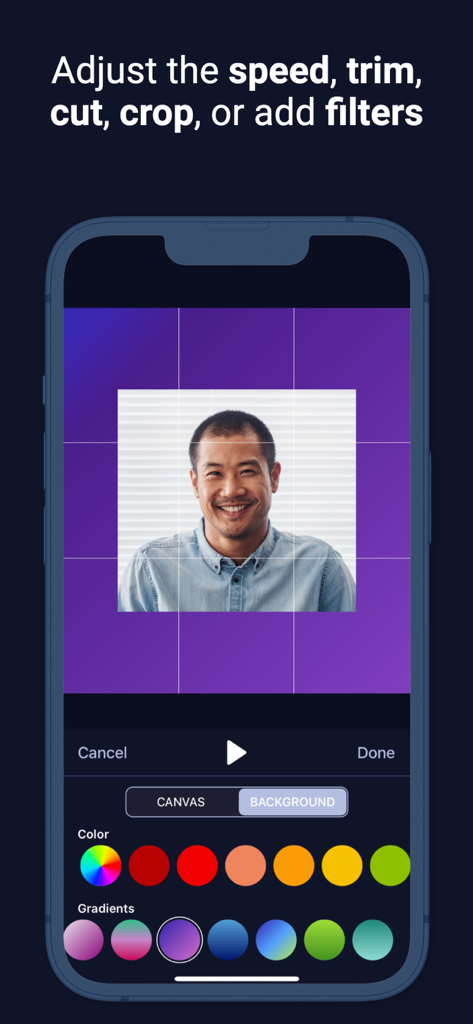
ScreenPalアプリのスクリーンショット。ポートレートのトリミングや背景色の選択などのビデオ編集機能が表示されています。
ScreenPalアプリのスクリーンショット。ポートレートのトリミングや背景色の選択などのビデオ編集機能が表示されています。

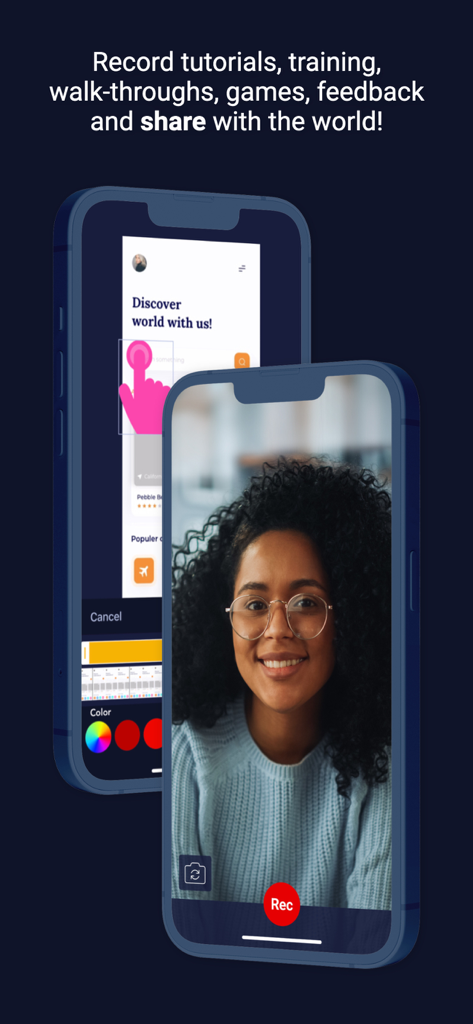
ScreenPalアプリのiPhoneインターフェイス。チュートリアル用の画面録画とフェイスカム機能が表示されています。

ScreenPalアプリのiPhoneインターフェイス。チュートリアル用の画面録画とフェイスカム機能が表示されています。

どこでも最高の作品をキャプチャ

このアプリを際立たせるツール、 360K+ 人のユーザーが選択.

🎥

プロの画面とフェイスカム

画面とカメラを組み合わせて、視聴者との信頼と明確さを築く、魅力的チュートリアル、レッスン、デモを作成しましょう。

🛠️

無制限の編集

クリップをトリミングし、リッチテキストを追加し、ぼかしツールを使用して機密情報を非表示にし、デバイス上で直接洗練されたプロフェッショナルなコンテンツを作成しましょう。

☁️

シームレスなワークフロー

共有可能なリンクを即座に生成するか、デスクトップエディターと同期して、ワークスペース全体でのコラボレーションを容易にしましょう。

アプリについて

について知っておくべきこと ScreenPal Screen Recorder.

説明

Recommended by PC Magazine: “ScreenPal is an excellent, free screen-capture utility that boasts a subscription option that offers even more powerful features.” ScreenPal for iOS Free screen recorder with face cam and audio + video editor – unlimited recording time, ad-free and no watermarks! Have a paid plan? One plan unlocks editing and sharing on all of your devices! ScreenPal (formerly Screencast-O-Matic), the original and #1 ranked desktop screen recorder, facecam recorder and video editor, is also available on your iPhone and iPad. Our free, easy-to-use mobile app allows you to capture your screen and create high-quality videos quickly. The powerful, intuitive video editor gives you all the tools you need to personalize your videos. Key features: • Record your screen, camera, microphone, and internal audio. • Crop, trim or adjust the speed of your video. • Enhance your videos with rich text, filters, effects, and music. • Add image, shape and sticker overlays. • Use the blur tool to hide sensitive information. • Import existing clips to edit, combine and more. • Explore a stock library with over 15 million pieces of content. • Insert video reactions with audio narrations and facecam. • Videos saved on your camera roll – share when and where you want! • Upload to ScreenPal to get a share link, add comments, and more. • Easily connect with our intuitive desktop video editor to work across devices. Perfect for recording: • App demos • Lessons • Tutorials • Reviews • Training • Video react and more. Trusted: ScreenPal has been trusted by millions of users in our global community. Used by Fortune 100 companies school districts, and 98 of the top 100 universities in the US. 100,000,000+ videos captured (and counting) since 2006. Easily share or connect with our intuitive desktop video editor to work across devices. Start making amazing videos today! Terms of Service: https://screenpal.com/tos

最新バージョン

3.0.11

サイズ

70.1 MB

リリース日

2019年6月23日

1億人のクリエイターとプロフェッショナルに加わりましょう

今日、iOS向けのNo.1評価のスクリーンレコーダーをダウンロードしましょう。無制限の録画時間、プロの編集ツール、そして全くウォーターマークなしを入手しましょう。

ダウンロード: App Store

App information, icons, screenshots, and descriptions displayed on this page are sourced from the Apple App Store and are the property of their respective developers. Download estimates and rankings are based on MWM's proprietary models and may not reflect actual figures. This page is provided for informational and analytical purposes only.

Believe this page infringes your intellectual property? File a dispute