Slow Motion' Video Editor
ダウンロード: App Store

このページはアプリまたはその開発者の公式ページではなく、情報提供および論評を目的として作成された独立した編集出版物です。明示的に別段の記載がない限り、アプリおよびその開発者は、MWM、Apple、Google Play、アプリのパブリッシャー、またはアプリの開発者と提携、承認、後援、認可、またはその他の公式的な関係はなく、このページのいかなる内容も、アプリがMWMのサービスを使用して開発されたことを意味するものではありません。すべての商標、ロゴ、スクリーンショット、その他のコンテンツはそれぞれの所有者の財産です。

ロゴ: Slow Motion' Video Editor
ダウンロード: App Store

Slow Motion' Video Editor

240 FPSの映像を、息をのむようなシネマティックな瞬間に変えましょう。アスリート、GoProクリエイター、ブロガーが細部まで正確に表現するための究極のツール。

主要数値

ダウンロード

2M+

ユーザー評価

4.4/5

評価数

47K+

開発元

Loyal Foundry, Inc.

カテゴリ

Photo & Video

対応言語

1

最新バージョン

12.0.6

サイズ

115.2 MB

リリース日

2015年4月1日
機能

あらゆるプレイを傑作に変える

リクルート用リールを作成する場合でも、壮大なスタントを共有する場合でも、当社のエディターは240 FPSの映像のあらゆるフレームに対してプロフェッショナルな精度を提供します。

プロレベルの速度制御

60 FPSから240 FPSまでのサポートで、映像をマスターしましょう。スローモーションと通常の速度をシームレスに切り替えて、インパクトの瞬間を正確に強調します。

ハイライトリールのために設計

アスリートにとって究極のツール。複雑なテクニックをスローダウンしてHudlハイライトを強化し、リクルートプロフィールに競争上の優位性を与えます。

FAQ

よくある質問

について知っておくべきこと Slow Motion' Video Editor

Slow Motion' Video Editorで、動画に音楽を追加できますか?

はい、Slow Motion' Video Editorでは、スローモーションシーケンスに完全に同期した音楽を追加して、魅惑的な視聴覚体験を作成できます。

Slow Motion' Video Editorで、動画の速度制御にサポートされている最大フレームレートは何ですか?

Slow Motion' Video Editorは、最大240フレーム/秒(FPS)の動画速度制御をサポートしており、ユーザーは明確さとモーションキャプチャのためにさまざまな速度を試すことができます。

Slow Motion' Video Editorのサブスクリプションはどのように機能しますか?

Slow Motion' Video Editorは、柔軟な週次、月次、または年次のサブスクリプションオプションを提供しています。これらのサブスクリプションは、すべてのプレミアム機能と定期的なアップデートをアンロックし、請求はiTunesアカウントを通じて処理されます。

以下のスクリーンショットと説明は、アプリの公式ストアリスティングから直接取得されたものであり、アプリ開発者の所有物です。

アプリストア

スクリーンショット
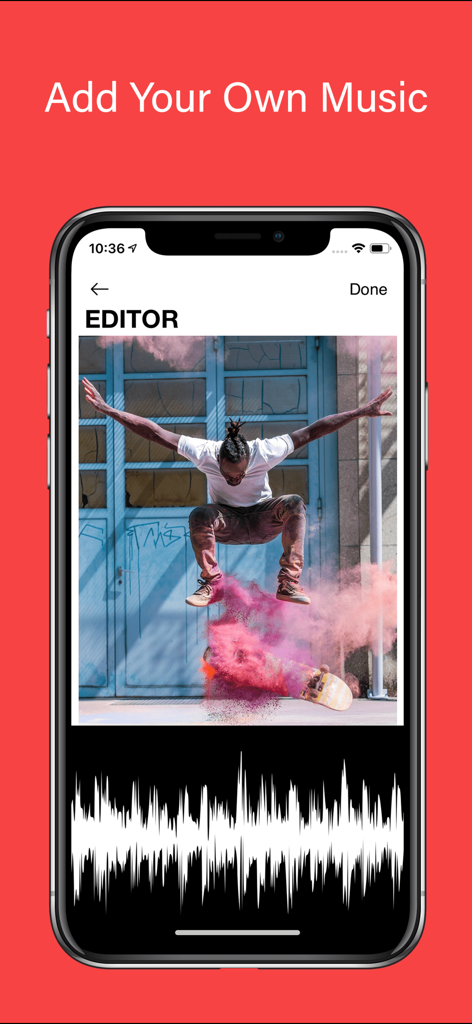
Slow Motion' Video Editor - スローモーションビデオエディターアプリでスケートボードビデオに音楽を追加する方法を示すインターフェース
スローモーションビデオエディターアプリでスケートボードビデオに音楽を追加する方法を示すインターフェース

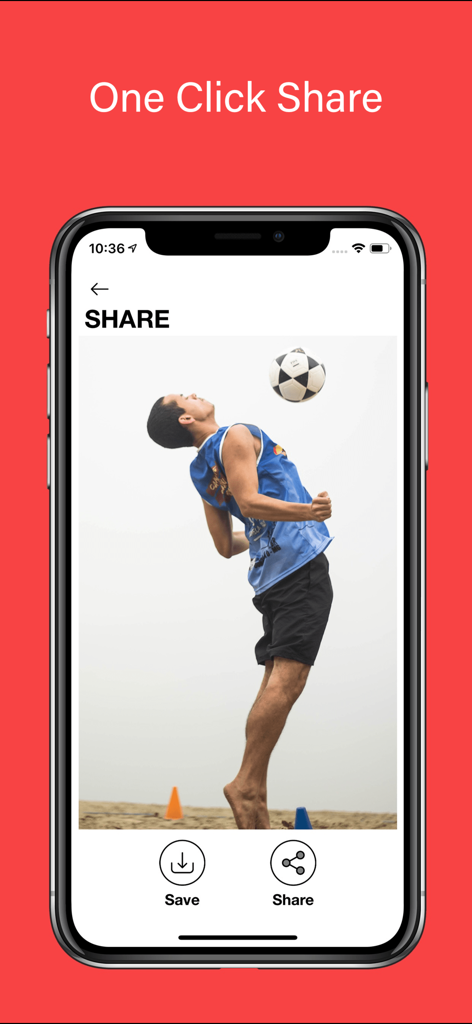
Slow Motion' Video Editor - サッカー選手ハイライト付きのワンクリック共有機能を,示すスローモーションビデオエディターインターフェース
サッカー選手ハイライト付きのワンクリック共有機能を,示すスローモーションビデオエディターインターフェース

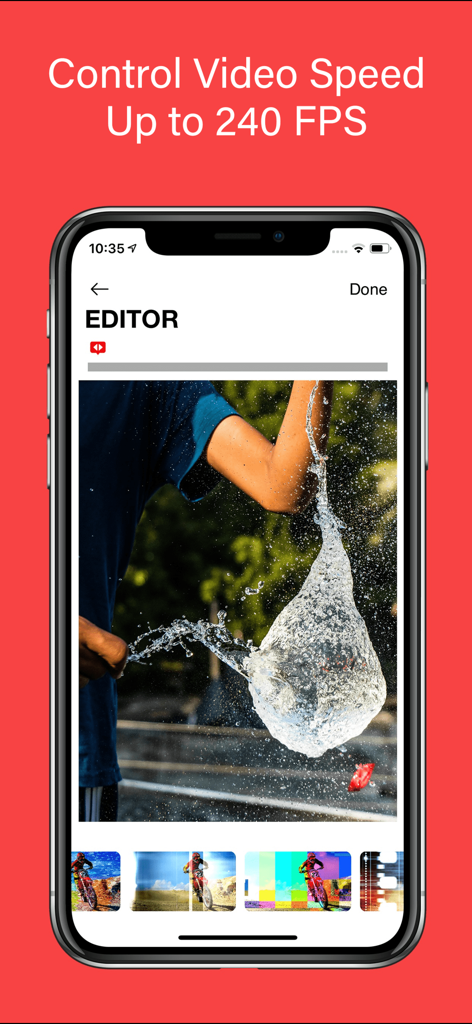
Slow Motion' Video Editor - 水風船の破裂を映した240 FPSでのハイスピードビデオ編集を示すスローモーションビデオエディターアプリ画面
水風船の破裂を映した240 FPSでのハイスピードビデオ編集を示すスローモーションビデオエディターアプリ画面

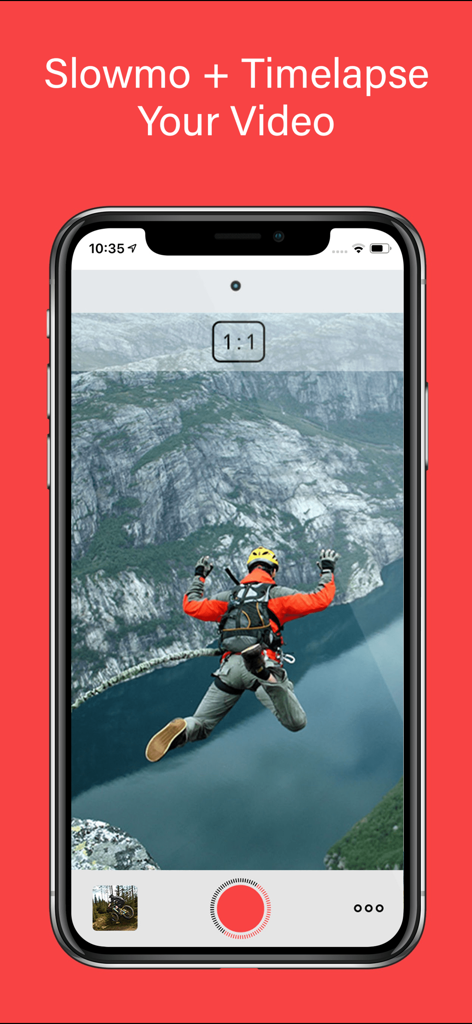
Slow Motion' Video Editor - ベースジャンプビデオを示すスローモーションビデオエディターモバイルアプリインターフェース
ベースジャンプビデオを示すスローモーションビデオエディターモバイルアプリインターフェース

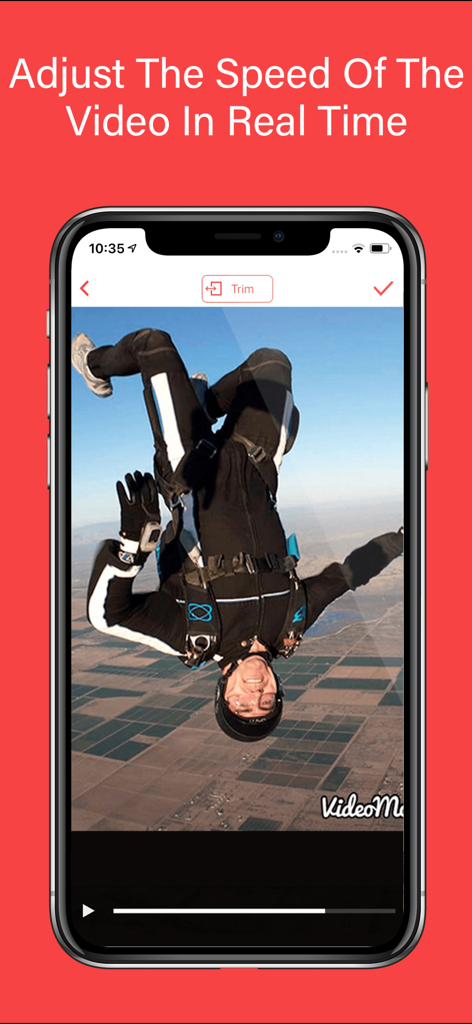
Slow Motion' Video Editor - スカイダイビングビデオのリアルタイムビデオ速度調整を示すモバイル画面

スカイダイビングビデオのリアルタイムビデオ速度調整を示すモバイル画面

説明

Introducing Video Editor Slow Motion, the ultimate iOS app for transforming your videos into stunning masterpieces. With its advanced features and user-friendly interface, this app empowers you to unleash your creativity and take your video editing skills to new heights. Whether you're a professional filmmaker, an aspiring vlogger, or a GoPro enthusiast, Video Editor Slow Motion is your go-to tool for creating mesmerizing slow-motion videos. With the ability to adjust the speed of your videos, Slow Motion Video Editor gives you complete control over your footage. Seamlessly apply slow motion or timelapse effects to any video, allowing you to capture every detail or compress time effortlessly. Imagine slowing down a thrilling action sequence, highlighting intricate techniques in sports footage, or creating smooth slow-motion clips for your Hudl highlights. The possibilities are endless. The app's intuitive interface and sleek design make it a breeze to navigate through its powerful features. With just a few taps, you can splice together different clips, seamlessly transitioning between slow motion and regular speed segments. The built-in HUDL integration allows sports enthusiasts to enhance their Hudl highlights with breathtaking slow-motion moments, giving their performance an extra edge. Video Editor Slow Motion supports a wide range of video formats, including GoPro footage, ensuring that your adrenaline-pumping adventures can be beautifully transformed into captivating slow-motion masterpieces. Bring out the thrilling moments of your GoPro recordings by slowing them down, revealing the intricate details of every action-packed scene. Whether you're capturing extreme sports, breathtaking landscapes, or epic adventures, Video Editor Slow Motion lets you relive those moments in all their glory. Video Editor Slow Motion goes beyond the realm of time manipulation, offering additional features to enhance your videos. You can choose from a variety of themes to give your videos a professional touch, adding a layer of visual coherence and personalization. Furthermore, you can elevate your videos by adding music, perfectly synchronized with the slow-motion sequences, to create a captivating audio-visual experience. With the flexibility to create videos ranging from 60 to 240 frames per second, Video Editor Slow Motion empowers you to experiment with different speeds, finding the perfect balance for each scene. Capture the essence of motion with stunning clarity, whether you're freezing a split-second technique or showcasing a fast-paced event. Video Editor Slow Motion' offers flexible subscription options. You can choose between the Slow Motion weekly, monthly, or yearly subscription, providing you with access to all the premium features and regular updates. By subscribing, you unlock unlimited possibilities and continuous enhancements to fuel your video editing journey. For your convenience, subscription charges will be processed through your iTunes account, ensuring a seamless and secure payment experience. You can manage your subscription at any time, giving you full control over your membership. Should you decide to cancel, simply do so at least 24 hours before the end of your current subscription period to avoid auto-renewal. To understand how your data is collected and utilized, as well as the terms of use, please refer to our comprehensive Privacy Policy and Terms of Use, available at https://www.loyal.app/privacy-policy. So what are you waiting for? Unleash your creativity and make world-class videos with Video Editor Slow Motion'. Elevate your storytelling, capture the beauty of motion, and leave your audience in awe. Download the app now and embark on a mesmerizing video editing journey like never before!

Download

ダウンロード: App Store

このページはアプリまたはその開発者の公式ページではなく、情報提供および論評を目的として作成された独立した編集出版物です。明示的に別段の記載がない限り、アプリおよびその開発者は、MWM、Apple、Google Play、アプリのパブリッシャー、またはアプリの開発者と提携、承認、後援、認可、またはその他の公式的な関係はなく、このページのいかなる内容も、アプリがMWMのサービスを使用して開発されたことを意味するものではありません。すべての商標、ロゴ、スクリーンショット、その他のコンテンツはそれぞれの所有者の財産です。








