Slow Motion Video & Speed Up
ダウンロード: App Store

このページはアプリまたはその開発者の公式ページではなく、情報提供および論評を目的として作成された独立した編集出版物です。明示的に別段の記載がない限り、アプリおよびその開発者は、MWM、Apple、Google Play、アプリのパブリッシャー、またはアプリの開発者と提携、承認、後援、認可、またはその他の公式的な関係はなく、このページのいかなる内容も、アプリがMWMのサービスを使用して開発されたことを意味するものではありません。すべての商標、ロゴ、スクリーンショット、その他のコンテンツはそれぞれの所有者の財産です。

ロゴ: Slow Motion Video & Speed Up
ダウンロード: App Store

Slow Motion Video & Speed Up

ハイライトをスローダウンしたり、ブログ動画をスピードアップしたりする最も簡単な方法。特定のセクションを調整し、お気に入りの音楽を追加し、複雑な編集なしでInstagramやTikTokに直接共有できます。

主要数値

ダウンロード

100K+

ユーザー評価

4.3/5

評価数

14K+

開発元

out thinking private limited

カテゴリ

Photo & Video

対応言語

1

最新バージョン

1.93

サイズ

42.6 MB

リリース日

2014年10月31日
機能

すべての瞬間をマスターする

生の映像をバイラル級のコンテンツに変えましょう。ソーシャルクリエイター向けに設計された直感的なツールで、ハイライトをスローダウンしたり、プロセスをスピードアップしたりできます。

精密なスピードマッピング

動画全体を編集するだけではありません—ドラマチックな強調のために特定のセグメントを選択してスローダウンしたり、冗長な部分をスキップするためにスピードアップしたりできます。スケートトリックやビートドロップに最適です。

ストーリーにサウンドトラックを

元のバックグラウンドノイズをお気に入りのオーディオに簡単に置き換えられます。ワンタップで、シネマティックなスローモーションやエネルギッシュなタイムラプス編集に完璧な雰囲気を追加できます。

以下のスクリーンショットと説明は、アプリの公式ストアリスティングから直接取得されたものであり、アプリ開発者の所有物です。

アプリストア

スクリーンショット
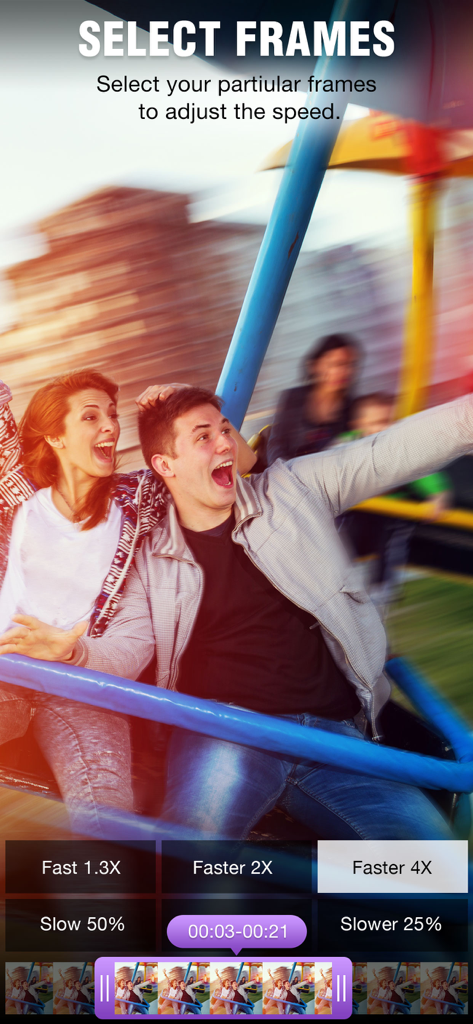
Slow Motion Video & Speed Up - ClipSpeedアプリのフレーム選択画面。スピード調整ボタンと動画タイムラインが表示されています。
ClipSpeedアプリのフレーム選択画面。スピード調整ボタンと動画タイムラインが表示されています。

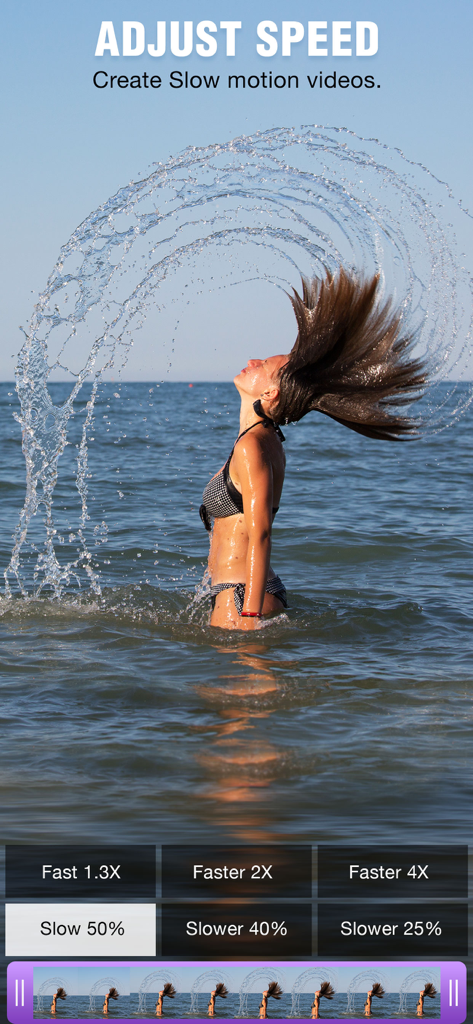
Slow Motion Video & Speed Up - スローモーション動画アプリのインターフェース。海辺で髪をなびかせる女性が表示されています。

スローモーション動画アプリのインターフェース。海辺で髪をなびかせる女性が表示されています。

Slow Motion Video & Speed Up - モバイルアプリのインターフェース。セピアやビネットなどのさまざまな動画フィルターが夏の動画に適用されている様子が表示されています。
モバイルアプリのインターフェース。セピアやビネットなどのさまざまな動画フィルターが夏の動画に適用されている様子が表示されています。

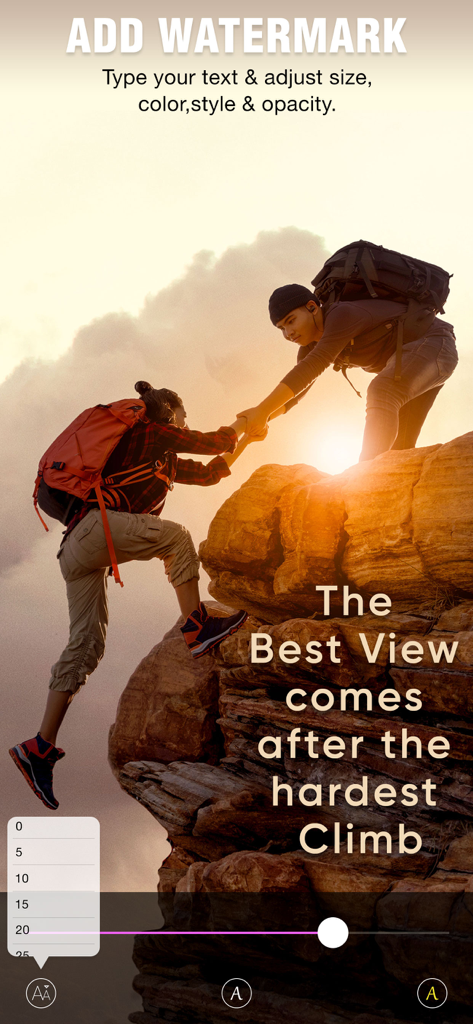
Slow Motion Video & Speed Up - ClipSpeedアプリの画面。動画にテキストウォーターマークを追加およびカスタマイズするためのインターフェースが表示されています。
ClipSpeedアプリの画面。動画にテキストウォーターマークを追加およびカスタマイズするためのインターフェースが表示されています。

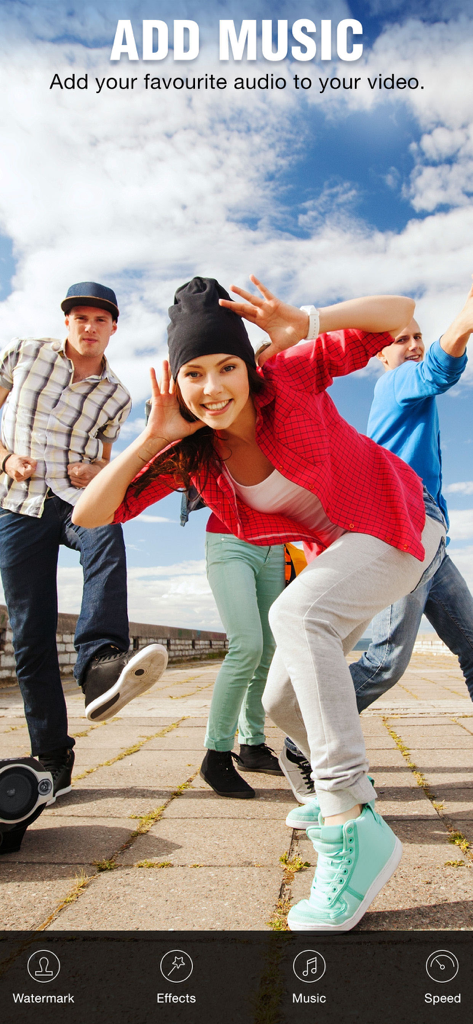
Slow Motion Video & Speed Up - ClipSpeedアプリのインターフェース。若い友人たちのライフスタイル動画の上に「音楽を追加」機能が表示されています。

ClipSpeedアプリのインターフェース。若い友人たちのライフスタイル動画の上に「音楽を追加」機能が表示されています。

Slow Motion Video & Speed Up - ClipSpeedアプリの画面。波に乗るサーファーが表示され、編集済み動画を保存および共有するオプションが表示されています。

ClipSpeedアプリの画面。波に乗るサーファーが表示され、編集済み動画を保存および共有するオプションが表示されています。

説明

ClipSpeed, increase or decrease video speed easily on your device. If you are looking for an app to make your video in slow motion or to make your video in fast motion, then download our ClipSpeed app to your iOS device. In this app you can also add background audio to your video clip. This app is exclusively designed to do only two task- to slow video and to fasten your video. If you are researching for what is the best slow motion app? then why don’t to try this app once? with our clipspeed app you can easily adjust the speed of the video without bothering much settings. Key Features of ClipSpeed app : 1. ClipSpeed app is exclusively designed to make slow motion video or fast motion video easily 2. Simple user interface 3. You can select the particular region of video clip to increase or decrease video speed 4. Add music to your video 4. Save to camera roll, upload to instagram, mail, upload to youtube, upload to viddy option are provided in the app itself. Steps to Slow down video or speed up video with ClipSpeed App: 1. Select the video clip that you want to increase or decrease video speed. 2. In the next screen you will be in “Adjust Speed” screen. Here you can increase or decrease the speed of the video. By default our clip speed app will select complete video, but you can choose only particular portion of that video by using selecting scroll bar at the bottom of Adjust speed window. Once you select the particular video position that you want to increase or decrease the video speed, next you decide whether you need to make slow motion video or fast motion video of the selected video clip. If you wish to make Fast Motion video, then drag the Video Speed controlling slider towards right side, if you wish to slow down the video then drag the video speed controller slider towards left side. Once you done that just click on the Right mark icon on the top right corner to generate new video clip. Once you done generating video you can save that generated video clip to your Camera roll, upload to instagram, you can mail that clip, upload to youtube or share it on viddy with our built-in social sharing option. 3. If you wish to add music to your video then click on Music icon on Adjust speed screen and choose the audio file that you need to add to your video If you are searching for slow motion video app or fast motion video app then download our ClipSpeed app to your device. Subscription Terms - Subscribe to get unlimited access to all premium features. - Upon confirmation of purchase, the payment will be charged to the iTunes account. - Until you turn off the auto-renew at least 24 hours before the end of the current period it will be automatically renewed. - If you decide to turn off auto-renewal, you can turn it off maybe by going to the account settings after purchase. - As per the policy, cancellation of the current subscription is not allowed during the active subscription period. Once purchased, refunds will not be returned for any unused portion of the subscription period. - The renewal amount will be charged from the account within 24 hours before the end of the current period. Terms of use - https://www.outthinkingindia.com/terms-of-use/ Privacy policy - https://www.outthinkingindia.com/privacy-policy/

Download

ダウンロード: App Store

このページはアプリまたはその開発者の公式ページではなく、情報提供および論評を目的として作成された独立した編集出版物です。明示的に別段の記載がない限り、アプリおよびその開発者は、MWM、Apple、Google Play、アプリのパブリッシャー、またはアプリの開発者と提携、承認、後援、認可、またはその他の公式的な関係はなく、このページのいかなる内容も、アプリがMWMのサービスを使用して開発されたことを意味するものではありません。すべての商標、ロゴ、スクリーンショット、その他のコンテンツはそれぞれの所有者の財産です。








