Smart Printer App ゜
Smart Printer App ゜
ダウンロード: App Store

このページはアプリまたはその開発者の公式ページではなく、情報提供および論評を目的として作成された独立した編集出版物です。明示的に別段の記載がない限り、アプリおよびその開発者は、MWM、Apple、Google Play、アプリのパブリッシャー、またはアプリの開発者と提携、承認、後援、認可、またはその他の公式的な関係はなく、このページのいかなる内容も、アプリがMWMのサービスを使用して開発されたことを意味するものではありません。すべての商標、ロゴ、スクリーンショット、その他のコンテンツはそれぞれの所有者の財産です。


ロゴ: Smart Printer App ゜
ダウンロード: App Store

Smart Printer App ゜

iPhoneまたはiPadから直接、あらゆるものをスキャン、編集、署名、印刷。リモートワークの効率化とシームレスなiCloud連携のために設計されたプロフェッショナルグレードのツール。

主要数値

ダウンロード

0

ユーザー評価

1.0/5

評価数

0

開発元

FREE PDF TECHNOLOGIES INC

カテゴリ

Productivity

対応言語

34

最新バージョン

1.2

サイズ

46.8 MB

リリース日

2025年3月31日
機能

プロフェッショナルなワークフローを強化

アプリ間の切り替えはもう不要。モバイルプロフェッショナルのために設計されたシームレスなiCloud連携で、iPhoneまたはiPadから直接ドキュメントをスキャン、編集、署名、印刷できます。

ユニバーサル・クラウド印刷

iCloudまたはMacから直接、ドキュメント、ウェブページ、写真を印刷。ホームオフィスや外出先でのニーズに対応する簡単な接続性。

プロフェッショナル・ドキュメント編集&署名

契約書を即座に完成。デスクトップ設定なしで、ドキュメントにプロフェッショナルなスタンプ、テキスト、デジタル署名を追加できます。

以下のスクリーンショットと説明は、アプリの公式ストアリスティングから直接取得されたものであり、アプリ開発者の所有物です。

アプリストア

スクリーンショット
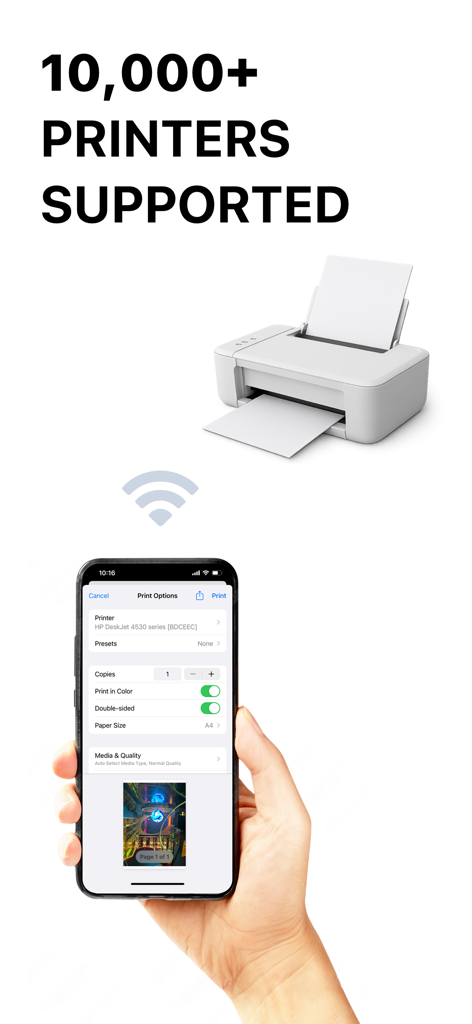
Smart Printer App ゜ - iPhone上のSmart Printer Appインターフェース、ワイヤレス印刷オプションと10,000以上の対応プリンターを表示
iPhone上のSmart Printer Appインターフェース、ワイヤレス印刷オプションと10,000以上の対応プリンターを表示

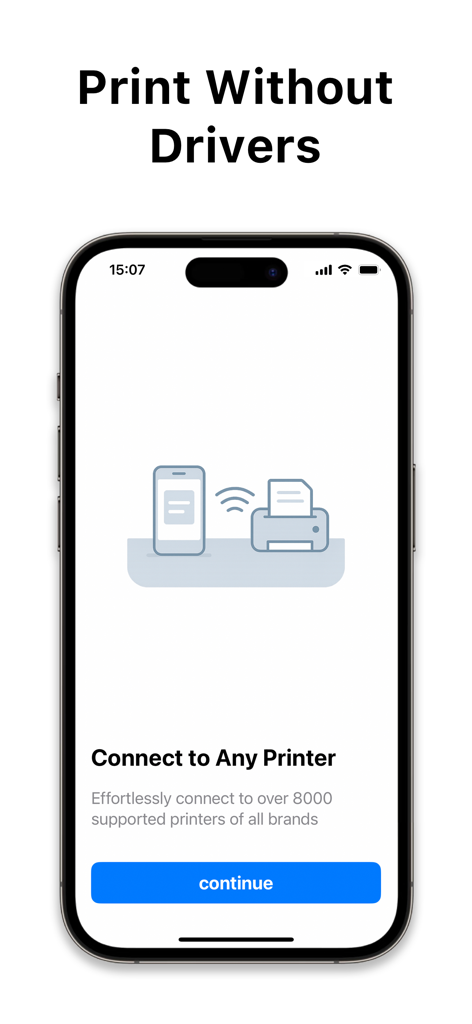
Smart Printer App ゜ - スマートフォン画面、ドライバーなしでプリンターにワイヤレス接続するためのSmart Printer Appインターフェースを表示
スマートフォン画面、ドライバーなしでプリンターにワイヤレス接続するためのSmart Printer Appインターフェースを表示

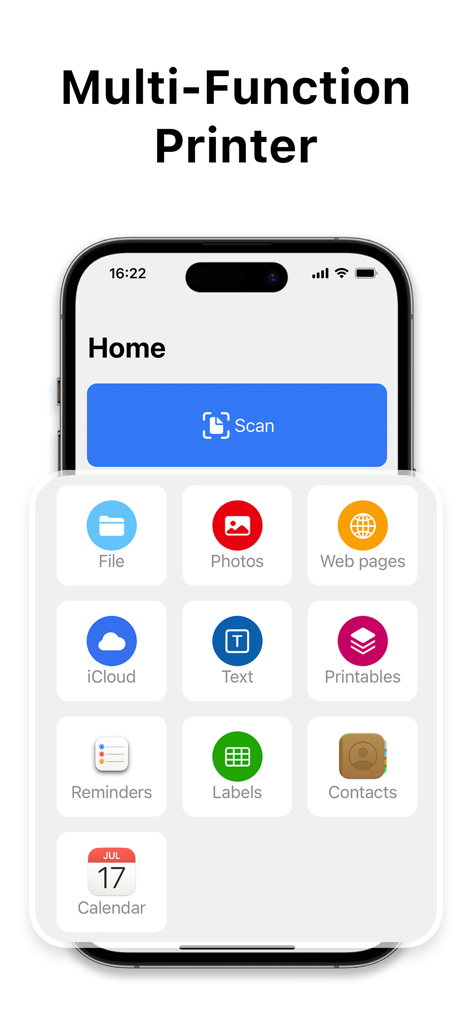
Smart Printer App ゜ - Smart Printer Appのホーム画面、ファイル、写真、ウェブページ、iCloudドキュメントの印刷およびスキャン機能を表示
Smart Printer Appのホーム画面、ファイル、写真、ウェブページ、iCloudドキュメントの印刷およびスキャン機能を表示

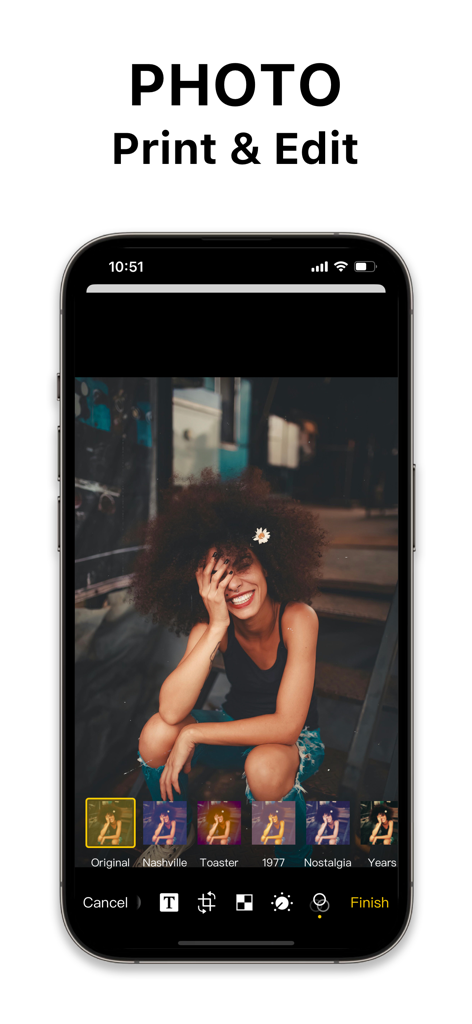
Smart Printer App ゜ - モバイル画面上の写真編集ツールとフィルターを表示するSmart Printer Appインターフェース
モバイル画面上の写真編集ツールとフィルターを表示するSmart Printer Appインターフェース

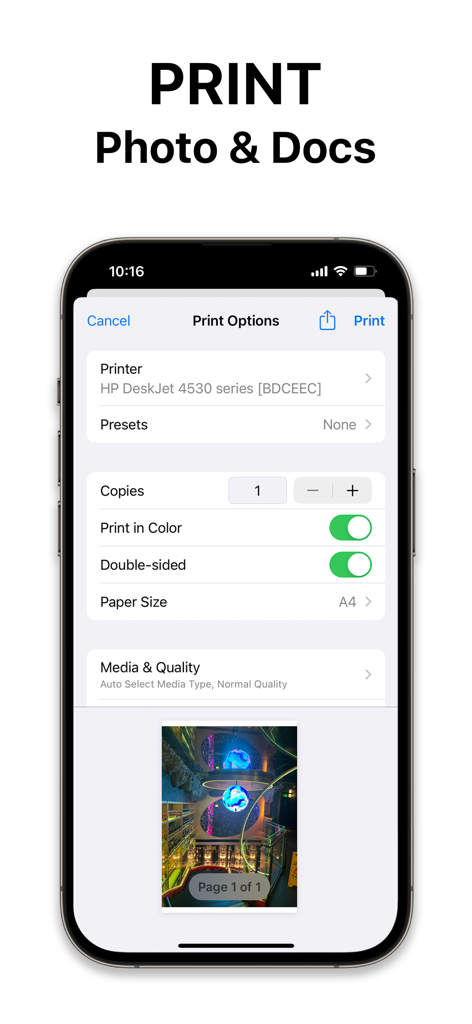
Smart Printer App ゜ - iPhone画面上のカラーと用紙サイズのオプションを表示するSmart Printer Appの印刷オプションメニュー
iPhone画面上のカラーと用紙サイズのオプションを表示するSmart Printer Appの印刷オプションメニュー

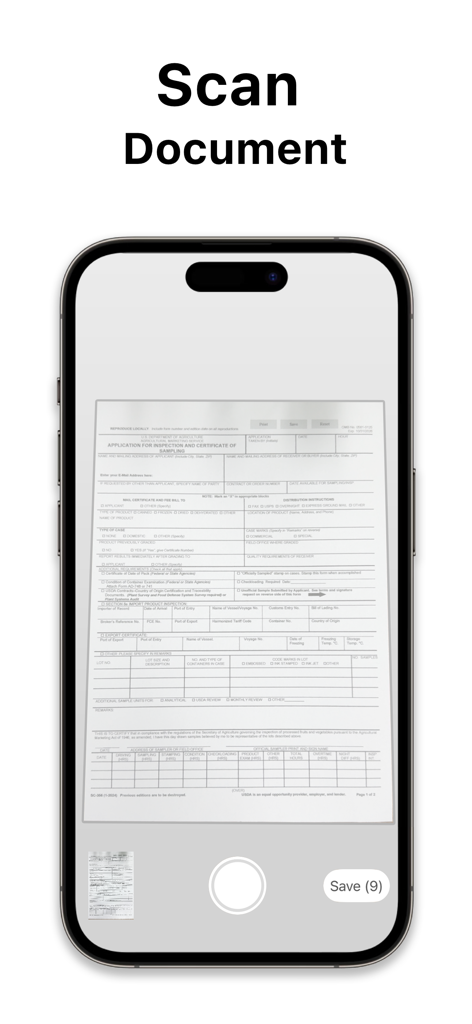
Smart Printer App ゜ - Smart Printer Appのドキュメントスキャン機能を示すiPhone画面、申込書をスキャン中

Smart Printer Appのドキュメントスキャン機能を示すiPhone画面、申込書をスキャン中

説明

Printer App is a multifunctional printing software that combines printing, document management, document creation and document editing in one, providing users with a convenient one-stop solution.Printer is committed to providing users with a full range of document processing capabilities to help users work more efficiently manage and handle all types of document tasks. Features: Flexible Printing Options Printer App offers a variety of convenient printing methods, including: - Select File: Select the file you want to print from your Mac computer and print it quickly; - Select Pictures: Select pictures from the gallery and print them directly; - Print Web Pages: Save time by logging in to a website and printing the contents of the web page directly; - Select iCloud files: Easily select files from iCloud for printing, realizing cloud printing; - Create Text: Support creating text content and printing to meet various text needs; - OCR Scanning: OCR scanning function converts the content of the document into a printable format to improve printing efficiency. Convenient Document Editing and Printing Users can edit documents through the Printer App software, add text, labels, stamps, signatures and other elements, printing operations at any time to meet the personalized needs of document processing more flexible and convenient. Convenient document saving and management Printer App supports users to save the edited document, to ensure that the work results are effectively retained, convenient for users to access and use in the future, improve work efficiency and document management convenience. Printer App provides convenient document printing, editing and management functions, allowing you to work on documents with less effort. Whether it's fast printing, flexible editing, or convenient management, Printer can meet your needs, improve work efficiency, and make it easy for you to meet all kinds of document processing challenges. Let Printer App become your right-hand man for document tasks, making work more efficient and convenient. License information: One-Time purchase for the best offer of $49.99 We offer one auto-renewing subscription option with 3 day free trial - Yearly: as low as $39.99 Subscription Information · Payment will be charged to your iTunes account at confirmation of purchase. · Subscription automatically renews unless auto-renew is turned off at least 24 hours before the end of the current period. · The account will be charged for renewal within 24 hours of the end of the current period, and the renewal cost will be provided. · The user may manage subscriptions. After purchase, auto-renewal can be turned off by going to the user's Account Settings. · Cancellations and refunds are managed by the store directly. Privacy Policy: https://freepdftechnologies.com/privacy-policy.html Terms of Use: https://freepdftechnologies.com/terms-of-service.html

Download

ダウンロード: App Store

このページはアプリまたはその開発者の公式ページではなく、情報提供および論評を目的として作成された独立した編集出版物です。明示的に別段の記載がない限り、アプリおよびその開発者は、MWM、Apple、Google Play、アプリのパブリッシャー、またはアプリの開発者と提携、承認、後援、認可、またはその他の公式的な関係はなく、このページのいかなる内容も、アプリがMWMのサービスを使用して開発されたことを意味するものではありません。すべての商標、ロゴ、スクリーンショット、その他のコンテンツはそれぞれの所有者の財産です。








