Starry sky Camera
Starry sky Camera
ダウンロード: App Store

このページはアプリまたはその開発者の公式ページではなく、情報提供および論評を目的として作成された独立した編集出版物です。明示的に別段の記載がない限り、アプリおよびその開発者は、MWM、Apple、Google Play、アプリのパブリッシャー、またはアプリの開発者と提携、承認、後援、認可、またはその他の公式的な関係はなく、このページのいかなる内容も、アプリがMWMのサービスを使用して開発されたことを意味するものではありません。すべての商標、ロゴ、スクリーンショット、その他のコンテンツはそれぞれの所有者の財産です。

ロゴ: Starry sky Camera
ダウンロード: App Store

Starry sky Camera

高度な画像スタッキングとプログレードのマニュアルコントロールで、iPhoneの可能性を最大限に引き出しましょう。息をのむような4K長時間露光と天の川の真の輝きを捉えたい、忍耐強いクリエイターのために設計されました。

主要数値

ダウンロード

23K+

ユーザー評価

2.3/5

評価数

100

開発元

HIROFUMI MARUO

カテゴリ

Photo & Video

対応言語

2

最新バージョン

6.2

サイズ

23.5 MB

リリース日

2014年5月22日
機能

プロの精度で宇宙を捉える

高度なスタッキングアルゴリズムと、暗い空のために設計された完全なマニュアルコントロールを備えたiPhoneを、強力な天体写真ツールに変えましょう。

インテリジェントスタースタッキング

長時間露光の明るさと鮮明さを最大化し、デジタルノイズを排除するために、3つの特殊なコンポジションモードから選択してください。

プログレードマニュアルコントロール

ISO、シャッタースピード、マニュアルフォーカス、ケルビン色温度の段階的な設定で、センサーを完全に制御してください。

以下のスクリーンショットと説明は、アプリの公式ストアリスティングから直接取得されたものであり、アプリ開発者の所有物です。

アプリストア

スクリーンショット
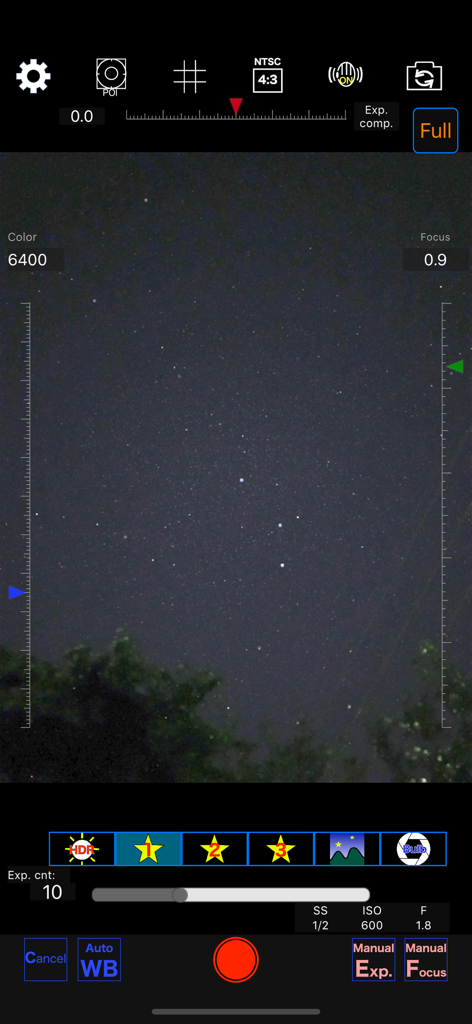
Starry sky Camera - Starry sky Cameraアプリのインターフェース。夜間撮影用のマニュアル設定が表示されています
Starry sky Cameraアプリのインターフェース。夜間撮影用のマニュアル設定が表示されています

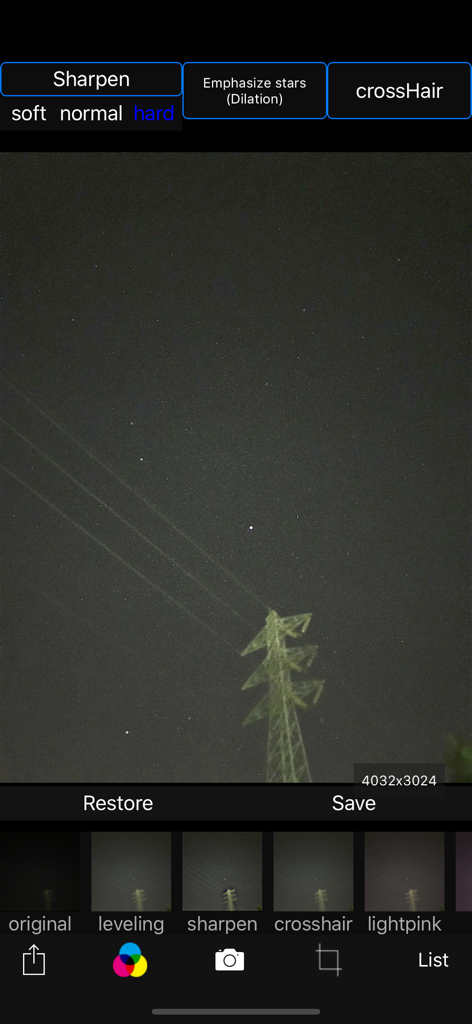
Starry sky Camera - Starry sky Cameraアプリのインターフェース。星のシャープネスフィルターで夜空の写真を編集します
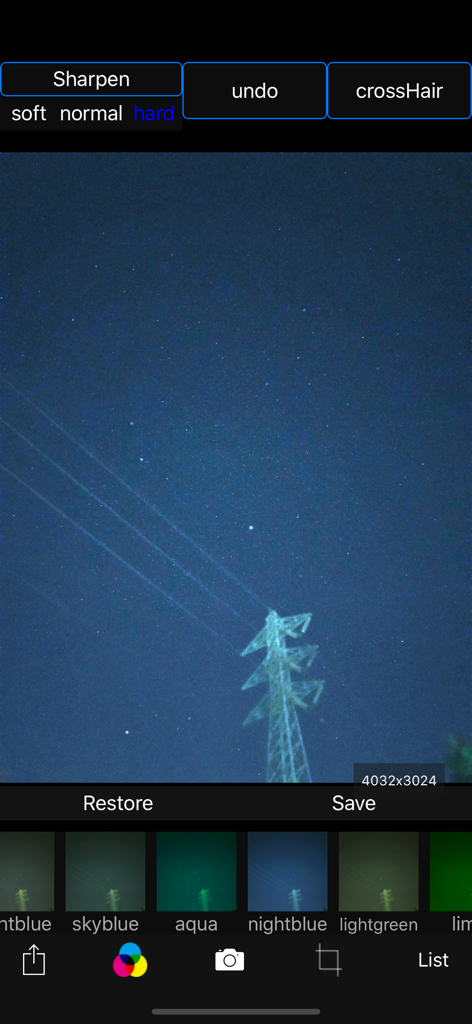
Starry sky Cameraアプリのインターフェース。星のシャープネスフィルターで夜空の写真を編集します

Starry sky Camera - Starry sky Cameraアプリのインターフェース。様々なカラーフィルターとシャープネスオプションで夜空の写真が表示されています
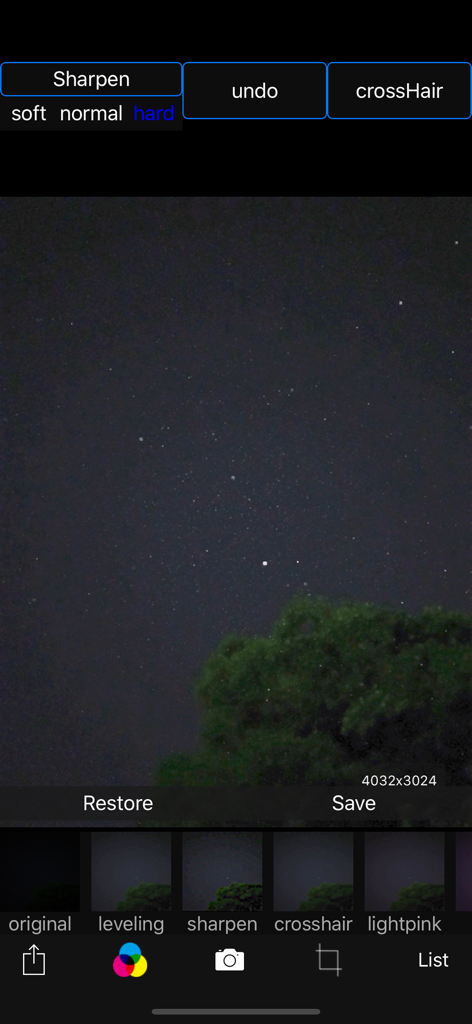
Starry sky Cameraアプリのインターフェース。様々なカラーフィルターとシャープネスオプションで夜空の写真が表示されています

Starry sky Camera - Starry sky Cameraアプリの編集インターフェース。夜空の写真とフィルターオプションが表示されています
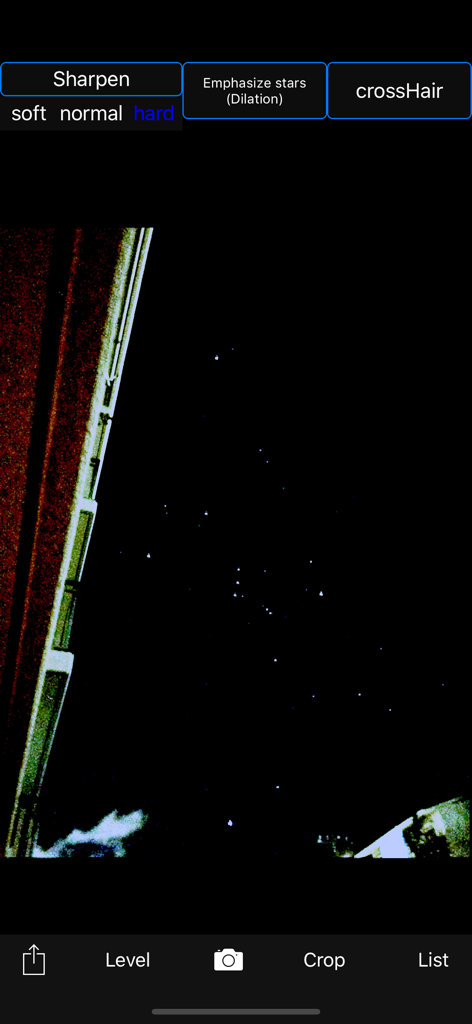
Starry sky Cameraアプリの編集インターフェース。夜空の写真とフィルターオプションが表示されています

Starry sky Camera - Starry sky Cameraアプリが星のシャープネスツールで夜空の写真を編集しています
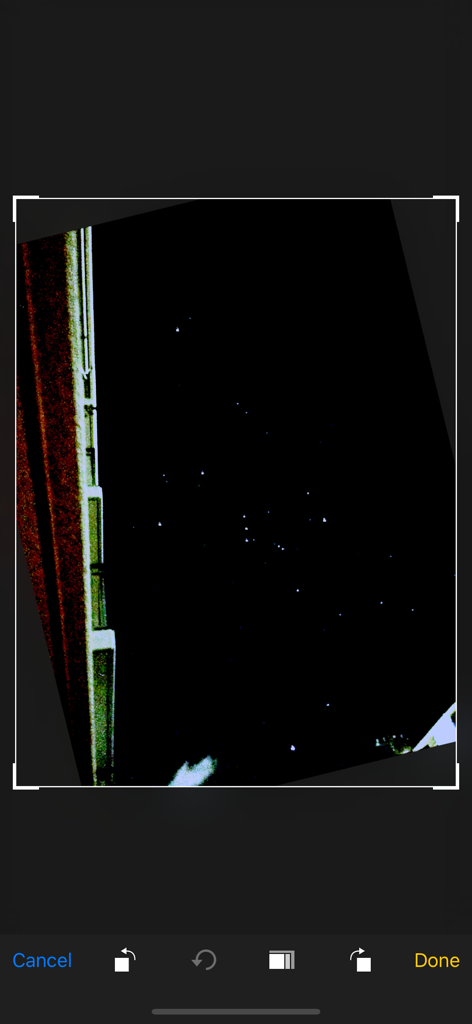
Starry sky Cameraアプリが星のシャープネスツールで夜空の写真を編集しています

Starry sky Camera - Starry sky Cameraアプリのインターフェース内で夜空の写真が編集されている画面のスクリーンショット
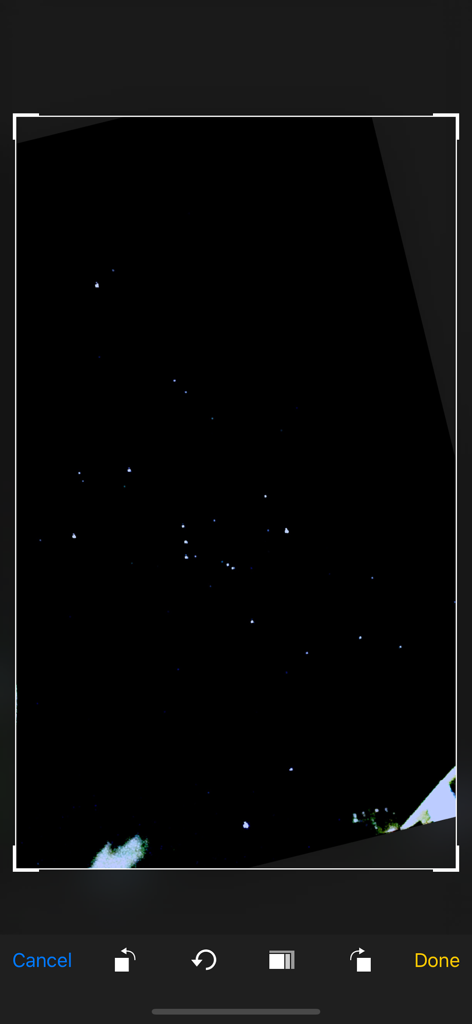
Starry sky Cameraアプリのインターフェース内で夜空の写真が編集されている画面のスクリーンショット

Starry sky Camera - 夜空の写真をトリミングおよび編集しているモバイルアプリの画面

夜空の写真をトリミングおよび編集しているモバイルアプリの画面

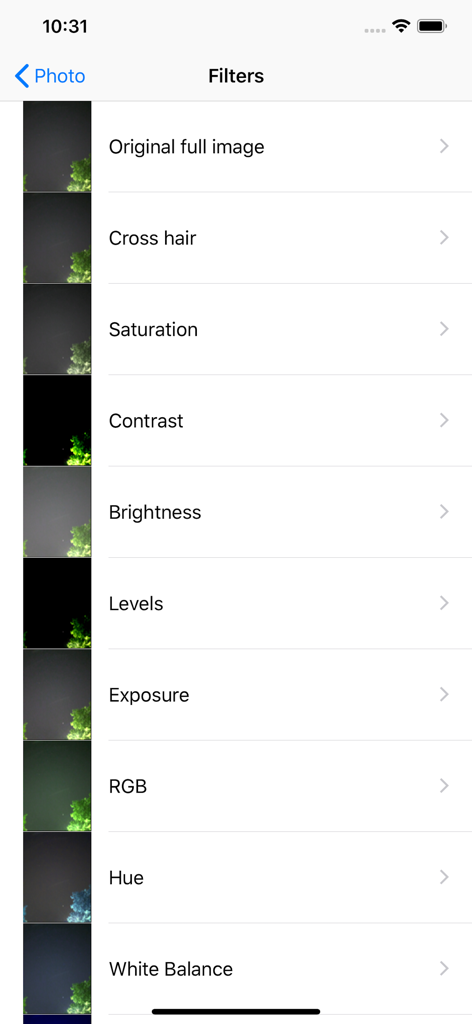
Starry sky Camera - Starry sky Cameraアプリの写真編集フィルターのリスト。彩度、コントラスト、明るさなどのオプションが表示されています

Starry sky Cameraアプリの写真編集フィルターのリスト。彩度、コントラスト、明るさなどのオプションが表示されています

説明

This camera app is able to take pictures of a real starry sky. You can take stars of the first magnitude and stars of the second magnitude or less in good condition. You can also get the pictures processed through dozens or more kinds of image processing filter. To take pictures of the starry sky, you have only to (1)set your iPhone camera toward a starry sky on a tripod, (2)tap the star icon (star1, star2 or star3), (Star1 is recommended.) (3)release the shutter, and just wait a minute or so. For Star 1, select the brightest pixel for each pixel in the continuous shooting image to highlight the brightness of the stars in the dark night sky. Star 2 raises the tone of brightness according to the number of continuous shots and shoots brightly. Star 3 adds brightness to each pixel of the continuous shooting image and shoots very brightly. Even with the same number of exposures, the images are brightly combined in the low to high order of star 1, star 2, star 3. However, please note that the brightness of Star 3 tends to be saturated. If the picture you took is dark, try increasing the number of exposures or setting the exposure compensation to a positive value. On the other hand, if the picture you took is too bright, try reducing the number of exposures or setting the exposure compensation to negative. Also, if you set the number of exposures to 1, you can use it as a camera app similar to a normal camera app. The main features of this app are as follows. [Initial setting] (1) Camera position / library selection (setting screen) You can select the front camera and the rear camera. Also, if you select the library, you can import photos from the camera roll. (2) Selection of resolution You can select 4K (2K) and the highest resolution. (3) Shooting scene settings The following scenes (functions) can be set. Daytime (HDR), Starry sky 1 (comparative bright composition), Starry sky 2 (screen composition), Starry sky 3 (additional composition), Night view Valve (superimposed) (4) Color temperature setting When white balance is set to manual, 1000 K to 12000 K can be selected as the color temperature. If it is set to auto, the automatic setting value will be used. (5) Focus setting If the focus is set to manual, you can set the focus at any distance within the range of device performance. If set to auto, it will be the automatic setting value. (6) Exposure compensation settings It can be set within the range of device performance. (7) Camera shake correction function The camera shake correction function is useful for minute camera shake. Also, even if the star moves during shooting due to diurnal movement, the deviation is corrected and combined. (8) HDR (high dynamic range) function You can take multiple pictures with automatically changed exposure and combine them to take a picture with a pseudo-widened dynamic range. (9) Manual exposure setting function The shutter speed and ISO value can be manually set to any value within the range of device performance. [Camera function] Camera work is possible according to the contents set in the initial settings. You can also pinch in and out for digital zoom. The shutter also has a 2-second or 10-second timer to avoid camera shake when tapping. These can be selected by pressing and holding the shutter icon. [List display function] Photos taken with this app are stored in this app at the same time as they are stored in the camera roll, and can be displayed in a list with shooting date and time information on the list display screen. You can delete the tapped image by tapping Select, selecting the image, and tapping the trash can icon. [Image processing function] Tap the displayed image to display the filter list for image processing. There are about 70 types of filters such as brightness adjustment, contrast, blur, sharpening, sepia, monochrome, edge detection, sketch, etc.

Download

ダウンロード: App Store

このページはアプリまたはその開発者の公式ページではなく、情報提供および論評を目的として作成された独立した編集出版物です。明示的に別段の記載がない限り、アプリおよびその開発者は、MWM、Apple、Google Play、アプリのパブリッシャー、またはアプリの開発者と提携、承認、後援、認可、またはその他の公式的な関係はなく、このページのいかなる内容も、アプリがMWMのサービスを使用して開発されたことを意味するものではありません。すべての商標、ロゴ、スクリーンショット、その他のコンテンツはそれぞれの所有者の財産です。