
このページはアプリまたはその開発者の公式ページではなく、情報提供および論評を目的として作成された独立した編集出版物です。明示的に別段の記載がない限り、アプリおよびその開発者は、MWM、Apple、Google Play、アプリのパブリッシャー、またはアプリの開発者と提携、承認、後援、認可、またはその他の公式的な関係はなく、このページのいかなる内容も、アプリがMWMのサービスを使用して開発されたことを意味するものではありません。すべての商標、ロゴ、スクリーンショット、その他のコンテンツはそれぞれの所有者の財産です。

Supremo Remote Desktop
AES 256ビット暗号化により、どこからでもPCやサーバーを安全に制御できます。ITスペシャリストや、即座のリモート接続を必要とする企業向けに設計された、強力でUAC準拠のソリューションです。
ダウンロード
112K+ユーザー評価
評価数
100開発元
カテゴリ
Productivity対応言語
1最新バージョン
4.11.4サイズ
63.9 MBリリース日
2017年5月30日プロフェッショナルなリモートコントロールをシンプルに
モバイルデバイスからの迅速なサポートと安全なサーバー管理のために設計された高性能ツールで、ITワークフローを強化します。
銀行レベルの暗号化
すべてのリモートセッションでAES 256ビット暗号化とUAC準拠のセキュリティで機密性の高い企業データを保護します。
ゼロコンフィグアクセス
複雑なVPNやファイアウォールの設定は不要です。移動中でも、数秒でリモートPCやサーバーに接続できます。
以下のスクリーンショットと説明は、アプリの公式ストアリスティングから直接取得されたものであり、アプリ開発者の所有物です。
アプリストア
スクリーンショット
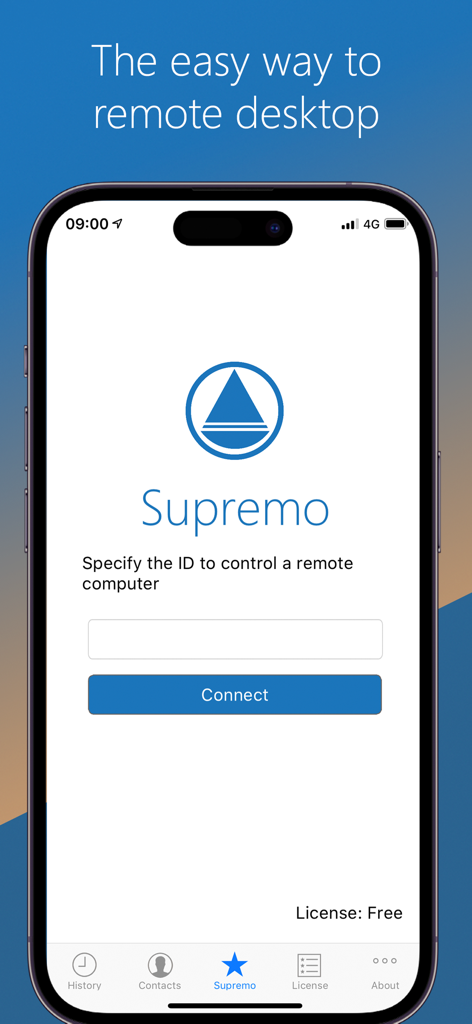
リモートコンピュータに接続するためのID入力フィールドを表示するiPhone上のSupremoリモートデスクトップアプリのインターフェース
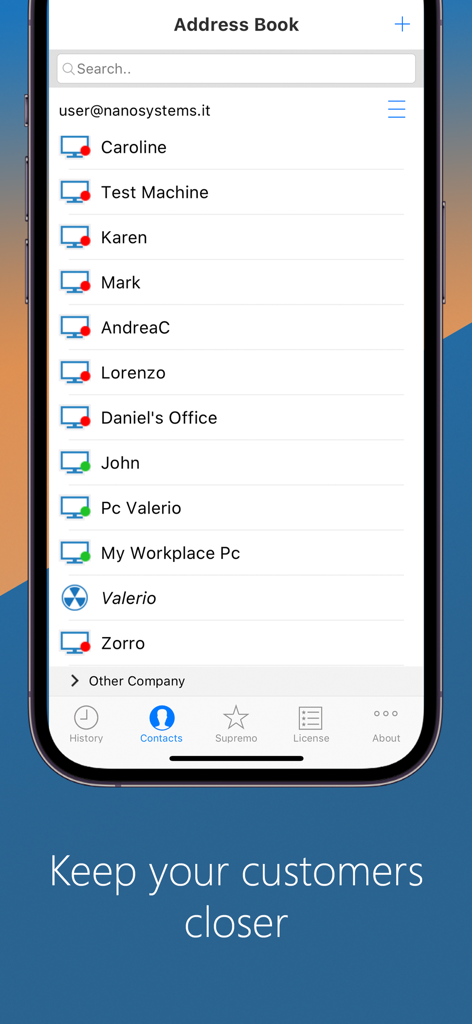
管理されているコンピュータの連絡先リストが表示されたアドレス帳を表示するSupremoリモートデスクトップモバイルアプリ
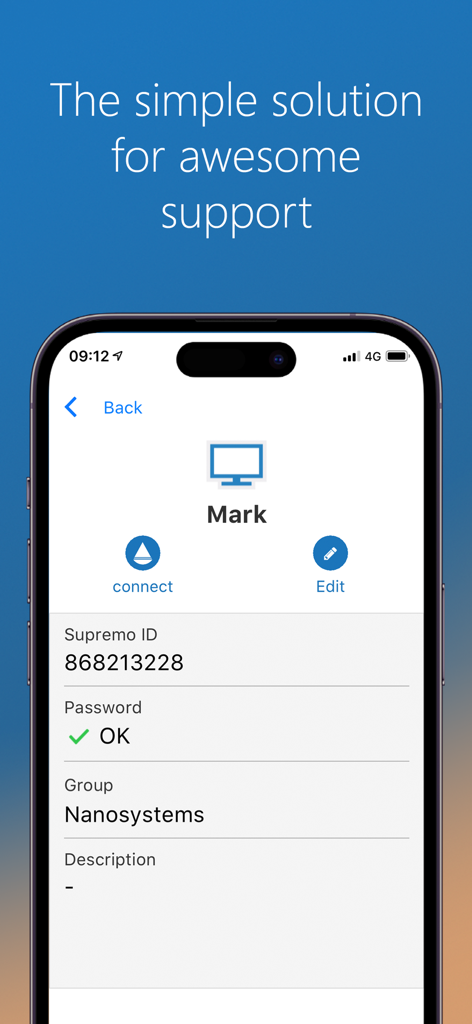
ITサポート用リモート接続プロファイルを表示するSupremoリモートデスクトップアプリのインターフェース
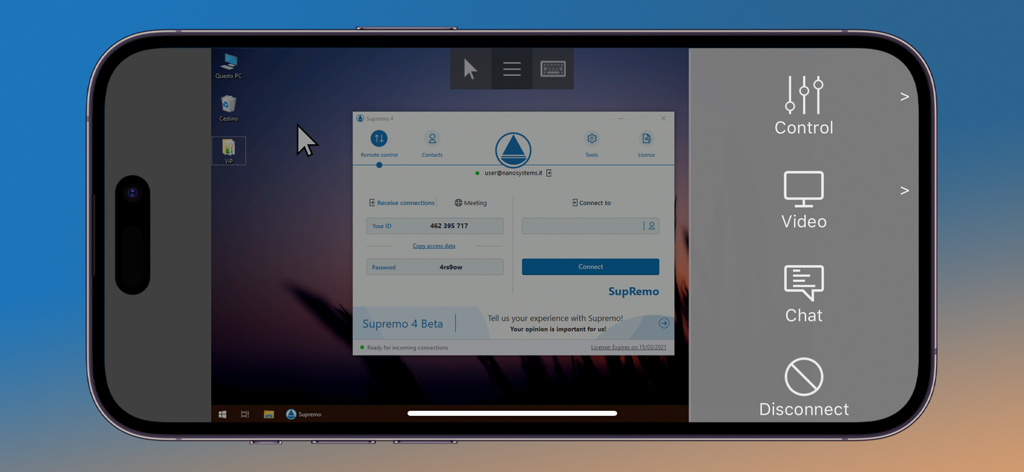
コントロールサイドバー付きでWindowsコンピュータへのリモートアクセスを表示するiPhone上のSupremoリモートデスクトップアプリのインターフェース
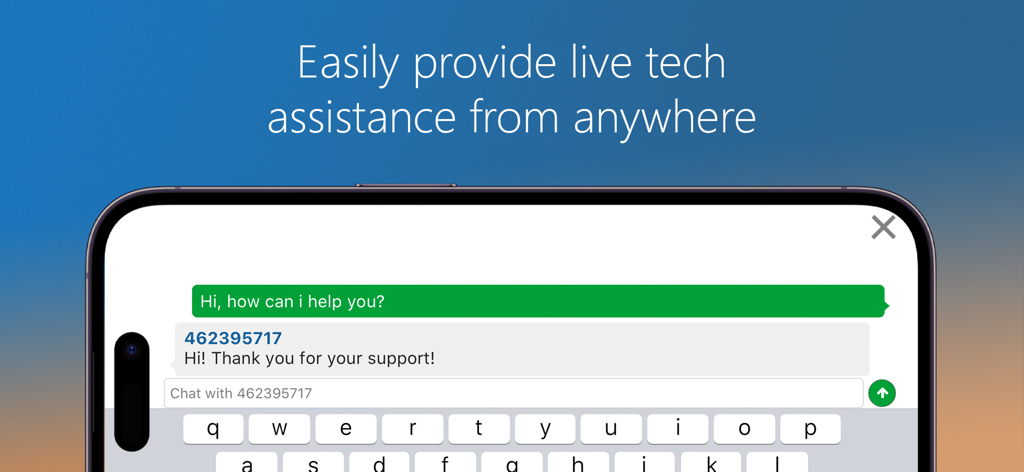
モバイルデバイス上のSupremoリモートデスクトップアプリにおけるライブ技術支援チャットインターフェース
説明
Download
類似アプリ
同じカテゴリのトップランクアプリ

ChatGPT
OpenAI OpCo, LLC

Google Gemini
Google LLC

Grok
X.AI Corporation

Gmail - Email by Google
Google LLC

千问 - 阿里最强大模型官方AI助手
Shanghai Zhixin Puhui Technology Co., Ltd.

Google Drive
Google LLC

Microsoft Authenticator
Microsoft Corporation

Google Sheets
Google LLC

Google Docs
Google LLC
このページはアプリまたはその開発者の公式ページではなく、情報提供および論評を目的として作成された独立した編集出版物です。明示的に別段の記載がない限り、アプリおよびその開発者は、MWM、Apple、Google Play、アプリのパブリッシャー、またはアプリの開発者と提携、承認、後援、認可、またはその他の公式的な関係はなく、このページのいかなる内容も、アプリがMWMのサービスを使用して開発されたことを意味するものではありません。すべての商標、ロゴ、スクリーンショット、その他のコンテンツはそれぞれの所有者の財産です。