Trace Drawing
Trace Drawing
ダウンロード: App Store

このページはアプリまたはその開発者の公式ページではなく、情報提供および論評を目的として作成された独立した編集出版物です。明示的に別段の記載がない限り、アプリおよびその開発者は、MWM、Apple、Google Play、アプリのパブリッシャー、またはアプリの開発者と提携、承認、後援、認可、またはその他の公式的な関係はなく、このページのいかなる内容も、アプリがMWMのサービスを使用して開発されたことを意味するものではありません。すべての商標、ロゴ、スクリーンショット、その他のコンテンツはそれぞれの所有者の財産です。

ロゴ: Trace Drawing
ダウンロード: App Store

Trace Drawing

AIエッジ検出でどんな写真もトレース可能な線画に変換。携帯電話で正確にスケッチし、作成プロセスを記録して、今日から描画の達人になりましょう。

主要数値

ダウンロード

100

ユーザー評価

1.0/5

評価数

0

開発元

Gerry Korfiatis

カテゴリ

Graphics & Design

対応言語

1

最新バージョン

1.1

サイズ

12.3 MB

リリース日

2025年11月28日
機能

写真から傑作へ、わずか数秒で

弾丸ジャーナルを飾る場合でも、スケッチを学ぶ場合でも、AI搭載ツールがフラストレーションを取り除き、創造の楽しい部分に直接取り組めるようにします。

インスタントAIアウトライン

スケッチの苦労をスキップしましょう。スマートエッジ検出で、どんな写真もワンタップできれいな線画に変換され、トレースの準備が整います。

ポータブルデジタルライトボックス

高価な機材は不要です。iPhoneカメラを使って画像を直接紙に投影し、どこでも正確で美しいアートを作成できます。

以下のスクリーンショットと説明は、アプリの公式ストアリスティングから直接取得されたものであり、アプリ開発者の所有物です。

アプリストア

スクリーンショット
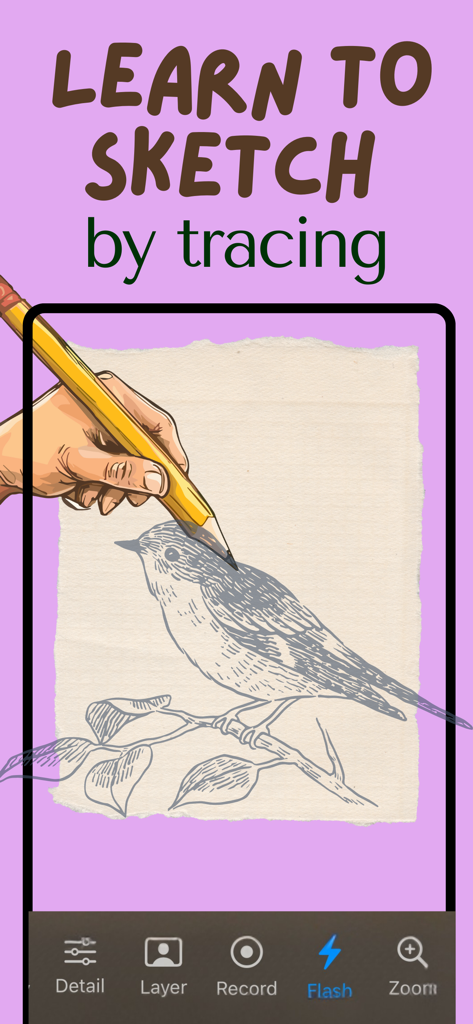
Trace Drawing - 鳥のスケッチが鉛筆で紙にトレースされている様子を示す携帯電話の画面

鳥のスケッチが鉛筆で紙にトレースされている様子を示す携帯電話の画面

Trace Drawing - iPhone画面から物理的な紙に線画をトレースするために黄色い鉛筆を使用している手

iPhone画面から物理的な紙に線画をトレースするために黄色い鉛筆を使用している手

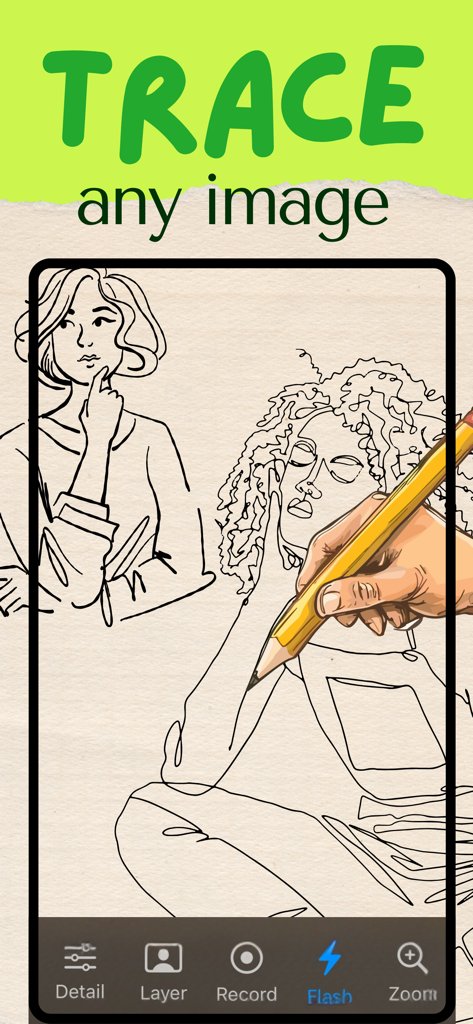
Trace Drawing - 詳細な壺のスケッチと、スケッチビデオを共有するためのテキストを含むソーシャルメディアのハートアイコンを特徴とするTrace Drawingアプリのプロモーションバナー

詳細な壺のスケッチと、スケッチビデオを共有するためのテキストを含むソーシャルメディアのハートアイコンを特徴とするTrace Drawingアプリのプロモーションバナー

説明

Trace Drawing - Your Digital Tracing Companion Transform any photo into a traceable line drawing and bring your artistic vision to life with Trace Drawing. Perfect for artists, hobbyists, and anyone who wants to create beautiful drawings from photos. KEY FEATURES: Smart Edge Detection Convert any photo into clean, traceable line art with our advanced edge detection technology. Adjust the detail level to capture exactly the amount of detail you want—from fine lines to bold outlines. Intelligent Background Separation Automatically separate subjects from backgrounds using AI-powered person segmentation. Choose to trace just the foreground, background, or both—giving you complete creative control. Live Camera Tracing Use your iPhone's camera as a modern lightbox. Place your phone on a stand, position your paper underneath, and trace directly from the screen. Adjust opacity to see through the image perfectly. Professional Controls • Adjustable opacity for perfect visibility • Zoom controls for detailed work • Flash toggle for better lighting • Video recording to capture your process • Grid overlay for precise composition One Free Photo Try the app with one free photo processing. Upgrade to unlock unlimited tracing and all premium features. PERFECT FOR: • Artists learning to draw • Creating custom illustrations • Tracing reference photos • Art projects and crafts • Portrait and figure drawing • Converting photos to line art HOW IT WORKS: 1. Select a photo from your library 2. The app automatically converts it to line art 3. Place your phone on a stand above your paper 4. Adjust opacity and start tracing! Whether you're a beginner learning to draw or an experienced artist looking for a quick way to create line art, Trace Drawing makes tracing simple, precise, and enjoyable. Download now and start turning your photos into beautiful drawings! Privacy: https://tracedrawingapp.vercel.app/privacy Terms: https://tracedrawingapp.vercel.app/terms

Download

ダウンロード: App Store

このページはアプリまたはその開発者の公式ページではなく、情報提供および論評を目的として作成された独立した編集出版物です。明示的に別段の記載がない限り、アプリおよびその開発者は、MWM、Apple、Google Play、アプリのパブリッシャー、またはアプリの開発者と提携、承認、後援、認可、またはその他の公式的な関係はなく、このページのいかなる内容も、アプリがMWMのサービスを使用して開発されたことを意味するものではありません。すべての商標、ロゴ、スクリーンショット、その他のコンテンツはそれぞれの所有者の財産です。